Get a $25 Newegg Promo Gift Card when you spend $250+ between 1/17/26 and 1/19/26. Learn More>
  • $108.99
  • Free 30-day Returns
  • Price alert
    Shop it at NeweggBusiness.

    Meet Your Seller

    DJW A1618 Laptop Battery Replacement for Mac Book Pro Retina 15 inch A1398 (Late 2013, Mid 2014, Early 2015)

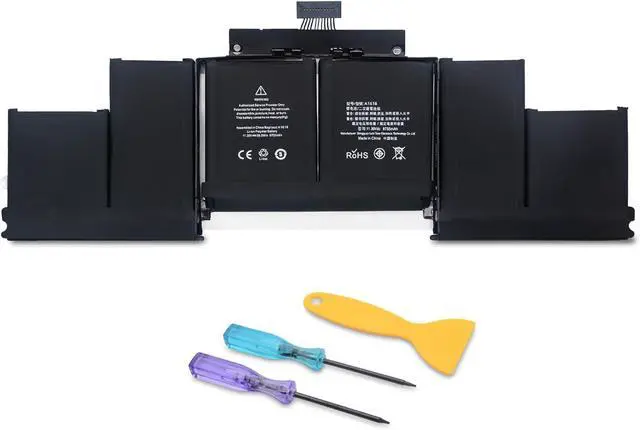
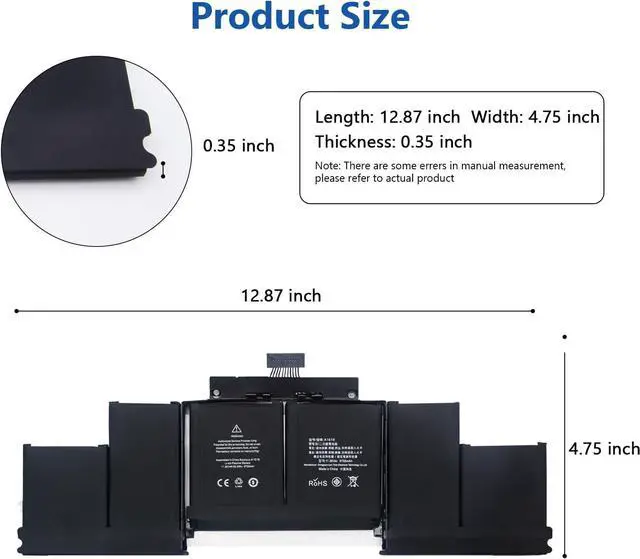
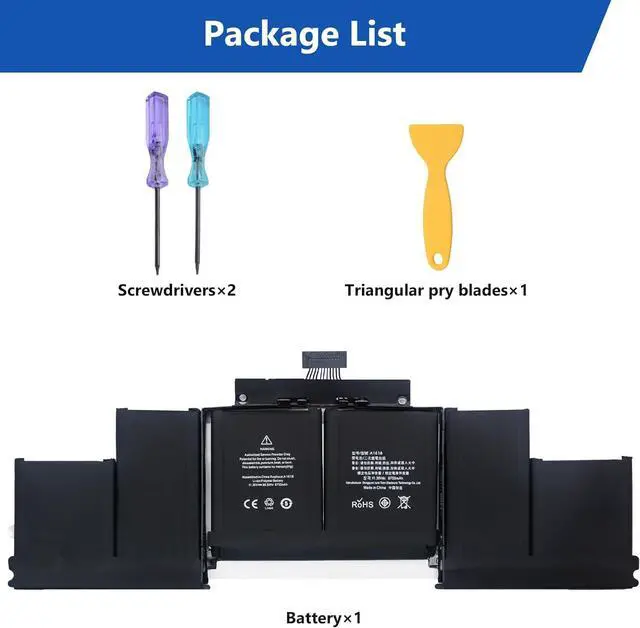
    • Specifications of BatteryBattery type: Li-ion. Color: Black. Voltage: 11.36 Volt. Capacity: 99.5 Wh. Cell: 1 cells. Packages includes: A1618 battery×1, screwdrivers×2, triangular pry blades×2. A1618 battery for Mac Book Pro Retina 15 inch A1398 (Late 2013, Mid 2014, Early 2015)
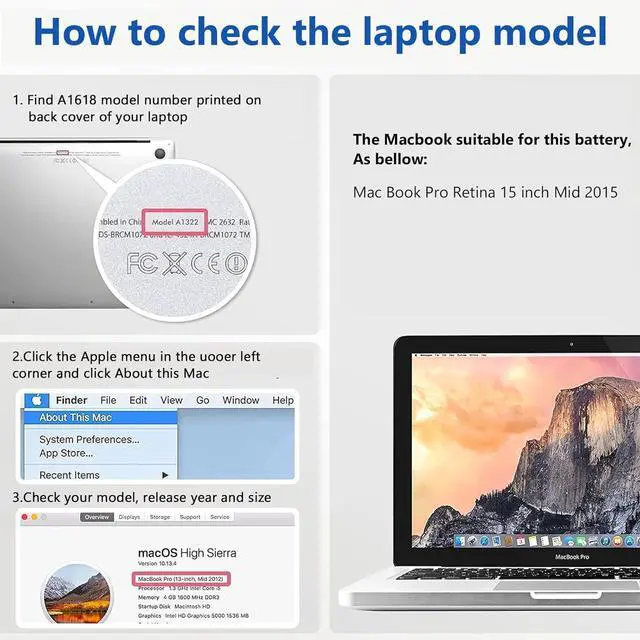
    • Compatible Laptop Models Mac Book Pro Retina 15 inch A1398 (Late 2013, Mid 2014, Early 2015) ME293 ME294 MGXA2 MGXC2 MJLQ2 MJLT2 MJLU2. Note: please confirm this model is suitable for your laptop
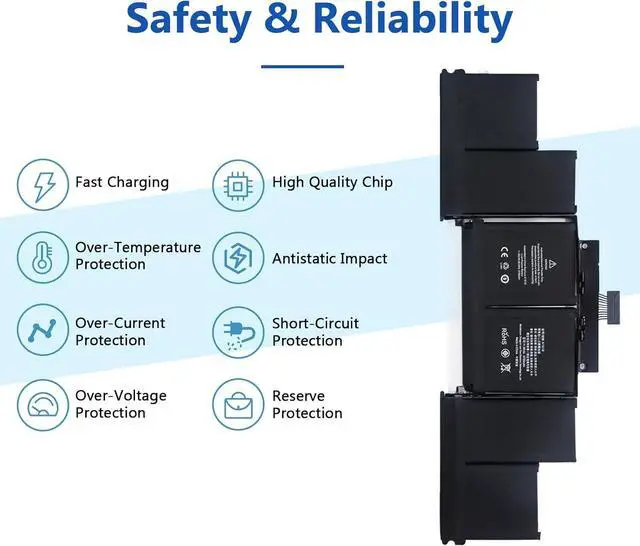
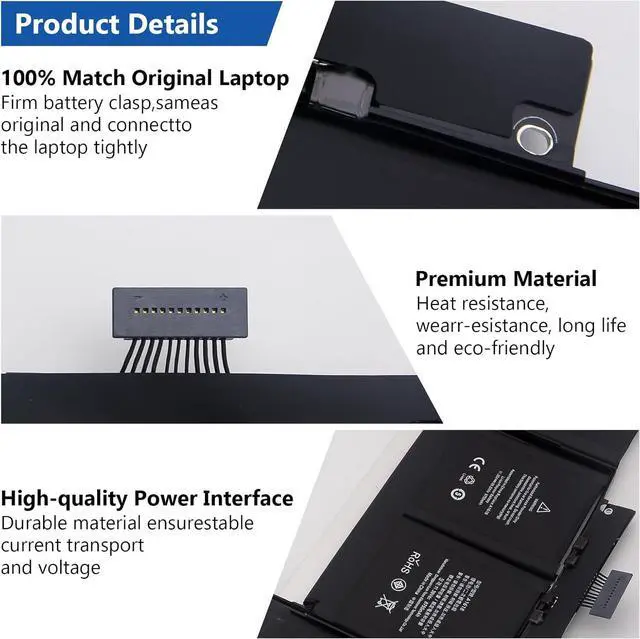
    • Safety& ReliabilityA1618 Laptop Battery uses high quality materials with anti-aging, corrosion resistance, enabling it to maintain a stable working state in various complex environmental conditions. In addition, we have invested a lot of energy in the safety test and development process, and equipped the battery with a series of safety function system
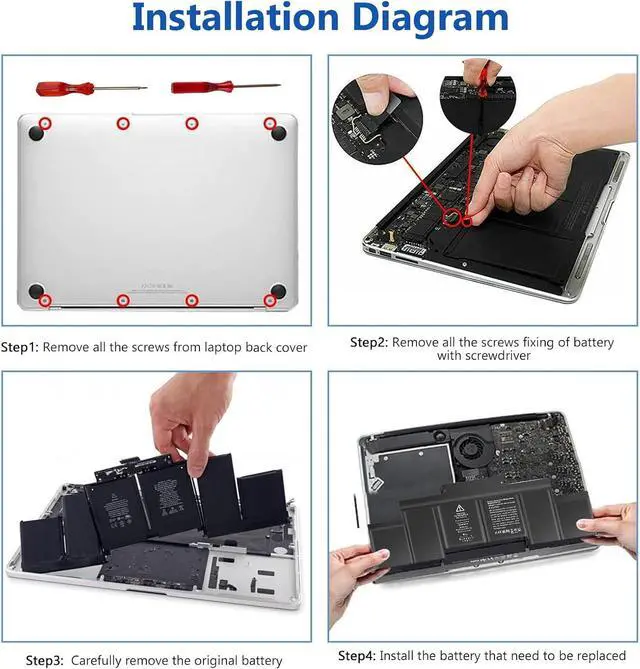
    • Installation Process of BatteryStep 1:Remove all the screws from laptop back cover. Step 2: Locate the battery fixing screw and remove it, take off the bat
    +
    +
    Overview
    Specs
    Reviews
    avatar

    Any questions? Our AI beta will help you find out quickly.

    Specifications of BatteryBattery type: Li-ion. Color: Black. Voltage: 11.36 Volt. Capacity: 99.5 Wh. Cell: 1 cells. Packages includes: A1618 battery×1, screwdrivers×2, triangular pry blades×2. A1618 battery for Mac Book Pro Retina 15 inch A1398 (Late 2013, Mid 2014, Early 2015)
    Compatible Laptop Models Mac Book Pro Retina 15 inch A1398 (Late 2013, Mid 2014, Early 2015) ME293 ME294 MGXA2 MGXC2 MJLQ2 MJLT2 MJLU2. Note: please confirm this model is suitable for your laptop
    Safety& ReliabilityA1618 Laptop Battery uses high quality materials with anti-aging, corrosion resistance, enabling it to maintain a stable working state in various complex environmental conditions. In addition, we have invested a lot of energy in the safety test and development process, and equipped the battery with a series of safety function system
    Installation Process of BatteryStep 1:Remove all the screws from laptop back cover. Step 2: Locate the battery fixing screw and remove it, take off the battery interface carefully. Step 3: Carefully remove the original battery. Step 4: Install the battery that need to be replaced
    Satisfaction After-sales ServicesTo provide customer with 100% of the after-sales services. If you have any questions, please contact us via email

    Warranty & Returns

    Warranty, Returns, And Additional Information

    Warranty

    • Please contact the Seller directly for warranty information. Warranty information may also be found on the Manufacturer's website.
    • CONTACT

    Return Policies

    Manufacturer Contact Info

    LOADING...