

Your Browsing History
- Free 30-day Returns
$155.99

Meet Your Seller

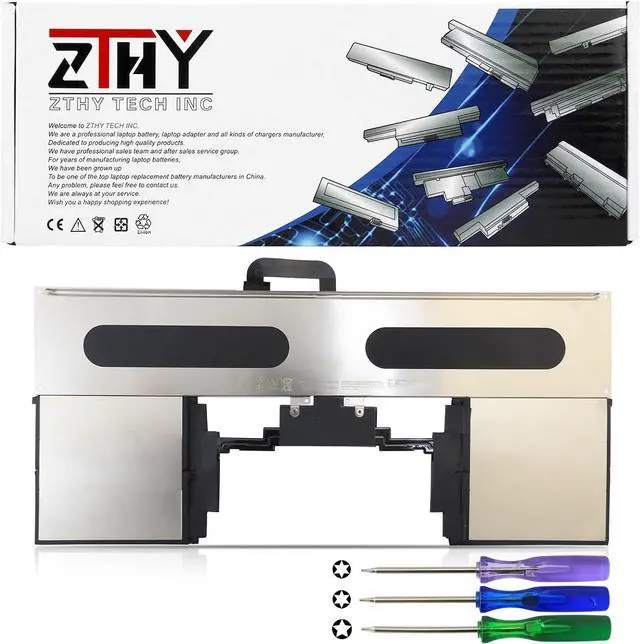
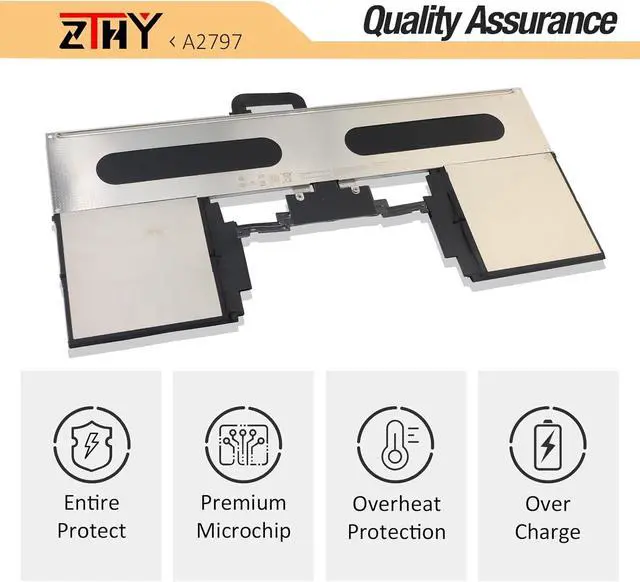
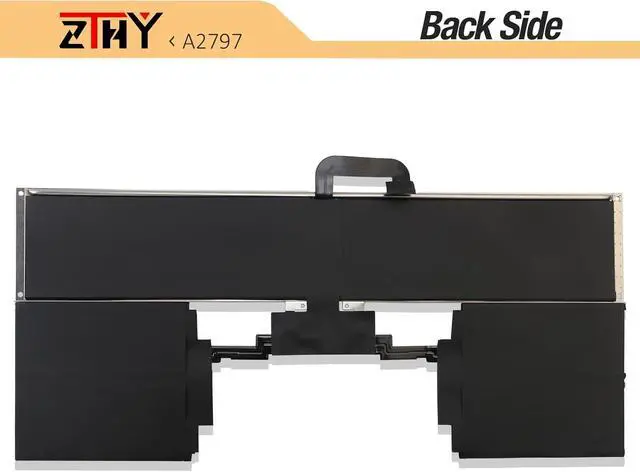
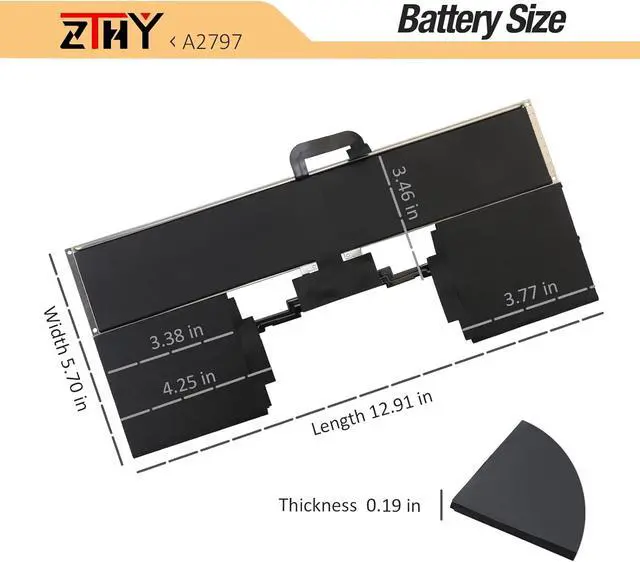


ZTHY A2797 Laptop Battery Replacement for MacBook Air 15-inch A2941 (M2,2023) A3114(M3,2024) MRYQ3LL/A MRYN3LL/A MQKX3LL/A MQKP3LL/A MQKQ3LL/A MQKW3LL/A MQKT3LL/A 11.54V 66.5Wh 5762mAh
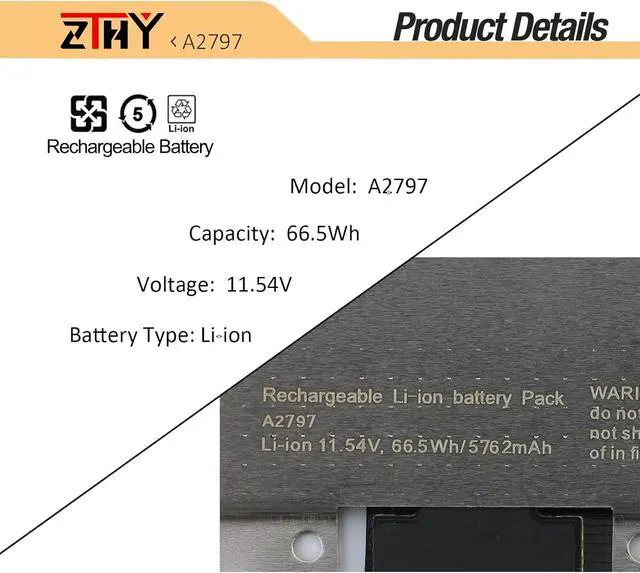
- Specifications: Battery Type: Li-Polymer; Color: Black; Battery Condition: Brand New; Voltage: 11.54V. Capacity: 66.5Wh/5762mAh; Battery Cell: 6-Cell
- Compatible Part Number: A2797
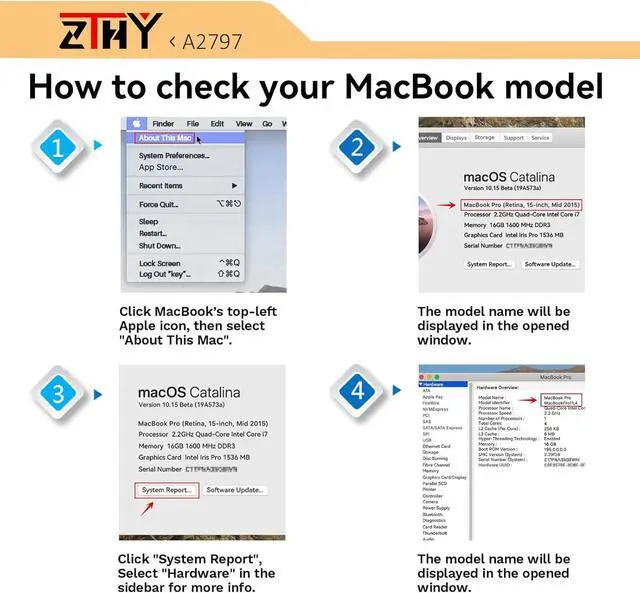
- Compatible with Laptop Models: Replacement for MacBook Air 15-inch A2941 (M2,2023) A3114(M3,2024) MRYQ3LL/A MRYN3LL/A MQKX3LL/A MQKP3LL/A MQKQ3LL/A MQKW3LL/A MQKT3LL/A
- Attention: The battery disassembly of this MacBook is a bit complicated, especially removing the glued battery from the MacBook Pro. We recommend that you search for related battery replacement videos on the Internet in advance, or seek the help of professional technicians when installing the battery. We will not take any responsibility for any damage caused by improper operation. Hope to understand
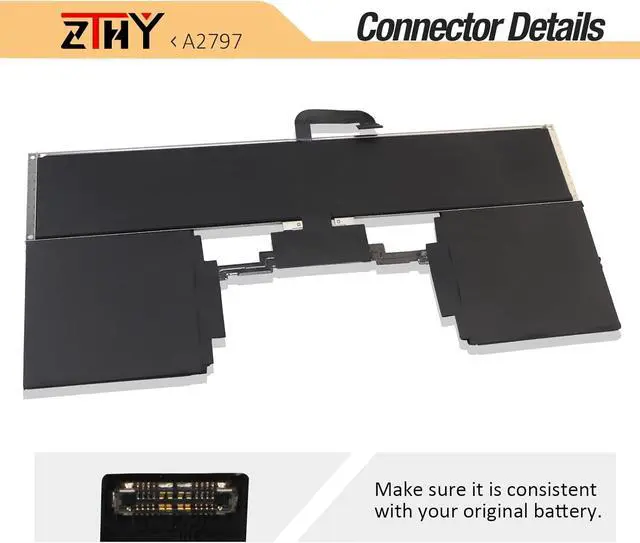
- Note: If the new battery is not recognized during the initial installation, please reinstall and check if the interface is fully connected. Discharge the new battery to 10-20% (not 0%), then charge and cycle 3-4 times to wake up the new battery
+
+
Overview
Specs
Reviews

Any questions? Our AI mode will help you find out quickly.
Try me now
Specifications: Battery Type: Li-Polymer; Color: Black; Battery Condition: Brand New; Voltage: 11.54V. Capacity: 66.5Wh/5762mAh; Battery Cell: 6-Cell
Compatible Part Number: A2797
Compatible with Laptop Models: Replacement for MacBook Air 15-inch A2941 (M2,2023) A3114(M3,2024) MRYQ3LL/A MRYN3LL/A MQKX3LL/A MQKP3LL/A MQKQ3LL/A MQKW3LL/A MQKT3LL/A
Attention: The battery disassembly of this MacBook is a bit complicated, especially removing the glued battery from the MacBook Pro. We recommend that you search for related battery replacement videos on the Internet in advance, or seek the help of professional technicians when installing the battery. We will not take any responsibility for any damage caused by improper operation. Hope to understand
Note: If the new battery is not recognized during the initial installation, please reinstall and check if the interface is fully connected. Discharge the new battery to 10-20% (not 0%), then charge and cycle 3-4 times to wake up the new battery
Compatible Part Number: A2797
Compatible with Laptop Models: Replacement for MacBook Air 15-inch A2941 (M2,2023) A3114(M3,2024) MRYQ3LL/A MRYN3LL/A MQKX3LL/A MQKP3LL/A MQKQ3LL/A MQKW3LL/A MQKT3LL/A
Attention: The battery disassembly of this MacBook is a bit complicated, especially removing the glued battery from the MacBook Pro. We recommend that you search for related battery replacement videos on the Internet in advance, or seek the help of professional technicians when installing the battery. We will not take any responsibility for any damage caused by improper operation. Hope to understand
Note: If the new battery is not recognized during the initial installation, please reinstall and check if the interface is fully connected. Discharge the new battery to 10-20% (not 0%), then charge and cycle 3-4 times to wake up the new battery
Warranty & Returns
Warranty, Returns, And Additional Information
Warranty
- Please contact the Seller directly for warranty information. Warranty information may also be found on the Manufacturer's website.
- CONTACT
Return Policies
- Return for refund within: 30 days
- Return for replacement within: 30 days
- This item is covered by E-Transit Limited Return Policy
Manufacturer Contact Info
- For a directory of all our manufacturers, please click below.
- Manufacturers Directory
LOADING...