

Your Browsing History
- Free 30-day Returns
$115.99

Meet Your Seller

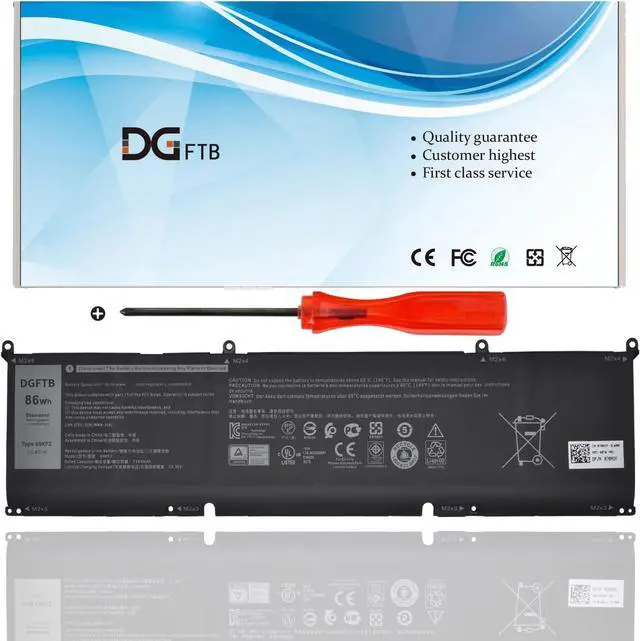
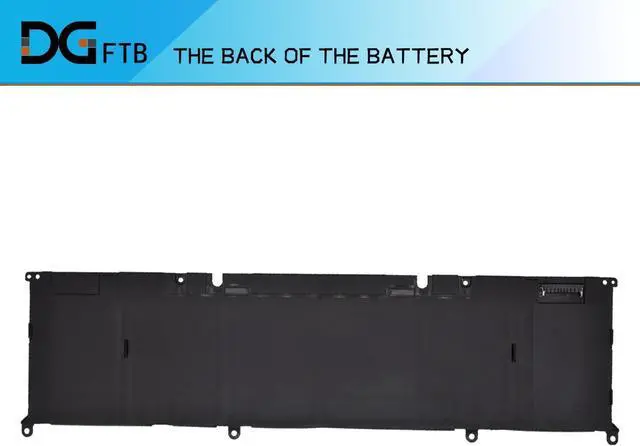



69KF2 Laptop Battery for Dell G7 15 7500 G15 5510 5511 5515 5520 5521 XPS 15 9500 9510 9520 Precision 5550 5560 5570 for Alienware M15 R3 R4 M17 R3 R4 Series 7510 7610 P87F P91F 11.4V 86Wh
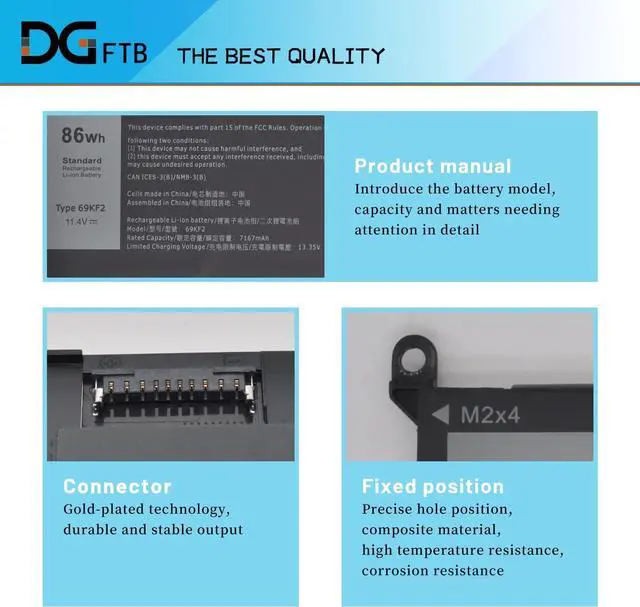
- Replacement Battery TypeVoltage: 11.4V; Capacity: 86Wh/7167mAh/6Cell
- Compatible P/N 69KF2 70N2F M59JH 8FCTC 08FCTC 070N2F
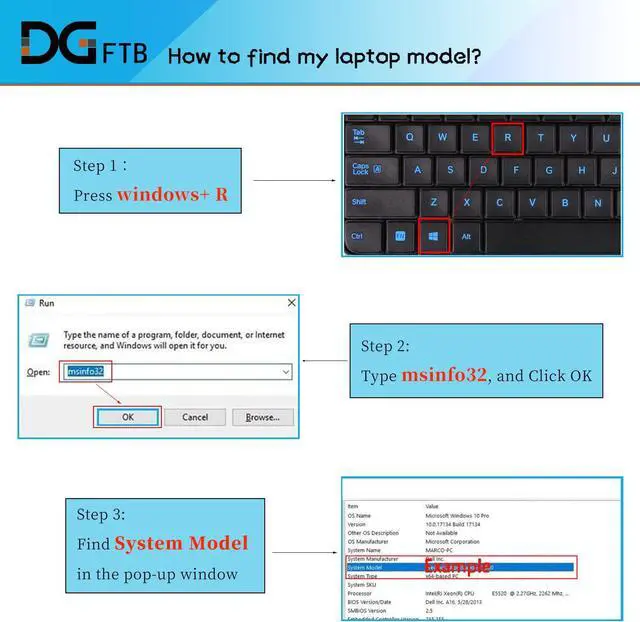
- Compatible Models Fit for Precision 5550 5560 Series, for Dell 16 Plus 7610 Series, for Dell 7510 Series, for Dell XPS 15 9500 9510 Series, for Alienware M15 R3 / M15 R4 / M15 R5 / M15 R6 / M15 R7 Series, for Alienware M17 R3 / M17 R4 Series, for Dell G15 5510 5511 5520 Series, for Dell G15 5515 Ryzen Edition Series, for Dell G15 5521 Special Edition Series, for Dell G7 15 7500 Series
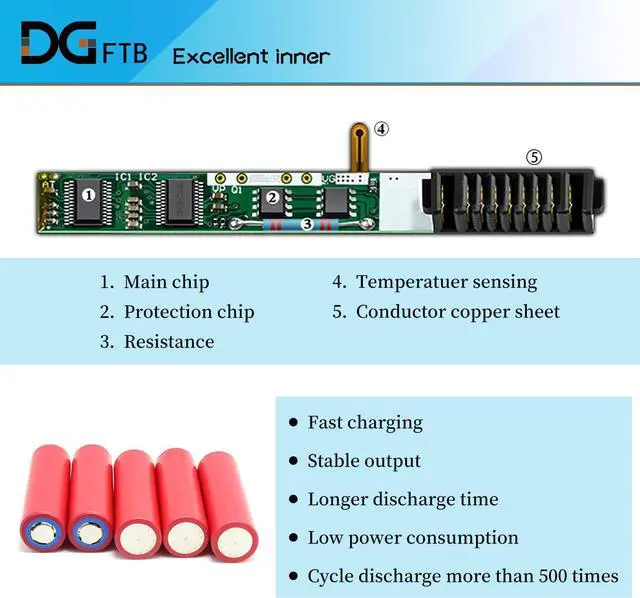
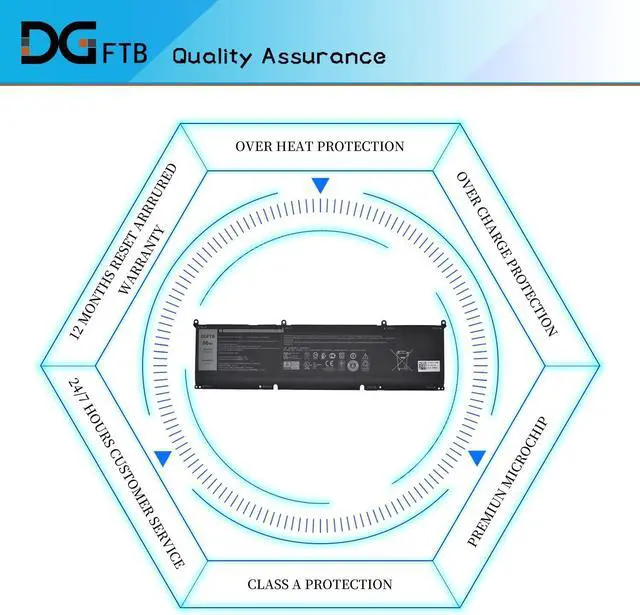
- DG QualityGrade A cells mitigate the risk of battery leakage and maximize output stability. Built-in circuit protection, enhances safety of usage and extends battery life
- DG TIPSFor the initial installation, please reinstall and check the interface fully connected, discharge the battery to 5%(not to 0%) and then charge to 95%, and cycle 3-4 times
+
+
Overview
Specs
Reviews

Any questions? Our AI mode will help you find out quickly.
Try me now
Replacement Battery TypeVoltage: 11.4V; Capacity: 86Wh/7167mAh/6Cell
Compatible P/N 69KF2 70N2F M59JH 8FCTC 08FCTC 070N2F
Compatible Models Fit for Precision 5550 5560 Series, for Dell 16 Plus 7610 Series, for Dell 7510 Series, for Dell XPS 15 9500 9510 Series, for Alienware M15 R3 / M15 R4 / M15 R5 / M15 R6 / M15 R7 Series, for Alienware M17 R3 / M17 R4 Series, for Dell G15 5510 5511 5520 Series, for Dell G15 5515 Ryzen Edition Series, for Dell G15 5521 Special Edition Series, for Dell G7 15 7500 Series
DG QualityGrade A cells mitigate the risk of battery leakage and maximize output stability. Built-in circuit protection, enhances safety of usage and extends battery life
DG TIPSFor the initial installation, please reinstall and check the interface fully connected, discharge the battery to 5%(not to 0%) and then charge to 95%, and cycle 3-4 times
Compatible P/N 69KF2 70N2F M59JH 8FCTC 08FCTC 070N2F
Compatible Models Fit for Precision 5550 5560 Series, for Dell 16 Plus 7610 Series, for Dell 7510 Series, for Dell XPS 15 9500 9510 Series, for Alienware M15 R3 / M15 R4 / M15 R5 / M15 R6 / M15 R7 Series, for Alienware M17 R3 / M17 R4 Series, for Dell G15 5510 5511 5520 Series, for Dell G15 5515 Ryzen Edition Series, for Dell G15 5521 Special Edition Series, for Dell G7 15 7500 Series
DG QualityGrade A cells mitigate the risk of battery leakage and maximize output stability. Built-in circuit protection, enhances safety of usage and extends battery life
DG TIPSFor the initial installation, please reinstall and check the interface fully connected, discharge the battery to 5%(not to 0%) and then charge to 95%, and cycle 3-4 times
Warranty & Returns
Warranty, Returns, And Additional Information
Warranty
- Please contact the Seller directly for warranty information. Warranty information may also be found on the Manufacturer's website.
- CONTACT
Return Policies
- Return for refund within: 30 days
- Return for replacement within: 30 days
- This item is covered by E-Transit Limited Return Policy
Manufacturer Contact Info
- For a directory of all our manufacturers, please click below.
- Manufacturers Directory
LOADING...