• $92.99
  • Free 30-day Returns
  • Price alert
    Shop it at NeweggBusiness.

    Meet Your Seller

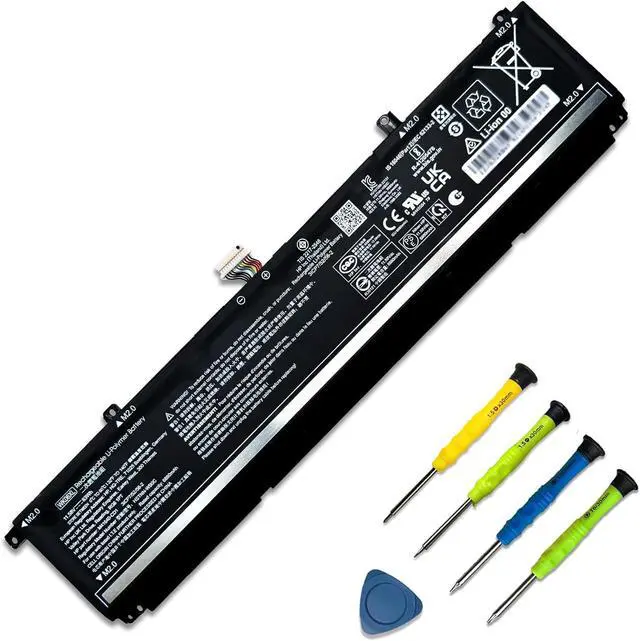
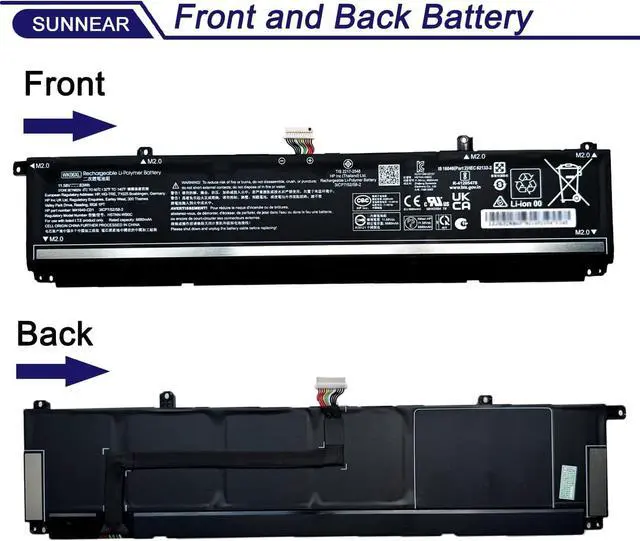
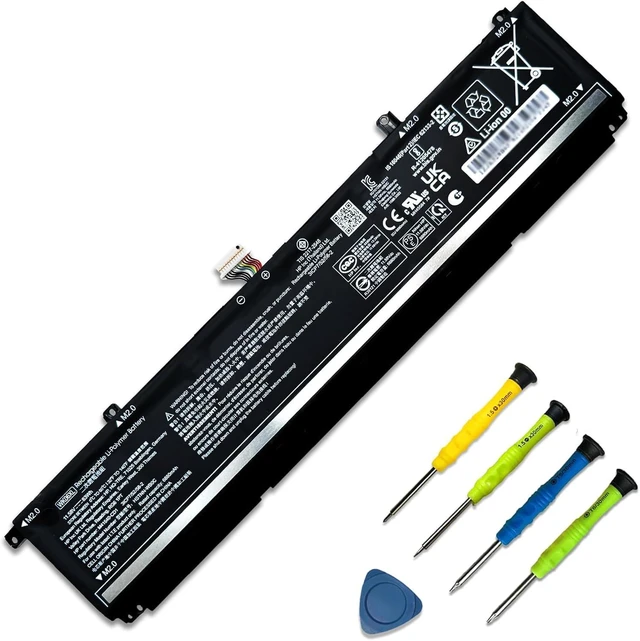
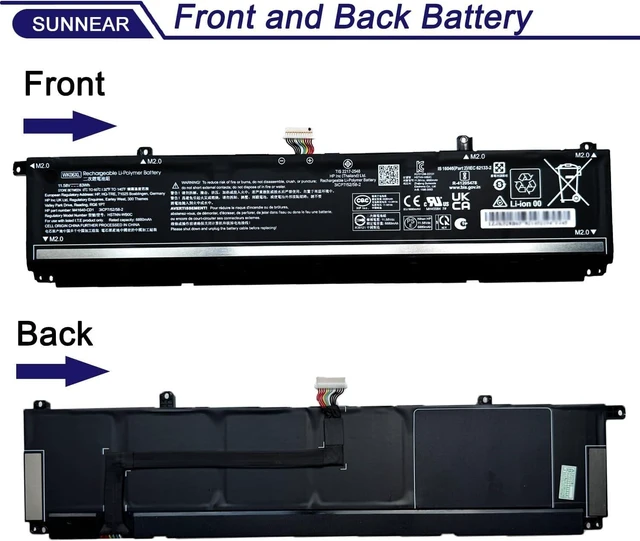
    83Wh WK06XL M41711-005 Laptop Battery for HP Omen 16-wf 16-XD 16-B 16-C 16-K 16-N 16-xf 16-wd 17-CK1 17-CK2 17-CM2 HP Victus 16-r 16-S Hp Envy 24-cs0xxx WK06083XL-PL 11.58V 6880mAh

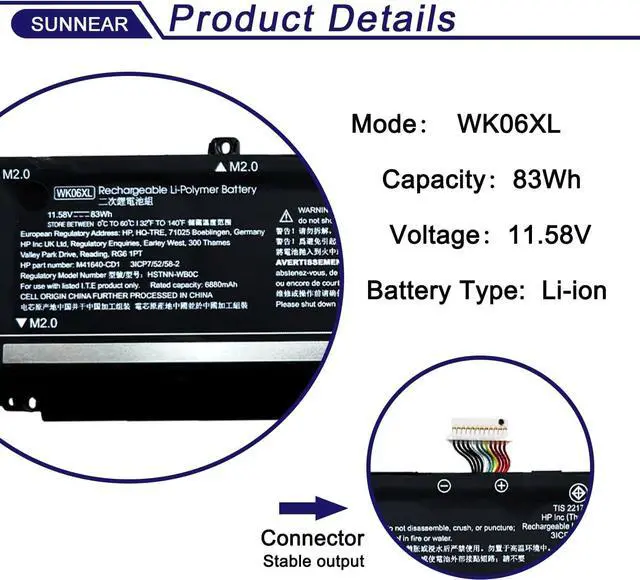
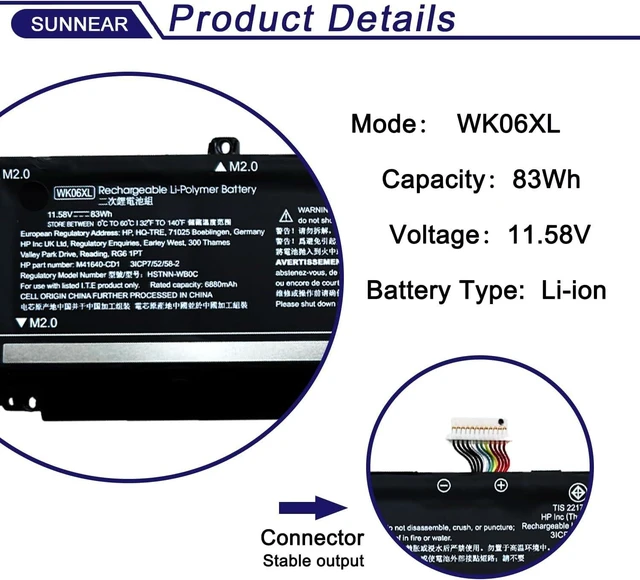
    • SpecificationsModel: WK06XL ; Voltage: 11.58V; Capacity: 83Wh / 6880mAh); Battery type: Li-ion. (We only use grade A battery cells that provide up to 500 power cycles over the life of the battery. Come with screwdrivers.)
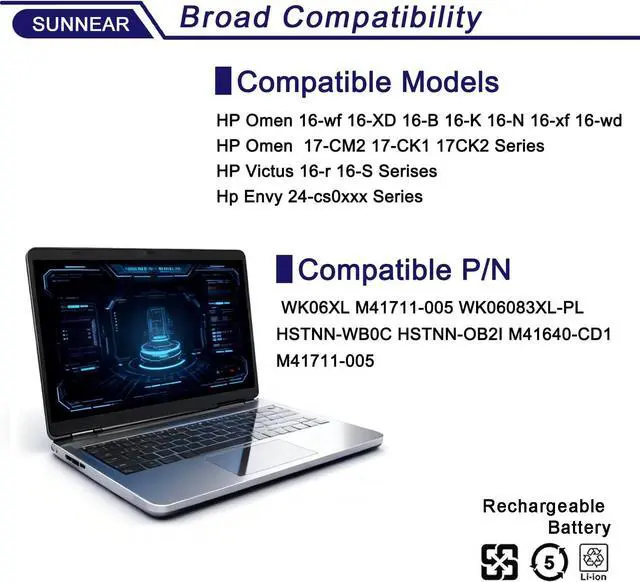
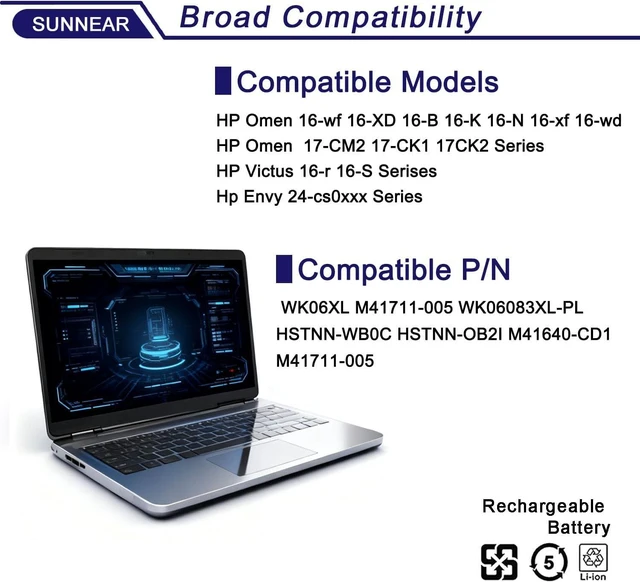
    • Compatible Laptop/Notebook ModelsHP Omen 16-wf 16-XD 16-B 16-K 16-N 16-xf 16-wd 17-CM2 17-CK1 17CK2 Series; HP Victus 16-r 16-S Serises; Hp Envy 24-cs0xxx Series
    • Compatible Part Number WK06XL M41711-005 WK06083XL-PL HSTNN-WB0C HSTNN-OB2I M41640-CD1, M41711-005 M41640-AC1
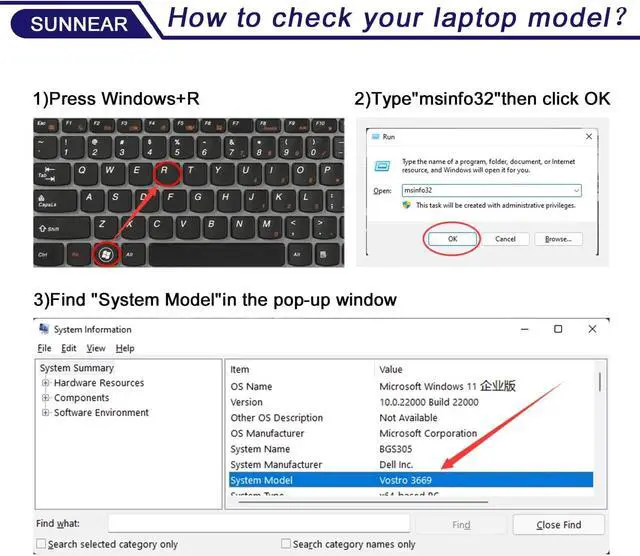
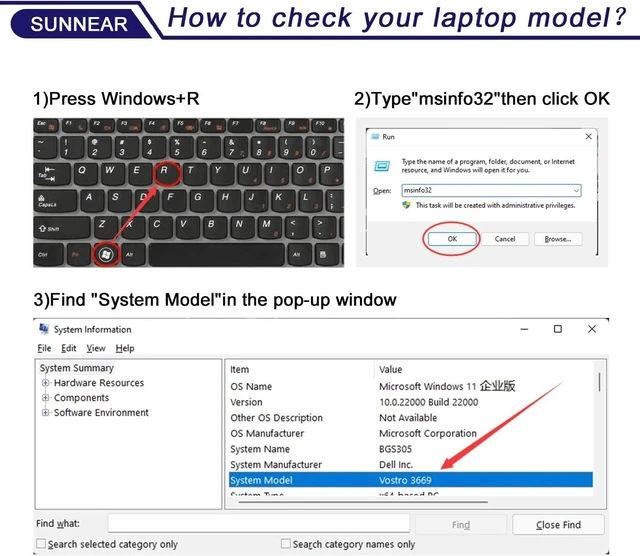
    • Purchasing NoteDue to the complexity of laptop battery models, you may not be able to accurately determine the model you need to purchase,Please open the back cover of the laptop to confirm the original battery model number
    • TipsIf the new battery is not recognized during the initial installation, please reinstall and check if the interface is fully connected. Allow the new battery's power level to drop to 5% (not 0%), then restore to full capacity and cycle 3-4 times to activate
    +
    +
    Overview
    Specs
    Reviews
    avatar

    Any questions? Our AI beta will help you find out quickly.

    SpecificationsModel: WK06XL ; Voltage: 11.58V; Capacity: 83Wh / 6880mAh); Battery type: Li-ion. (We only use grade A battery cells that provide up to 500 power cycles over the life of the battery. Come with screwdrivers.)
    Compatible Laptop/Notebook ModelsHP Omen 16-wf 16-XD 16-B 16-K 16-N 16-xf 16-wd 17-CM2 17-CK1 17CK2 Series; HP Victus 16-r 16-S Serises; Hp Envy 24-cs0xxx Series
    Compatible Part Number WK06XL M41711-005 WK06083XL-PL HSTNN-WB0C HSTNN-OB2I M41640-CD1, M41711-005 M41640-AC1
    Purchasing NoteDue to the complexity of laptop battery models, you may not be able to accurately determine the model you need to purchase,Please open the back cover of the laptop to confirm the original battery model number
    TipsIf the new battery is not recognized during the initial installation, please reinstall and check if the interface is fully connected. Allow the new battery's power level to drop to 5% (not 0%), then restore to full capacity and cycle 3-4 times to activate the new battery

    Warranty & Returns

    Warranty, Returns, And Additional Information

    Warranty

    • Please contact the Seller directly for warranty information. Warranty information may also be found on the Manufacturer's website.
    • CONTACT

    Return Policies

    Manufacturer Contact Info

    LOADING...