Get a $25 Newegg Promo Gift Card when you spend $250+ between 1/17/26 and 1/19/26. Learn More>
  • $126.99
  • Free 30-day Returns
  • Price alert
    Shop it at NeweggBusiness.

    Meet Your Seller

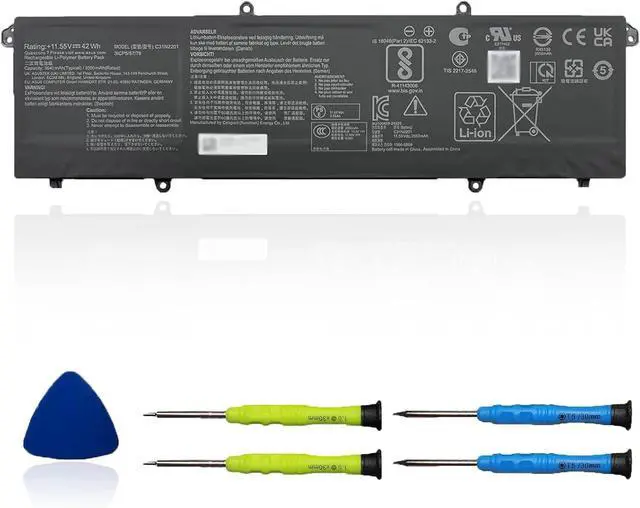
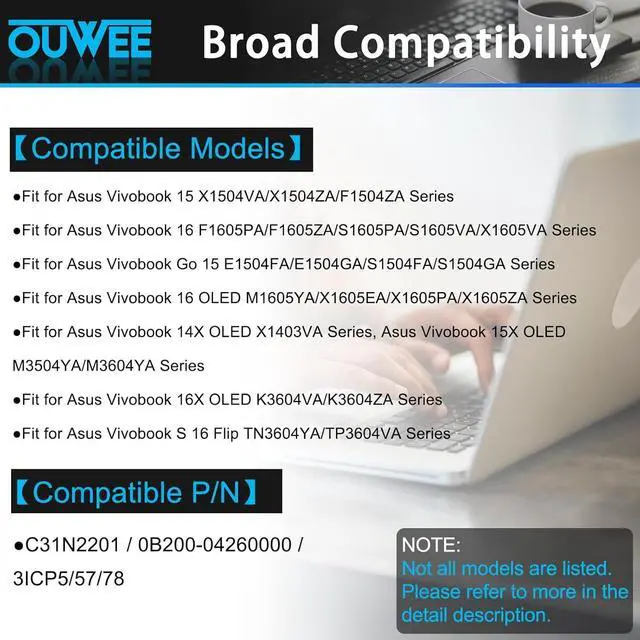
    C31N2201 Laptop Battery Compatible with ASUS Vivobook 15 X1504VA X1504ZA F1504ZA Go 15 E1504FA E1504GA 14 OLED X1405VA 16 M1605YA X1605EA 14X X1403VA 15X M3504YA Series 42Wh 11.55V

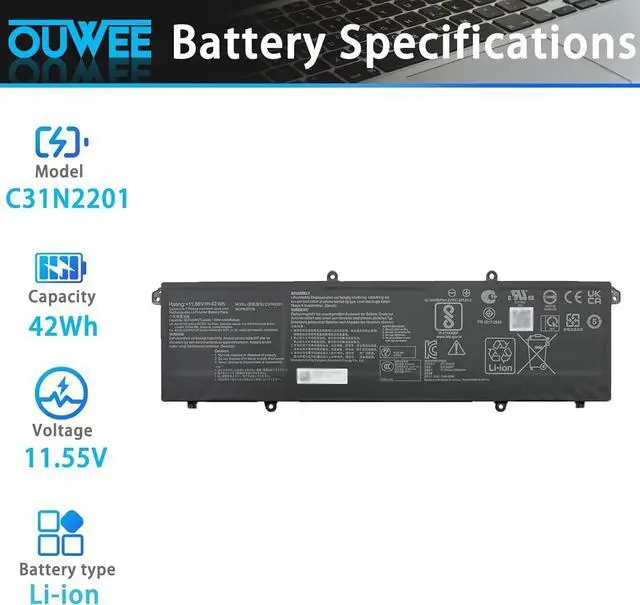
    • SpecificationsC31N2201 battery for ASUS Vivobook 15 X1504VA X1504ZA F1504ZA Go 15 E1504FA E1504GA 14 OLED X1405VA 16 M1605YA X1605EA 14X X1403VA 15X M3504YA Replacement Battery, Type: Li-ion; Voltage: 11.55V;Capacity: 42 Wh;Color: Black; Condition: New;
    • Safe to UseAll OUWEE products are Certified by UL / CE / FCC / RoHS for safety. Strict guidelines for compatibility, strict quality control standards to ensure the true capacity, stable current and low self-discharge and standards compliance for environment safety. We are confident in the performance of the replacement battery.
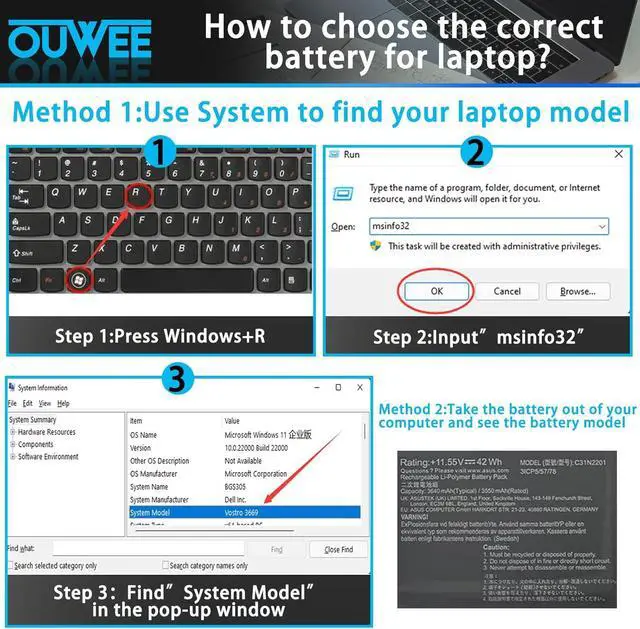
    • AdviceIn the event that the new battery fails to be recognized upon initial installation, kindly reinstall it and verify whether the interface is fully connected. Next, discharge the new battery to 5% (do not discharge it to 0%). Subsequently, charge the battery and perform 3 - 4 charge - discharge cycles to "wake up" the new battery.

    +
    +
    Overview
    Specs
    Reviews
    avatar

    Any questions? Our AI beta will help you find out quickly.

    SpecificationsC31N2201 battery for ASUS Vivobook 15 X1504VA X1504ZA F1504ZA Go 15 E1504FA E1504GA 14 OLED X1405VA 16 M1605YA X1605EA 14X X1403VA 15X M3504YA Replacement Battery, Type: Li-ion; Voltage: 11.55V;Capacity: 42 Wh;Color: Black; Condition: New;
    Safe to UseAll OUWEE products are Certified by UL / CE / FCC / RoHS for safety. Strict guidelines for compatibility, strict quality control standards to ensure the true capacity, stable current and low self-discharge and standards compliance for environment safety. We are confident in the performance of the replacement battery.
    AdviceIn the event that the new battery fails to be recognized upon initial installation, kindly reinstall it and verify whether the interface is fully connected. Next, discharge the new battery to 5% (do not discharge it to 0%). Subsequently, charge the battery and perform 3 - 4 charge - discharge cycles to "wake up" the new battery.

    Warranty & Returns

    Warranty, Returns, And Additional Information

    Warranty

    • Please contact the Seller directly for warranty information. Warranty information may also be found on the Manufacturer's website.
    • CONTACT

    Return Policies

    Manufacturer Contact Info

    LOADING...