

Your Browsing History
- Free 30-day Returns
$101.99

Meet Your Seller

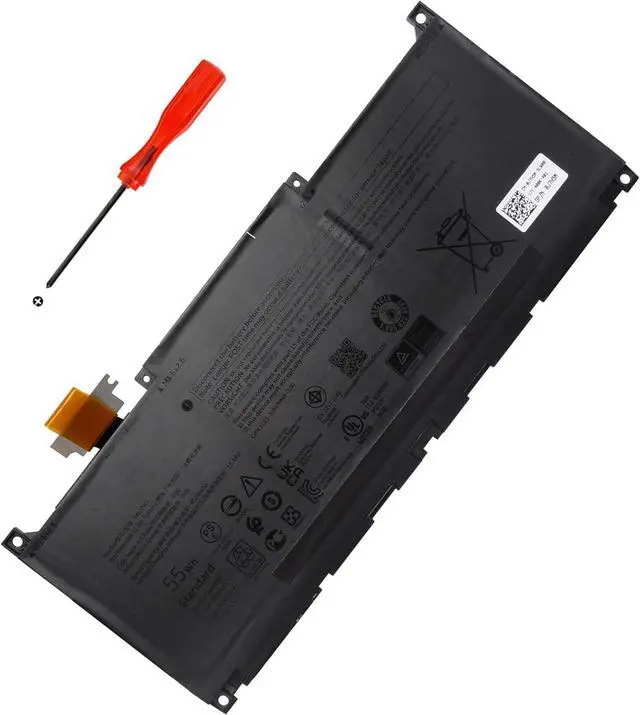
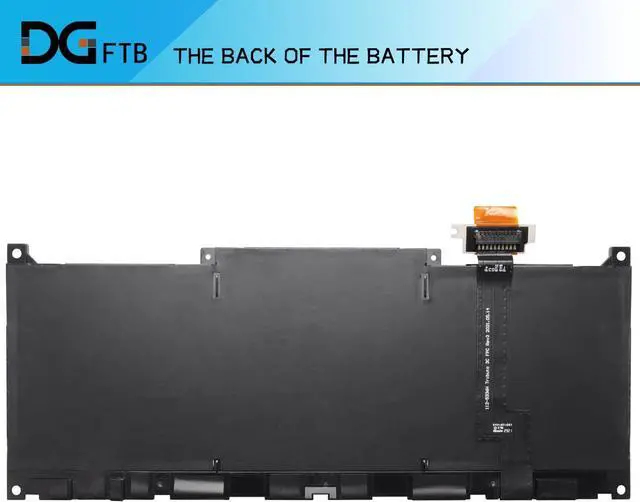




MN79H Laptop Battery for Dell XPS 9320, XPS 13 Plus 9320, XPS 13 9340 9345 Series XPS9320-7585SLV-PUS P51G P151G001 P151G002 2FVJM 02FVJM J7H5M 0J7H5M NXRKW 0NXRKW TR7FC (11.55V 55Wh/4524mAh/3-Cell)
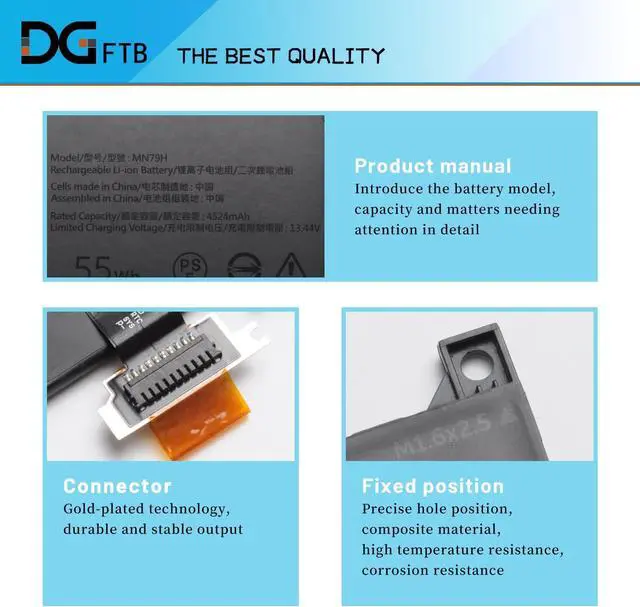
- Replacement Battery TypeVoltage: 11.55V; Capacity: 55Wh/4524mAh/3-Cell.
- Compatible P/NMN79H J7H5M 0J7H5M NXRKW 0NXRKW 2FVJM 02FVJM
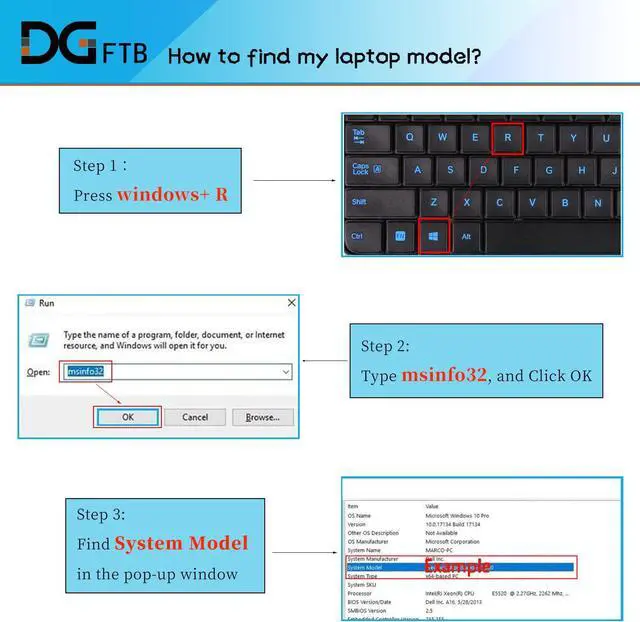
- Compatible Modelsfor Dell XPS 9320, Dell XPS 13 9340 9345, for Dell XPS 13 Plus 9320, P151G i5 93204K XPS9320-7523BLK-PUS XPS9320-7585SLV-PUS Series P51G P151G001 P151G002
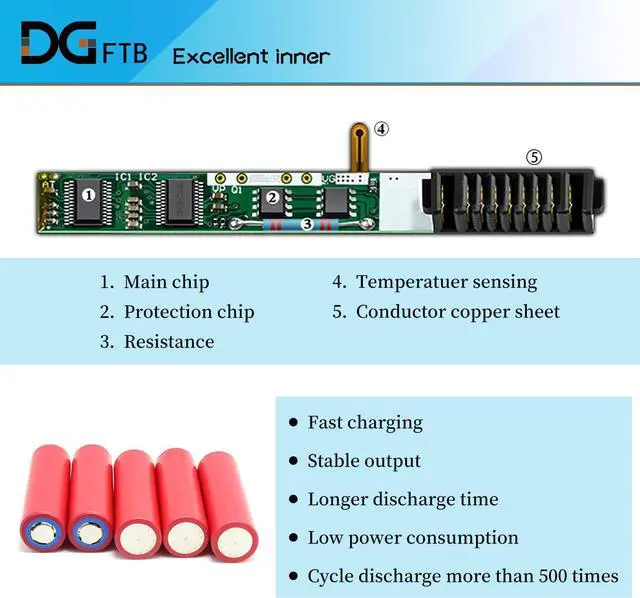
- DG QualityGrade A cells mitigate the risk of battery leakage and maximize output stability. Built-in circuit protection, enhances safety of usage and extends battery lif
- DG TIPSFor the initial installation, please reinstall and check the interface fully connected, discharge the battery to 5%(not to 0%) and then charge to 95%, and cycle 3-4 times
+
+
Overview
Specs
Reviews

Any questions? Our AI mode will help you find out quickly.
Try me now
We are a professional laptop battery provider,
We are always working hard to ensure high quality laptop battery standards.
Your satisfaction is our team goal, your support is our most precious wealth.
1,Disconnect the connection between the old battery and the motherboard to avoid unnecessary damage caused by disassembling the battery. Then unscrew the old battery screws one by one and carefully save each.
2, Remove the old battery, carefully install the new battery on the battery case, and connect the wiring of the new battery.
3, If you don't understand the above steps, you can search for the video about laptop battery installation on YouTube. Maybe it will help you
Welcome to DGTFB Install A New Battery:
We are always working hard to ensure high quality laptop battery standards.
Your satisfaction is our team goal, your support is our most precious wealth.
1,Disconnect the connection between the old battery and the motherboard to avoid unnecessary damage caused by disassembling the battery. Then unscrew the old battery screws one by one and carefully save each.
2, Remove the old battery, carefully install the new battery on the battery case, and connect the wiring of the new battery.
3, If you don't understand the above steps, you can search for the video about laptop battery installation on YouTube. Maybe it will help you
Welcome to DGTFB Install A New Battery:
Warranty & Returns
Warranty, Returns, And Additional Information
Warranty
- Please contact the Seller directly for warranty information. Warranty information may also be found on the Manufacturer's website.
- CONTACT
Return Policies
- Return for refund within: 30 days
- Return for replacement within: 30 days
- This item is covered by E-Transit Limited Return Policy
Manufacturer Contact Info
- For a directory of all our manufacturers, please click below.
- Manufacturers Directory
LOADING...