• $137.99
  • Free 30-day Returns
  • Price alert
    Shop it at NeweggBusiness.

    Meet Your Seller

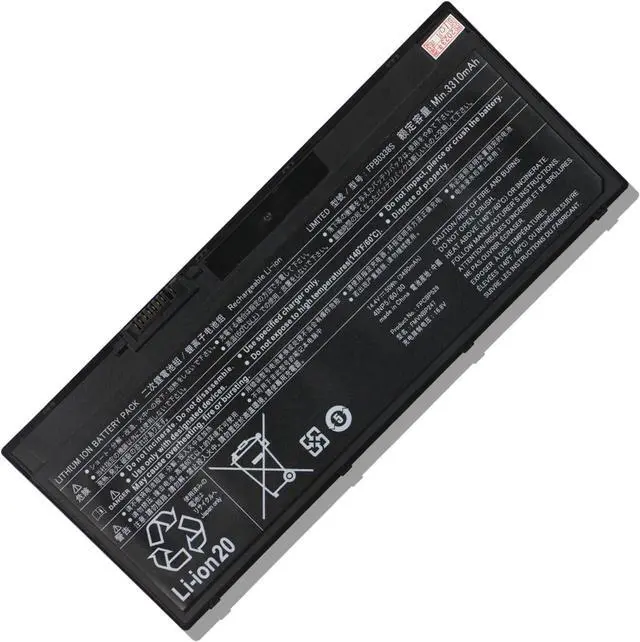
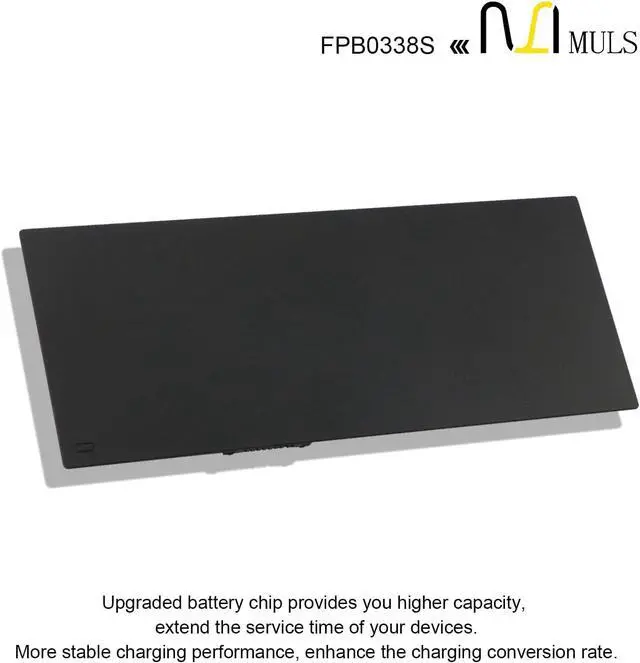
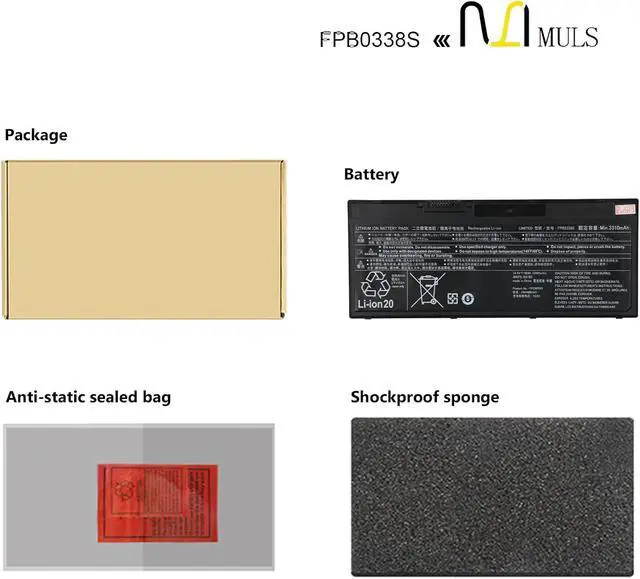
    50Wh FPB0338S Laptop Battery Replacement for Fujitsu LifeBook T937 T938 T939 E548 E549 E558 E559 U747 U748 U749 U757 U758 U759 U747 U757 Series FPCBP529 FMVNBP247 FPBO338S FPCBP531 3490mAh 4-Cell

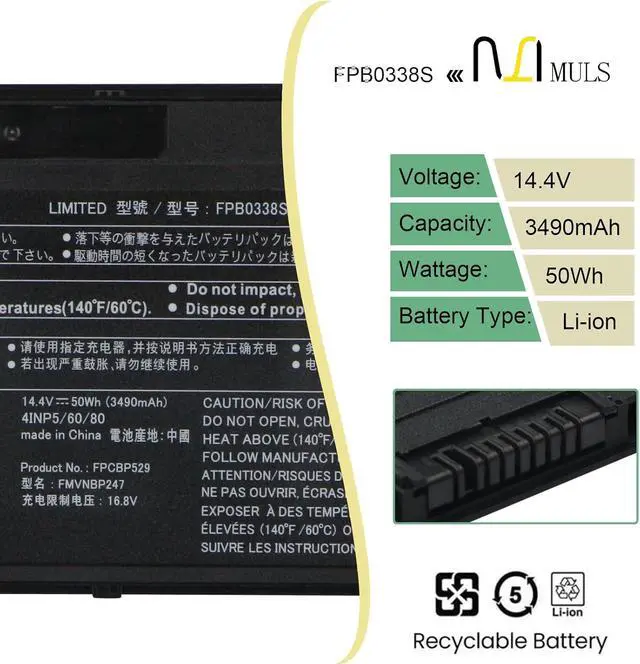
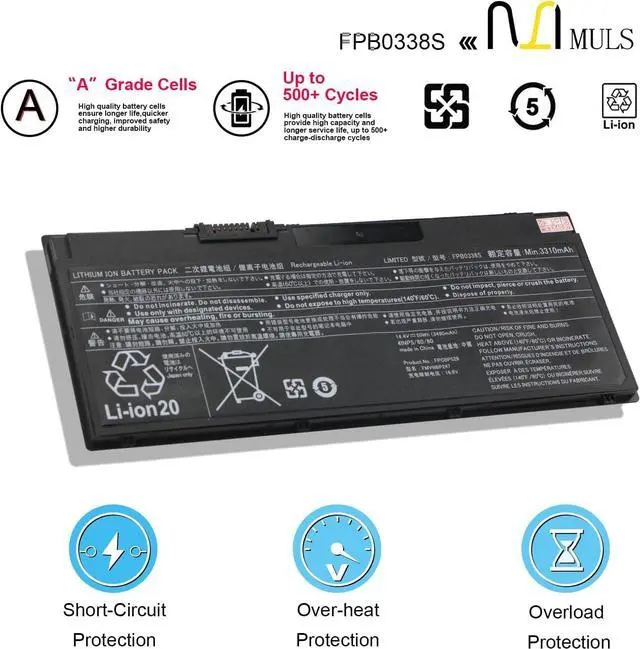
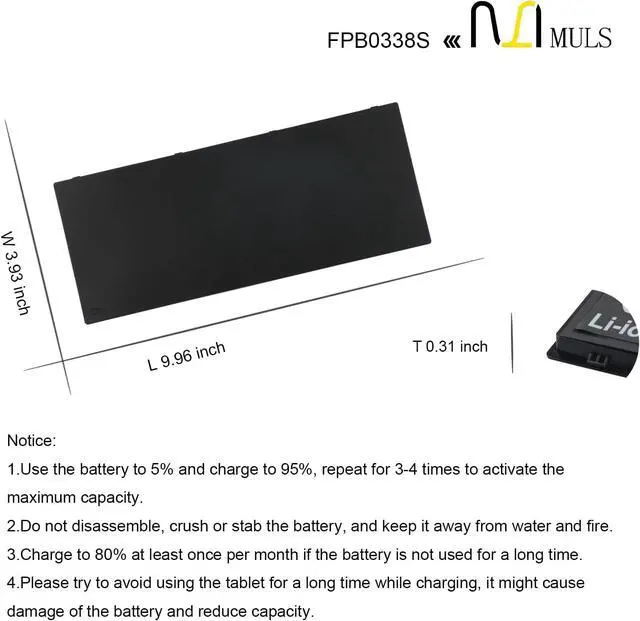
    • Battery SpecificationCapacity: 50Wh 3490mAh 4-Cell Voltage: 14.4V.100% brand new. Up to 500 recharge cycles over the life of the battery. High-quality materials and circuit board.
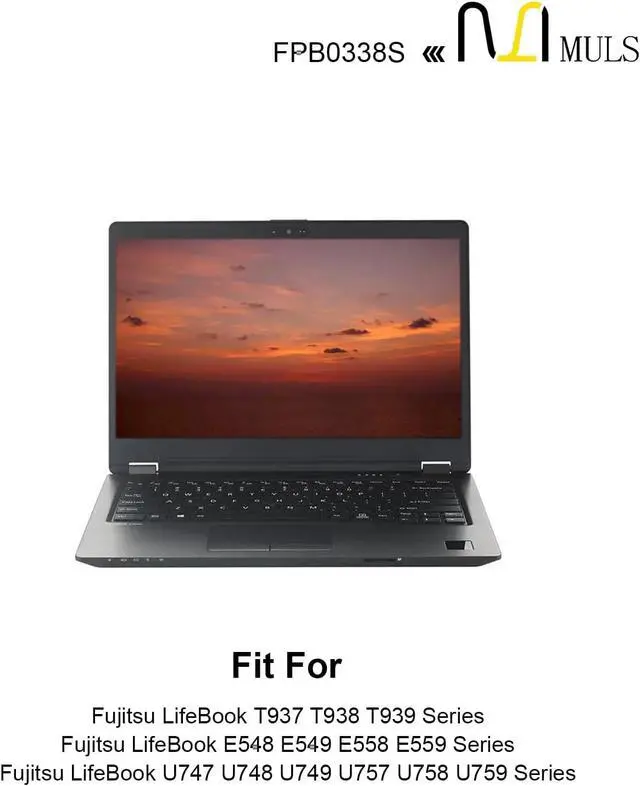
    • Replacement For LaptopFit for Fujitsu LifeBook T937 T938 T939 E548 E549 E558 E559 U747 U748 U749 U757 U758 U759 U747 U757 Series.
    • Compatible with Part NumberFit for FPB0338S FPCBP529 FMVNBP247 FMVNBP248 FPBO338S FPCBP529AP FPCBP531 FPCBP531AP 4INP5/60/80.
    • Safety Above AllOur batteries are certified by CE, FCC and RoHS to ensure your safety, and packed with prevention measures like short circuit, overheat and overcharge protection.Our laptop batteries are made with premium materials and circuit boards to ensure performance and durability.
    • Give Customers the Best Benefit:30 Days no-questions-asked full money back and 12 Months Exchange Guarantee. (The return window will be closed a month after you received the the product. CONTACT US, we will make it up and solve it more efficiently). We providin
    +
    +
    Overview
    Specs
    Reviews
    avatar

    Any questions? Our AI beta will help you find out quickly.

    Replacement for Part Number
    FPB0338S FPCBP529
    FMVNBP247 FMVNBP248
    FPBO338S FPCBP529AP
    FPCBP531 FPCBP531AP 4INP5/60/80

    Compatible Laptop Models:
    Fujitsu LifeBook T937 T938 T939 Series
    Fujitsu LifeBook E548 E549 E558 E559 Series
    Fujitsu LifeBook U747 U748 U749 U757 U758 U759 Series
    Fujitsu LifeBook U747(CP743229) Series
    Fujitsu LifeBook U757(CP743228) Series

    1. Turn off your laptop and disconnect the power.
    2. Disconnect the connection between the old battery and the motherboard to avoid unnecessary damage caused by disassembling the battery. Then unscrew the old battery screws one by one and carefully save each screw.
    3. Remove the old battery, carefully connect the new battery to the mainboard, reinstall all the parts that have been removed earlier, and connect the wiring of the new battery.
    4. If you don't understand the above steps, you can search the relevant installation tutorial video on YouTube for help.
    How to Install A New Battery:

    Warranty & Returns

    Warranty, Returns, And Additional Information

    Warranty

    • Please contact the Seller directly for warranty information. Warranty information may also be found on the Manufacturer's website.
    • CONTACT

    Return Policies

    Manufacturer Contact Info

    LOADING...