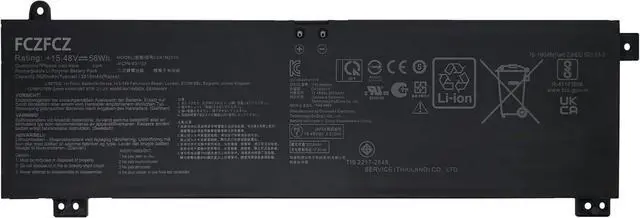
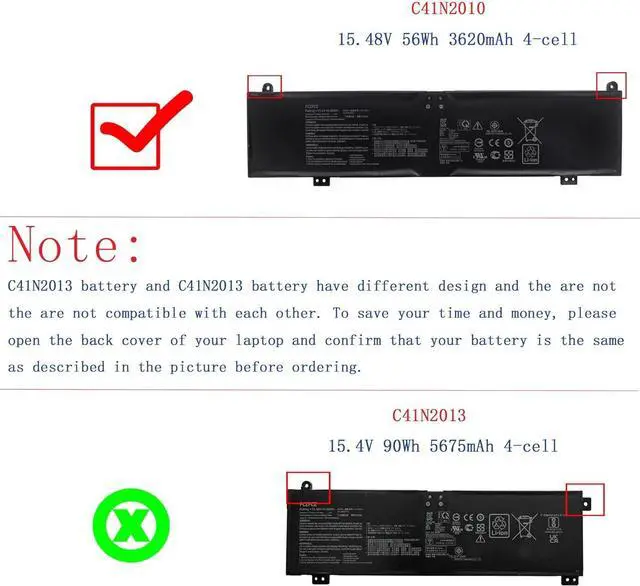
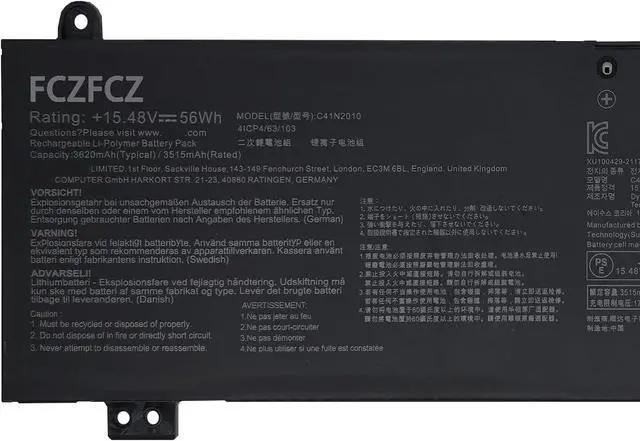
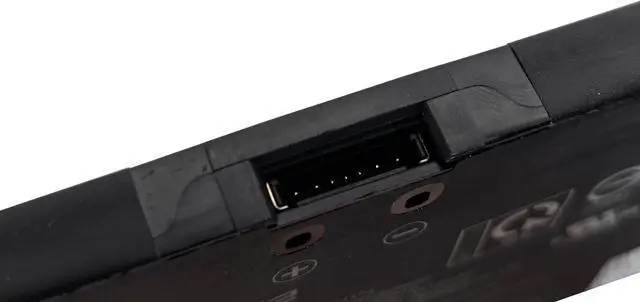
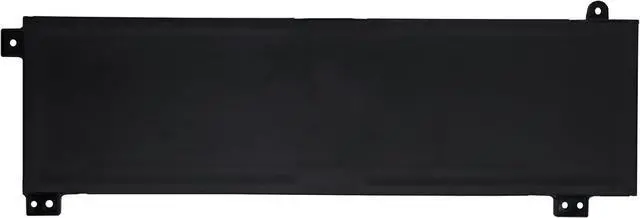
SpecificationsBattery Model: C41N2010 // Voltage:15.48V // Capacity:56Wh 3620mAh 4-Cell // Color:Black // Condition:Brand New.
Replacement for Part NumberC41N2010 0B200-03890000 0B20003890000 4ICP4/63/103 (NOTE: Please kindly open your laptop back cover to confirm your original battery model is the same as listed here. Thanks!)
Compatible with Machine Modelsfor ASUS ROG Strix G15 G513IC Series: G513IC-HN002T G513IC-DS71-CA G513IC-HN003T G513IC-HN004 G513IC-HN013T G513IC-HN021TS G513IC-HN023WS G513IC-HN029 G513IC-HN039W G513IC-HN055T G513IC-HN064T G513IC-HN073W G513IC-HN075T; for ASUS ROG Strix G15 G513IH Series: G513IH-GTX1650T G513IH-HN002 G513IH-HN002T G513IH-HN004 G513IH-HN004T G513IH-HN005 G513IH-HN006 G513IH-HN006T G513IH-HN008 G513IH-HN008T G513IH-HN009T G513IH-HN014; for ASUS ROG Strix G15 G513QC Series: G513QC-HF002T G513QC-HF061 G513QC-HN001 G513QC-HN008T G513QC-HN009T G513QC-HN013T G513QC-HN014T G513QC-HN015T G513QC-HN024T G513QC-HN033T G513QC-HN088TS G513QC-HN093T.
Compatible with Machine Modelsfor ASUS ROG Strix G15 G513QE Series: G513QE-0031C5900HX G513QE-DB91-CA G513QE-DS99-CA G513QE-ES76 G513QE-HF017T G513QE-HF074T G513QE-HF093T G513QE-HF105T G513QE-HF128T G513QE-HF144T G513QE-HF146T G513QE-HF150R; for ASUS ROG Strix G17 G713QE Series: G713QE-HX008T G713QE-HX009T G713QE-HX013 G713QE-HX016 G713QE-HX022 G713QE-HX023 G713QE-HX023T G713QE-HX024T G713QE-HX025T G713QE-HX028 G713QE-HX031 G713QE-HX042T.
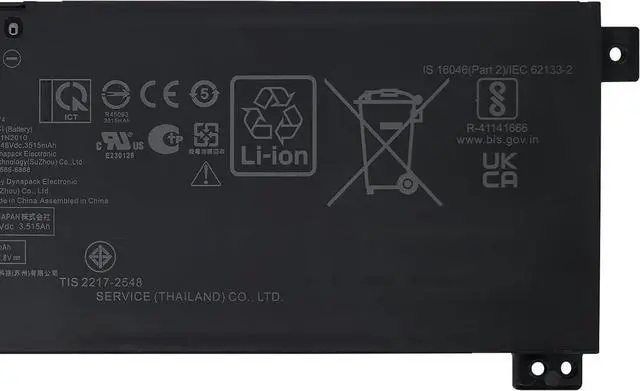
SafetyAll FCZFCZ products are Certified by CE, UL for safety. Each battery is factory tested before shipment and at good condition, and have its mark. Built-in circuit protection ensures both safety and stability. Each battery has high capacity to provide enduring, continual use.
InstructionsPlease open the back cover of the laptop before purchasing and confirm that the original battery type is the same as the picture. Please read the battery instruction manual carefully before installing the battery. Please install the battery correctly and ensure that the battery interface and the motherboard are firmly connected. Please use the original charger to charge the laptop. After battery installation, discharge the new battery to 5% (not 0%), then charge and cycle 3-4 times to wake up the new battery.





 here!
here!