Your Browsing History
- Free 30-day Returns
$95.99
Meet Your Seller
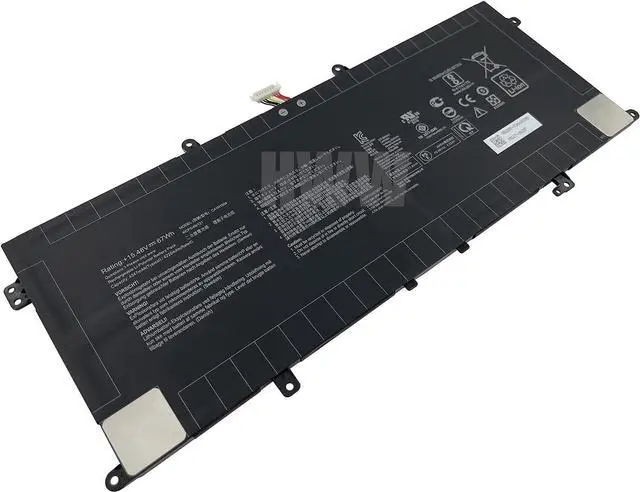
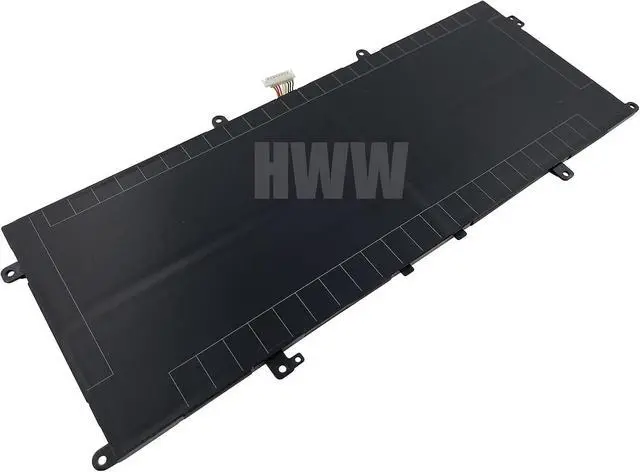
HWW New 15.48V 67Wh C41N1904 Battery Compatible with Asus ZenBook 13 UX561UA UX363EA UX325EA UX425JA UM325SA Zenbook S UX393JA Deluxe14 14S C41N1904-1 4ICP5/49/121 02B200-03660500 0B200-03660400
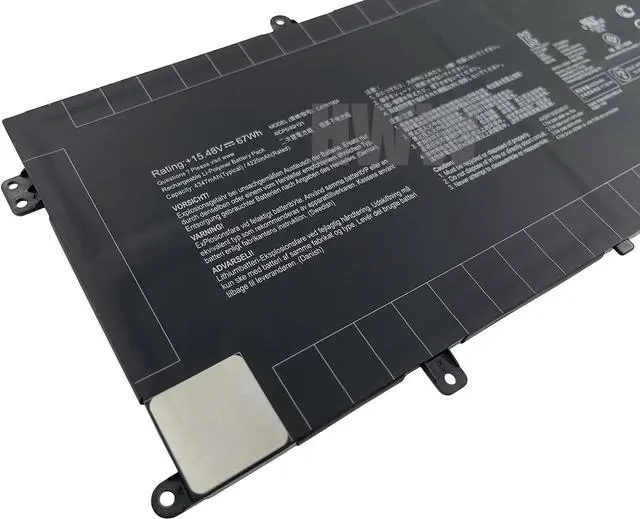
- Condition: New Voltage: 15.48V Capacity: 67Wh
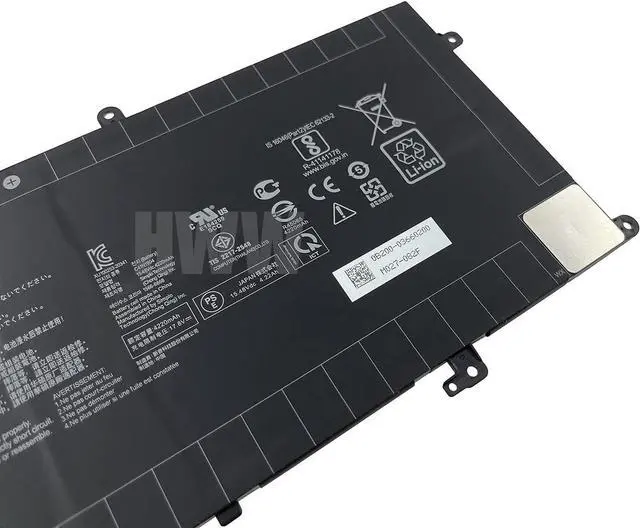
- Replace Part Number: C41N1904 C41N1904-1 4ICP5/49/121 02B200-03660500 0B200-03660000 0B200-03660400
- Fit For: Asus Deluxe 14 14S Series, Asus ZenBook 13 UX561UA UX363EA Series, Asus ZenBook 13 UX325EA UX425JA UM325SA Series, Asus Zenbook S UX393JA Series
- Please check the part number of your old battery before order,which is the correct way to find replace battery,welcome to contact us if still have any questions.
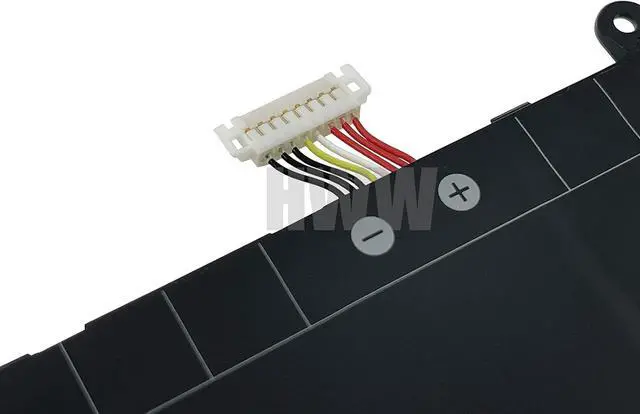
- If the new battery can't be recognized during the initial installation, please reinstall it and check if the interface is clean to make sure it is fully connected.Discharge the new battery to 5% (not 0%), then charge and cycle 3 times to wake up the new battery.

+
+
Overview
Specs
Reviews
Any questions? Our AI beta will help you find out quickly.
Try me now
Condition: New Voltage: 15.48V Capacity: 67Wh
Replace Part Number: C41N1904 C41N1904-1 4ICP5/49/121 02B200-03660500 0B200-03660000 0B200-03660400
Fit For: Asus Deluxe 14 14S Series, Asus ZenBook 13 UX561UA UX363EA Series, Asus ZenBook 13 UX325EA UX425JA UM325SA Series, Asus Zenbook S UX393JA Series
Please check the part number of your old battery before order,which is the correct way to find replace battery,welcome to contact us if still have any questions.
If the new battery can't be recognized during the initial installation, please reinstall it and check if the interface is clean to make sure it is fully connected.Discharge the new battery to 5% (not 0%), then charge and cycle 3 times to wake up the new battery.
Replace Part Number: C41N1904 C41N1904-1 4ICP5/49/121 02B200-03660500 0B200-03660000 0B200-03660400
Fit For: Asus Deluxe 14 14S Series, Asus ZenBook 13 UX561UA UX363EA Series, Asus ZenBook 13 UX325EA UX425JA UM325SA Series, Asus Zenbook S UX393JA Series
Please check the part number of your old battery before order,which is the correct way to find replace battery,welcome to contact us if still have any questions.
If the new battery can't be recognized during the initial installation, please reinstall it and check if the interface is clean to make sure it is fully connected.Discharge the new battery to 5% (not 0%), then charge and cycle 3 times to wake up the new battery.
Warranty & Returns
Warranty, Returns, And Additional Information
Warranty
- Please contact the Seller directly for warranty information. Warranty information may also be found on the Manufacturer's website.
- CONTACT
Return Policies
- Return for refund within: 30 days
- Return for replacement within: 30 days
- This item is covered by E-Transit Limited Return Policy
Manufacturer Contact Info
- For a directory of all our manufacturers, please click below.
- Manufacturers Directory
LOADING...