About MULS
1. We have professional battery and adapter experience!
Strictly test before shipment to ensure full capacity and safety without harming the computer!
2. We recommend that the first charge is not less than 5 hours.
3. The new battery cannot be charged, is there a problem with the battery?
Usually not. The computer charges the battery for the first time. Due to the instability of voltage and current, the computer may stop charging the battery when the battery is half charged (sometimes more, sometimes less). If this happens, Don't worry, just take the battery out of the computer and recharge it again. The new battery charged for the first time may require several iterations. Don't worry, this is normal.
4. When the battery is in normal operation, if the battery is discharged to 3%, it must be shut down or recharged. If the battery is discharged to 0%, the battery will be damaged and its life will be attenuated.
5. Avoid falling, heating, and short-circuit, avoid using the battery in an environment where the temperature is too high or too low.
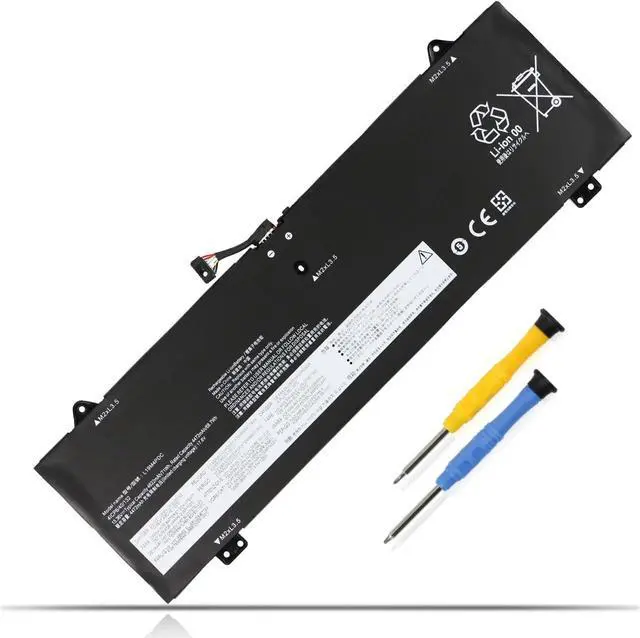
Replacement for Part Number
L19C4PDC 5B10Z26482 SB10Z26481
L19L4PDC 5B10Z26485 SB10Z26486
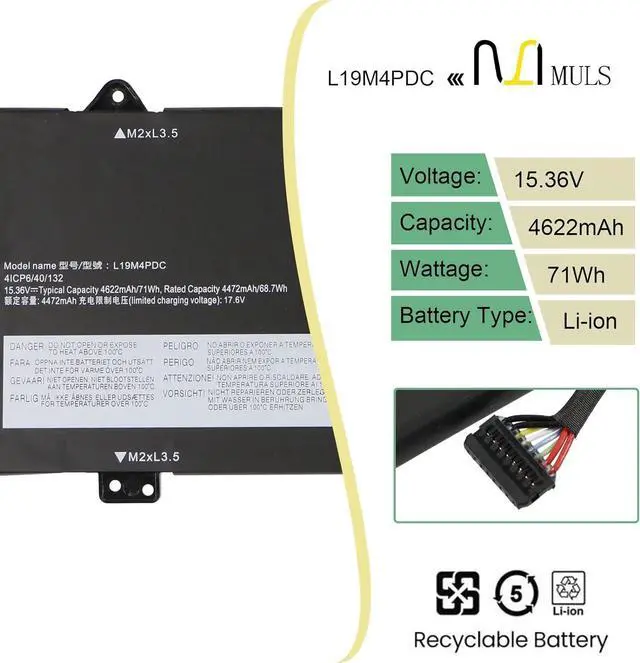
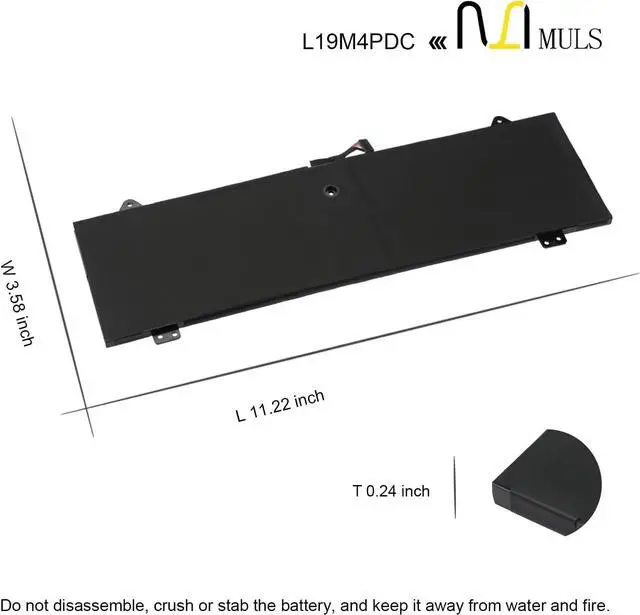
L19M4PDC 5B10Z26479 SB10Z26483
4ICP6/40/132 4ICP6/40/133
Compatible Laptop Models:(Press [CTRL + F] to search your laptop model/part number)
For Lenovo Ideapad Yoga 7-14ITL5 82BH
For Lenovo Ideapad Yoga 7-15ITL5 82BJ
For Lenovo Ideapad Yoga 7-14 Series
For Lenovo Ideapad Yoga 7-14ITL5 Series:Yoga7-14ITL5(82BH),7-14ITL5(82BH004XGE),7-14ITL5(82BH004WGE)
For Lenovo Ideapad Yoga 14c 2021 Series
For Lenovo Ideapad Yoga 7-15ITL5 Series:Yoga 7-15ITL5(82BJ), 7-15ITL5(82BJ0030GE), 7-15ITL5(82BJ0031GE), 7-15ITL5(82BJ005HGE), 7-15ITL5(82BJ006NGE)
For Lenovo Ideapad Yoga C750-14ITL Series
For Lenovo Yoga 7i 2020 2021 2022 Series
Please open the back cover of your laptop to check the original battery size and capacity before placing an order. Please scroll down to the list to purchase.
Q&A
Q: How should I charge my laptop battery?
A: It is suggested to charge the battery before the power runs out completely. It is best to charge when the remaining power is about 5-10%, and the battery should be charged in a relatively dry place.
Q: How should I preserve my laptop battery when I dont use it?
A: The ideal preservation method is to charge the battery to about 40% and then put it in a cool and dry place. About 68 degrees Fahrenheit is the ideal preservation temperature. Of course, the battery should be used once a month, which can not only good preservation of the battery but also prevent the battery from being damaged by the complete loss of power.
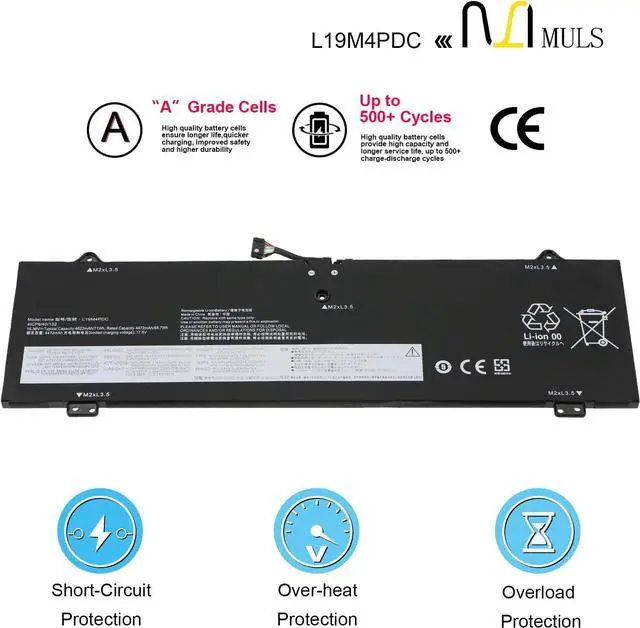
Made with superior quality battery cells.
Uses high impact ABS and Poly-carbonate plastic for strength.
Built to perform under standard operating conditions.
Guaranteed to perform at 80% of original capacity for 12 months.
Compatible to manufacturer specifications.
Laptop Battery Usage & Inspection Guidelines
What should I be mindful of when charging the battery?
1. Use a compatible charger: Always use a charger that matches your laptop's original specifications (same voltage and current parameters).
2. Charging environment requirements: When charging, place your laptop in a well-ventilated, cool area away from direct sunlight and heat sources. Keep it distant from flammable or explosive items (such as paper or alcohol) to prevent battery overheating, swelling, or fire.
3. Charging rhythm management: For new batteries, there is no need to deliberately charge for 12 hours during the first charge. Charge to 100% and then continue charging for 30 minutes. For subsequent charges, unplug the charger promptly after reaching full capacity to avoid prolonged charging while the battery is fully charged.
Note: If the battery exhibits severe heating, unusual odors, bulgin