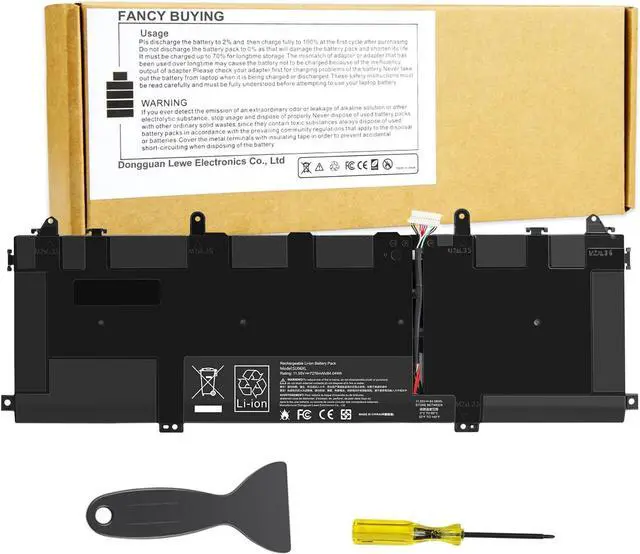
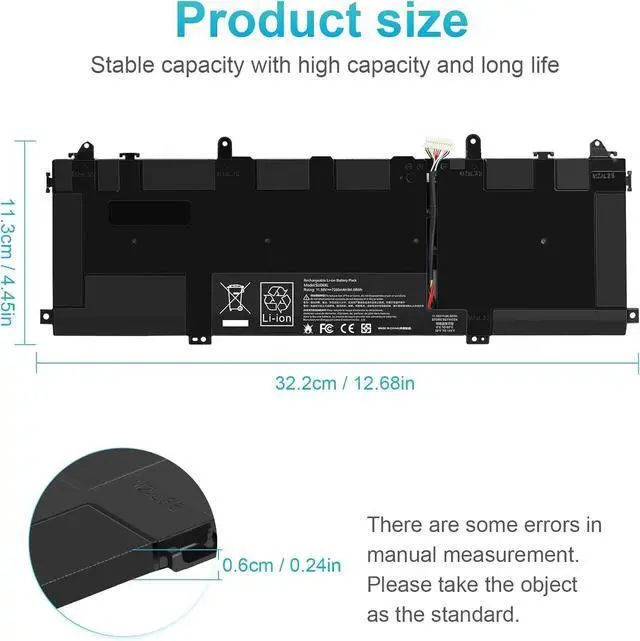
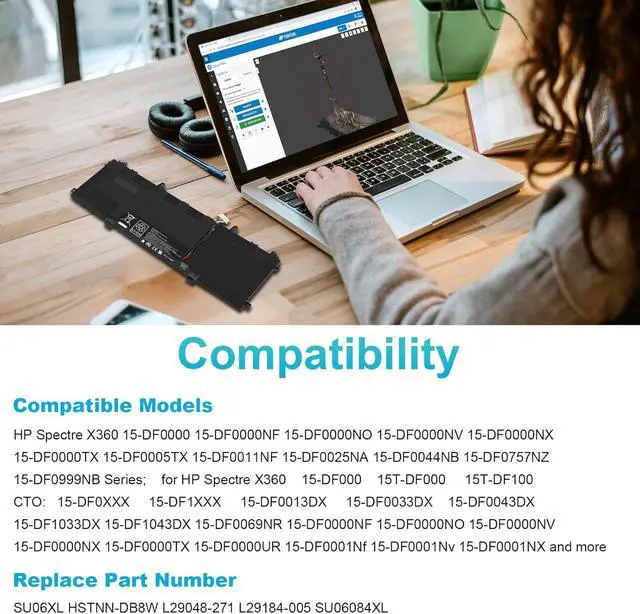
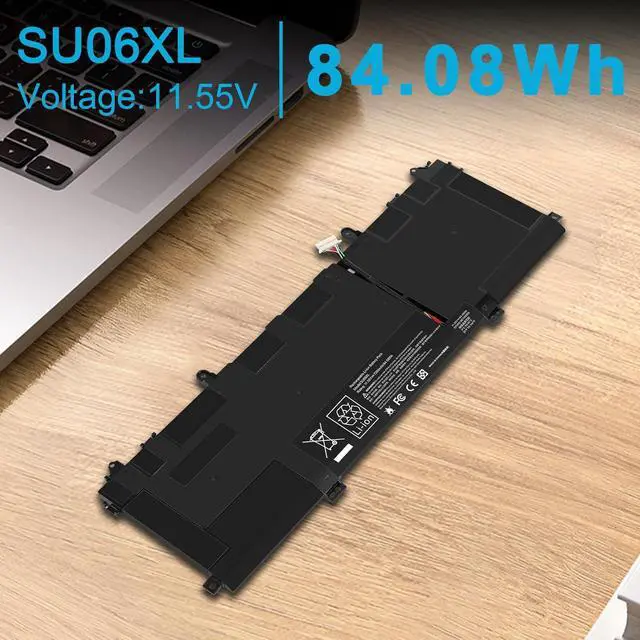
Compatible with Part Numbers:
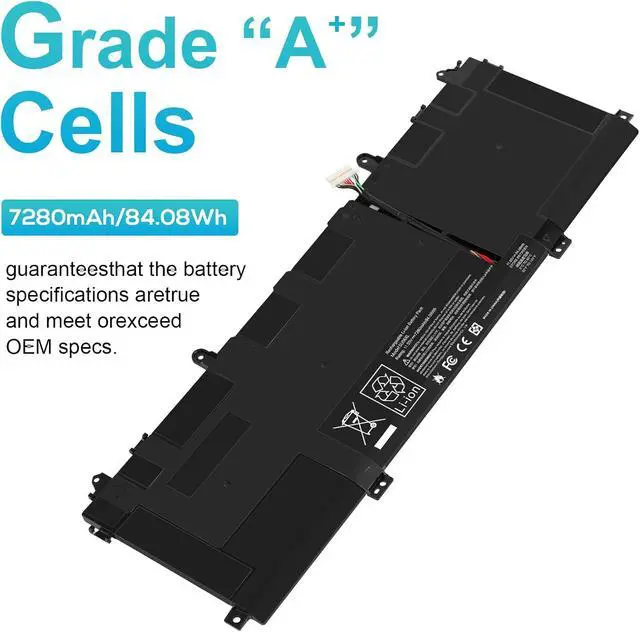
SU06XL HSTNN-DB8W L29048-271 L29184-005 SU06084XL
Compatible Models (please use ctrl+f to search for your laptop model):
for Hp Spectre X360 Convertible 15-DF 15-DF0000 Series:
15-df0xxx 15-df1xxx 15-df0003tx 15-df0008tx 15-df0000no 15-df0005tx 15-df0002na 15-df0004nc 15-df0009nf 15-df0000nx 15-df0006tx 15-df0002no 15-df0004tx 15-df0000ur 15-df0002tx 15-df0005ne 15-df0007tx 15-df0001nv 15-df0008nc 15-df0003nx 15-df0005no 15-df0001tx 15-df0004na 15-df0009nc 15-df0006na 15-df0002nf 15-df0004ne 15-df0009tx 15-df0000tx 15-df0007na 15-df0002nx 15-df0005na 15-df0008ca 15-df0003nc 15-df0005nf 15-df0001nx 15-df0000nf 15-df0000nv 15-df0001nf 15-df0028nb 15-df0011tx 15-df0022nb 15-df0016tx 15-df0032nb 15-df0012tx 15-df0025na 15-df0010ca 15-df0018tx 15-df0038ur 15-df0013tx 15-df0026na 15-df0010tx 15-df0019tx 15-df0062nb 15-df0015tx 15-df0028na 15-df0011nf 15-df0021tx 15-df0068nr 15-df0016na 15-df0029na 15-df0012na 15-df0023dx 15-df0017tx 15-df0037ur 15-df0013dx 15-df0025nb 15-df0010nf 15-df0018ur 15-df0044nb 15-df0014tx 15-df0027nb 15-df0011na 15-df0020tx 15-df0065nr 15-df0033dx 15-df0043dx 15-df0069nr 15-df0070nr 15-df0304ng 15-df0900nz 15-df0100nd 15-df0709nz 15-df0322ng 15-df0999nb 15-df0106ng 15-df0797nz 15-df0400nz 15-df0800 15-df0126ng 15-df0800nz 15-df0590na 15-df0303ng 15-df0850nz 15-df0707nz 15-df0306nz 15-df0950nz 15-df0104ng 15-df0757nz 15-df0400nd 15-df0100 15-df0108ng 15-df0800no 15-df0500nd 15-5zv31av 15-df0180no 15-df0801no 15-df0599na 15-df1033dx 15-df1043dx 15-df1040nr 15-df1045nr 15-df1047nr 15-df1008ca 15-df1010ca 15-df1018ca 15-df1020ca 15-df1001tx 15-df1002tx.
for HP Spectre X360 15T-DF 15T-DF0000 Series:
15T-DF1000 15T-DF0xxx 15T-DF1xxx and more.
for HP Spectre X360 15 Late 2019 15-5ZV31AV Convertible PC
Install A New Battery:
1. You need to turn off your laptop and disconnect the power.
2. Remove the old battery, carefully install the new battery on the battery case, and connect the wiring of the new battery.
3. If you don't understand the above steps, you can search for the video about laptop battery installation on YouTube. Maybe it will help you.
Laptop Maintenance Tips:
1. New battery: For use a new battery, youd better try a few cycles of discharging to 5%. then charging up to 95%. So that it can be activated completely
2. Overuse: Do not always run out of a battery to 0%, this would make it damaged or usage life shortened
3. Charging sequence: when charging, first install the battery, then turn on the power, when fully charged, first cut off the power, then pull the power plug.
4. Long-term storage:Please store the unused battery fully charged.(Charge it once a month) Do not store at low power to prevent reduce the lifespan of a battery
5. Charger: Do not replace the laptop adapter casually. If the original adapter cannot be applied due to malfunction or damage, please replace the models, so as not to reduce the service life of the battery due to incompatibility.
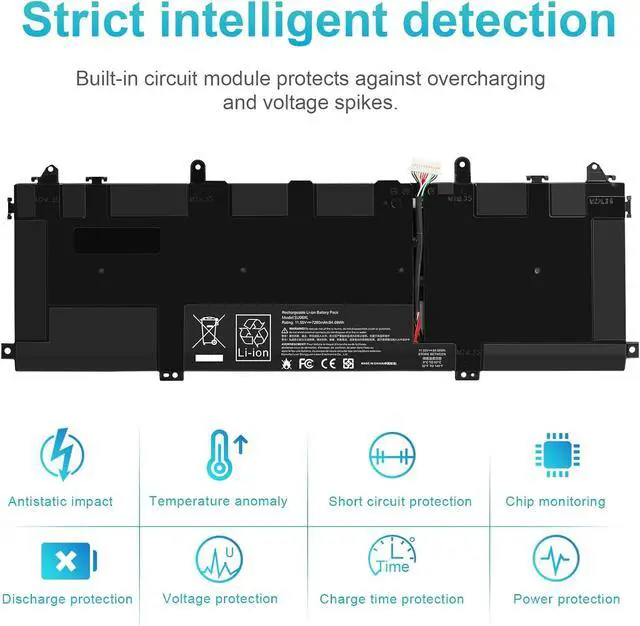
Overload protection
Over-current protection
Over-voltage protection
High voltage protection
Short circuit protection
Over-temperature protection