

Your Browsing History

Meet Your Seller

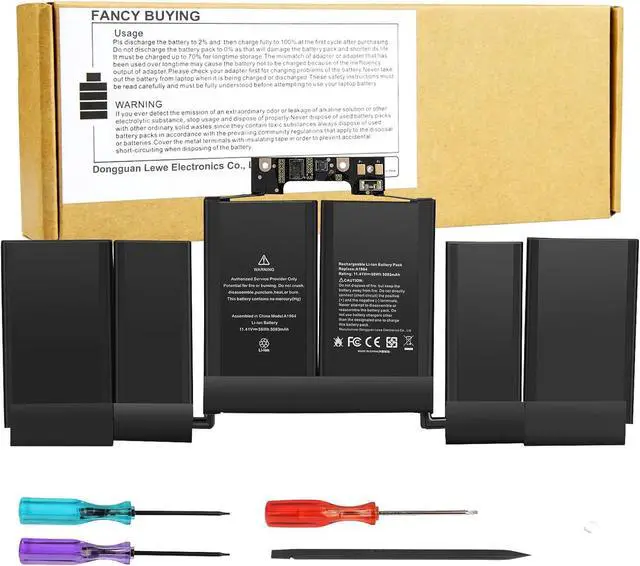
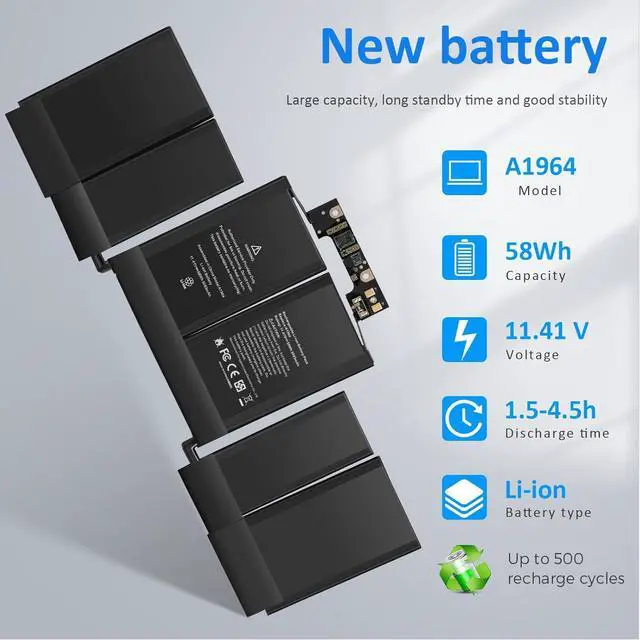


A1989 A2251 A1964 Laptop Battery for MacBook Pro 13 Inch A1989 (Mid 2018, 2019) & A2251 (2020), A1964 BTO/CTO MR9Q2LL/A MR9R2LL/A MR9T2LL/A MR9V2LL/A MV962LL/A MV9A2LL/A MV962LL/A MV972LL/A
Limited time offer, ends 08/02 By Bloomify
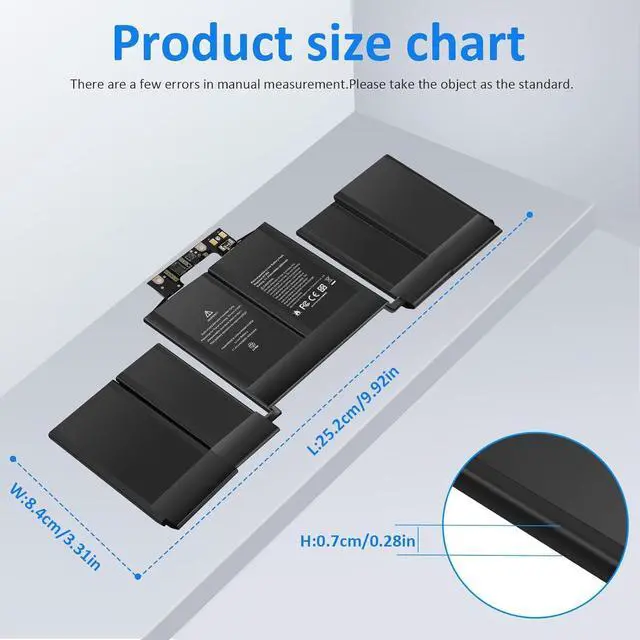
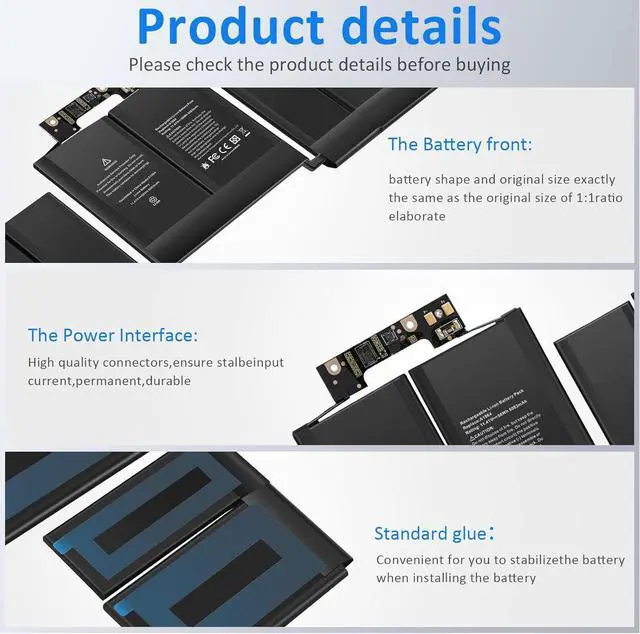
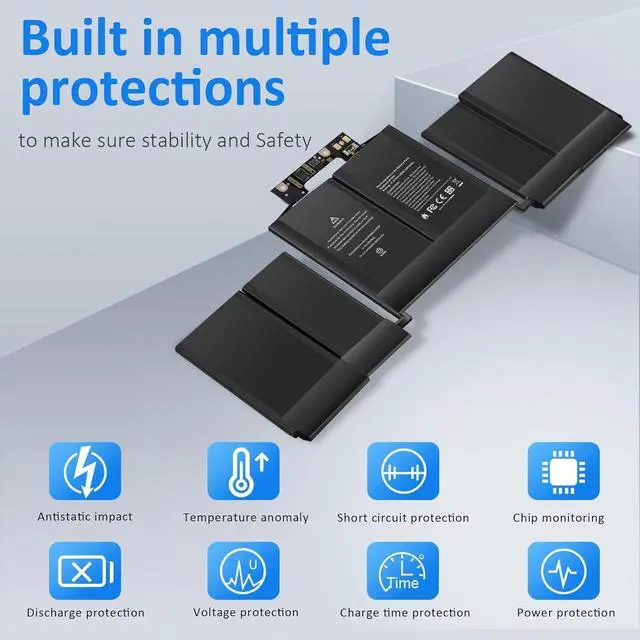
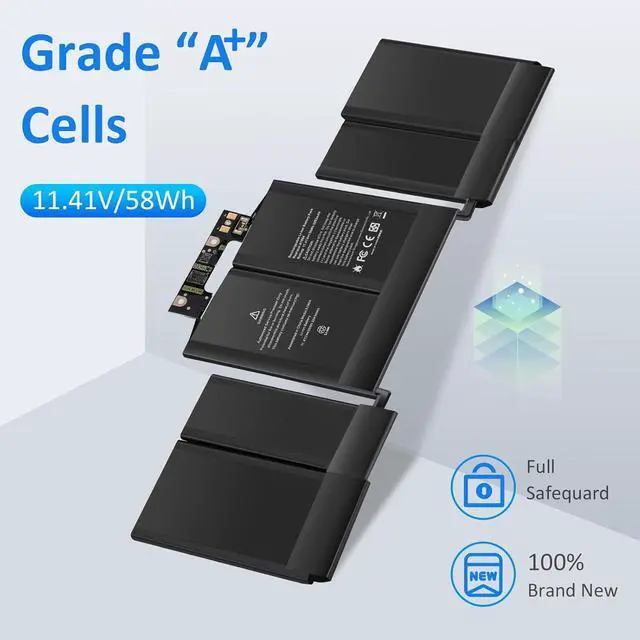
- SpecificationCapacity: 11.41V/ 5086mAh/ 58Wh. Estimated number of recharges: about 500 times. The battery is durable and has overcurrent protection, anti-overcharge, anti-overdischarge and temperature control functions.
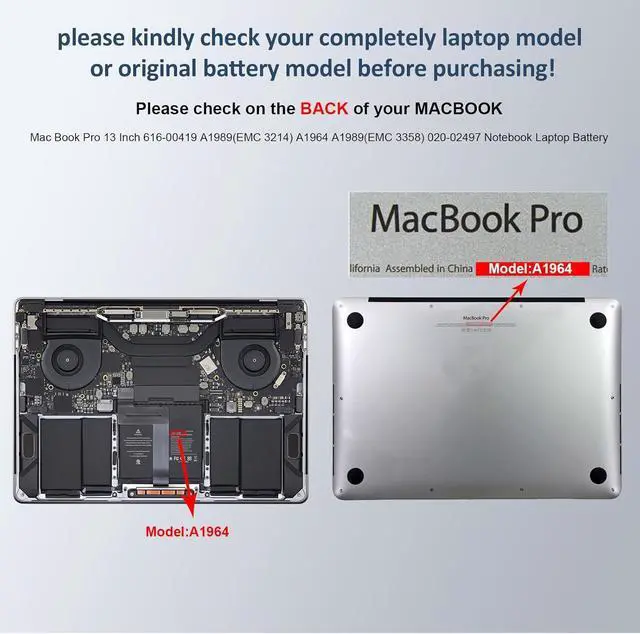
- Compatible Part NumberA1964 A1989 A1989(EMC 3214) A1989(EMC 3358) A2251(EMC 3348) 020-02497 616-00419.
- Compatible Laptop ModelsMac Book Pro 13 inch TOUCH BAR A1989 Mid 2018 2019 EMC 3214 3358 A2251 EMC 3348 MR9Q2LL/A MR9R2LL/A MR9T2LL/A MR9U2LL/A MR9V2LL/A MV962LL/A MV972LL/A MV982LL/A MV992LL/A MV9A2LL/A Laptop Notebook Battery. Mac Book Pro 13 Inch 616-00419 A1989(EMC 3214) A1964 A1989(EMC 3358) 020-02497 Notebook Laptop Battery.
- Safe & Reliable BatteryAll laptop batteries have passed CE, FCC and RoHS certification. Each battery has passed strict quality inspection procedures before shipping to ensure safety during use.
- Warranty & Service12 Months Warranty, 30 days money return guarantee and 7 x 24 email support. Any questions you can co
+
+
Overview
Reviews

Any questions? Our AI beta will help you find out quickly.
Try me now
Compatible Machine Models:
MacBook Pro (13-inch, 2018) model A1989
MR9Q2 MR9Q2LL/A MR9Q2xx/A
MR9R2 MR9R2LL/A MR9R2xx/A
MR9T2 MR9T2LL/A MR9T2xx/A
MR9U2 MR9U2LL/A MR9U2xx/A
MR9V2 MR9V2LL/A MR9V2xx/A
MacBook Pro 15,2
MacBook Pro (13-inch, 2019) model A1989
MV962 MV962LL/A MV962xx/A
MV972 MV972LL/A MV972xx/A
MV982 MV982LL/A MV982xx/A
MV992 MV992LL/A MV992xx/A
MV9A2 MV9A2LL/A MV9A2xx/A
MacBook Pro (13-inch, 2020) model A2251
MWP42 MWP42LL/A MWP42xx/A
MWP52 MWP52LL/A MWP52xx/A
MWP62 MWP62LL/A MWP62xx/A
MWP72 MWP72LL/A MWP72xx/A
MWP82 MWP82LL/A MWP82xx/A
MacBook Pro 16,2
Compatible Part Numbers:
A1964 A1989 A1989(EMC 3214) A1989(EMC 3358) A2251(EMC 3348) 020-02497 616-00419
Install A New Battery:
1. You need to turn off your laptop and disconnect the power.
2. Remove the old battery, carefully install the new battery on the battery case, and connect the wiring of the new battery.
3. If you don't understand the above steps, you can search for the video about laptop battery installation on YouTube. Maybe it will help you.
Laptop Maintenance Tips:
1. New battery: For use a new battery, youd better try a few cycles of discharging to 5%. then charging up to 95%. So that it can be activated completely
2. Overuse: Do not always run out of a battery to 0%, this would make it damaged or usage life shortened
3. Charging sequence: when charging, first install the battery, then turn on the power, when fully charged, first cut off the power, then pull the power plug.
4. Long-term storage:Please store the unused battery fully charged.(Charge it once a month) Do not store at low power to prevent reduce the lifespan of a battery
5. Charger: Do not replace the laptop adapter casually. If the original adapter cannot be applied due to malfunction or damage, please replace the models, so as not to reduce the service life of the battery due to incompatibility.
Overload protection
Over-current protection
Over-voltage protection
High voltage protection
Short circuit protection
Over-temperature protection
MacBook Pro (13-inch, 2018) model A1989
MR9Q2 MR9Q2LL/A MR9Q2xx/A
MR9R2 MR9R2LL/A MR9R2xx/A
MR9T2 MR9T2LL/A MR9T2xx/A
MR9U2 MR9U2LL/A MR9U2xx/A
MR9V2 MR9V2LL/A MR9V2xx/A
MacBook Pro 15,2
MacBook Pro (13-inch, 2019) model A1989
MV962 MV962LL/A MV962xx/A
MV972 MV972LL/A MV972xx/A
MV982 MV982LL/A MV982xx/A
MV992 MV992LL/A MV992xx/A
MV9A2 MV9A2LL/A MV9A2xx/A
MacBook Pro (13-inch, 2020) model A2251
MWP42 MWP42LL/A MWP42xx/A
MWP52 MWP52LL/A MWP52xx/A
MWP62 MWP62LL/A MWP62xx/A
MWP72 MWP72LL/A MWP72xx/A
MWP82 MWP82LL/A MWP82xx/A
MacBook Pro 16,2
Compatible Part Numbers:
A1964 A1989 A1989(EMC 3214) A1989(EMC 3358) A2251(EMC 3348) 020-02497 616-00419
Install A New Battery:
1. You need to turn off your laptop and disconnect the power.
2. Remove the old battery, carefully install the new battery on the battery case, and connect the wiring of the new battery.
3. If you don't understand the above steps, you can search for the video about laptop battery installation on YouTube. Maybe it will help you.
Laptop Maintenance Tips:
1. New battery: For use a new battery, youd better try a few cycles of discharging to 5%. then charging up to 95%. So that it can be activated completely
2. Overuse: Do not always run out of a battery to 0%, this would make it damaged or usage life shortened
3. Charging sequence: when charging, first install the battery, then turn on the power, when fully charged, first cut off the power, then pull the power plug.
4. Long-term storage:Please store the unused battery fully charged.(Charge it once a month) Do not store at low power to prevent reduce the lifespan of a battery
5. Charger: Do not replace the laptop adapter casually. If the original adapter cannot be applied due to malfunction or damage, please replace the models, so as not to reduce the service life of the battery due to incompatibility.
Overload protection
Over-current protection
Over-voltage protection
High voltage protection
Short circuit protection
Over-temperature protection
Warranty & Returns
Warranty, Returns, And Additional Information
Warranty
- Please contact the Seller directly for warranty information. Warranty information may also be found on the Manufacturer's website.
- CONTACT
Return Policies
- Return for refund within: 30 days
- Return for replacement within: 30 days
- This item is covered by Bloomify Return Policy
Manufacturer Contact Info
- For a directory of all our manufacturers, please click below.
- Manufacturers Directory
LOADING...