Note:
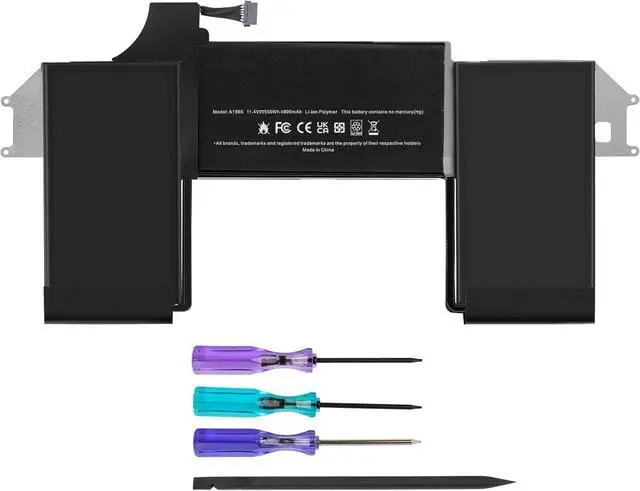
There are two replacement battery model for the MacBook Air 13-inch (2020):
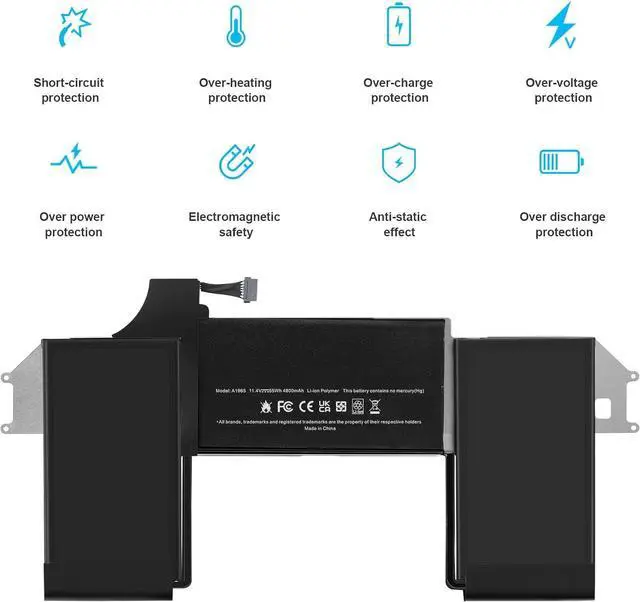
If your Mac is Model A2179/ MacBook Air (Retina, 13-inch, 2020), choose "A1965 battery"
If your Mac is Model A2337/ MacBook Air (M1, 2020), choose "A2389 battery"; Swipe the page to the list and click "A2389 battery" to learn more.
RAPLACE PART NUMBER:
A1965, A1932(EMC 3184), A2179(EMC 3302), 3ICP4/63/119
APPLICABLE LAPTOP MODEL:
MacBook Air (Retina, 13-inch, 2018) Model A1932:
MREE2LL/A, MREE2
MREC2LL/A, MREC2
MRE82LL/A, MRE82
MREA2LL/A, MREA2
MREF2LL/A, MREF2
MRE92LL/A, MRE92
MUQT2LL/A, MUQT2
MUQU2LL/A, MUQU2
MacID: MacBookAir8,1
MacBook Air (Retina, 13-inch, 2019) Model A1932:
MVFH2LL/A, MVFH2
MVFM2LL/A, MVFM2
MVFK2LL/A, MVFK2
MVFJ2LL/A, MVFJ2
MVFN2LL/A, MVFN2
MVFL2LL/A, MVFL2
MVH62LL/A, MVH62
MacID: MacBookAir 8,2
MacBook Air (Retina, 13-inch, 2020) Model A2179:
MWTJ2LL/A, MWTJ2
MVH22LL/A, MVH22
MVH52LL/A, MVH52
MVH42LL/A, MVH42
MWTK2LL/A, MWTK2
MWTL2LL/A, MWTL2
MacID:MacBookAir 9,1
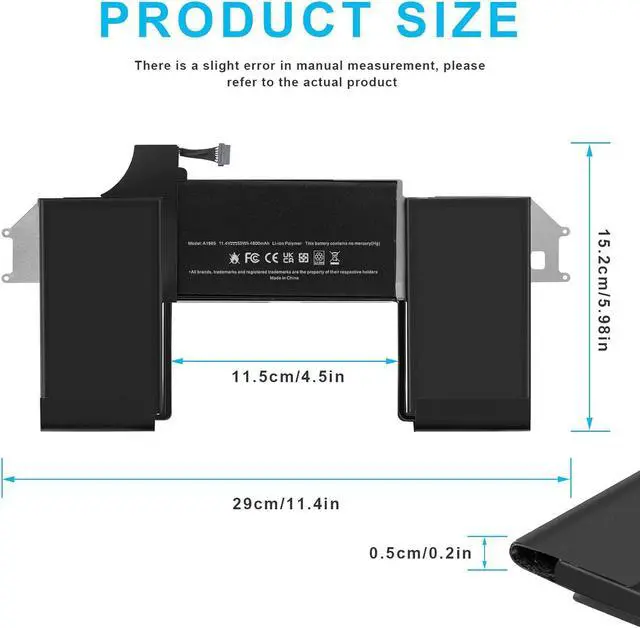
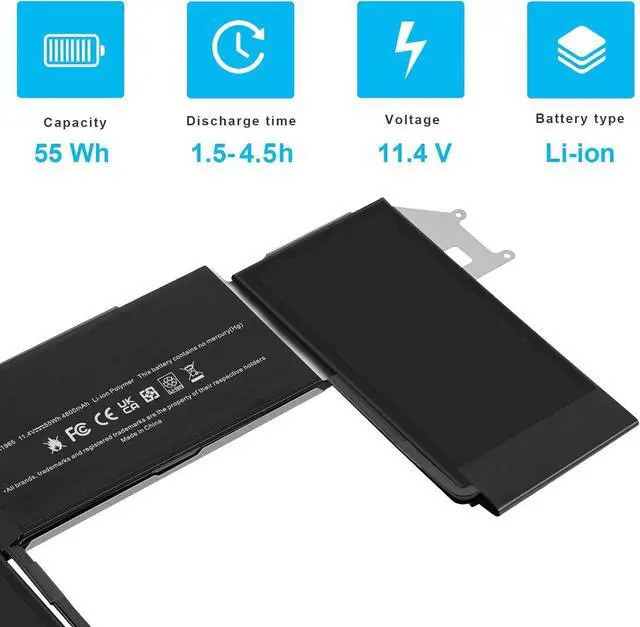
All of our batteries are brand new and are 100% compatible to meet OEM specifications for safety and efficiency. Same size as original battery, Don't worry about assembly and adaptation issues.
Install A New Battery:
You need to turn off your laptop and disconnect the power.
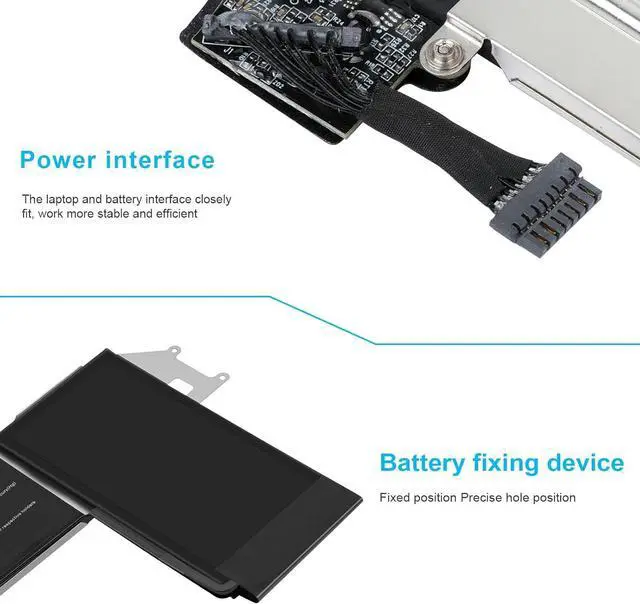
Remove the old battery, carefully install the new battery on the battery case, and connect the wiring of the new battery.
If you don't understand the above steps, you can search for the video about laptop battery installation on YouTube. Maybe it will help you.
Laptop Maintenance Tips:
New battery: For use a new battery, youd better try a few cycles of discharging to 5%. then charging up to 95%. So that it can be activated completely
Overuse: Do not always run out of a battery to 0%, this would make it damaged or usage life shortened
Charging sequence: when charging, first install the battery, then turn on the power, when fully charged, first cut off the power, then pull the power plug.
Long-term storage:Please store the unused battery fully charged.(Charge it once a month) Do not store at low power to prevent reduce the lifespan of a battery
Charger: Do not replace the laptop adapter casually. If the original adapter cannot be applied due to malfunction or damage, please replace the models, so as not to reduce the service life of the battery due to incompatibility.
100% Fit