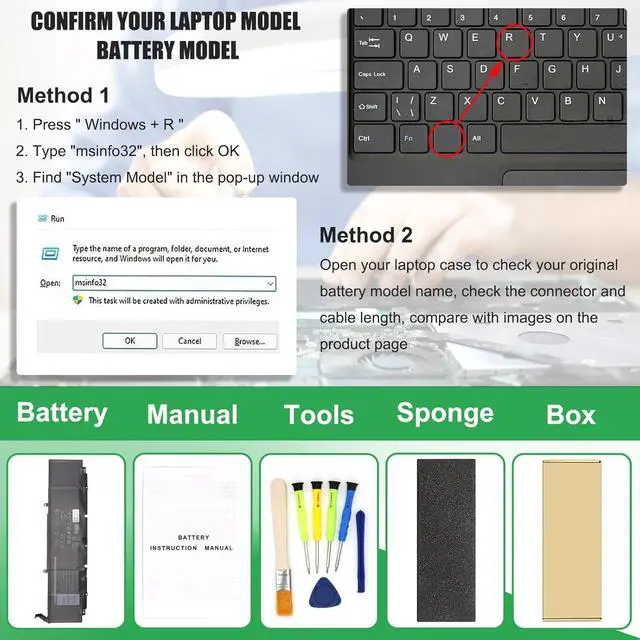
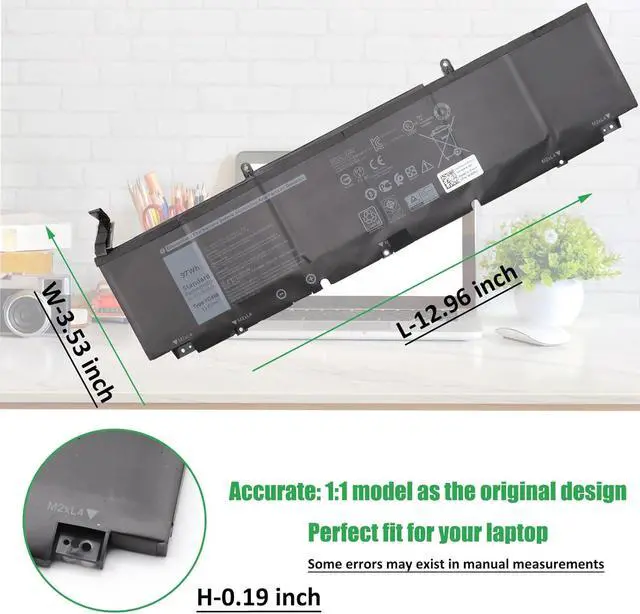
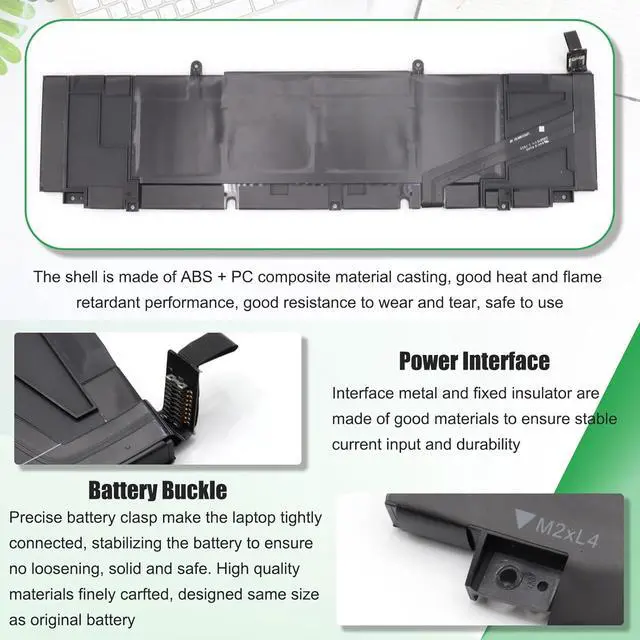
Method 1: Check your laptop model name by pressing [Win] + [R] key and entering [msinfo32] or [dxdiag], click OK to find your System Model. Then use your laptop model name to search the correct replacement battery
Method 2: Check your original battery model name and shape by opening your laptop back cover. Compare it with our product image
Note Before Purchasing
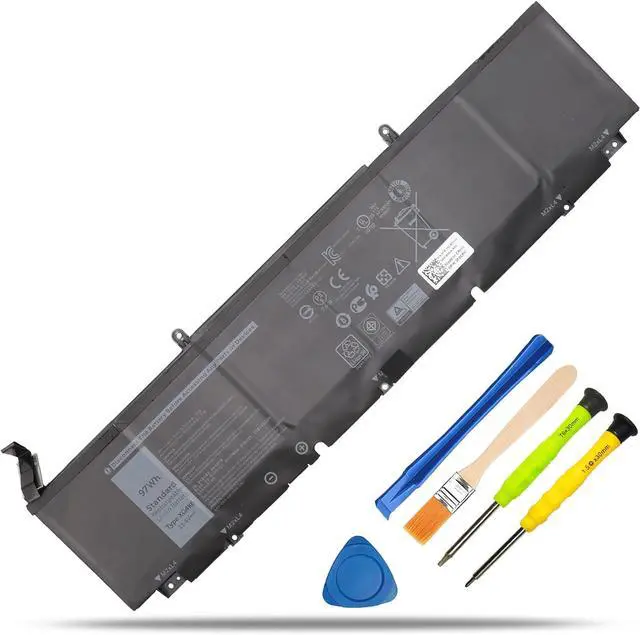
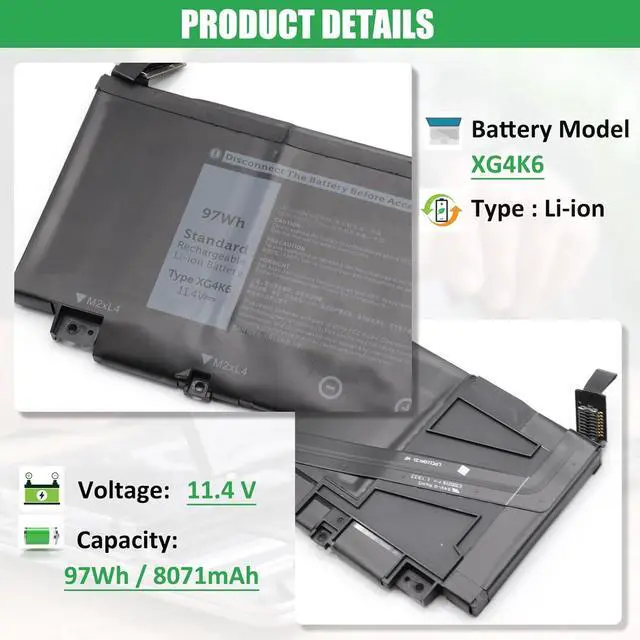
Some compatible laptop models and replacement batteries are complicated, there may be a difference in battery model name, shape, buckle location, connector type, cable length ( long or short ) etc
We suggest you open your laptop to check and confirm your original battery model and appearance, compared with our battery image, make sure that's what you need
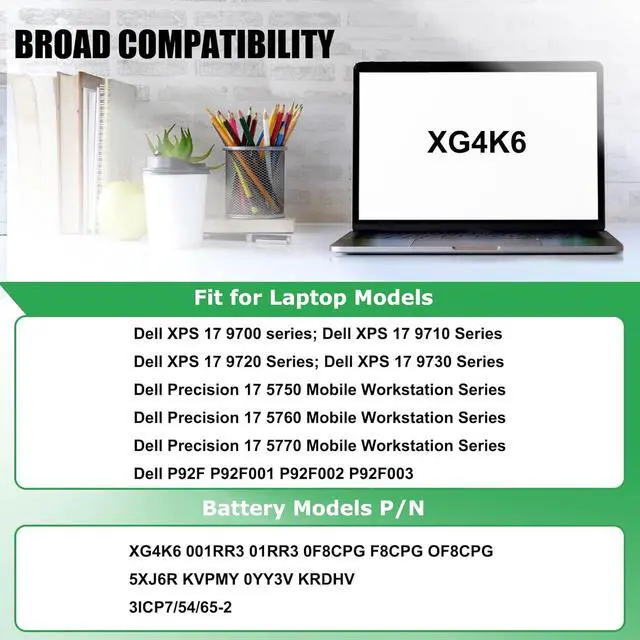
Compatible Laptop Models:
1. Dell XPS 17 9700 Series:
Dell XPS 17-9700-Core-i7-RTX-2060-Max-Q 17-9700-XXFK2 17-9700-094CK 17-9700-YTHR8 17-9700-MXCWV
Dell XPS 17-9700-i5-10300H 17-9700-C9T5T 17-9700-0VN0J 17-9700-2194 17-9700-R1WMW 17-9700-RVN68
Dell XPS 17-9700-6FNNW 17-9700-D1741S 17-9700-D1761TS 17-9700-D2961TS 17-9700-R1505S 17-9700-R1868TS
Dell XPS 17-9700-D2968TS 17-9700-R1845S 17-9700-D1968TS 17-9700-D1961TS 17-9700-R1861TS 17-9700-R1745S
Dell XPS 17-9700-D1868S 17-9700-D1768TS 17-9700-R1841S 17-9700-D1861S
2. Dell XPS 17 9710 Series:
Dell XPS 17-9710-MKTXN9710EZUSSRT 17-9710-1J2VH 17-9710-XC3T1 17-9710-Core-i7-RTX-3060
Dell XPS 17-9710-CTOX17W10P1C3001CA 17-9710-XN9710EVHJS 17-9710-H1DG4 17-9710-54RYX
Dell XPS 17-9710-H1J4W 17-9710-XN9710CTO220STG2 17-9710-9XMHG 17-9710-WP78T 17-9710-VJD41
Dell XPS 17-9710-CTOX17W10P1C3000CAF 17-9710-XN9710CTO230STG3 17-9710-XN9710EZWQSRT
Dell XPS 17-9710-4FHTN 17-9710-7T53W 17-9710-3666J 17-9710-MKTXN9710EVHKS 17-9710-P7WN2
Dell XPS 17-9710-M08HJ 17-9710-BN97101CB 17-9710-XN9710CTO210STG3 17-9710-RMC14
3. Dell XPS 17 9720 Series:
Dell XPS 17-9720-913N7 17-9720-CN97202CC 17-9720-CKMMG 17-9720-BN97203SB 17-9720-MKTXN9720FMJKS
Dell XPS 17-9720-PV42T 17-9720-RTX-3060 17-9720-CTOX17W11P1C4002CA 17-9720-CN97205SC
4. Dell XPS 17 9730 Series
5. Dell Precision 5750 Series:
Dell Precision 5750-G6F5V 5750-GCN7X 5750-370P9 5750-HH1N1 5750-W2DMX 5750-N9KK8 5750-P2KGC
Dell Precision 5750-3JGT0 5750-DMJ2M 5750-4RWVR 5750-P92F 5750-TJ9YX 5750-XK9NF
Dell Precision 5750-KVPMY 5750-0YY3V 5750-KRDHV 5750-MH0GX 5750-M3RD4 5750-9V5RY
6. Dell Precision 5760 Series
7. Dell Precision 5770 Series
8. Dell P92F P92F001 P92F002 P92F003 Series
Battery Usage Maintenance Tips
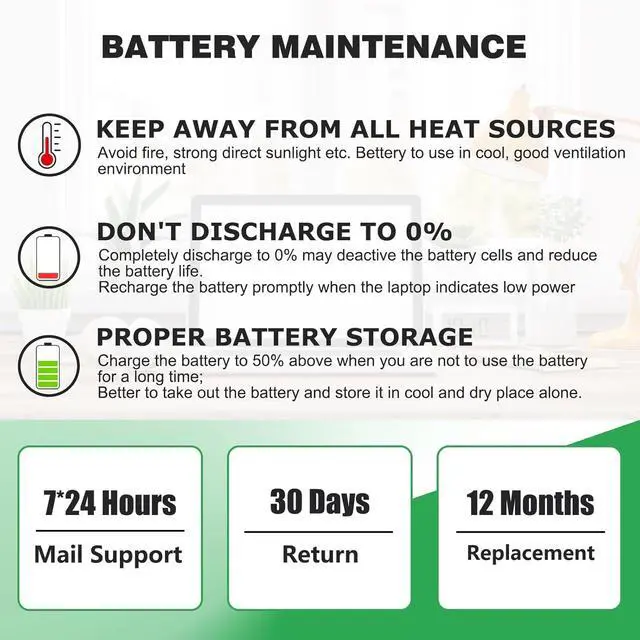
1. New battery received, please discharge to roughly 10% ~ 20%, then charge it to full. Repeat 3 ~ 5 times to maximize initial battery performance. ( Usually the battery received with about 50% charged )
2. Do not discharge to 0%, it may damage the battery cells and accelerates the aging of battery. ( When the battery is very low, the laptop may suddenly shut down )
3. After the battery power is exhausted, please charge in time, if not charged for a long time, it may lead to battery damage
4. If you plan not to use your laptop for a long time, you need to charge it to more than 70% for storage, and the best storage time is no more than 3 months
5. If you often connect the charger to use the laptop, please use the battery power regularly, more than once a week
6. Please use the original charger or well-known brand charger, inferior charger will affect the normal charging of the battery
7. Regularly clean fan dust to increase heat dissipation and reduce power consumption, which can effectively extend the battery life
8. Percentage of remaining battery and estimate time may fluctuate up and down during battery discharge according to your operating of different software, this is normarl condition. Please pay attention to the actual use time is in the normal range
Reasons and solutions for laptop not reco