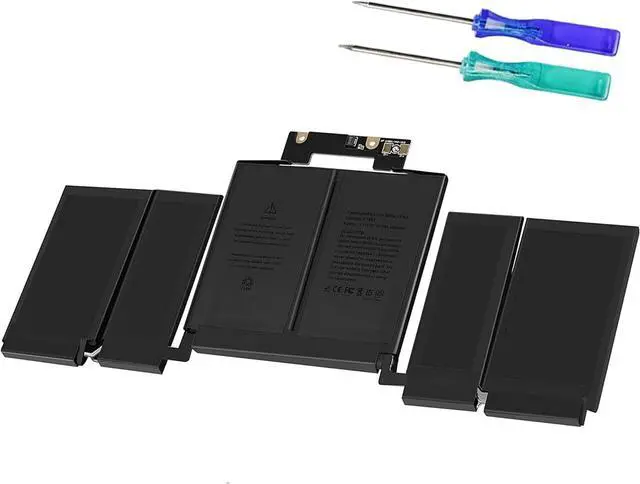
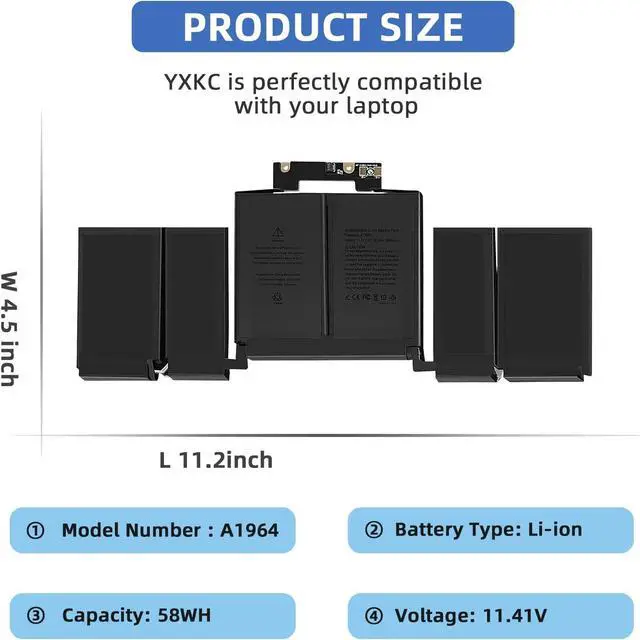
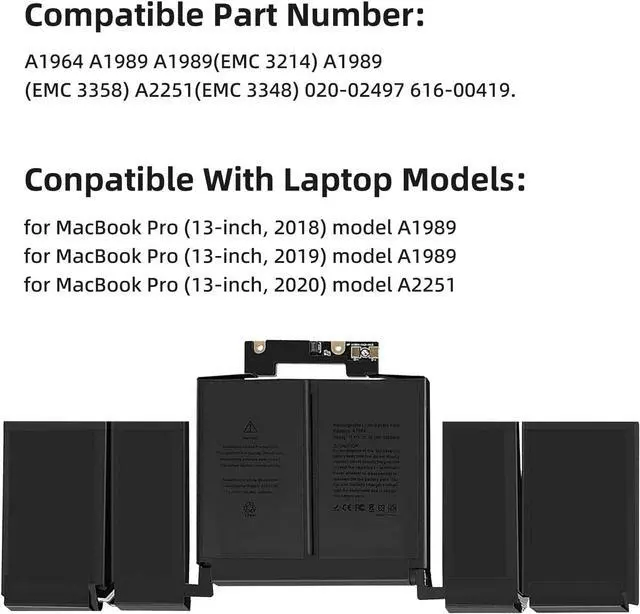
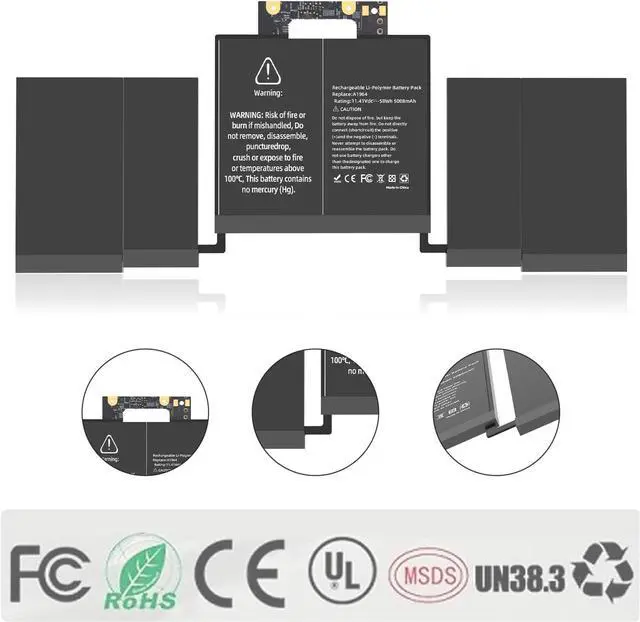
Compatible Machine Models:
MacBook Pro (13-inch, 2018) model A1989 MR9Q2 MR9Q2LL/A MR9Q2xx/A, MR9R2 MR9R2LL/A MR9R2xx/A MR9T2 MR9T2LL/A MR9T2xx/A, MR9U2 MR9U2LL/A MR9U2xx/A MR9V2 MR9V2LL/A MR9V2xx/A, MacBook Pro 15,2
MacBook Pro (13-inch, 2019) model A1989 MV962 MV962LL/A MV962xx/A, MV972 MV972LL/A MV972xx/A MV982 MV982LL/A MV982xx/A, MV992 MV992LL/A MV992xx/A, MV9A2 MV9A2LL/A MV9A2xx/A
MacBook Pro (13-inch, 2020) model A2251 MWP42 MWP42LL/A MWP42xx/A, MWP52 MWP52LL/A MWP52xx/A MWP62 MWP62LL/A MWP62xx/A, MWP72 MWP72LL/A MWP72xx/A MWP82 MWP82LL/A MWP82xx/A, MacBook Pro 16,2
Note: Please check if this battery is compatible with your computer before purchasing. If you are not sure for that, please let us know.
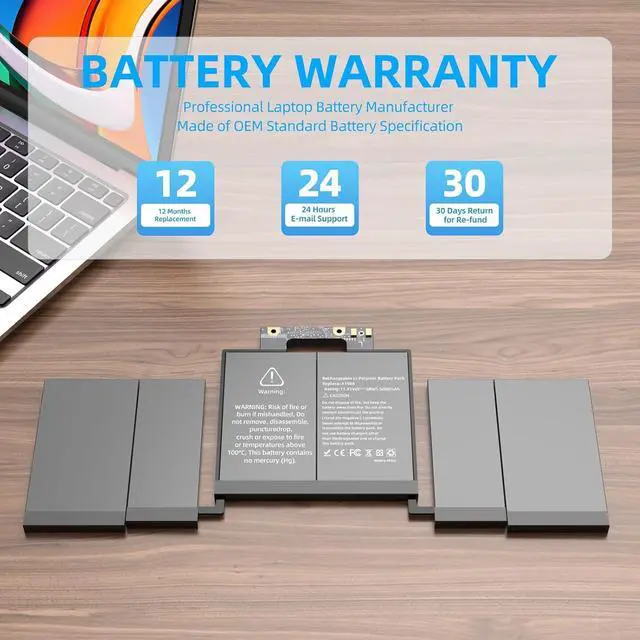
Up to 500+ recharge cycles
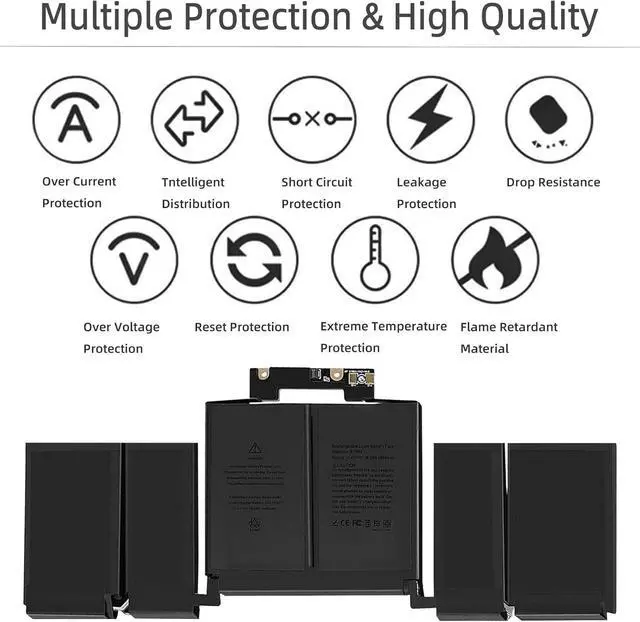
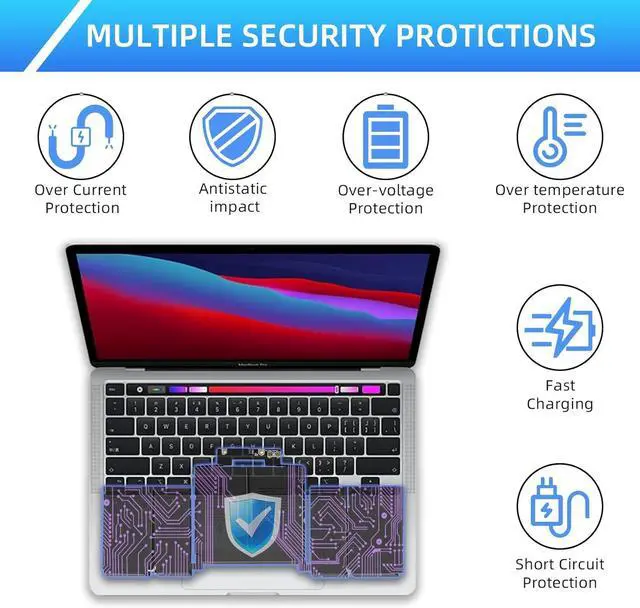
Overload protection & Discharger Circuit Protection & Low power consumption & Short circuit protection & Over-temperature protection, multiple protections to protect your laptop.
How do I know I need a new battery?
1. Failing to Charge/Overheating/Unexpected Power Issues;
2. Short Run Time and Shutdowns/Replacement Warning and System Report.
1. Press "Windows + R", then type "msinfo32", click OK, at last find "System Model" in the pop-up window.
2. Open the back cover of the laptop to confirm the battery model and capacity. Then search the model on our product detail page and then find the battery you need.
1. Possible reasons why the battery does not work.
(1) It could be caused by battery loose. You can try to remove the battery and try to reinstall more than once.
(2) May be due to conductive material damaged which the laptop motherboard and battery anode and cathode contact position, you can try to confirm it with your original battery.
(3) Check whether the battery drive is in normal condition, if not, download the corresponding driver software to update.
(4) Take out the battery and press the power button for about 15 seconds to consume the internal residual power (Do not connect the power cord), and then reinstall the battery.
2. How to fully charge the battery with 100% electricity?
Need to change the battery protection to 100% charging in the battery management.
Setting method for 100% charging of notebook battery:
(1) In desktop mode, press [FN]+[F1] of the keyboard to open the "Settings" software.
(2) Select [Power Management] on the left.
(3) In power management, click 'Battery Life Extender'.
(4) Slide the slider below the battery life extender to the left and set it at the OFF position.
(5) After setting according to the above method, the battery of the notebook can be charged to 100%.
Upgraded Chip How to accurately find the battery compatible with your laptop device?