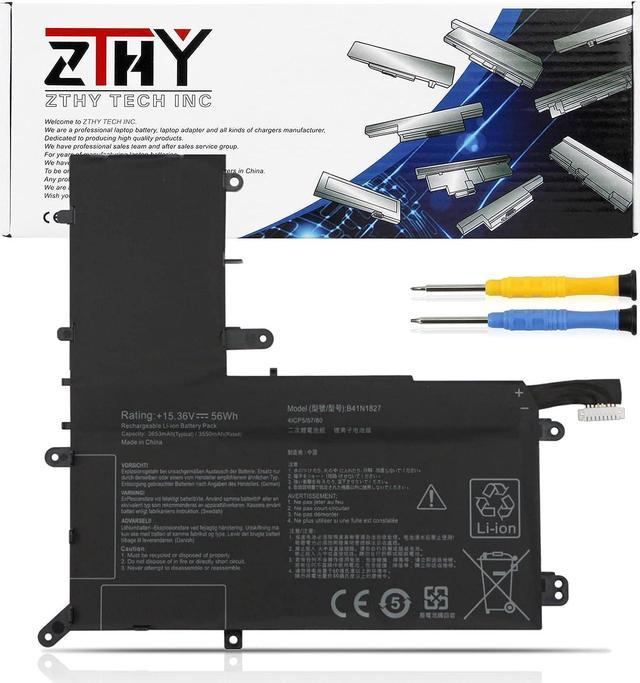
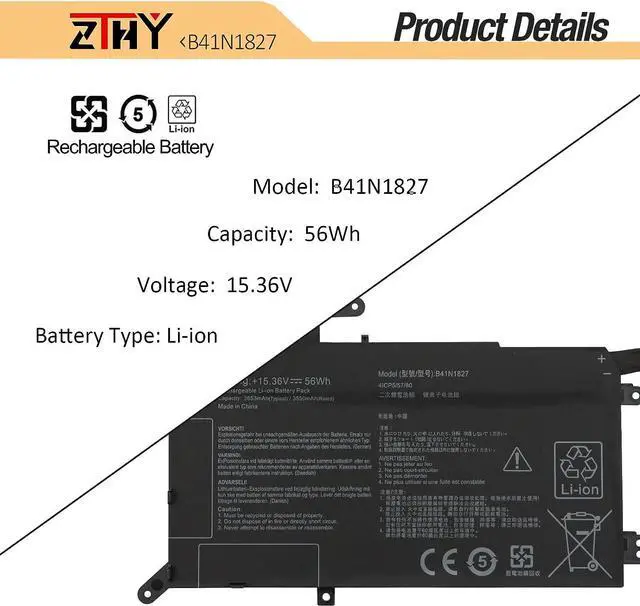
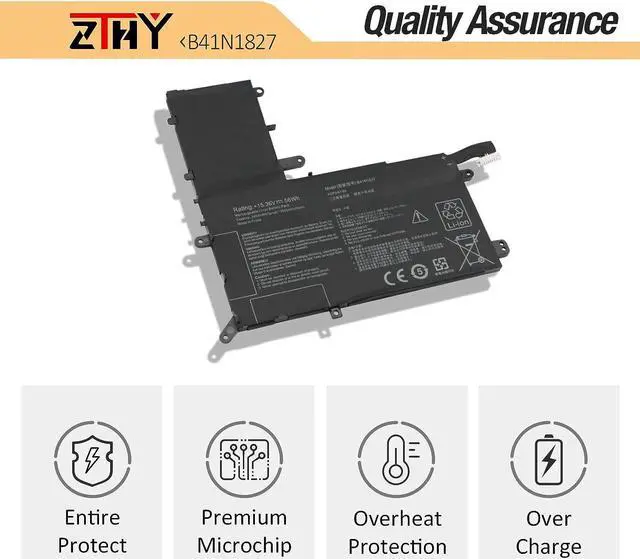
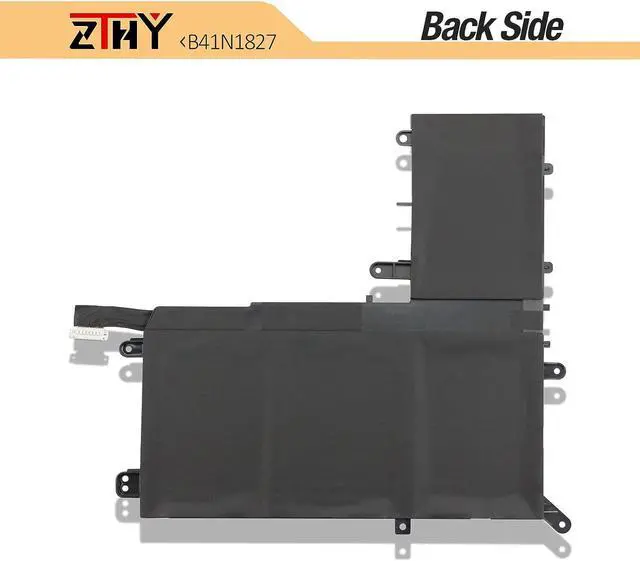
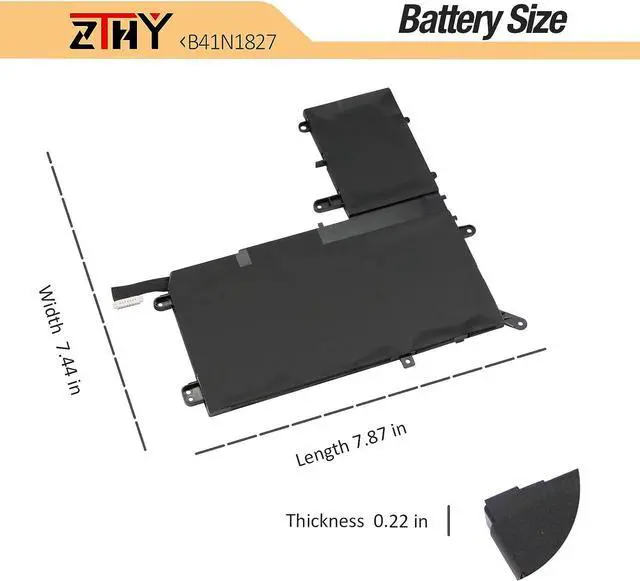
Compatible Part NumberReplacement for Asus ZenBook Q526 Q526F Q526FA Q526FAC Series;Compatible ModelReplacement for Asus ZenBook Flip 15 UX562 UX562F UX562FA UX562FAC Series;Compatible ModelReplacement for Asus ZenBook Flip 15 UX562IA UX562IQ UX562UG Series;Compatible ModelReplacement for Asus ZenBook Flip 15 UM562 UM562IQ UM562IA Series;Compatible ModelReplacement for Asus ZenBook Flip 15 Q507 Q507I Q507IQ Series;Compatible ModelReplacement for ASUS ZenBook Flip 15 UX562 UX562IA UX562UG UX562FD UX562IQ Series;Compatible ModelReplacement for ASUS ZenBook Q526FA Q526FAC Q526FA-BI7T10 Series;Compatible ModelReplacement for ASUS ZenBook Flip 15 UM562IA Series: 15 UM562IA-WB501T, 15 UM562IA-EZ021T, 15 UM562IA-EZ022T, 15 UM562IA-EZ022RCompatible ModelReplacement for ASUS ZenBook Flip 15 UX562FA Series: 15 UX562FA-2G,15 UX562FA-2S,15 UX562FA-AC008T,15UX562FA-AC010T, 15 UX562FA-AC010R,15 UX562FA-AC012R,15 UX562FA-AC020T, 15 UX562FA-AC022T,15 UX562FA-AC023R,15 UX562FA-AC024T,15 UX562FA-AC025R,15 UX562FA-AC027T, 15 UX562FA-AC028T, 15 UX562FA-AC033T,15 UX562FA-AC034T, 15 UX562FA-AC038T, 15 UX562FA-AC040T,15 UX562FA-AC048T,15 UX562FA-AC050T, 15 UX562FA-AC051T,15 UX562FA-AC054T, 15 UX562FA-AC072T,15 UX562FA-AC079T,15 UX562FA-AC081RCompatible Model15 UX562FA-AC083R, 15 UX562FA-AC084R,15 UX562FA-AC087R,15 UX562FA-AC087T,15 UX562FA-AC088R,15 UX562FA-AC091T,15 UX562FA-AC093T, 15 UX562FA-AC096T,15 UX562FA-AC102T, 15 UX562FA-AC103T,15 UX562FA-AC113T,15 UX562FA-AC117R,15 UX562FA-AC121T, 15 UX562FA-AC127T,15 UX562FA-AC065T,15 UX562FA-AC112T,15 UX562FA-AC094TAttentionIf you install the battery, you find that the laptop cannot detect the battery or the battery level cannot be displayed normally. Please check whether the battery cable is installed properly. Sometimes the battery cannot be charged because the cable is not fixed properly. What do I need to be aware of when I receive a battery?
You need to check its appearance, confirm the model, read the instruction manual. Cycle and charge it 5 to 6 times to activate the maximum usage space of the battery. When not in use temporarily, charge the battery to 50%-60%.
What should I do if laptop won't boot up after installing a new battery?
1.Check if the battery is properly seated and connections are clean. 2.Try charging it or use the adapter alone to start. 3.Examine hardware links, like RAM and adapters. 4.Reset BIOS settings if needed. 5.Enter Safe Mode to fix system issues.
How should I do if the battery is not recognised?
If it is not recognised, it is recommended to update the BIOS settings or please disconnecting the old battery, and holding down the power button for 20 seconds, then connect the new battery.
What should I do if the battery expands?
1.Power off your laptop and disconnect it from any power source. 2.Carefully remove the swollen battery from the laptop in a well-ventilated area, avoid pressing or squeezing the battery during removal.
What can you do if you are not satisfied with the battery?
Please Contact ZTHY, we'll help you. Our battery have 12 months replace a new one and 30 days moeny back guarrante.
Battery Installation Guidelines
1.Prepare Before Installation: While installing a battery is generally straightforward, it is recommended to watch online installation tutorials for your specific laptop model or seek assistance from a professional.
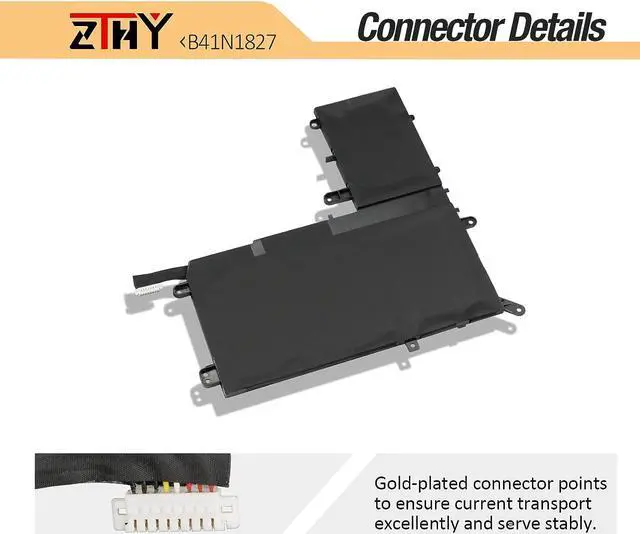
2.Follow Installation Procedures: Handle all components with care during installation. Be particularly gentle with the battery connector on the laptop motherboard; do not use excessive force. Any damage caused by improper operation is the user's responsibility.
3.If the New Battery Doesn't Charge: If the battery isn't charging after installation, try a power reset: remove the battery, unplug the charger, hold the power button for 15 seconds, and then reinstall the battery. Repeat this process if necessary.
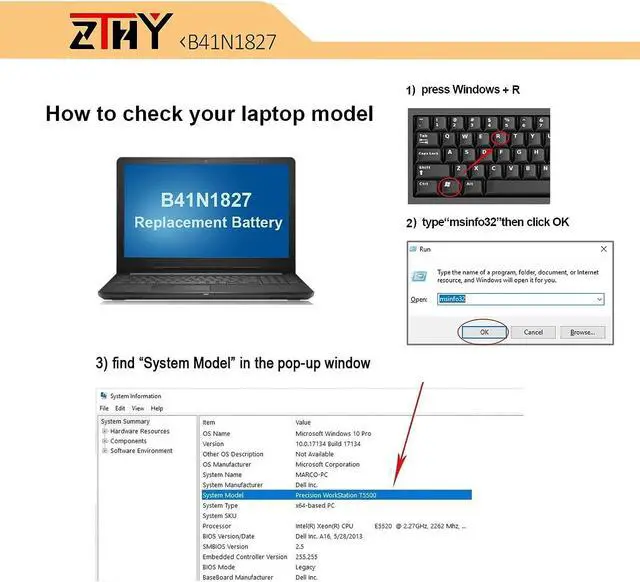
Battery Identification Troubleshooting Guid