• $86.99
  • Price alert
    Shop it at NeweggBusiness.

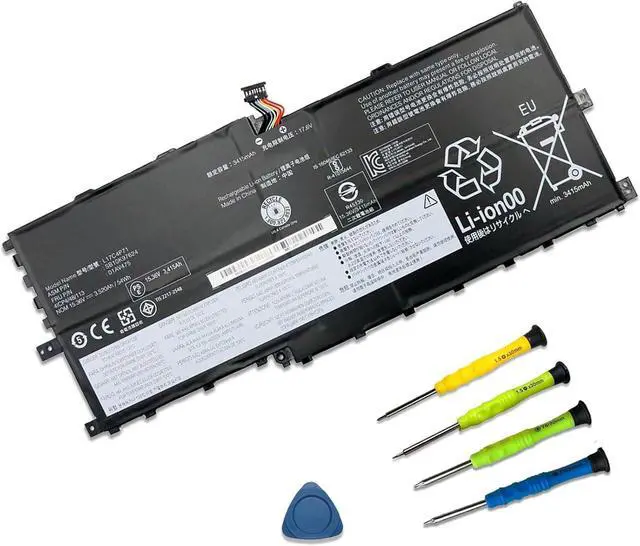
    L17C4P71 01AV475 SB10K97624 Laptop Battery Replacement for Lenovo ThinkPad X1 Yoga 3rd Gen Series 3520mAh L17M4P71

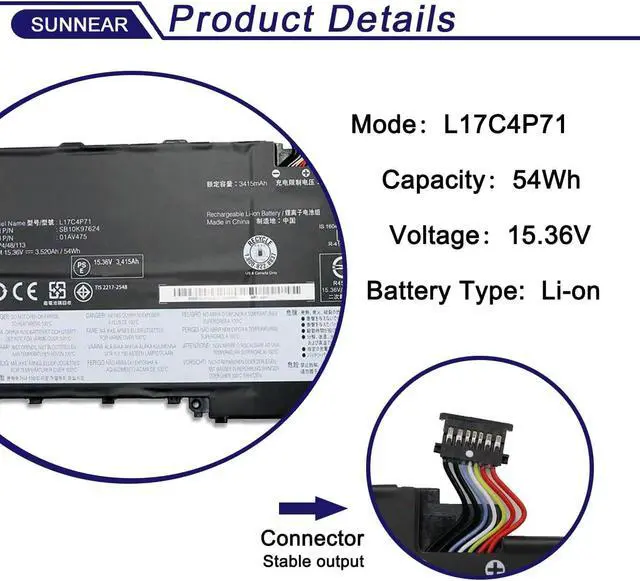
    • SpecificationsModel: L17C4P71 Voltage: 15.36V Capacity: 54Wh/3520mAh Battery type: Li-ion. Also comes with installation tools
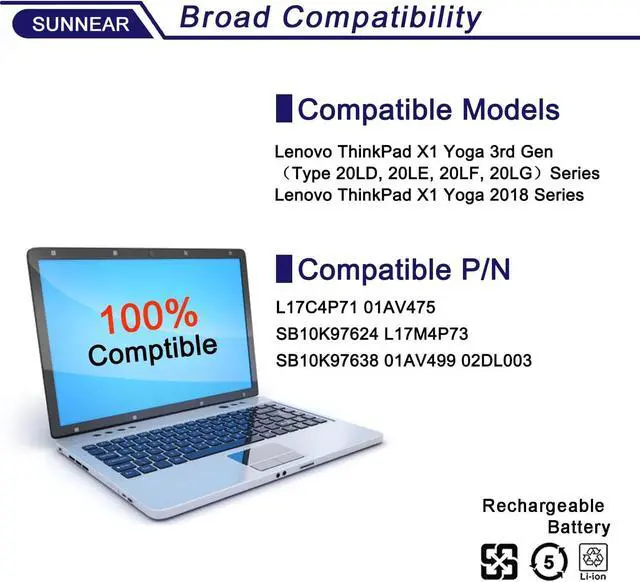
    • Compatible Laptop/Notebook ModelsFor Lenovo ThinkPad X1 Yoga 3rd Gen (Type 20LD, 20LE, 20LF, 20LG) Series Notebook, Lenovo ThinkPad X1 Yoga 2018 Series Notebook
    • Compatible Part Number L17C4P71 01AV475 SB10K97624 L17M4P73 SB10K97638 01AV499 02DL003
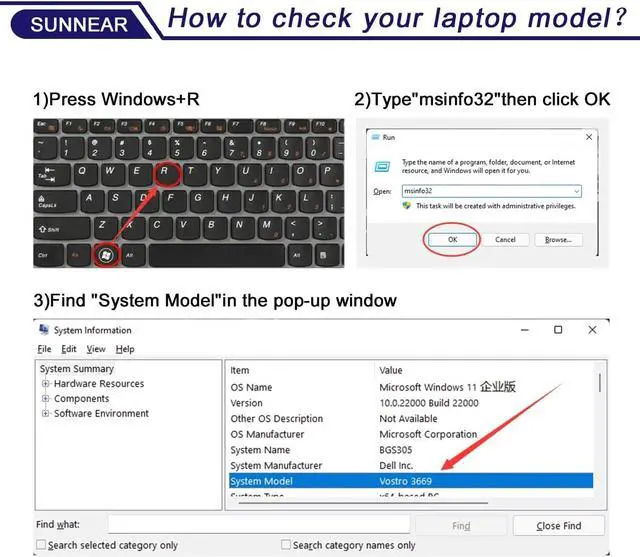
    • Purchasing Note: Due to the complexity of laptop battery models, you may not be able to accurately determine the model you need to purchase,Please open the back cover of the laptop to confirm the original battery model number
    • TipsIf the new battery is not recognized during the initial installation, please reinstall and check if the interface is fully connected. Run the new battery down to 5% (not 0%), then top up its power and complete 3-4 power cycles to wake up the new battery.
    +
    +
    Overview
    Reviews
    avatar

    Any questions? Our AI beta will help you find out quickly.

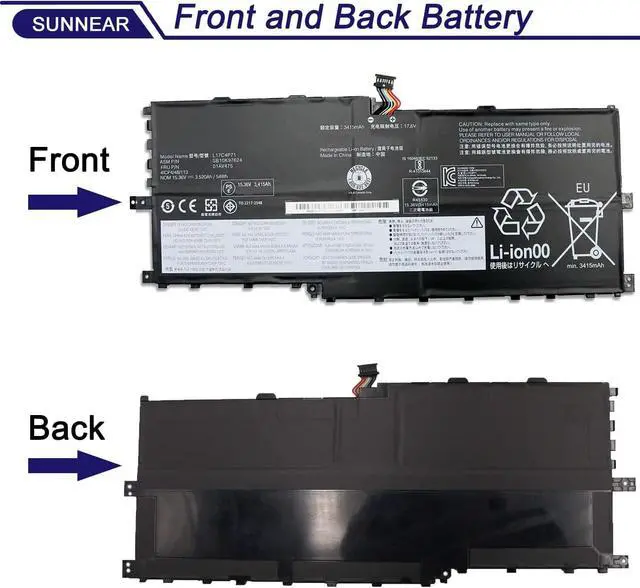
    Please open your laptop case, check and confirm your original battery model and appearance, compared with our battery image, make sure that's what you need. Especially the location of the connector and the cable length (long or short).
    1. When you get the new battery, run it down to 5% (not 0%), then power it up to 95%, and repeat this cycle 3-4 times to wake up the new battery.
    2. The important point is to carry out a full run-down and power-up cycle every other month to extend the battery life.
    3. When using the battery, do not keep it connected to the adapter for a long time, as this may damage the battery.
    4. Avoid subjecting the battery to manual impact, disassembly, crushing, or puncturing. Do not dispose of the battery in fire or water.
    Please read before purchasing Battery Maintenance Methods for Optimal Use

    Warranty & Returns

    Warranty, Returns, And Additional Information

    Warranty

    • Please contact the Seller directly for warranty information. Warranty information may also be found on the Manufacturer's website.
    • CONTACT

    Return Policies

    Manufacturer Contact Info

    LOADING...