1, Change your laptop power plan settings, and choose the power saver plan. Then Change advanced power settings, and scroll down to find processor power management. Click the On-battery option and reduce the processor state to 20%.
2, Always keep your laptop neat and clean. The dust easily enters the hardware through the vents which are meant to release the heat generated from various computer components.
3, Close Wi-Fi, Bluetooth, and other settings. This can help your computer save precious battery life.
1. Could be caused by battery loss. Please re-install the battery and make sure that the battery cable and the motherboard interface are tightly inserted.
2. Maybe due to conductive material damage which the laptop motherboard and battery anode and cathode contact position, you can try to confirm it with your original battery.
3. Check whether the battery drive is in normal condition, if not, download the corresponding driver software to update.
1.New battery: For use a new battery, youd better try a few cycles of discharging to 5%. then charging up to 95%. So that it can be activated completely.
2.Overuse: Do not always run out of a battery to 0%, this would make it damaged or usage life shortened.
3.Charging sequence: when charging, first install the battery, then turn on the power, when fully charged, first cut off the power, then pull the power plug.
4.Long-term storage:Please store the unused battery fully charged.(Charge it once a month) Do not store at low power to prevent reduce the lifespan of a battery.
High quality materials and circuit boards are used to ensure durability and performance.
Class A batteries can be recharged up to 600 times during the battery life.
All products built-in circuit protection, to ensure safety and stability.
Ensure low power consumption and fast charging.
100% New from Manufacturer.
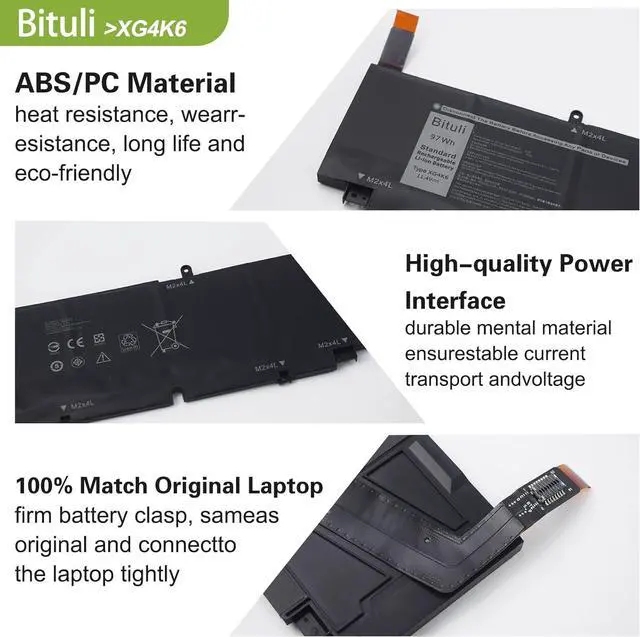
Same as OEM, Safe to Use.
Easy to install.
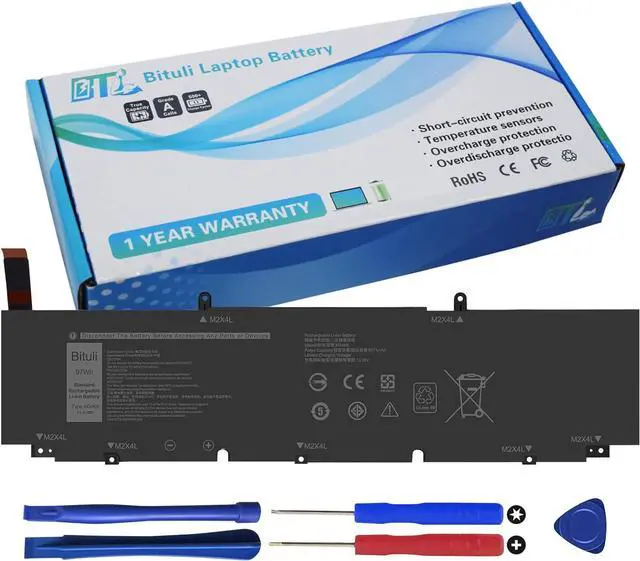
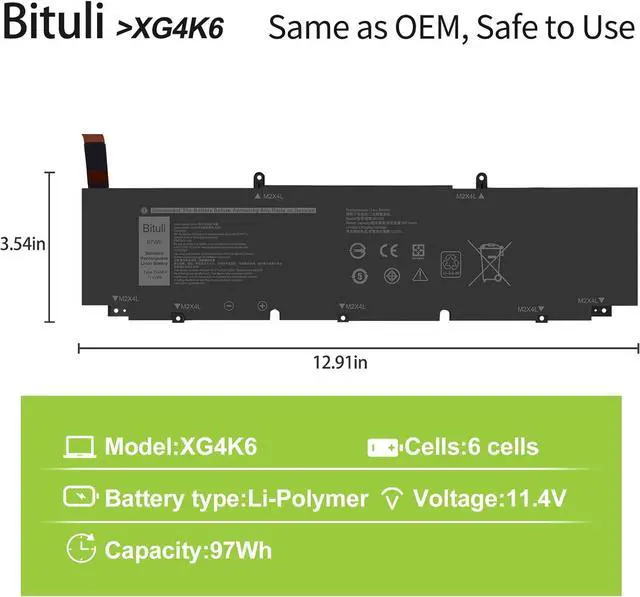
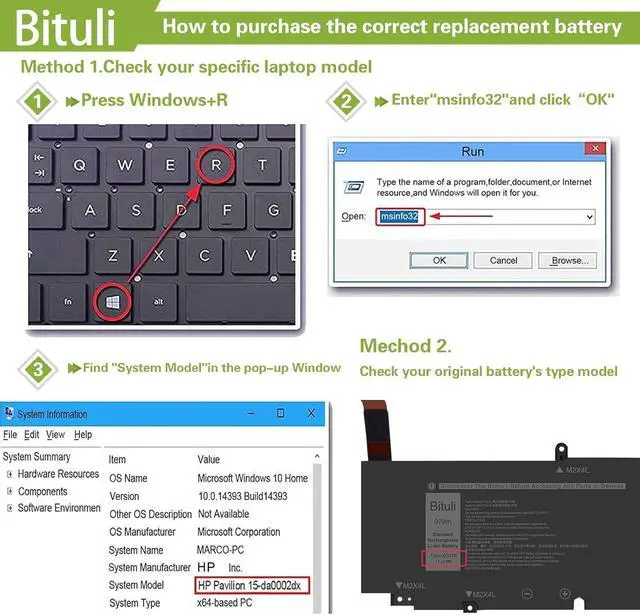
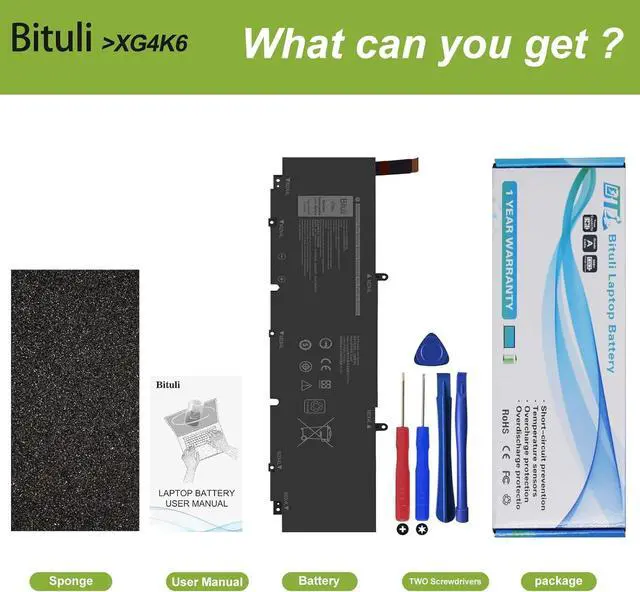
Replacement for Part Number XG4K6 001RR3 01RR3 0F8CPG F8CPG OF8CPG5XJ6R KVPMY 0YY3V KRDHV 3ICP7/54/65-2Compatible Models Replacement for Dell XPS 17 9700 Series:Compatible Models Dell XPS 17-9700-D1741S, Dell XPS 17-9700-D1761TS, Dell XPS 17-9700-D2961TSCompatible Models Dell XPS 17-9700-R1505S, Dell XPS 17-9700-R1868TSCompatible Models Replacement for Dell XPS 17 9710 Series;Compatible Models Replacement for Dell XPS 17 9720 Series;Compatible Models Replacement for Dell XPS 17 9730 Series;Compatible Models Replacement for Dell Precision 17 5750 Mobile Workstation Series;Compatible Models Replacement for Dell Precision 17 5760 Mobile Workstation Series;Compatible Models Replacement for Dell Precision 17 5770 Mobile Workstation Series;Compatible Models Replacement for Dell P92F P92F001 P92F002 P92F003. 1. The package comes with a free disassembly kit and you need to turn off your laptop and disconnect the power.
2. Remove the old battery, carefully install the new battery on the battery case, and connect the wiring of the new battery.
3. If you don't understand the above steps, you can search for the video about laptop battery installation on YouTube. Maybe it will help you.
How To MaximizeThe Battery Life? Why The Laptop Does Not Recognize The New Battery Laptop Maintenance Tips: Bituli XG4K6 Laptop Battery Replacement for Dell XPS 17 9700 9710 9720 9730 Bituli battery packs are comprised of grade "A" cells with top quality ion battery materials that ensure Reliable performance extended battery life. Item:Bituli Replacement XG4K6 Battery for DELL XG4K6 Compatible for DELL Laptop Models(Use"Ctrl"+"F" to find your laptop model) Easy to deal with various environments and say goodbye to low battery and get rid of long-term reliance on chargers The Tip Of Install A New Battery: