Method 1: Using System Information to Find Your Laptop Model
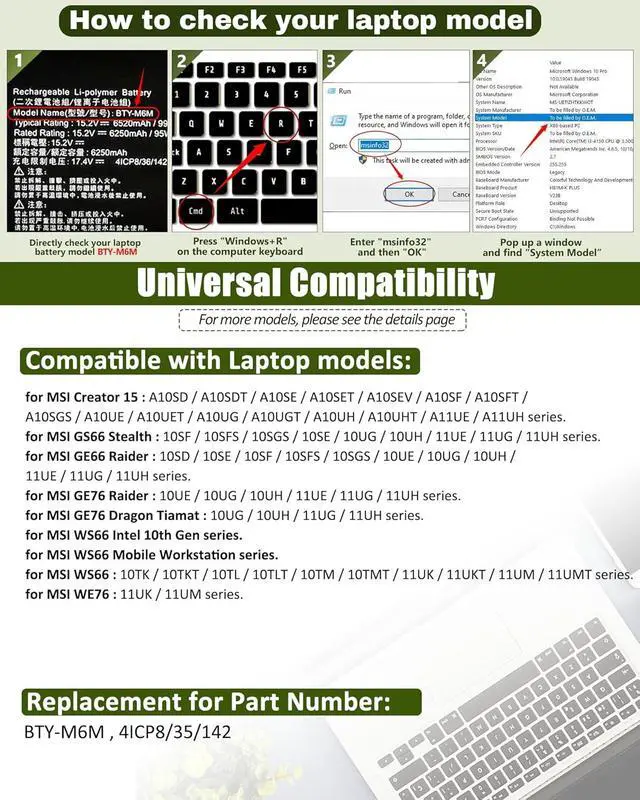
Open the Run Window: Press the Windows + R keys simultaneously to bring up the Run window.
Access System Information: Type msinfo32 into the input box and click OK to launch the System Information tool.
Locate the System Model: In the System Summary section, you will find the System Model item listed in the right pane. This will provide you with the exact model of your laptop, which is crucial for identifying the compatible battery.
Method 2: Checking the Battery and Laptop Model Directly
Power Off and Unplug: Before you begin, ensure that your laptop is turned off and the power cord is disconnected to avoid any risk of electric shock.
Remove the Back Panel: Carefully use a screwdriver to remove the back panel of your laptop. Please proceed with caution to prevent any damage to the internal components.
Disconnect and Remove the Battery: Gently disconnect the cable attached to the battery and remove it from the laptop. Once the battery is out, you can easily check its specifications, including the type, capacity, and model number.
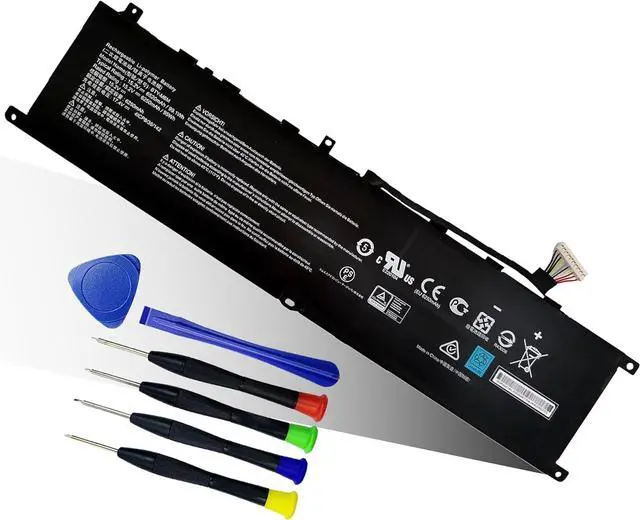
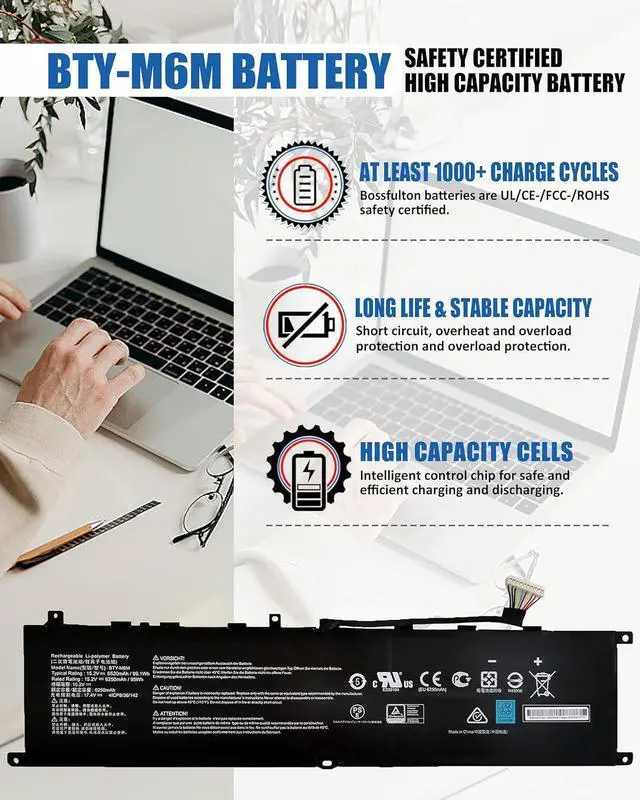
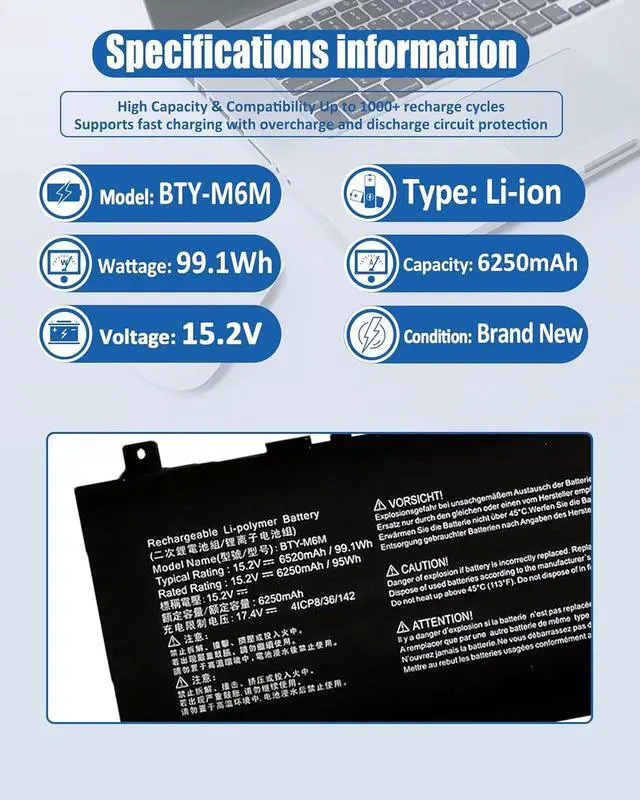
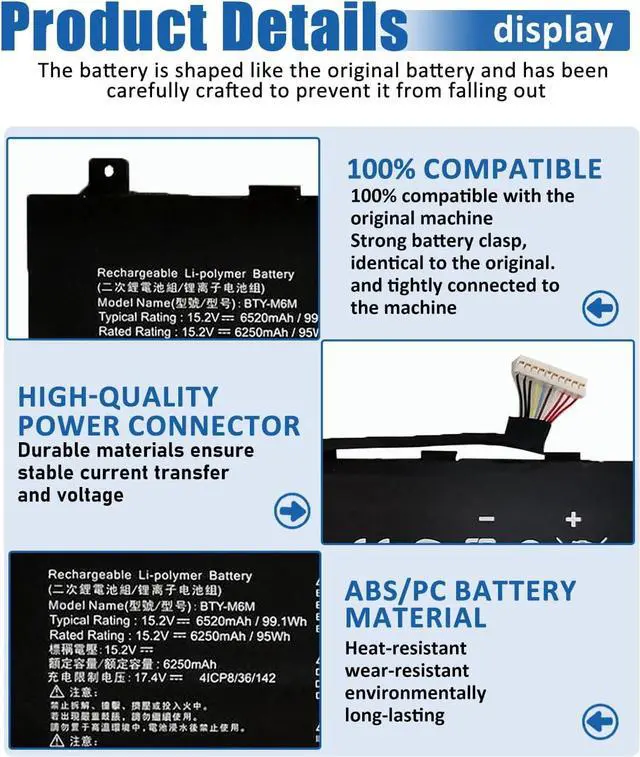
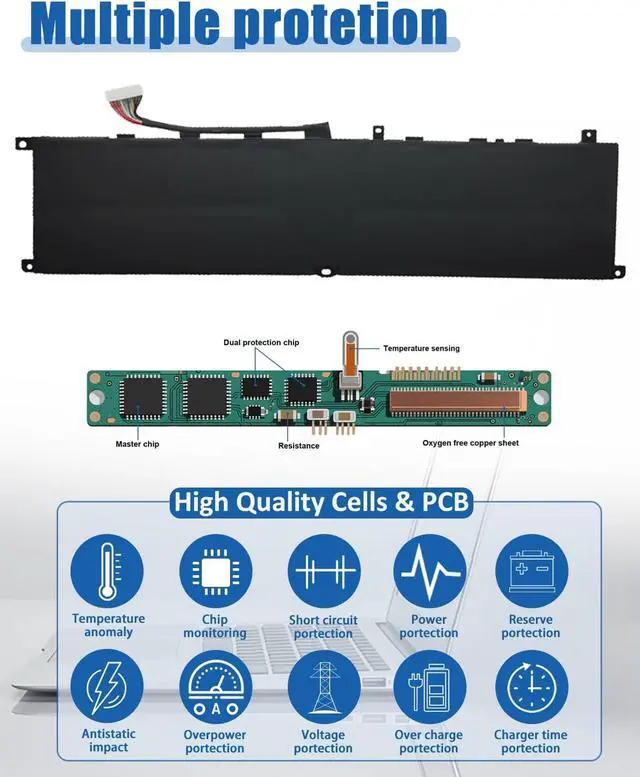
BTY-M6M Battery
Compatible with Laptop models:Press [Ctrl + F] to search for your type
1. For MSI Creator 15 A10SD Series:
15 A10SDT-067FR,15 A10SDT-066PT,15 A10SDT(MS-16V2),15 A10SDT-059BE,15 A10SDT-230IT,15 A10SDT-091PL,15 A10SDT-065ES,15 A10SD(MS-16V2),15 A10SDT-058NL,15 A10SDT-263CZ,15 A10SDT-213FR
2. For MSI Creator 15 A10SF Series:
15 A10SFT-069FR,15 A10SFS-023FR,15 A10SFT-228IT,15 A10SFS-019PT,15 A10SFT(MS-16V2),15 A10SFS(MS-16V2),15 A10SFT-046BE,15 A10SFS-021FR,15 A10SFT-093DE,15 A10SFS-017ES,15 A10SFS-010DE,15 A10SFT-045NL,15 A10SFS-027PL.
3. For MSI GS66 Stealth 10SFS Series: GS66 Stealth 10SFS-056DE, 10SFS-064IT
4. For MSI GS66 Stealth 10SGS Series:
10SGS-016FR,10SGS-481FR,10SGS-241IT,10SGS-024PL,10SGS-263FR,10SGS-054DE,10SGS(MS-16V1),10SGS-424FR,10SGS-085BE,10SGS-009FR,10SGS-492FR,10SGS-217PT,10SGS-014FR,10SGS-264SP,10SGS-084NL,10SGS-423FR,10SGS-205DE,10SGS-493FR,10SGS-010FR,10SGS-219ES.
5. For MSI GS66 Stealth 10SE-045 Series
6. For MSI GS66 Stealth 10UG Series
7. For MSI GE66 Raider 10SFS Series:
10SFS(MS-1541),10SFS-007CN,10SFS-072,10SF-412,10SF-077,10SF-228,10SGS(MS-1541),GE66 10SFS-072,10SD(MS-1541),10SGS-074,10SF-447FR.
8. For MSI GE76 Raider 10UH-226TR Series.
9. For MSI GE76 Raider 11UH Series: 11UG-069AU,11UH-437XTR.
10. For MSI WS66 10TMT-207US Series
11. For MSI Creator 15 A10SE Series:
15 A10SET-083PT,15 A10SE-051BE,15 A10SGS-049FR,15 A10SET-082ES,15 A10SET(MS-16V2),15 A10SET-047NL,15 A10SGS-037FR,15 A10SET-243FR,15 A10SE-265ES,15 A10SGS-036FR,15 A10SET-212FR,15 A10SE-042NL,15 A10SGS-064PT,15 A10SET-084IT,15 A10SE-070FR,15 A10SGS-062ES,15 A10SET-068FR,15 A10SGS(MS-16V2),15 A10SDT-058NL,15 A10SET-262CZ,15 A10SE(MS-16V2),15 A10SEV(MS-16V2),15 A10SGS-026PL,15 A10SET-211FR,15 A10SGS-009DE,15 A10SE-264ES.
12. For MSI WS66 10TMT-207US Series.
New Batteries: When using a new battery, fully activate the battery by discharging it to 5% (not 0%) and then recharging it to 95% 3-4 times.
Overuse: Do not always use the battery at 0%, as this may damage the battery or shorten its life.
Charging sequence: When charging, install the battery first, then turn on the power, when fully charged, cut off the power first, then unplug the power.
Long-term storage: Please store the unused batteries fully charged (charging once a month), do not store them at low battery level, which may shorten the life of the batteries.
Charger: Please do not change the laptop adapter arbitrarily, do not connect the adapter for a long time when using the battery, if the original adapter can not be used due to malfunction or damage, please change the model to avoid reducing the life of the battery due to incompatibility.
A free re