Method 1: Use System Information to find your laptop model
Step 1: Press " Windows + R " to open the Run window.
Step 2: Type " msinfo32 " in the empty box and click " OK " to open System Information.
Step 3: Keep in the " System Summary " section and you will find the " System Model " item in the right pane.
Method 2: Open the back cover of the laptop and confirm the battery type and capacity, as well as the model of the laptop.
Step 1: Turn off the laptop and unplug the power cord (to prevent electric shock)
Step 2: Remove the back panel with a screwdriver. (Please proceed with care to avoid damage to the laptop's components.)
Step 3: Disconnect the cable connected to the battery and remove it. After that, you can check the specifications of your battery.
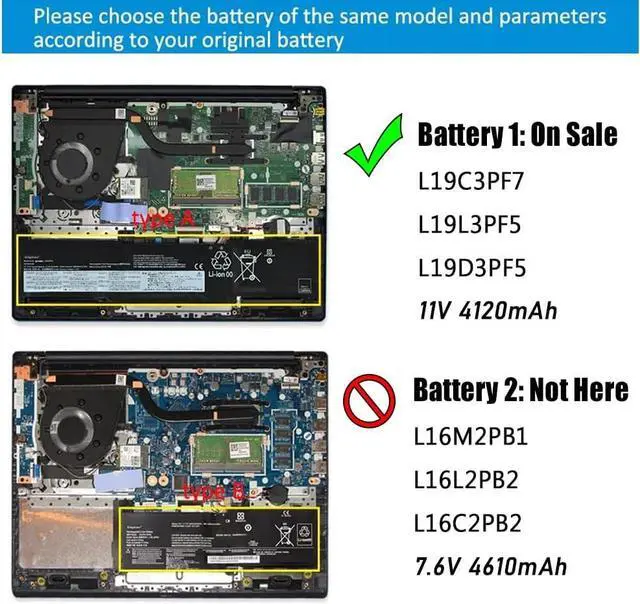
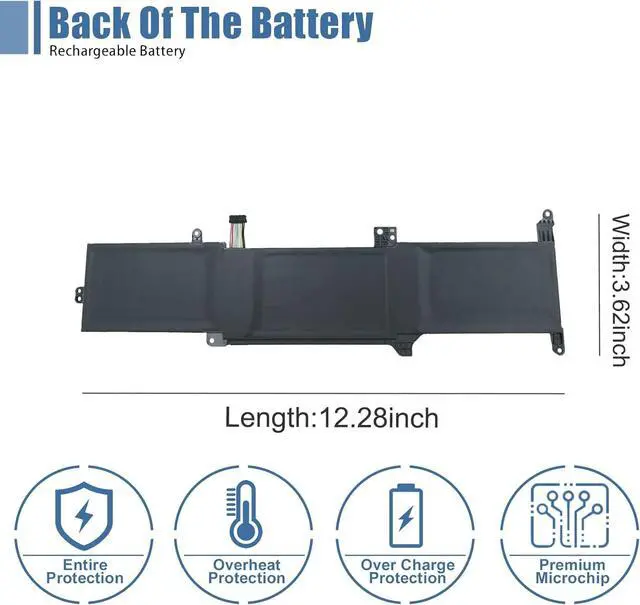
· Please open your laptop case to confirm your original battery shape and then choose the right one.
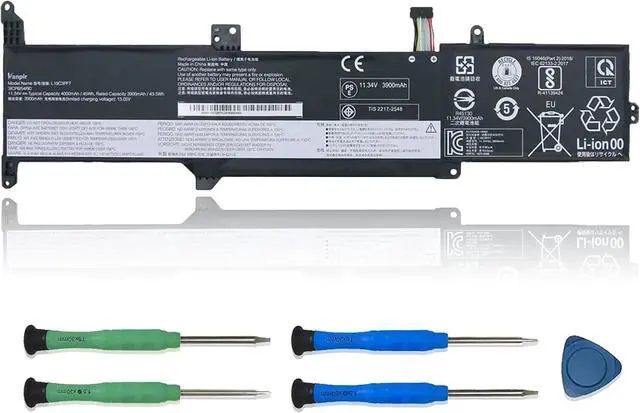
Replacement Part Number:
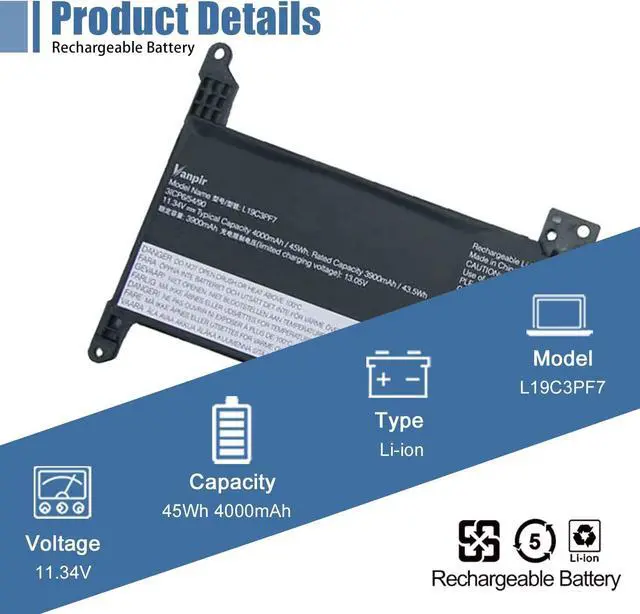
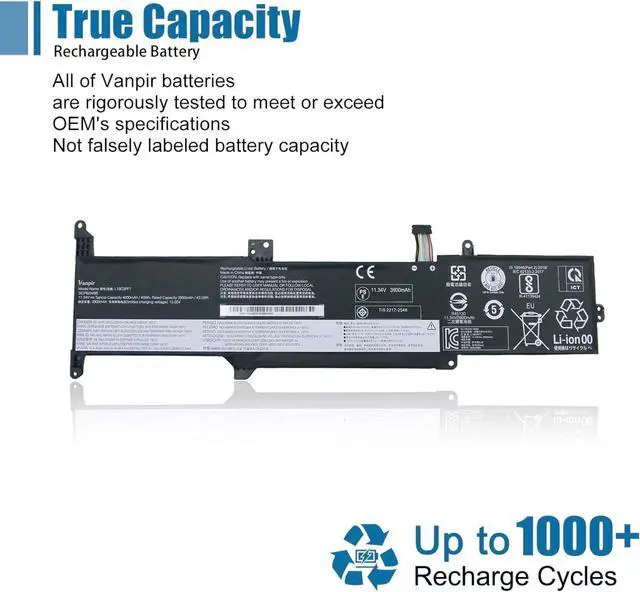
L19C3PF7, L19D3PF5, 5B10X02607, L19L3PF5, 5B10X02599, SB10X02596, L19C3PF7, 5B10X02602
Compatible Models: (use "Ctrl+F" to find your model quickly)
Fit for Lenovo IdeaPad 3-14ADA05 Series
Fit for Lenovo IdeaPad 3-14ARE05 Series
Fit for Lenovo IdeaPad 3-14IIL05 Series
Fit for Lenovo IdeaPad 3-14IML05 Series
Fit for Lenovo IdeaPad 3-15ARE05 Series
Fit for Lenovo IdeaPad 3-15IIL05 Series
Fit for Lenovo IdeaPad 3-15IML05 Series
Note: For more accrate, please check the part number of your original battery.
Manual calibration, The steps are:
1) Shut down, plug in the power adapter to fully charge the battery. If the battery is full, you can proceed directly to the next step.
2) Unplug the power adapter, turn on the battery, and let the battery automatically discharge until the computer automatically shuts down. During this period, it is best not to do any computer operations.
3) Plug in the battery adapter and fully charge the battery. This process is OK if it is turned on or not.
Vanpir uses high-quality A-grade battery cells, which not only have low self consumption rate, but are also safe and durable, and can be used for a long time.
Please Rest assured :
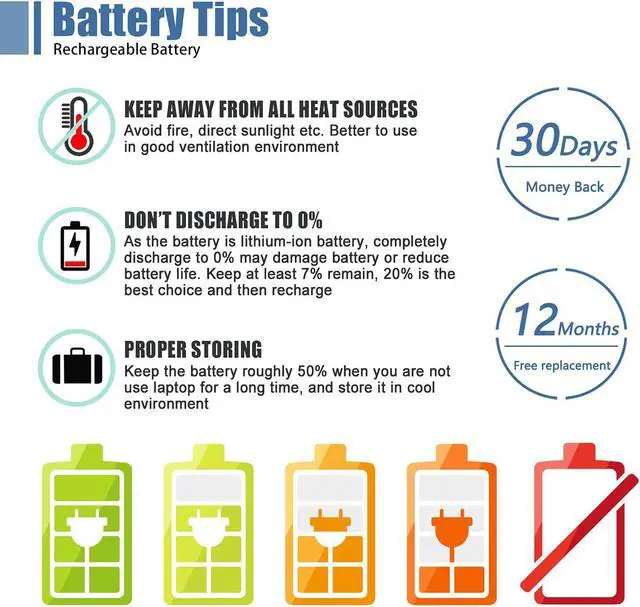
30 days - Free rebate.
12 months - Free new.
Vanpir is dedicated to serving customers wholeheartedly.
For any problem, please feel free to get in touch. We will help you until solve the problem.
Vanpir factory and laboratory have been producing laptop batteries for consumers for 10 years, and we have been committed to improving high-quality batteries for consumers.
There are 2 batteries that fit with your laptop.This listing we are selling is: L19C3PF7. Longer. 3 Battery Calibrated methods Battery Calibrated methods 1 A Cell & Sincere Service How do we get started?