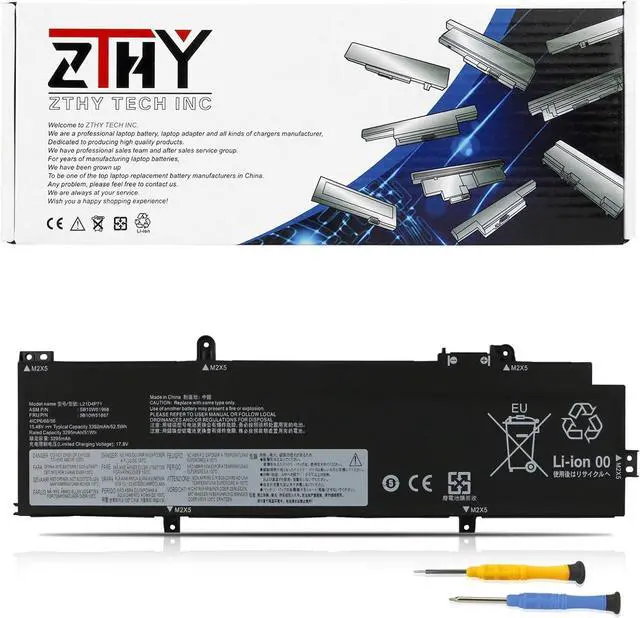
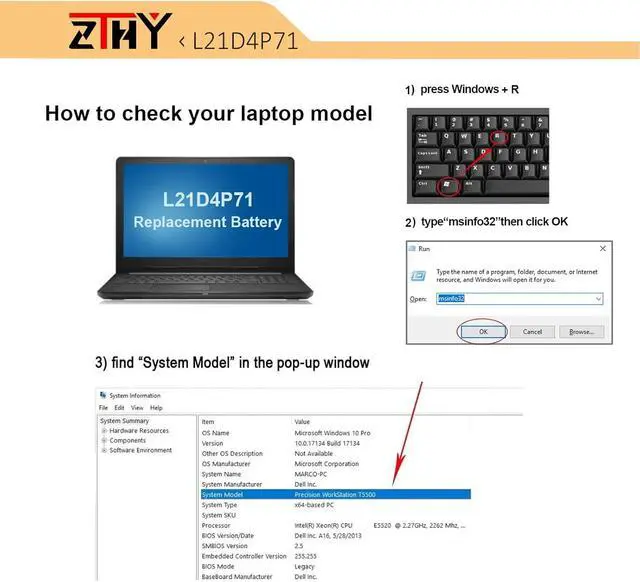
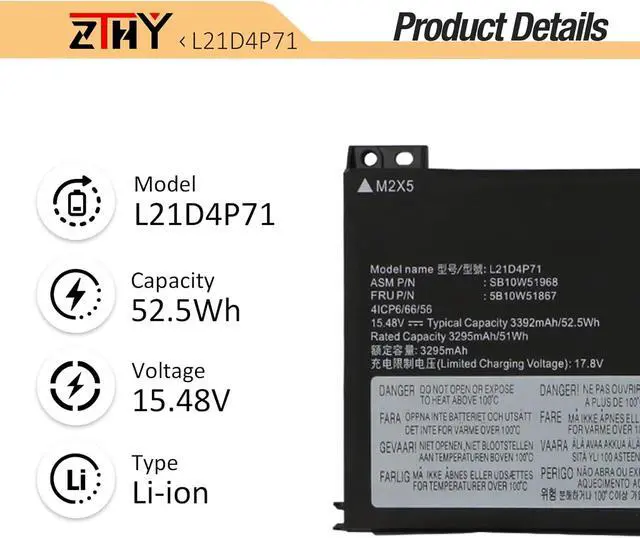
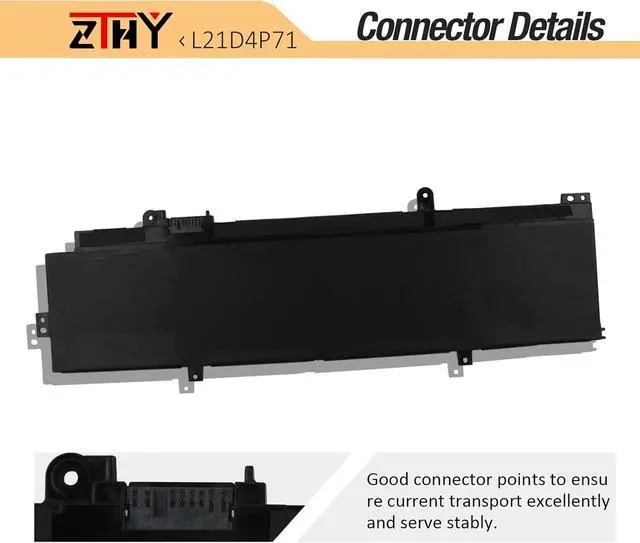
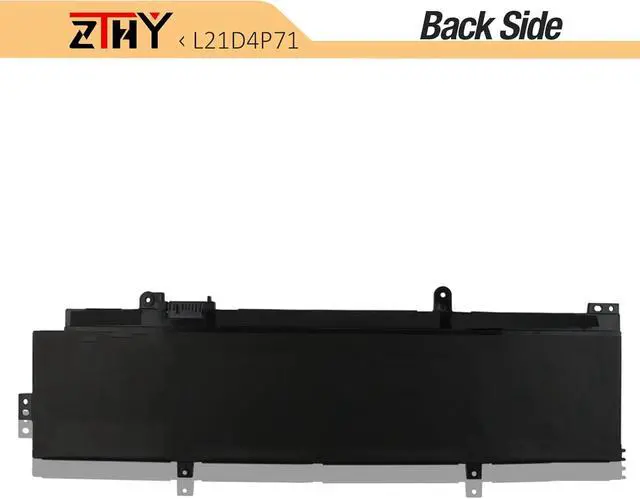
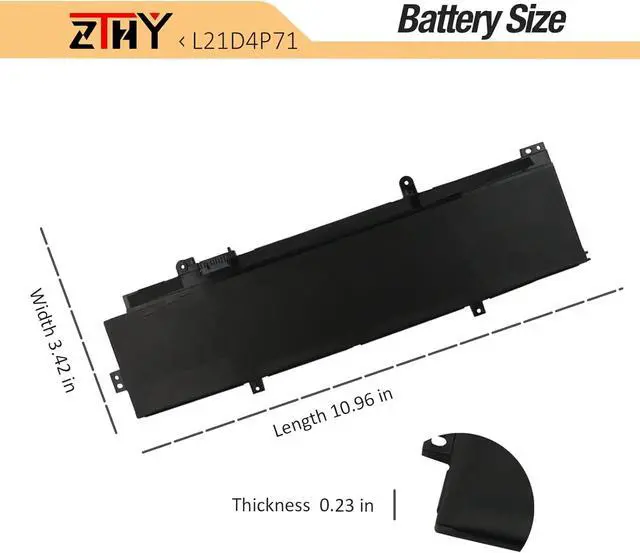
Compatible Part NumberL21C3P71 SB10W51963 5B10W51862 SB11M89825 5B11M90024 L21L3P71 SB10W51961 5B10W51860 SB11M89823 5B11M90022 L21M3P71 SB10W51962 5B10W51861 SB11M89824 5B11M90023 L21C4P71 SB10W51967 5B10W51866 SB11M89829 5B11M90028 SB10W52003 5B10W51902 L21D4P71 SB10W51968 5B10W51867 SB11M89830 5B11M90029 SB10W52006 5B10W51905 Compatible Part NumberL21L4P71 SB10W51964 5B10W51863 SB11M89826 5B11M90025 SB10W52000 5B10W51899 L21M4P72 SB10W51966 5B10W51865 SB11M89828 5B11M90027 SB10W52002 5B10W51901 L21M4P71 SB10W51965 5B10W51864 SB11M89827 5B11M90026 SB10W52001 5B10W51900Compatible ModelReplacement for Lenovo ThinkPad T14 Gen 3 (Type 21AH 21AJ 21CF 21CG) Series;Compatible ModelReplacement for Lenovo ThinkPad P14s Gen 3 (Type 21AK 21AL 21J5 21J6) Series;Compatible ModelReplacement for Lenovo ThinkPad P14s Gen 4 (Type 21HF 21HG 21K5 21K6) Series Compatible ModelReplacement for Lenovo ThinkPad T14 Gen 4 (Type 21HD 21HE 21K3 21K4) Series.AttentionTwo batteries with similar names but differing compatibility and screw hole positions are compatible with the ThinkPad P14s Gen 3 Gen 4: L21M4P75 (57Wh 4-Cell) and L21D4P71 (52.5Wh 4-Cell). To ensure you purchase the correct battery, we strongly recommend opening your laptop's rear cover and verifying that the required battery model is L21D4P71 (52.5Wh 4-Cell).AttentionIf you install the battery, you find that the laptop cannot detect the battery or the battery level cannot be displayed normally. Please check whether the battery cable is installed properly. Sometimes the battery cannot be charged because the cable is not fixed properly. What do I need to be aware of when I receive a battery?
You need to check its appearance, confirm the model, read the instruction manual. Cycle and charge it 5 to 6 times to activate the maximum usage space of the battery. When not in use temporarily, charge the battery to 50%-60%.
What should I do if laptop won't boot up after installing a new battery?
1.Check if the battery is properly seated and connections are clean. 2.Try charging it or use the adapter alone to start. 3.Examine hardware links, like RAM and adapters. 4.Reset BIOS settings if needed. 5.Enter Safe Mode to fix system issues.
How should I do if the battery is not recognised?
If it is not recognised, it is recommended to update the BIOS settings or please disconnecting the old battery, and holding down the power button for 20 seconds, then connect the new battery.
What should I do if the battery expands?
1.Power off your laptop and disconnect it from any power source. 2.Carefully remove the swollen battery from the laptop in a well-ventilated area, avoid pressing or squeezing the battery during removal.
What can you do if you are not satisfied with the battery?
Please Contact ZTHY, we'll help you. Our battery have 12 months replace a new one and 30 days moeny back guarrante.
1, You need to turn off your laptop and disconnect the power.
2, Disconnect the connection between the old battery and the motherboard to avoid unnecessary damage caused by disassembling the battery. Then unscrew the old battery screws one by one and carefully save each screw.
3, Remove the old battery, carefully install the new battery on the battery case, screw in the screw, and connect the wiring of the new battery.
4, If you don't understand the above steps, you can search for the video about laptop battery installation on YouTube. Maybe it will help you.
1. Discharge the new battery use to 10%(not to 0%) and then charge to 95%, and cycle 3-4 times.
2. Do not disassemble, crush or puncture. Do not dispose of in fire or water.
3. If you remove the battery for a long time, charge more than 80% at least one time within one month.
4. Don't connect the adapter for a long time while using the battery. It may damage the battery.
5. When using the battery, care should be taken to prevent exposure and moisture.