• $88.99
  • Price alert
    Shop it at NeweggBusiness.

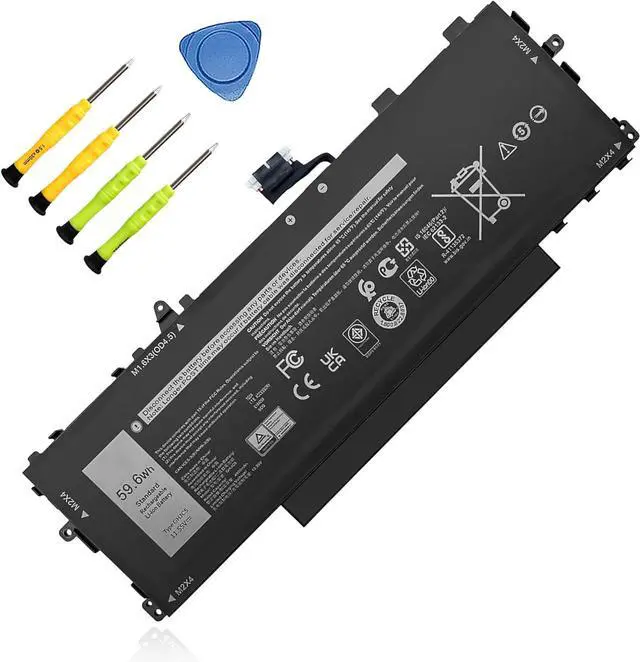
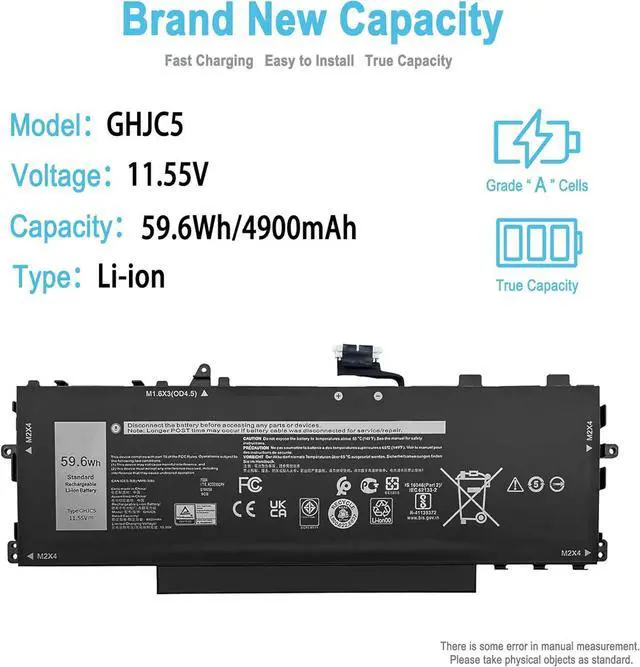
    59.6Wh GHJC5 Replacement Laptop Battery for Dell Latitude 9420 9430 Latitude 9420 9430 2-in-1 Series Notebook 0JJ4XT 0VTH85 3VV58 06VJ1F 09YD1V 4900mAh 11.55V

    • SpecificationBattery Type: Li-ion; Voltage: 11.55V; Capacity: 59.6Wh/4900mAh; Packages includes: 1 battery, 2 Screwdrivers, 1 Instruction Manual. Condition: 100% brand new from manufacturer.
    • Replacement Battery Part NumbersGHJC5, 3VV58, 06VJ1F, 09YD1V, 0JJ4XT, 0VTH85.
    • Compatible ModelFit for Dell Latitude 9420 Series; Fit for Dell Latitude 9420 2-in-1 Series; Fit for Dell Latitude 9430 Series; Fit for Dell Latitude 9430 2-in-1 Series.(GHJC5 has two type (long cable and short cable), Please choose your battery based on the original battery model.)
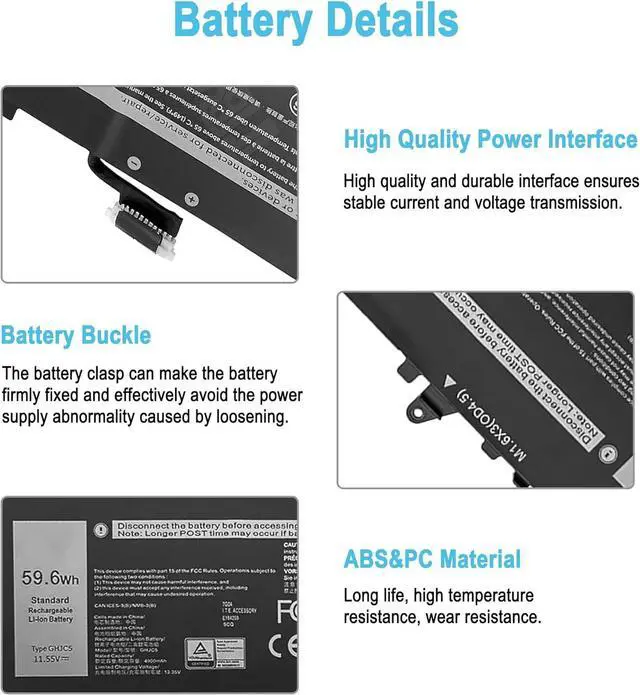
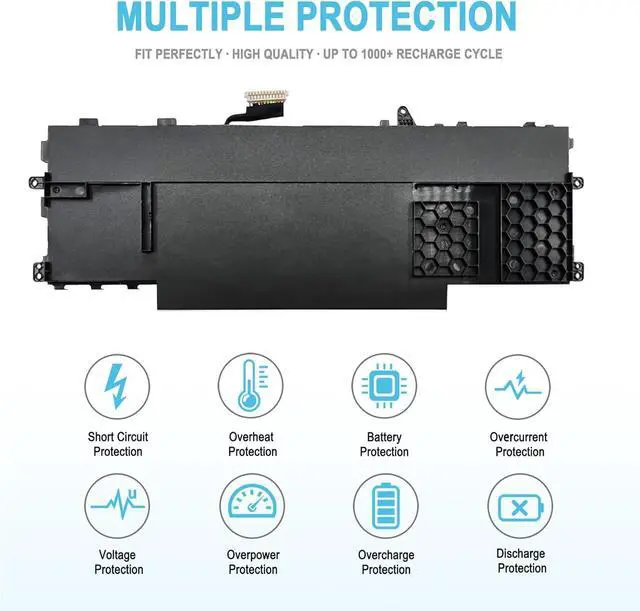
    • Security/QualityAll batteries are UL, CE, FCC, RoHS safety certification, built-in over charge, over discharge, over temperature, short circuit protection. The battery offers up to 1000 charge cycles and uses grade A battery cells to improve charging speed and battery performance, ensuring performance and durability.
    • After-Sales SupportWe support 30 days refund, 12 months warranty (refund or replace battery), 24 x 7 mail
    +
    +
    Overview
    Reviews
    avatar

    Any questions? Our AI beta will help you find out quickly.

    TAICROWNE is a brand focused on selling batteries. We are committed to providing quality service and products for every customer.
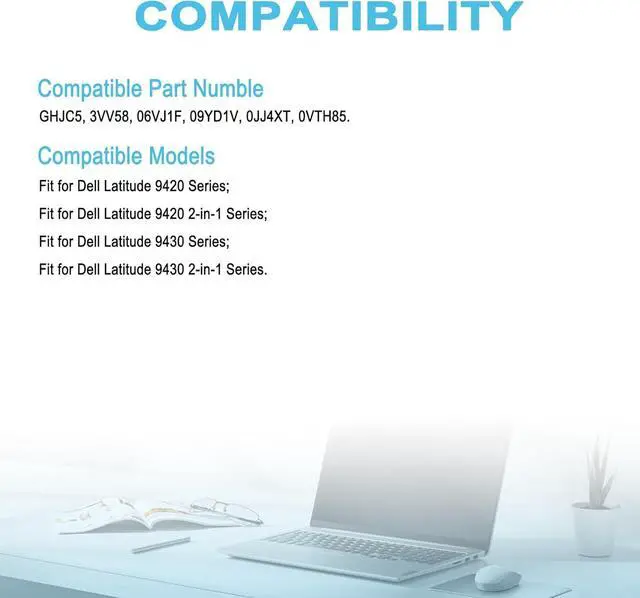
    Compatible with Part Numbers: GHJC5, 3VV58, 06VJ1F, 09YD1V, 0JJ4XT, 0VTH85.
    Compatible Laptop Models: (use "Ctrl+F to find your model quickly")
    Fit for Dell Latitude 9420 Series;
    Fit for Dell Latitude 9420 2-in-1 Series;
    Fit for Dell Latitude 9430 Series;
    Fit for Dell Latitude 9430 2-in-1 Series.

    GHJC5 has two type (long cable and short cable), Please choose your battery based on the original battery model.
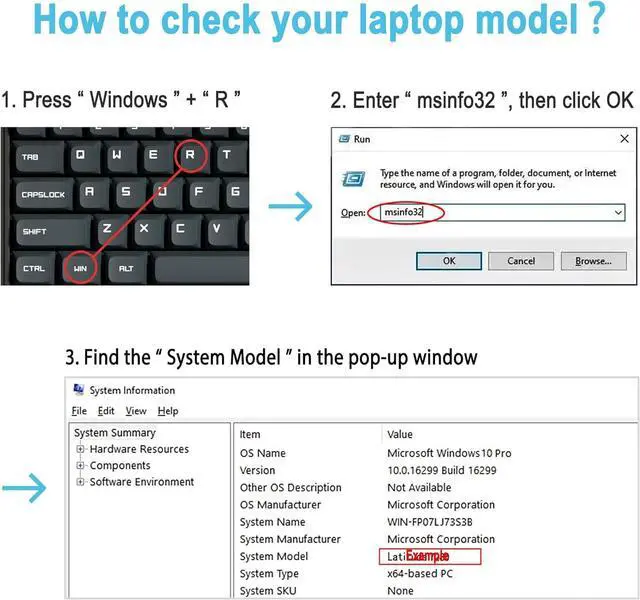
    Method 1
    View your laptop model on your computer: Press the Win +R, type msinfo32 in the box, and click OK to find your computer model. Find replacement batteries based on your laptop model.
    Method 2
    Remove the back cover of your laptop to view the type, capacity and model of the original battery.
    Turn off the laptop and unplug the power cable.
    Turn the laptop over and remove the back cover with a screwdriver to avoid damaging the laptop components.
    View the battery type, capacity and model.

    Power down your laptop and disconnect it from the power source.
    Flip the laptop over and use a screwdriver to carefully remove the bottom panel. Take care not to damage any internal components.
    Disconnect the cable connecting the battery, unscrew the old battery, remove the old battery, and carefully install the new battery on the battery box.
    If you do not understand the above installation steps, you can search for laptop battery installation videos online or find professional technicians to install.

    Welcome to TAICROWNE COMPATIBILITY How to purchase the correct replacement battery? Install A New Battery

    Warranty & Returns

    Warranty, Returns, And Additional Information

    Warranty

    • Please contact the Seller directly for warranty information. Warranty information may also be found on the Manufacturer's website.
    • CONTACT

    Return Policies

    Manufacturer Contact Info

    LOADING...