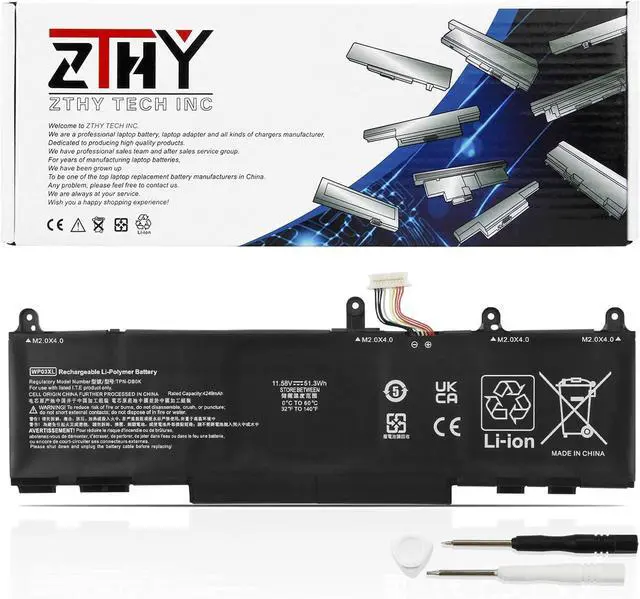
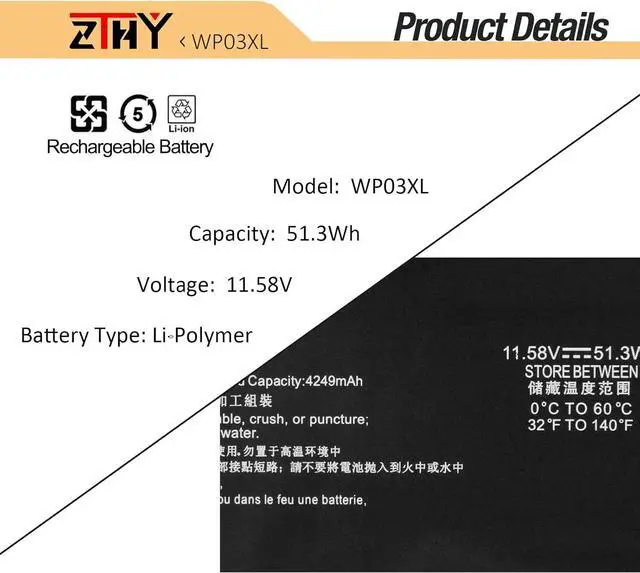
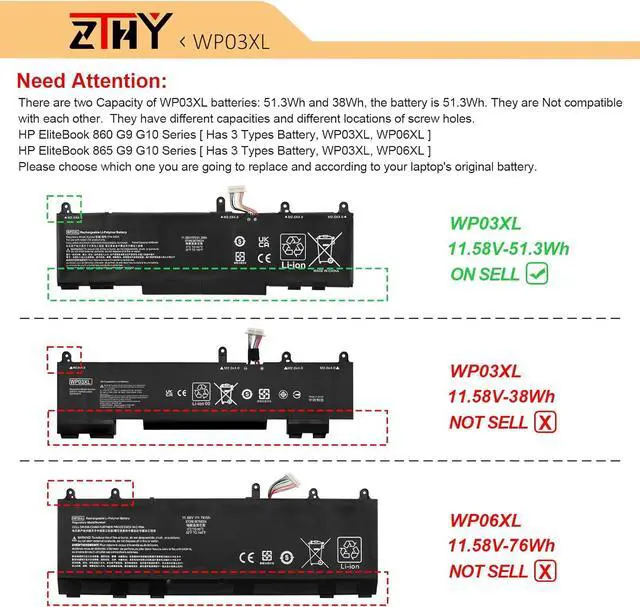
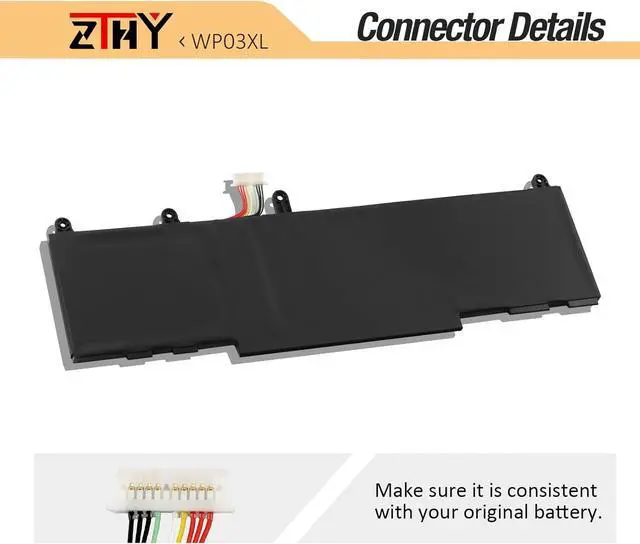
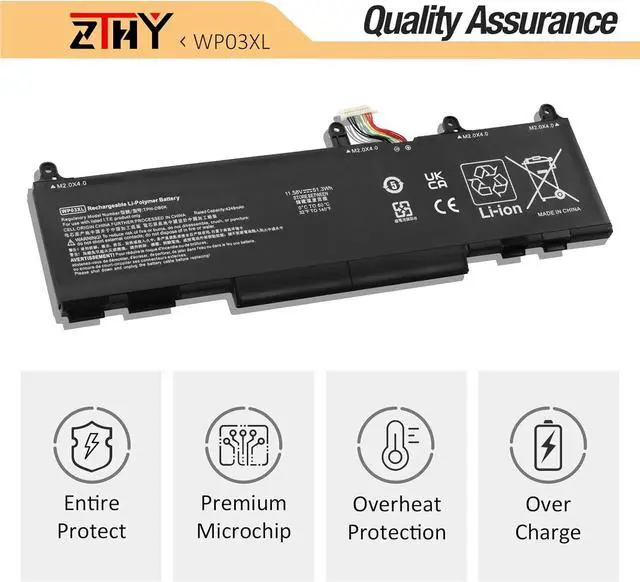
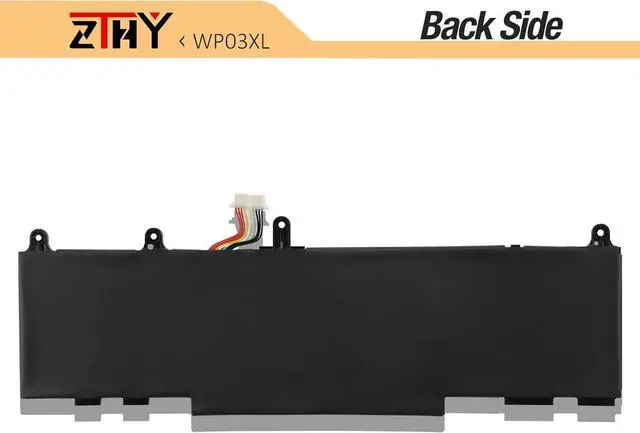
Compatible Part NumberWP03XL HSTNN-0B2J HSTNN-LB8W HSTNN-LB9C M64305-421 M73466-005 L78555-005 M64304-422 M64304-2D1 31CP6/60/75Compatible Part NumberReplacement for HP EliteBook 830 835 840 845 860 865 G9 Series;Compatible ModelReplacement for HP EliteBook 830 835 840 845 860 865 G10 Series;Compatible ModelReplacement for HP Elite x360 830 840 860 G11 Series;Compatible ModelReplacement for HP EliteBook X360 1040 G9 G10 Series;Compatible ModelReplacement for HP EliteBook X360 1040 G9 G10 2-in-1 Series;Compatible ModelReplacement for HP Split X2 13-M000 Series;Compatible ModelReplacement for HP ZBook Firefly 14 G9 Mobile Workstation Series;Compatible ModelReplacement for HP ZBook Firefly 14 G10 Mobile Workstation Series;Compatible ModelReplacement for HP ZBook Firefly 14 G11 Series;Compatible ModelReplacement for HP ZBook FireFly 14 inch G11 A Series;Compatible ModelReplacement for HP ZBook Firefly 16 G11 Series.AttentionThere are two Capacity of WP03XL batteries: 51.3Wh and 38Wh, the battery is 51.3Wh. They are Not compatible with each other. They have different capacities and different locations of screw holes. Please choose which one you are going to replace and according to your laptop's original battery. What do I need to be aware of when I receive a battery?
You need to check its appearance, confirm the model, read the instruction manual. Cycle and charge it 5 to 6 times to activate the maximum usage space of the battery. When not in use temporarily, charge the battery to 50%-60%.
What should I do if laptop won't boot up after installing a new battery?
1.Check if the battery is properly seated and connections are clean. 2.Try charging it or use the adapter alone to start. 3.Examine hardware links, like RAM and adapters. 4.Reset BIOS settings if needed. 5.Enter Safe Mode to fix system issues.
How should I do if the battery is not recognised?
If it is not recognised, it is recommended to update the BIOS settings or please disconnecting the old battery, and holding down the power button for 20 seconds, then connect the new battery.
What should I do if the battery expands?
1.Power off your laptop and disconnect it from any power source. 2.Carefully remove the swollen battery from the laptop in a well-ventilated area, avoid pressing or squeezing the battery during removal.
What can you do if you are not satisfied with the battery?
Please Contact ZTHY, we'll help you. Our battery have 12 months replace a new one and 30 days moeny back guarrante.
1, You need to turn off your laptop and disconnect the power.
2, Disconnect the connection between the old battery and the motherboard to avoid unnecessary damage caused by disassembling the battery. Then unscrew the old battery screws one by one and carefully save each screw.
3, Remove the old battery, carefully install the new battery on the battery case, screw in the screw, and connect the wiring of the new battery.
4, If you don't understand the above steps, you can search for the video about laptop battery installation on YouTube. Maybe it will help you.
1. Discharge the new battery use to 10%(not to 0%) and then charge to 95%, and cycle 3-4 times.
2. Do not disassemble, crush or puncture. Do not dispose of in fire or water.
3. If you remove the battery for a long time, charge more than 80% at least one time within one month.
4. Don't connect the adapter for a long time while using the battery. It may damage the battery.
5. When using the battery, care should be taken to prevent exposure and moisture.
1. Could be caused by battery loss. Please re-install the battery and make sure that the battery cable and the motherboard interface are tightly inserted.
2. Maybe due to conductive material damage which the laptop motherboard and battery anode and cathode contact position, you can try to confirm it with your original battery.
3. Check whether the battery drive