• $72.99
  • Price alert
    Shop it at NeweggBusiness.

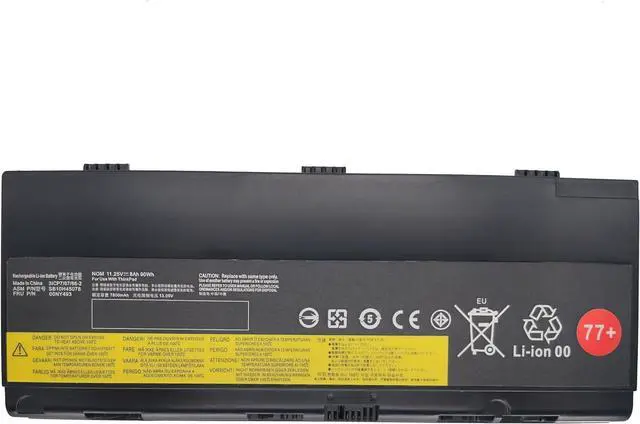
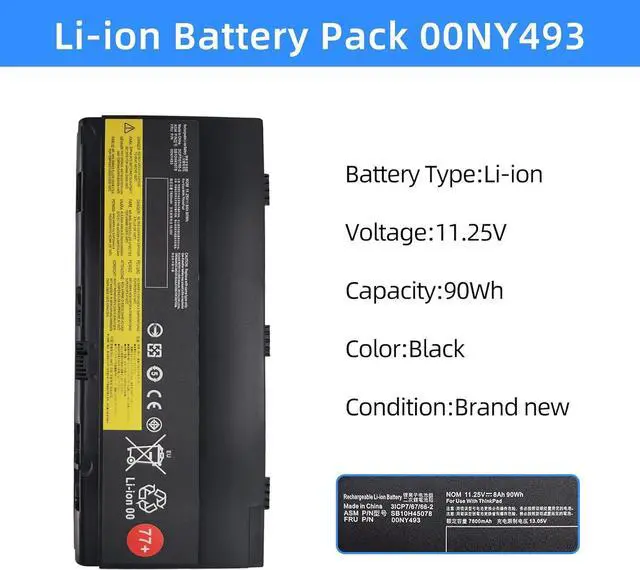
    77+ 00NY493 Laptop Battery for Lenovo Thinkpad P50 P51 P52 01AV477 00NY490 00NY491 00NY492 01AV495 01AV496 SB10K97634 SB10K97635 SB10H45075 SB10H45076 SB10H45077 SB10H45078 L17L6P51 L17M6P51

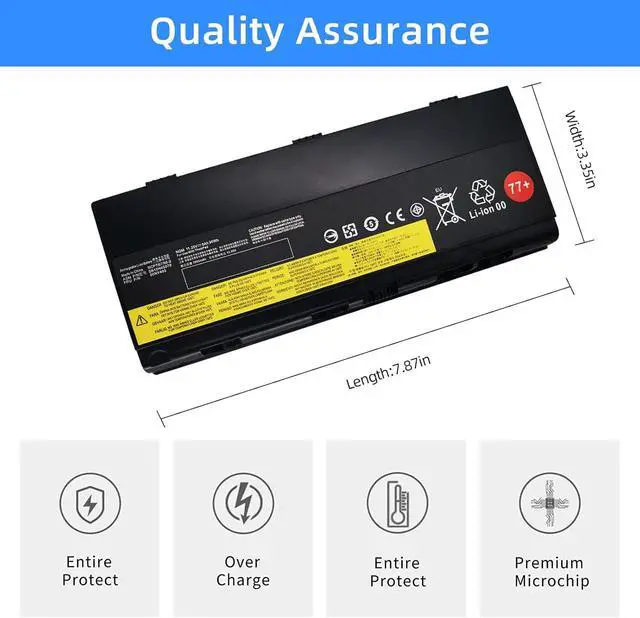
    • Battery type Li-ion; Voltage: 11.25V; Capacity: 90Wh; Cells: 9-cell
    • Compatible Part Number77+ 77++ 01AV477 01AV495 00NY490 00NY492 00NY493 SB10H45075 SB10H45076 SB10H45077 SB10H45078 SB10K97634 L17L6P51 L17M6P51.
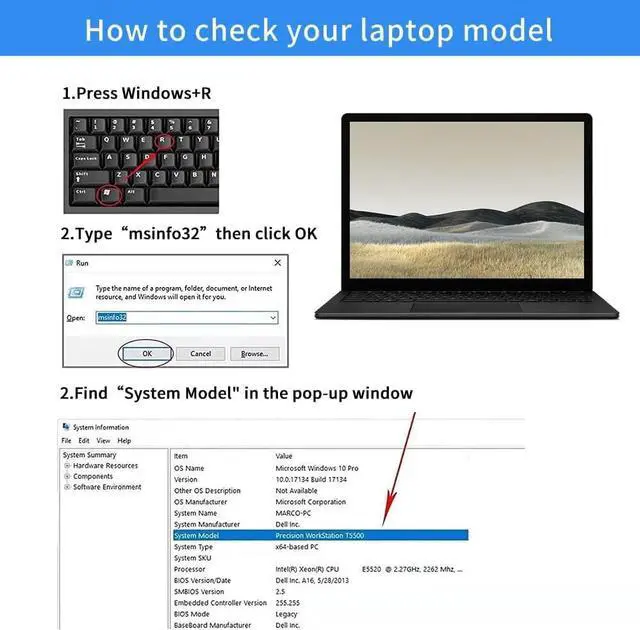
    • Replacement For LaptopLenovo ThinkPad P50 Series,ThinkPad P50-20EN0006GE, ThinkPad P50-20EQ, ThinkPad P50-20EQS05L00, ThinkPad P50-20EQS1QC00, ThinkPad P50-20EQS3V200. Lenovo ThinkPad P51 Series, ThinkPad P51-20HH, ThinkPad P51-20HH001QGE, ThinkPad P51-20HH001RMZ, ThinkPad P51-20HH002WGE. Lenovo ThinkPad P52 Series, ThinkPad P52-20M9, ThinkPad P52-20M90017GE, ThinkPad P52-20M9001FGE, ThinkPad P52-20M9001MGE, ThinkPad P52-20M9001NGE, ThinkPad P52-20MAS14U0F.
    • Use SkillsIf the new battery is not recognized during the initial installation, please reinstall and check if the interface is fully connected.Discharge the new battery to 5% (not 0%), then charge and cycle 3-4 times to wake up the new battery.
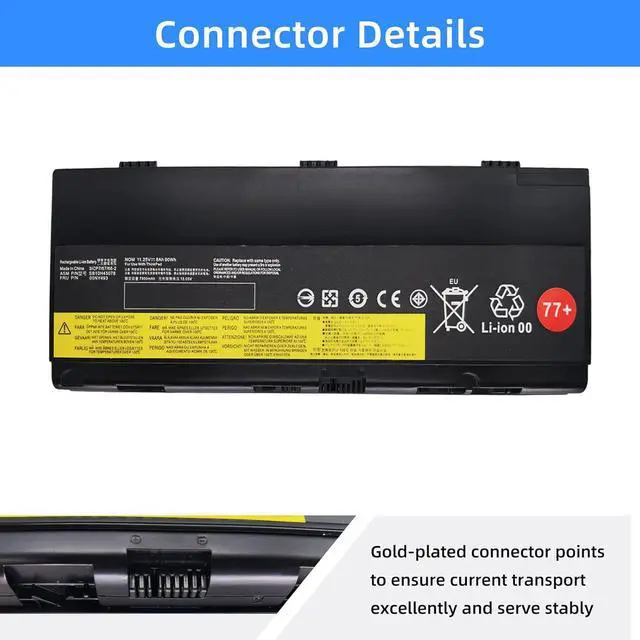
    • ConnectorBefore placing your order,Please refer to the picture an
    +
    +
    Overview
    Reviews
    avatar

    Any questions? Our AI beta will help you find out quickly.

    Battery type Li-ion; Voltage: 11.25V; Capacity: 90Wh; Cells: 9-cell
    Compatible Part Number77+ 77++ 01AV477 01AV495 00NY490 00NY492 00NY493 SB10H45075 SB10H45076 SB10H45077 SB10H45078 SB10K97634 L17L6P51 L17M6P51.
    Replacement For LaptopLenovo ThinkPad P50 Series,ThinkPad P50-20EN0006GE, ThinkPad P50-20EQ, ThinkPad P50-20EQS05L00, ThinkPad P50-20EQS1QC00, ThinkPad P50-20EQS3V200. Lenovo ThinkPad P51 Series, ThinkPad P51-20HH, ThinkPad P51-20HH001QGE, ThinkPad P51-20HH001RMZ, ThinkPad P51-20HH002WGE. Lenovo ThinkPad P52 Series, ThinkPad P52-20M9, ThinkPad P52-20M90017GE, ThinkPad P52-20M9001FGE, ThinkPad P52-20M9001MGE, ThinkPad P52-20M9001NGE, ThinkPad P52-20MAS14U0F.
    Use SkillsIf the new battery is not recognized during the initial installation, please reinstall and check if the interface is fully connected.Discharge the new battery to 5% (not 0%), then charge and cycle 3-4 times to wake up the new battery.
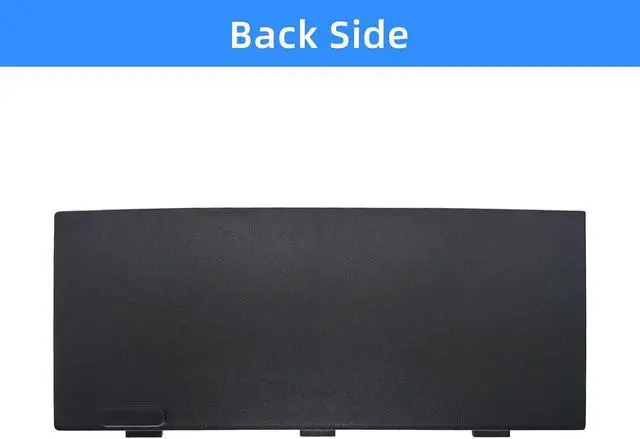
    ConnectorBefore placing your order,Please refer to the picture and check it.Because the products produced by different factories will have differences, such as size, cable length, interface, etc.

    Warranty & Returns

    Warranty, Returns, And Additional Information

    Warranty

    • Please contact the Seller directly for warranty information. Warranty information may also be found on the Manufacturer's website.
    • CONTACT

    Return Policies

    Manufacturer Contact Info

    LOADING...