• $72.99
  • Price alert
    Shop it at NeweggBusiness.

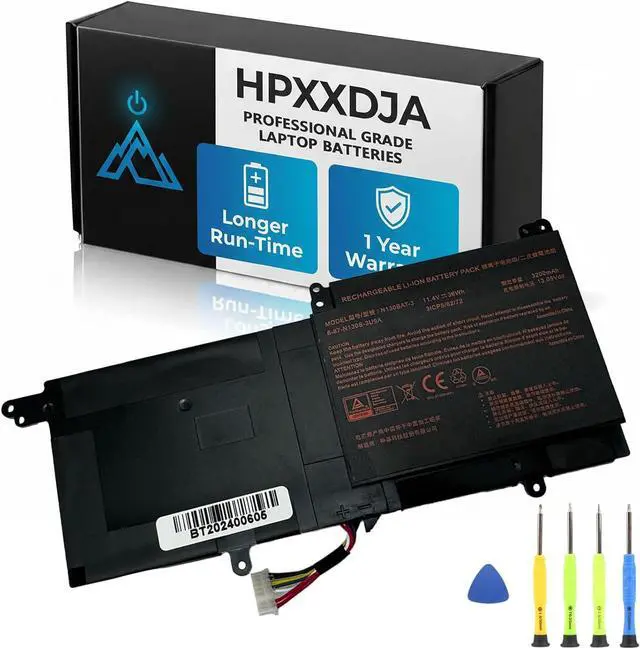
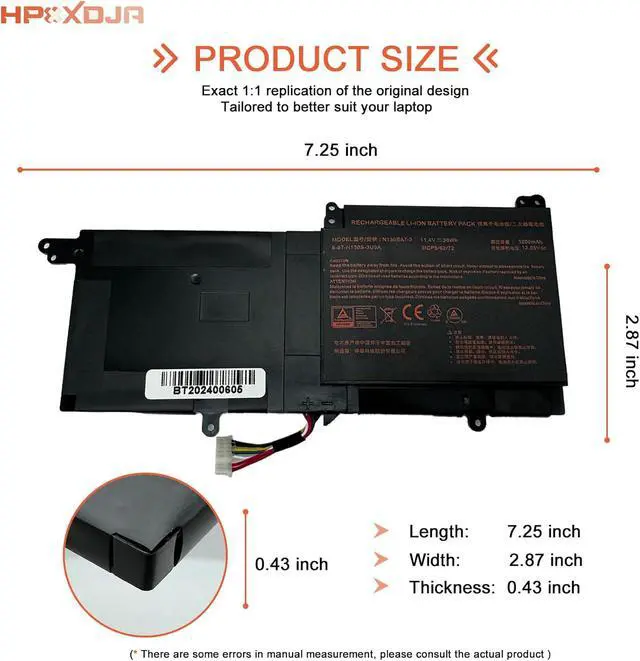
    N130BAT-3 Laptop Battery Replacement for Clevo N130BU N130WU N131BU N131WU Sager NP3130 / Schenker Slim 13 14 15 / Tuxedo InfinityBook Pro 13 V2 14 V3 Tuxedo System76 Galago Pro 2 3 Series

    • PRO AFTER-SALES: Your satisfaction is my consistent pursuit. If you have any problem or advice with N130BAT-3 Battery, please contact us directly. 24H promptly and friendly response
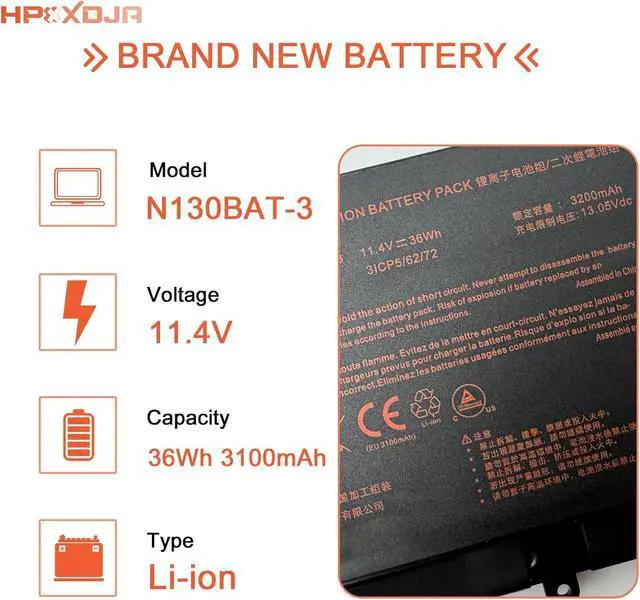
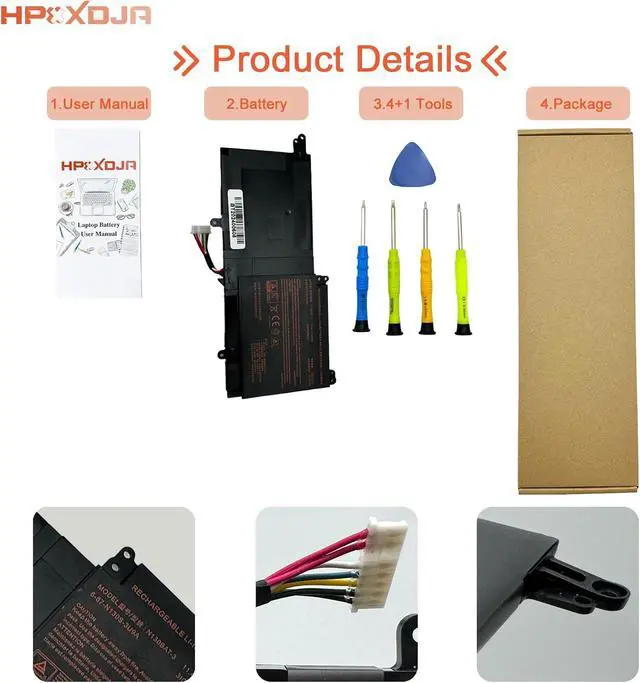
    • BATTERY SPECIFICATIONS: N130BAT-3 battery. Battery Type: Li-ion. Capacity: 36 Wh 3100 mAh. Voltage: 11.4 V. WHAT YOU GET: 1 * N130BAT-3 battery. 1 * User Manual. 4 * Screwdrivers
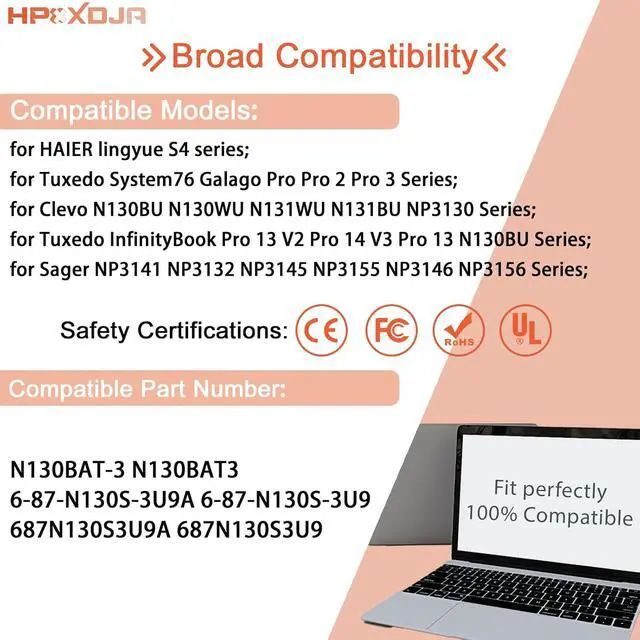
    • COMPATIBLE WITH: N130BAT-3 battery. for Clevo B1301 B1401 B1504 N130BU N130WU N131BU N131WU NP3130 Series; for Sager NP3132 NP3141 NP3145 NP3146 NP3155 NP3156 Series; for Schenker Slim 13 14 15 Series; for InfinityBook Pro 13 V2Series; for InfinityBook Pro 14 V3 Series;for System76 Galago Pro 2 /Pro 3 Series
    • PART NUMBER: N130BAT-3 6-87-N130S-3U9 6-87-N130S-3U9A 6-87-N130S-31A00
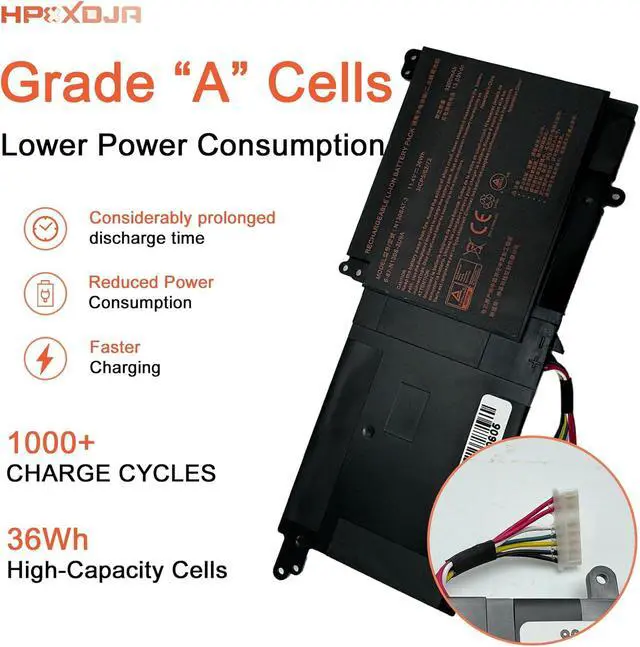
    • OUTSTANDING QUALITY: All HPXXDJA products have passed CE and UL safety certifications. Each battery has the capacity to provide enduring, continual use. Fully Safeguard your laptop and batteries
    +
    +
    Overview
    Reviews
    avatar

    Any questions? Our AI beta will help you find out quickly.

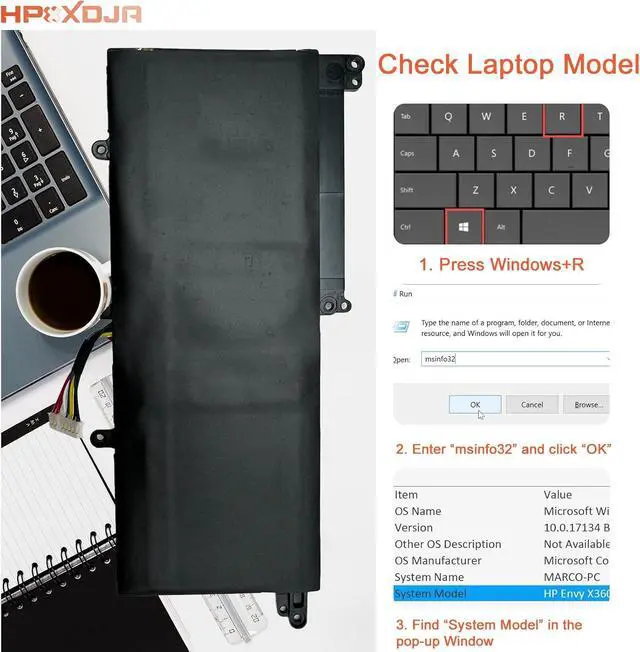
    Compatible Models (use "Ctrl+F to find your model quickly")
    for Clevo Series:
    B1301(N130WU) B1504(N151ZU) B1401(N141ZU) N130BU N131WU NP3130 N130WU N131BU
    for Haier lingyue S4 Series;
    for Sager Other Series:
    NP3141(N141WU) NP3132(N130WU) NP3145(N141WU) NP3156(N151ZU) NP3146(N141ZU) NP3155(N151ZU)
    for Tuxedo Series:
    System76 Galago Pro System76 Galago Pro 2 System76 Galago Pro 3 InfinityBook Pro 13 V2 InfinityBook Pro 14 V3
    for Schenker Slim 13 14 15 series;
    Q: Why does my computer fail to recognize the newly installed battery, or why does the battery not appear to function after installation?
    A: The issue arises from residual power stored in the laptop components, hindering the proper functionality of the battery. To resolve this, kindly disconnect the old battery and press the power button for a duration of 20 seconds. Subsequently, connect the new battery. This process effectively drains the residual or flea power. Once the laptop is reassembled, the battery should operate as intended.
    Installation of New Battery Frequently Asked Questions Solution:

    Warranty & Returns

    Warranty, Returns, And Additional Information

    Warranty

    • Please contact the Seller directly for warranty information. Warranty information may also be found on the Manufacturer's website.
    • CONTACT

    Return Policies

    Manufacturer Contact Info

    LOADING...