for ASUS for Predator for Helios 300 PH317-53 AN515-54 N18C4 PH315-52 for Nitro 5 AN515-43 US Laptop Keyboard Easy to Replace(Red US Backlit)
  •  
  • $76.99 
  • $72.99
  • Price alert
    Shop it at NeweggBusiness.

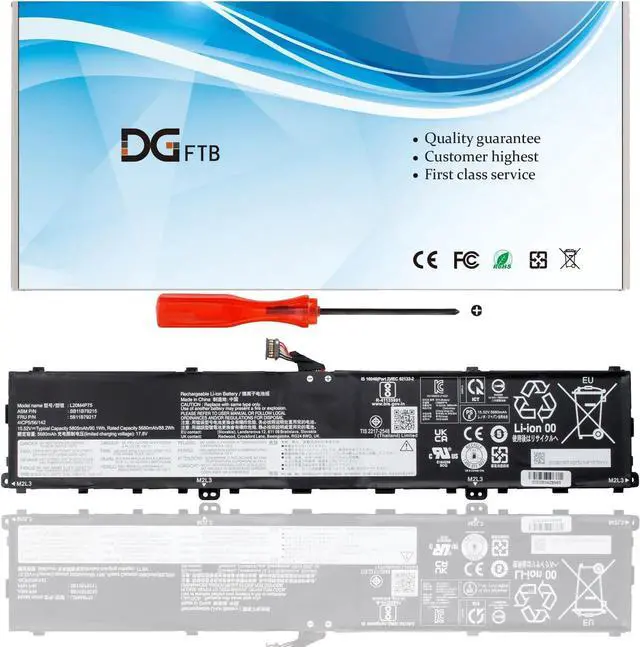
    DGFTB L20M4P75 latop Battery Replacement for Lenovo ThinkPad X1 Extreme P1 4th 5th Gen Series L20D4P75 SB11B79216 5B11B79218 5M11E25314 SB11B79215 5B11B79217 5M11E25313 (15.52V 90.1Wh/5805mAh)

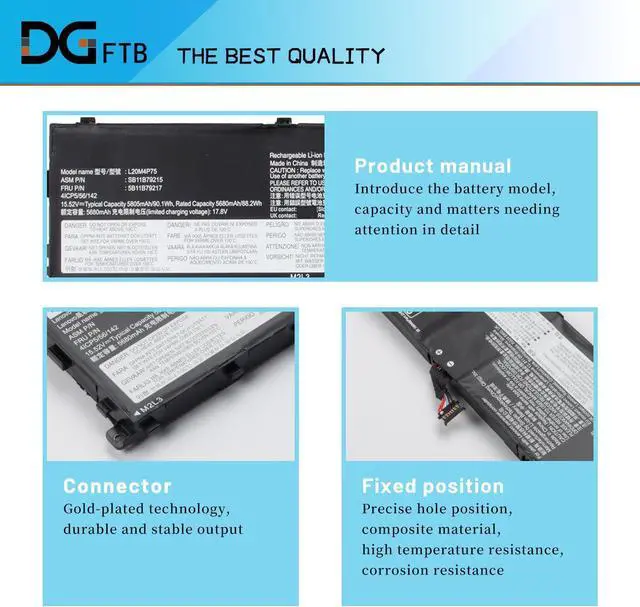
    • Replacement Battery TypeLi-ion; Voltage:15.52V; Capacity:90.1Wh/5805mAh.
    • Compatible P/NL20M4P75 L20D4P75 SB11B79216 5B11B79218 SM11E25312 5M11E25314 SB11B79215 5B11B79217 SM11E25311 5M11E25313.
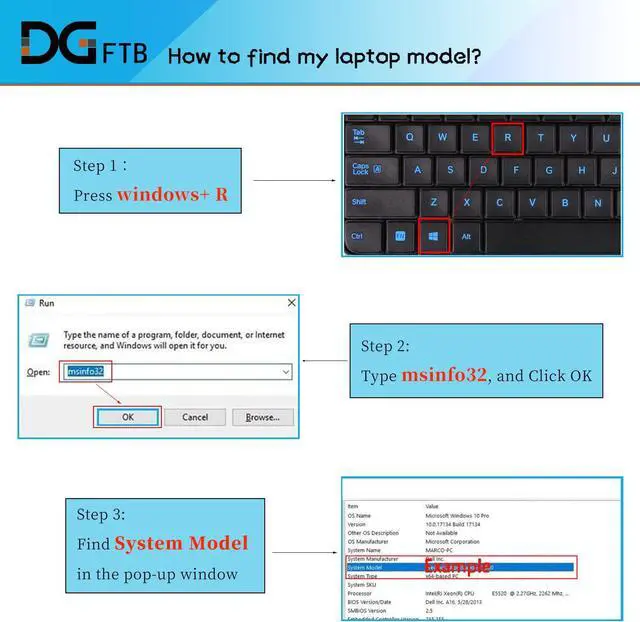
    • Compatible Models for Lenovo ThinkPad P1 Gen 4 (Type 20Y3, 20Y4) Series, for Lenovo ThinkPad P1 Gen 5 (Type 21DC, 21DD) Series, for Lenovo ThinkPad X1 Extreme 4th Gen (Type 20Y5,20Y6) Series, for Lenovo ThinkPad X1 Extreme Gen 5 (Type 21DE, 21DF) Series.
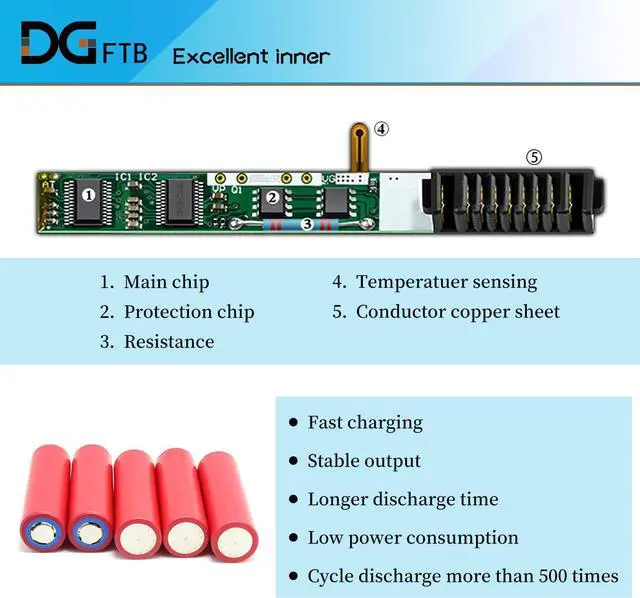
    • DG QualityGrade A cells mitigate the risk of battery leakage and maximize output stability. Built-in circuit protection, enhances safety of usage and extends battery life.
    • DG TIPSFor the initial installation, please reinstall and check the interface fully connected, discharge the battery to 5%(not to 0%) and then charge to 95%, and cycle 3-4 times.

    +
    +
    Overview
    Reviews
    avatar

    Any questions? Our AI beta will help you find out quickly.

    Replacement Battery TypeLi-ion; Voltage:15.52V; Capacity:90.1Wh/5805mAh.
    Compatible P/NL20M4P75 L20D4P75 SB11B79216 5B11B79218 SM11E25312 5M11E25314 SB11B79215 5B11B79217 SM11E25311 5M11E25313.
    Compatible Models for Lenovo ThinkPad P1 Gen 4 (Type 20Y3, 20Y4) Series, for Lenovo ThinkPad P1 Gen 5 (Type 21DC, 21DD) Series, for Lenovo ThinkPad X1 Extreme 4th Gen (Type 20Y5,20Y6) Series, for Lenovo ThinkPad X1 Extreme Gen 5 (Type 21DE, 21DF) Series.
    DG QualityGrade A cells mitigate the risk of battery leakage and maximize output stability. Built-in circuit protection, enhances safety of usage and extends battery life.
    DG TIPSFor the initial installation, please reinstall and check the interface fully connected, discharge the battery to 5%(not to 0%) and then charge to 95%, and cycle 3-4 times.

    Warranty & Returns

    Warranty, Returns, And Additional Information

    Warranty

    • Please contact the Seller directly for warranty information. Warranty information may also be found on the Manufacturer's website.
    • CONTACT

    Return Policies

    Manufacturer Contact Info

    LOADING...