With the launch of its dedicated laptop battery line, MULS emerged as a professional brand focused on addressing the growing demand for reliable, high-performance replacement laptop batteries worldwide. We have expanded our product range over the years to include premium tool batteries for robotic vacuums while extending our global market reach, all with an unwavering core focus on precision compatibility, strict quality control and long-lasting power performance. The rising global demand for durable replacement batteries that restore device performance has fueled MULSs steady growth and built a trusted reputation among users across key markets worldwide.
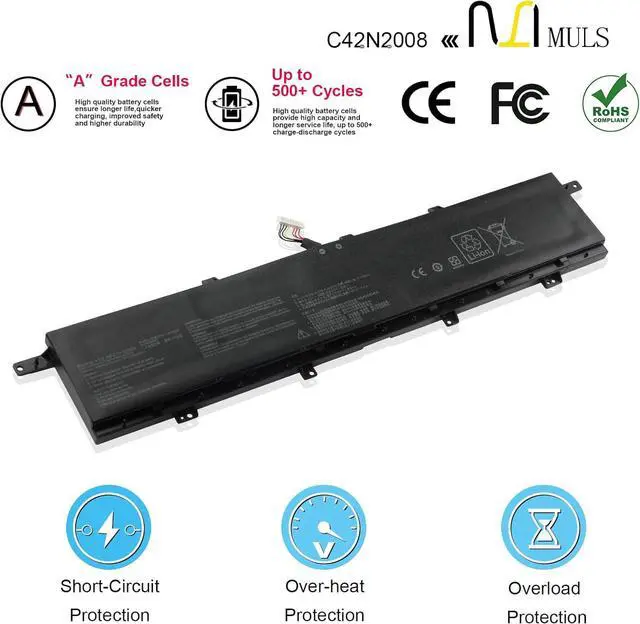
MULS is dedicated to crafting top-tier replacement batteries, covering a wide range of laptop models and robotic vacuum tools alike. Our batteries are all engineered with high-quality materials and integrated multiple safety protections, effectively solving common issues like short battery life, sudden shutdowns and aging power cells for your devices. Every MULS battery is precisely calibrated to match the original devices power needs, delivering a seamless, hassle-free user experience.
Power your laptops lasting performance, and keep your robotic vacuum running strongwith MULS!
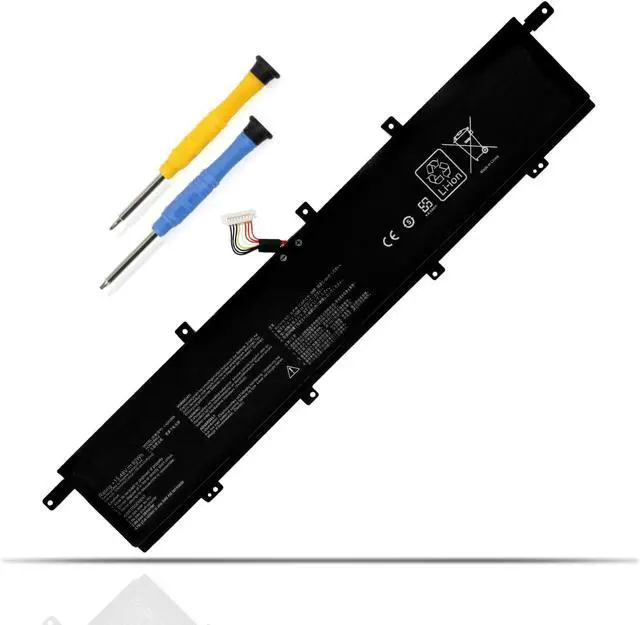
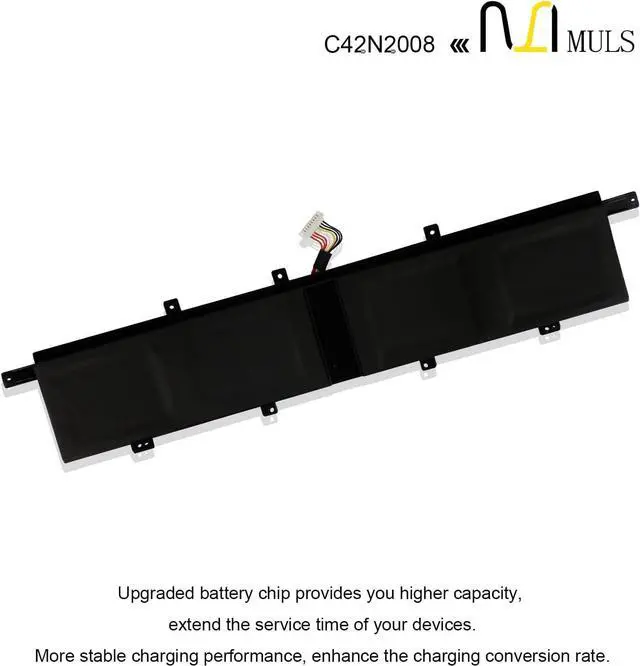
Replacement for Part Number
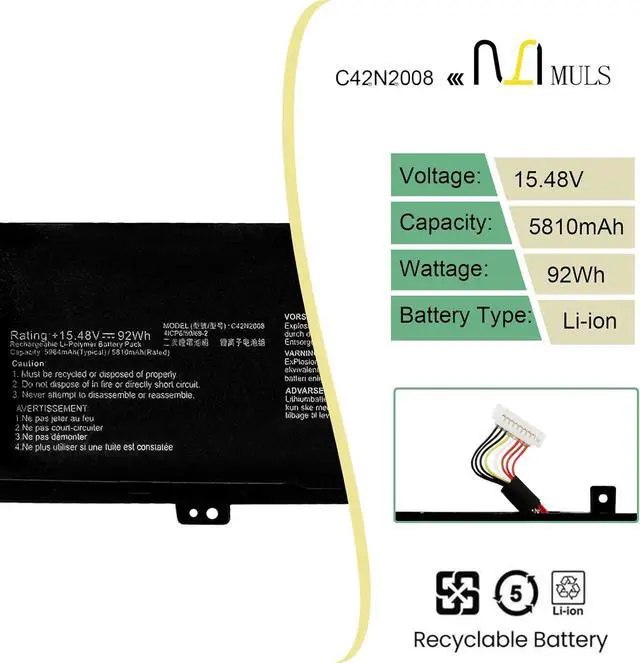
C42N2008
0B200-03840000
0B20003840000
4ICP6/50/69-2
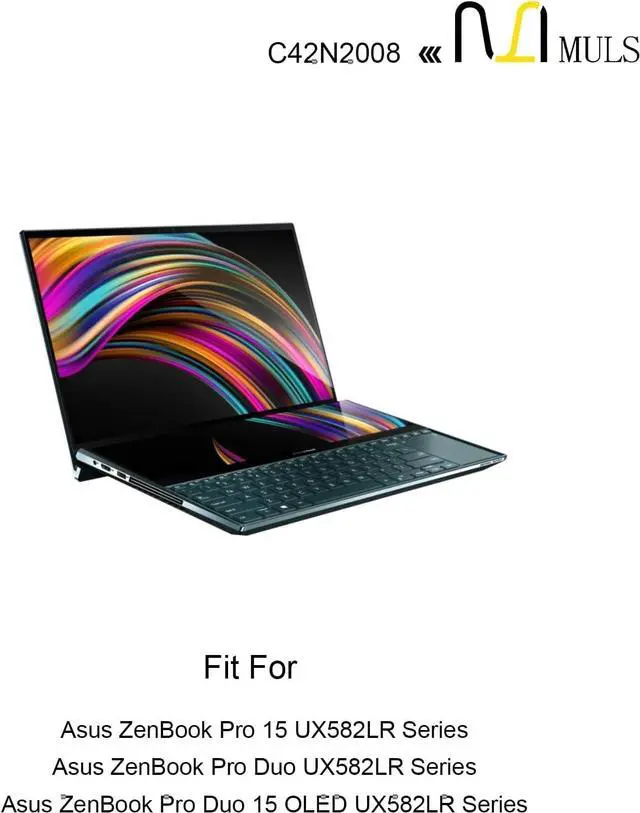
Compatible Laptop Models:
Replacement for Asus ZenBook Pro Duo UX582LR Series
Replacement for Asus ZenBook Pro Duo UX582 LR-1BH2 LR-XS74T Series
Replacement for Asus ZenBook Pro Duo 15 OLED UX582LR Series
Replacement for Asus ZenBook Pro Duo 15 OLED UX582HM Series
Replacement for Asus ZenBook Pro Duo 15 OLED UX582HS Series
Replacement for Asus ZenBook Pro Duo 15 OLED UX582ZW Series
Replacement for Asus ZenBook Pro 15 UX582LR UX582LR-H2002R Series
Replacement for Asus ZenBook Pro Duo 15 OLED UX582LR-H2017T UX582LR-H2025R UX582LR-XS94T Series
Replacement for Asus ZenBook Pro Duo 15 OLED UX582LR-H2003R UX582LR-H2013T UX582LR-H2014R UX582LR-H2014T Series
Replacement for Asus ZenBook Pro Duo 15 OLED UX582LR-BP1979R UX582LR-H0701TS UX582LR-H2002R UX582LR-H2002TS Series
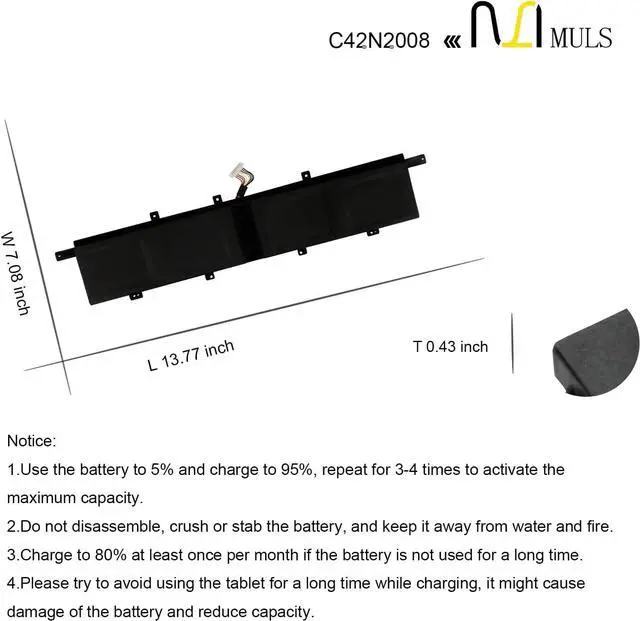
Please open the back cover of your laptop to check the original battery size and capacity before placing an order. Please scroll down to the list to purchase.
1. Turn off your laptop and disconnect the power.
2. Disconnect the connection between the old battery and the motherboard to avoid unnecessary damage caused by disassembling the battery. Then unscrew the old battery screws one by one and carefully save each screw.
3. Remove the old battery, carefully connect the new battery to the mainboard, reinstall all the parts that have been removed earlier, and connect the wiring of the new battery.
4. If you don't understand the above steps, you can search the relevant installation tutorial video on YouTube for help.
How to Install A New Battery: