for ASUS for Predator for Helios 300 PH317-53 AN515-54 N18C4 PH315-52 for Nitro 5 AN515-43 US Laptop Keyboard Easy to Replace(Red US Backlit)
  •  
  • $76.99 
  • $77.99
  • Price alert
    Shop it at NeweggBusiness.

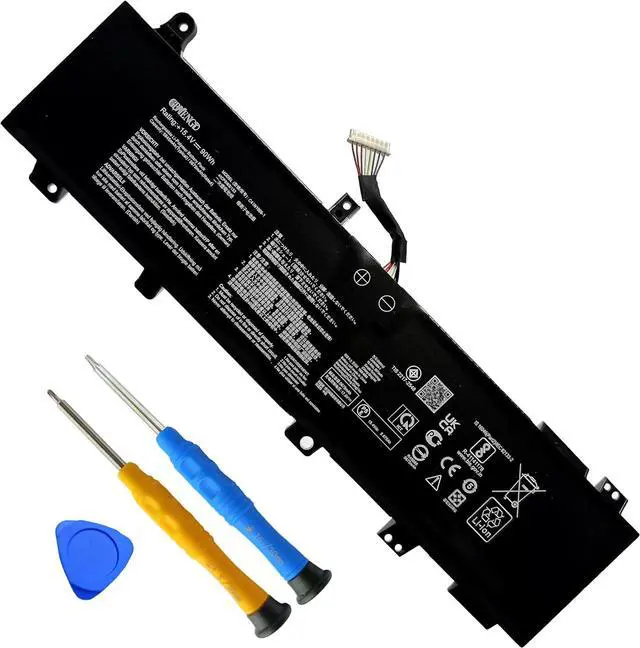
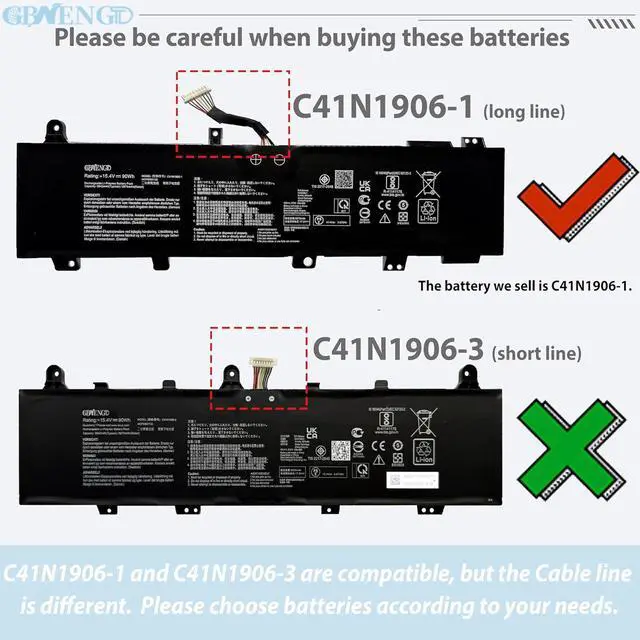
    C41N1906-1 Battery Replacement for ASUS TUF Gaming A15 FA506 FA506QR F15 FX506 A17 FA706 FA706IU Series 90Wh 15.4V 5845mAh.

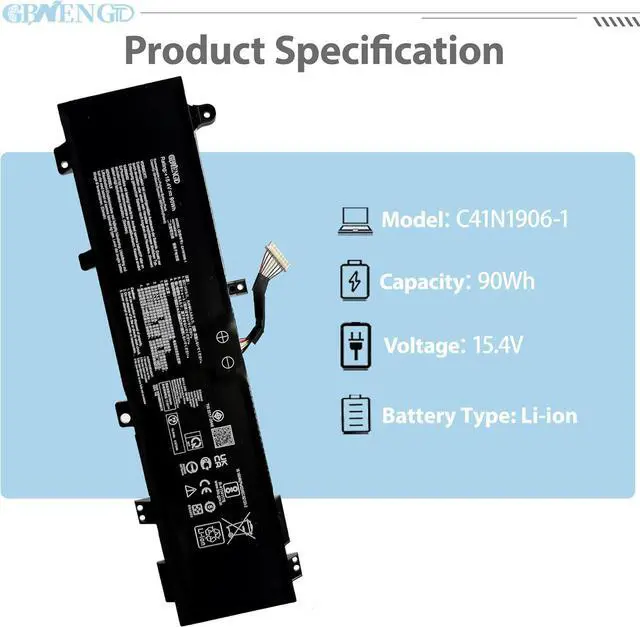
    • Specifications Model: C41N1906-1 Capatity: 90Wh Voltage:15.4V Color: Black Battery type: Rechargeable Li-ion Battery Condition: 100% brand New from Manufacturer.
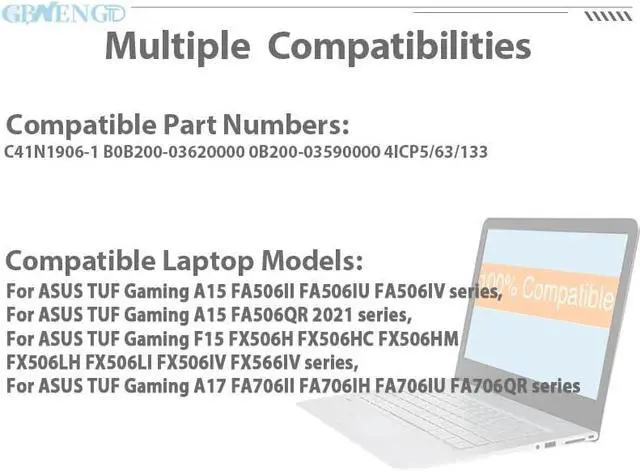
    • Compatible Model For ASUS TUF Gaming A15 FA506II FA506IU FA506IV series,ASUS TUF Gaming A15 FA506QR 2021 series,ASUS TUF Gaming F15 FX506H FX506HC FX506HM FX506LH FX506LI FX506IV FX566IV series, ASUS TUF Gaming A17 FA706II FA706IH FA706IU FA706QR series
    • Compatible Part No# C41N1906-1 B0B200-03620000 0B200-03590000 4ICP5/63/133.
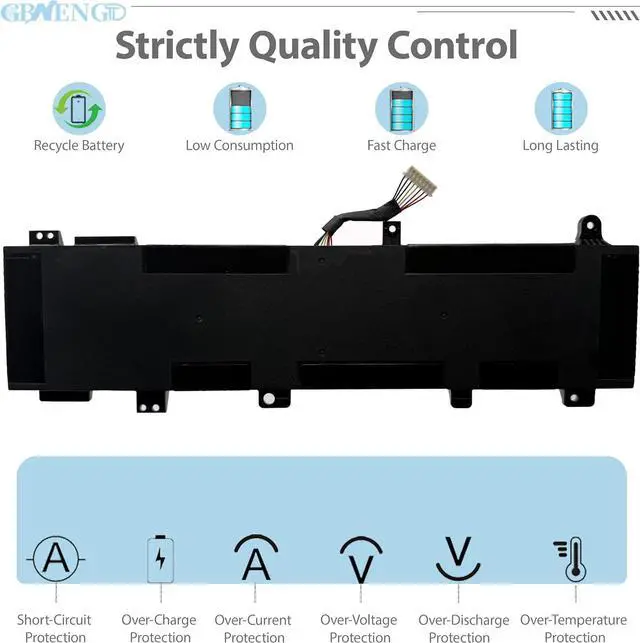
    • Quality First We have passed a series tests of short circuit, overheating, and overload protection before shipments. The newest generation chips, grade A cell battery ,provide long cycle life, stable performance and broad compatibility.
    • Service First-rate We promise 30-Day Refund & 1-Year Warranty. For any battery questions, just feel free to contact us for help via the order or click on"GBNENGTD", then you can see "Ask a question" on the page. We are here to serve for you for any battery
    +
    +
    Overview
    Reviews
    avatar

    Any questions? Our AI beta will help you find out quickly.

    GBNENGTD is a professional manufacturer of laptop batteries, we focus on enhancing your laptop's performance with our cutting-edge replacement battery. Crafted with Grade A cells, we ensures superior quality and reliability, offering you a most perfect choice for purchasing batteries.
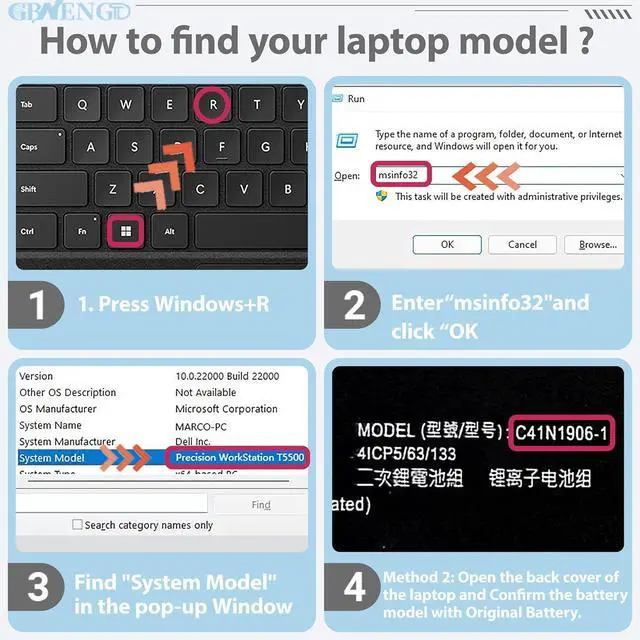
    There are two methods that can help you find the correct model of the battery as above picture.

    Before replacing the new battery, you need to completely shut down the computer and remove the power and battery to avoid short-circuit during the replacement process.
    Check and clean the battery slots first to make sure all connectors and screws are properly installed.
    When removing and installing batteries, handle them with care to avoid damage caused by collision or falling.
    Do Discharge the new battery use to 10% (not to 0%) and then charge to 95%, and cycle 3-4 times.
    The important point is to perform a full discharge charge every other month to extend battery life.
    Do not use the laptop in a high temperature environment and avoid fully charging or discharging the laptop battery for a long time, as this may damage the battery.
    If you need to store your laptop for an extended period, it is recommended to charge the battery approximately once a month, maintaining a charge level of about 50% to keep it active.

    Welcome to GBNENGTD ! How to purchase batteries correctly? Battery Mantainance Advice:

    Warranty & Returns

    Warranty, Returns, And Additional Information

    Warranty

    • Please contact the Seller directly for warranty information. Warranty information may also be found on the Manufacturer's website.
    • CONTACT

    Return Policies

    Manufacturer Contact Info

    LOADING...