

Your Browsing History

Meet Your Seller

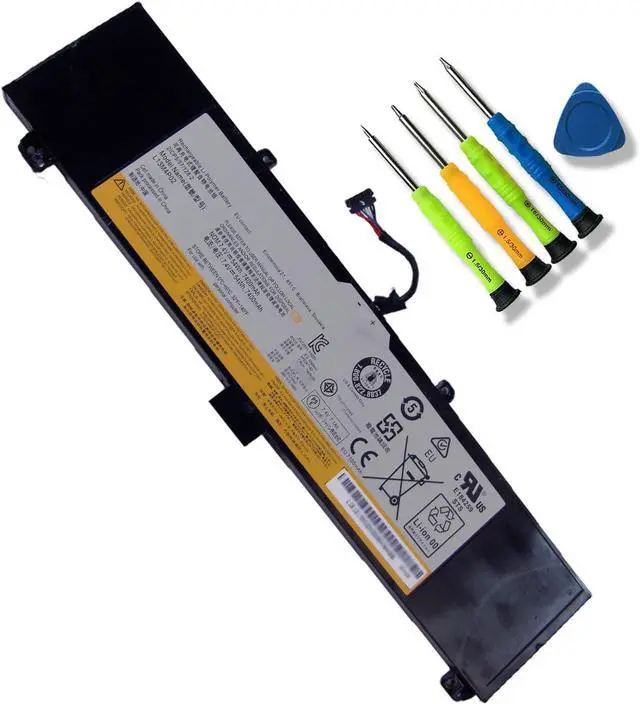
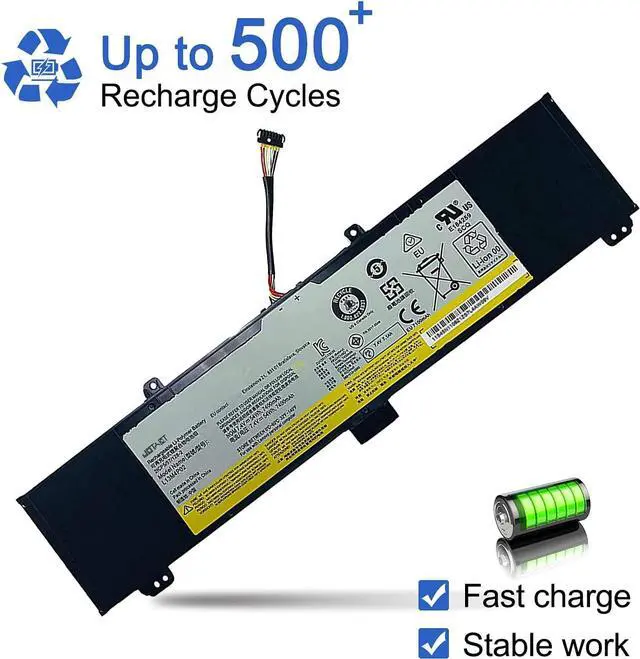


JOTACT L13M4P02 L13N4P01 Laptop Battery Replacement for Lenovo Erazer Y50 Y50-70 Y50-80 Y50P Y50P-70 Y70 Y70-70 Series L13M4P02 L13N4P01 121500250 121500251 5B10K10190 (7.4V 54Wh)
Limited time offer, ends 08/13 By Gearsonicx
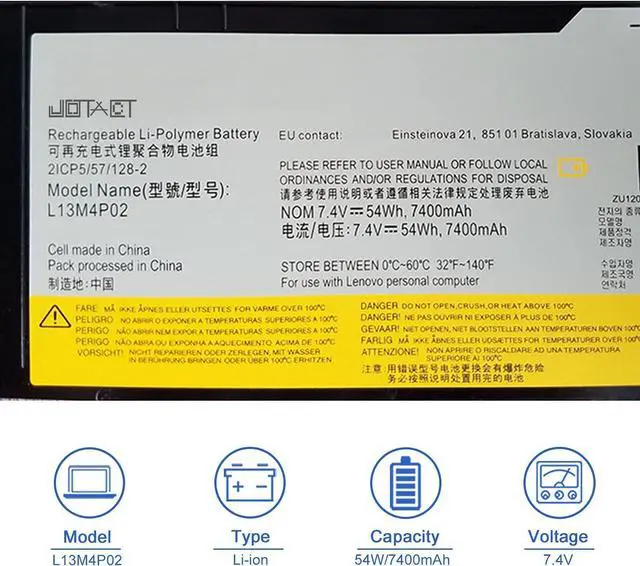
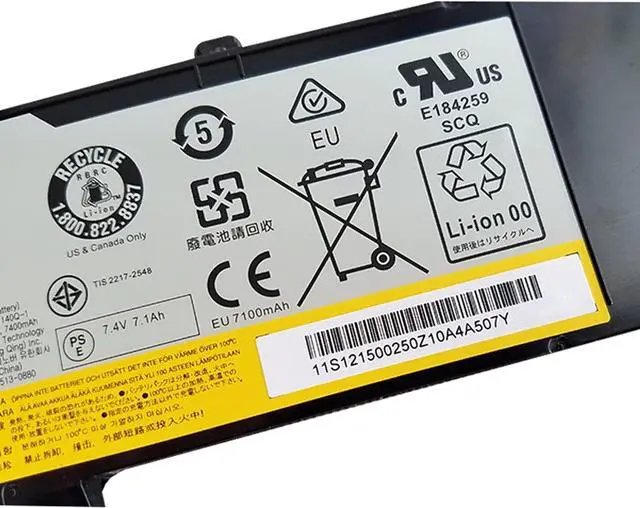
- SpecificationsItem Model: L13M4P02; Product Type: Replacement battery; Battery Type: Li-ion; Number of cell: 2 cell; Voltage:7.4V; Capacity: 54Wh/7400mAh; Battery Life: Up to 500 recharge cycles over the life of the battery.
- Compatible original Battery CodeL13M4P02 L13N4P01 121500250 121500251 5B10K10190.
- Compatible Laptop ModelsCompatible with Lenovo Erazer Y50 Y50-70 Y50-80 Y50P Y50P-70 Y70 Y70-70 Series Notebook.
- Use SkillsBefore installing the replacement battery, please read the manual carefully.
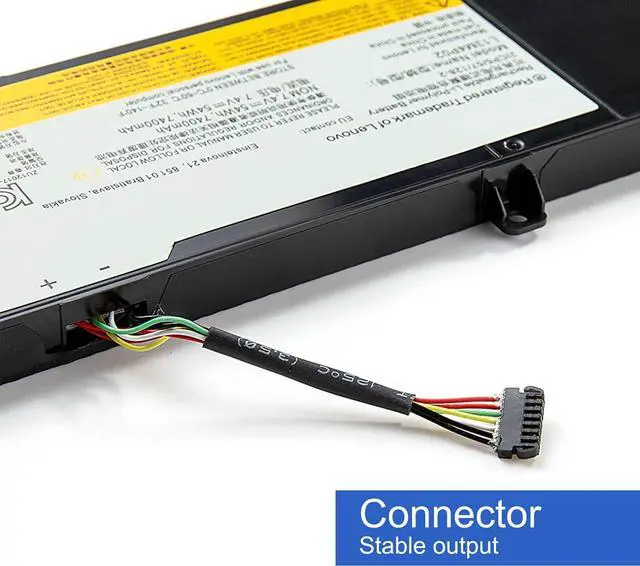
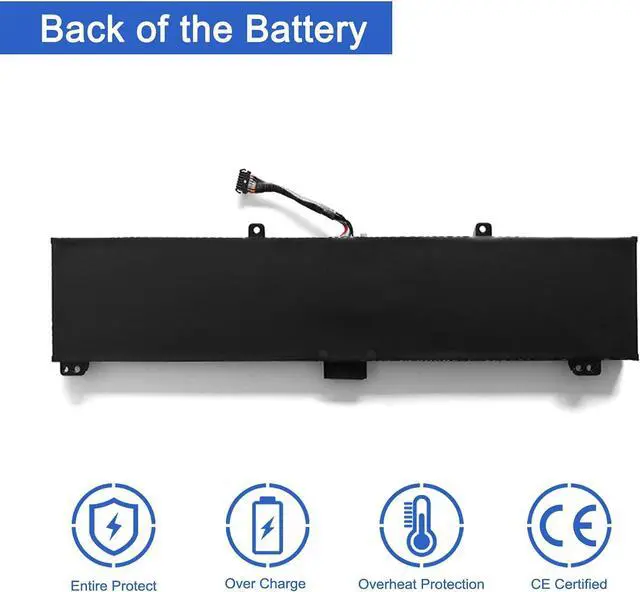
- NotesBefore placing your order, we highly suggest you to open the back case of your latptop and check out the exact part number and connector from your laptop's original battery.
+
+
Overview
Reviews

Any questions? Our AI mode will help you find out quickly.
Try me now
First, turn off the laptop and disconnect the power.
Open the back cover of the notebook, disconnect the connection between the old battery and the motherboardthen remove the old battery with a tool.
Remove the old battery, put the new laptop battery into the battery box, then connect the wires of the new battery, and finally close the back cover of the laptop to complete.
If you have questions about installing a new battery, you can search for the installation of laptop/tablet models on YouTube. This method may help you.
1, Change your laptop power plan settings, and choose the power saver plan. Then Change advanced power settings, and scroll down to find processor power management. Click the On-battery option and reduce the processor state to 20%.
2, Always keep your laptop neat and clean. The dust easily enters the hardware through the vents which are meant to release the heat generated from various computer components.
3, Close Wi-Fi, Bluetooth, and other settings. This can help your computer save precious battery life.
How to install the battery HOW TO MAXIMIZE THE BATTERY LIFE?
Warranty & Returns
Warranty, Returns, And Additional Information
Warranty
- Please contact the Seller directly for warranty information. Warranty information may also be found on the Manufacturer's website.
- CONTACT
Return Policies
- Return for refund within: 30 days
- Return for replacement within: 30 days
- This item is covered by Gearsonicx Return Policy
Manufacturer Contact Info
- For a directory of all our manufacturers, please click below.
- Manufacturers Directory
LOADING...