Compatible Models: (use "Ctrl+F" to find your model quickly)
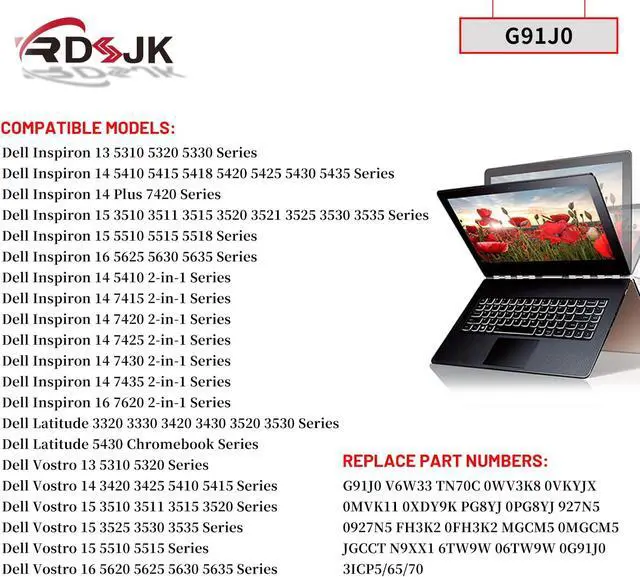
Dell Inspiron 13 5310 5320 5330 Series
Dell Inspiron 14 5410 5415 5418 5420 5425 5430 5435 Series
Dell Inspiron 14 Plus 7420 Series
Dell Inspiron 15 3510 3511 3515 3520 3521 3525 3530 3535 Series
Dell Inspiron 15 5510 5515 5518 Series
Dell Inspiron 16 5625 5630 5635 Series
Dell Inspiron 14 5410 2-in-1 Series
Dell Inspiron 14 7415 2-in-1 Series
Dell Inspiron 14 7420 2-in-1 Series
Dell Inspiron 14 7425 2-in-1 Series
Dell Inspiron 14 7430 2-in-1 Series
Dell Inspiron 14 7435 2-in-1 Series
Dell Inspiron 16 7620 2-in-1 Series
Dell Latitude 3320 3330 3420 3430 3520 3530 Series
Dell Latitude 5430 Chromebook Series
Dell Vostro 13 5310 5320 Series
Dell Vostro 14 3420 3425 5410 5415 Series
Dell Vostro 15 3510 3511 3515 3520 3525 3530 3535 Series
Dell Vostro 15 5510 5515 Series
Dell Vostro 16 5620 5625 5630 5635 Series
Dell P144G P144G001 P144G002 Series
Dell P147G P147G002 Series
Dell P152G P152G001 P152G005 Series
Dell P158G P158G001 Series
Dell P159G P159G001 P159G002 Series
Dell P108F P108F001 P108F002 Series
Dell P112F P112F001 P112F002 P112F003 P112F004 P112F005 P112F007 P112F008 Series
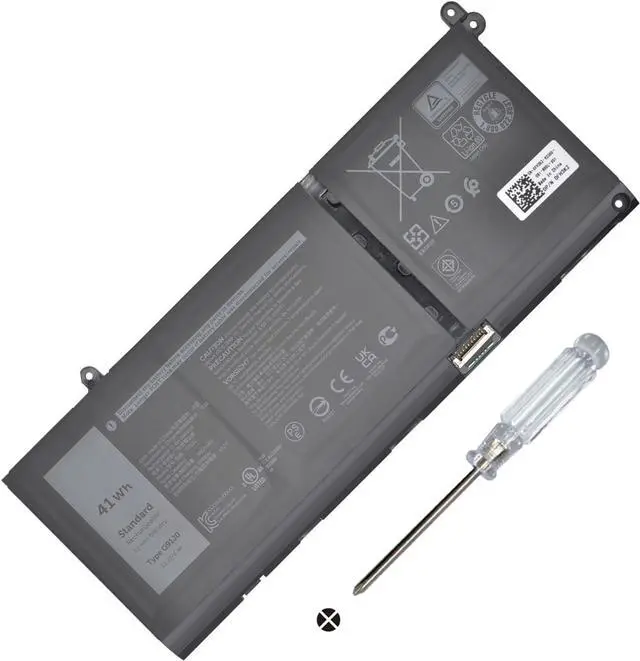
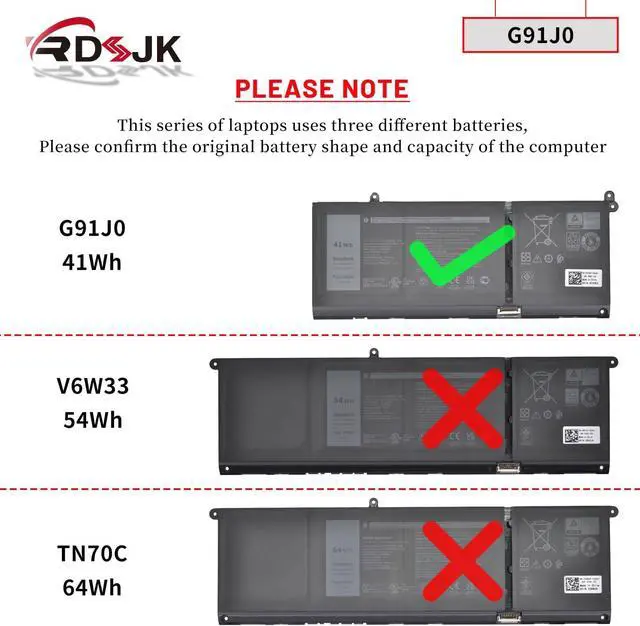
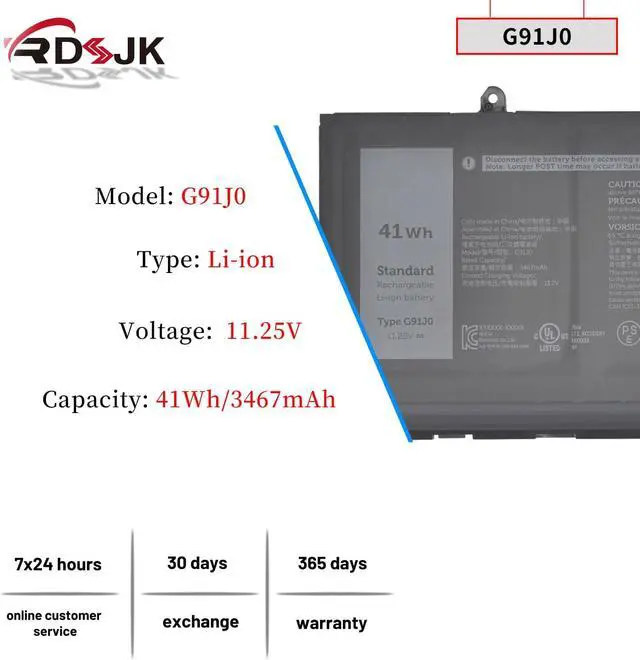
Noted: The above laptops are compatible with 3 types of batteries: G91J0 (41Wh 3Cell), TN70C (64Wh 4Cell) and V6W33 (54Wh 4Cell). Please choose the which one you are going to replace and according to your laptop's original battery.
1. Discharge the new battery use to 5%(not to 0%) and then charge to 95%, and cycle 3-5 times.
2. Do not disassemble, crush or puncture. Do not dispose of in fire or water.
3. If you remove battery for a long time, charge more than 80% at least one time within one months.
4. When using the battery, care should be taken to prevent exposure and moisture.
Laptop Battery Instruction: