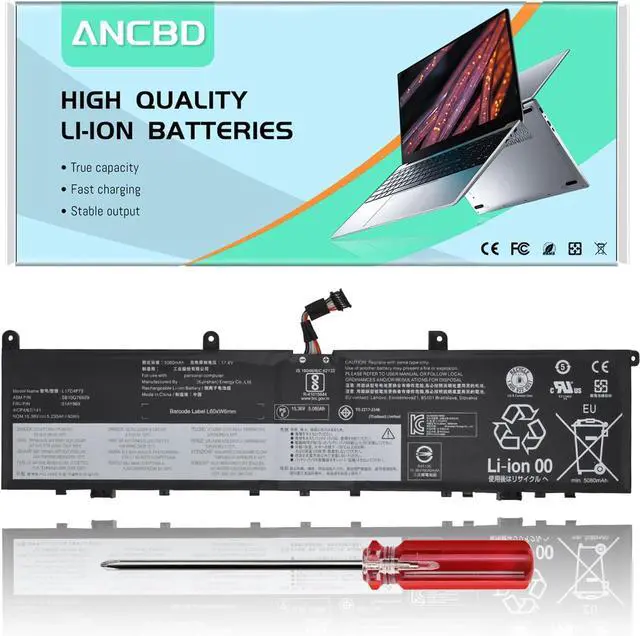
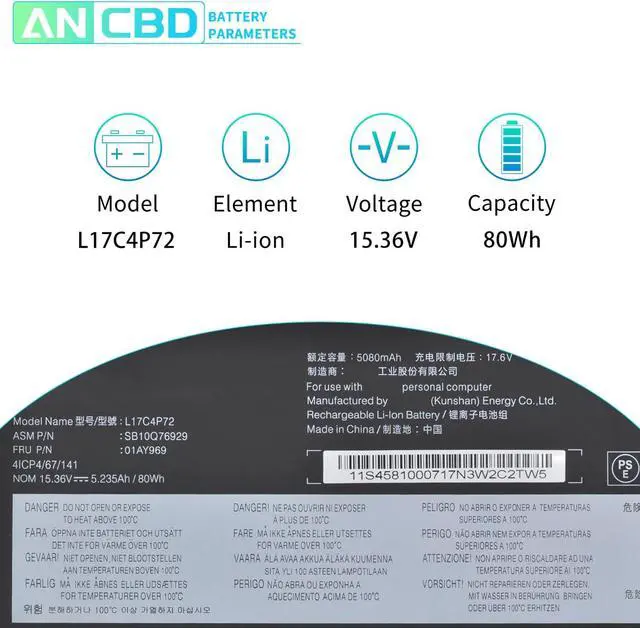
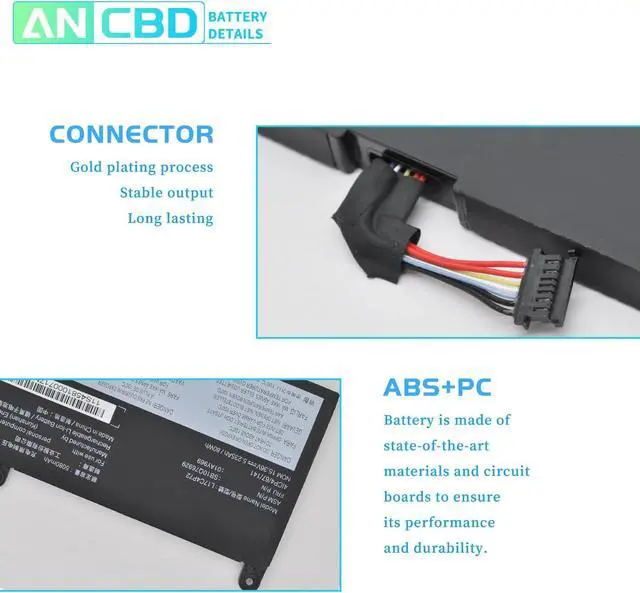
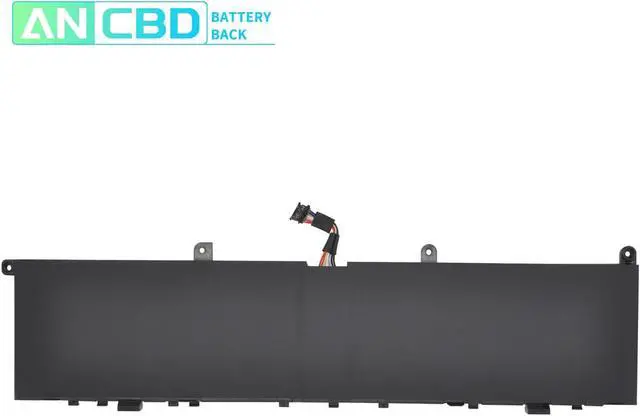
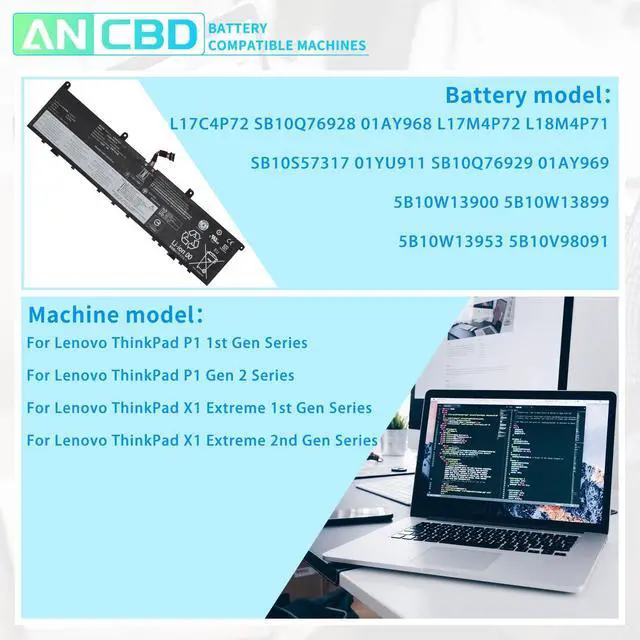
Please open your laptop case, check and confirm youroriginal battery model and appearance, and make sure that this is thebattery you need by comparing it with our battery picture, payingspecial attention to the position of the connector and the length of thecable.
Use System Information to find your laptop model.
Step 1: Press Windows + R to open Run window.
Step 2: Input "msinfo32" in the empty box and click OK to open System Information.
Step 3: Keep in the System Summary section, and you will find the System Model item in the right pane.By comparing, you can find out if the battery is suitable for your computer.
Please confirm before purchasing I hope our suggestions can help you use your battery better. How to confirm that the battery is suitable for your laptop?