• $95.99
  • Price alert
    Shop it at NeweggBusiness.

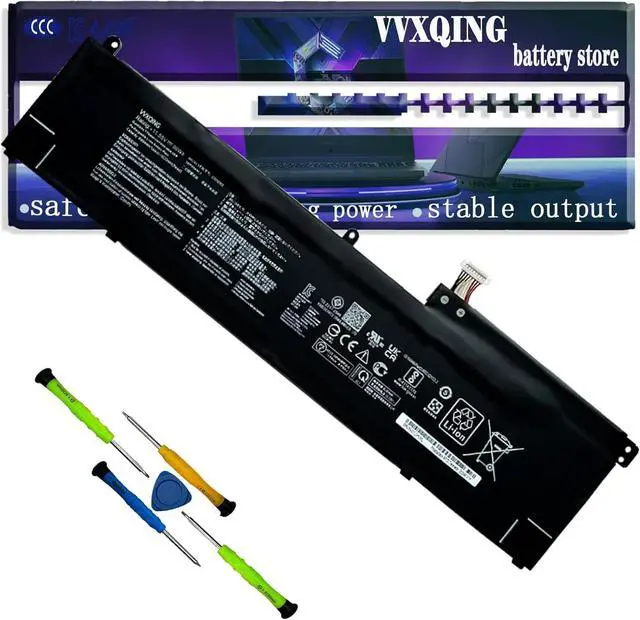
    C32N2002 96Wh Laptop Battery Compatible with Asus ZenBook Pro 15 UX535 UX535LI UX564PH Flip 15 UX535LI UX564EH UX564EI UX564PH Series Notebook 0B200-03770000 HSTNN-PB6K 801554-001

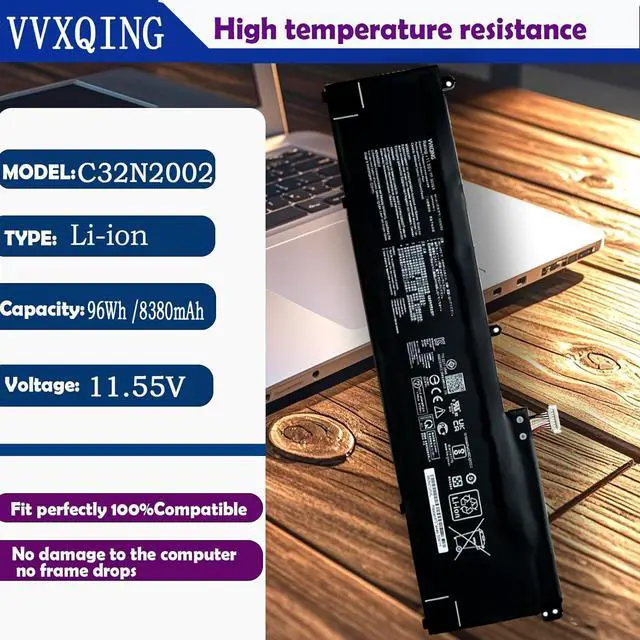
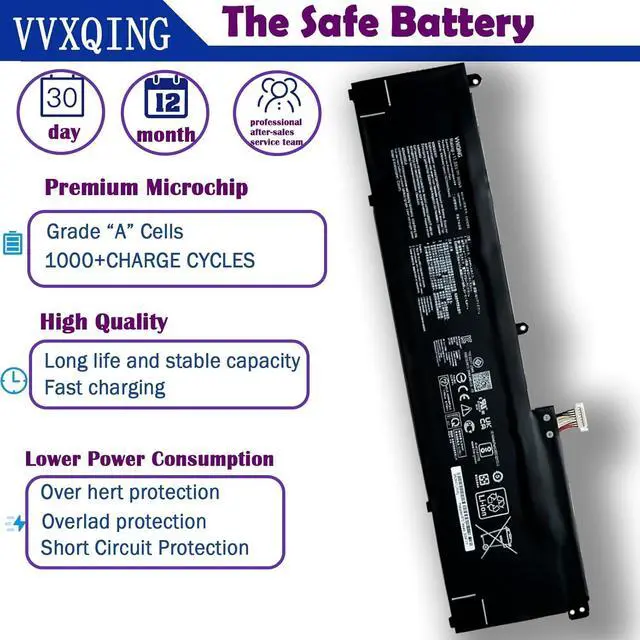
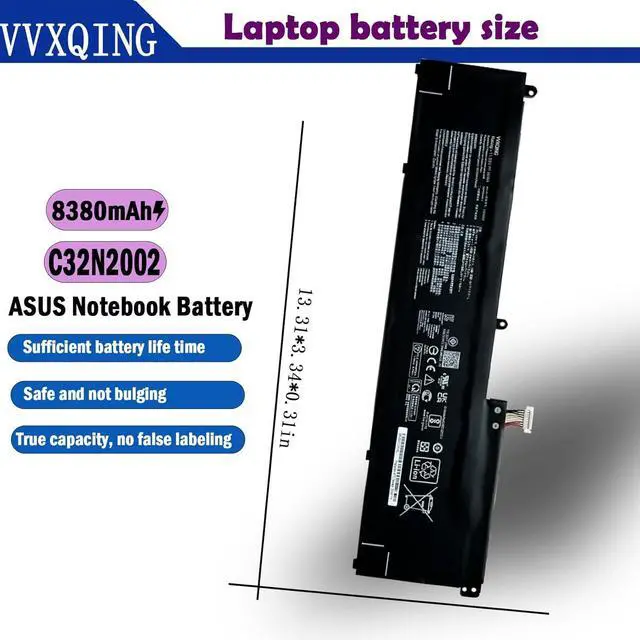
    • SpecificationsVoltage: 11.55V. Capacity: 96Wh 8380mAh. Battery Type: Li-ion. Condition: Brand new, from high quality materials, top circuit boards and smart chip.
    • Replace Part NumberC32N2002 0B200-03770000 0B200-03660200 3ICP7/54/64-2.
    • Compatible Laptop Models: for Asus ZenBook Pro 15 UX535 UX535LI Series, Asus ZenBook Pro 15 UX564PH Series, Asus ZenBook Flip 15 UX564EI Series, Asus ZenBook Flip 15 UX535LI Series, Asus ZenBook Flip 15 UX564EH Series, Asus ZenBook Flip 15 UX564PH Series.
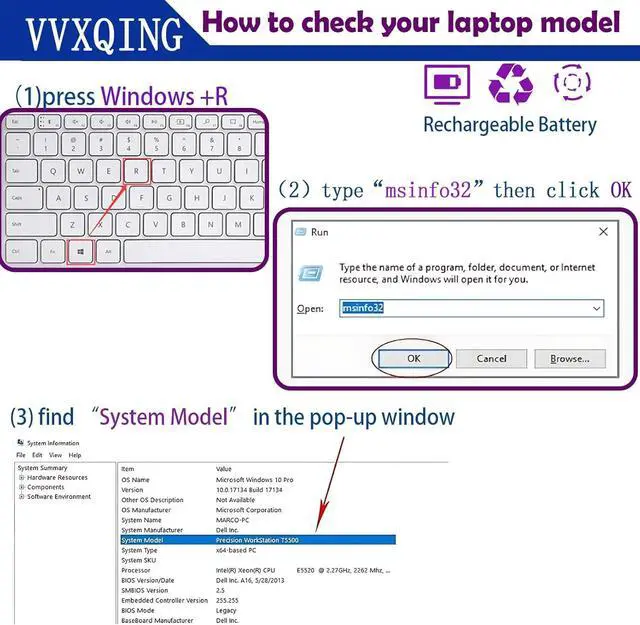
    • Purchase SkillsPlease open the back cover of the laptop before ordering and make sure that the original battery model is consistent with the listing. After getting the battery, please install the battery correctly, make sure that the battery connector is firmly connected to the laptop motherboard, and use the original charger to charge the laptop.Discharge the new battery to 5% (not 0%), then charge and cycle 3-4 times to wake up the new battery.
    • Pro After-sales Your satisfaction i
    +
    +
    Overview
    Reviews
    avatar

    Any questions? Our AI beta will help you find out quickly.

    SpecificationsVoltage: 11.55V. Capacity: 96Wh 8380mAh. Battery Type: Li-ion. Condition: Brand new, from high quality materials, top circuit boards and smart chip.
    Replace Part NumberC32N2002 0B200-03770000 0B200-03660200 3ICP7/54/64-2.
    Compatible Laptop Models: for Asus ZenBook Pro 15 UX535 UX535LI Series, Asus ZenBook Pro 15 UX564PH Series, Asus ZenBook Flip 15 UX564EI Series, Asus ZenBook Flip 15 UX535LI Series, Asus ZenBook Flip 15 UX564EH Series, Asus ZenBook Flip 15 UX564PH Series.
    Purchase SkillsPlease open the back cover of the laptop before ordering and make sure that the original battery model is consistent with the listing. After getting the battery, please install the battery correctly, make sure that the battery connector is firmly connected to the laptop motherboard, and use the original charger to charge the laptop.Discharge the new battery to 5% (not 0%), then charge and cycle 3-4 times to wake up the new battery.
    Pro After-sales Your satisfaction i

    Warranty & Returns

    Warranty, Returns, And Additional Information

    Warranty

    • Please contact the Seller directly for warranty information. Warranty information may also be found on the Manufacturer's website.
    • CONTACT

    Return Policies

    Manufacturer Contact Info

    LOADING...