• $142.99
  • Price alert
    Shop it at NeweggBusiness.

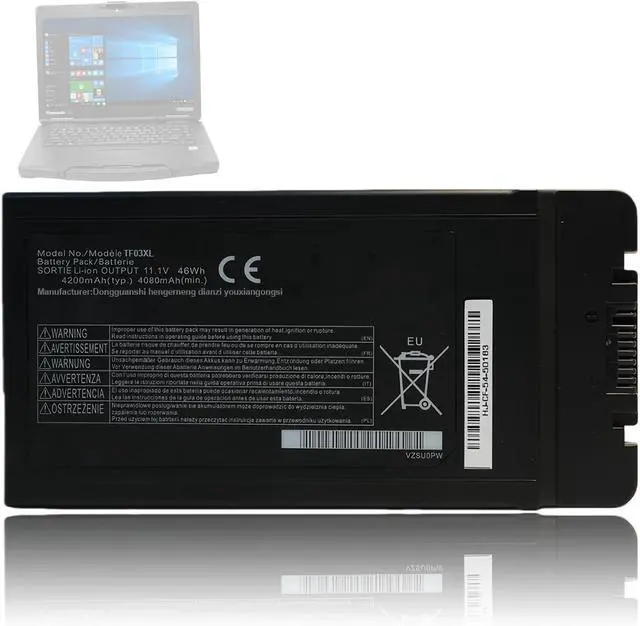
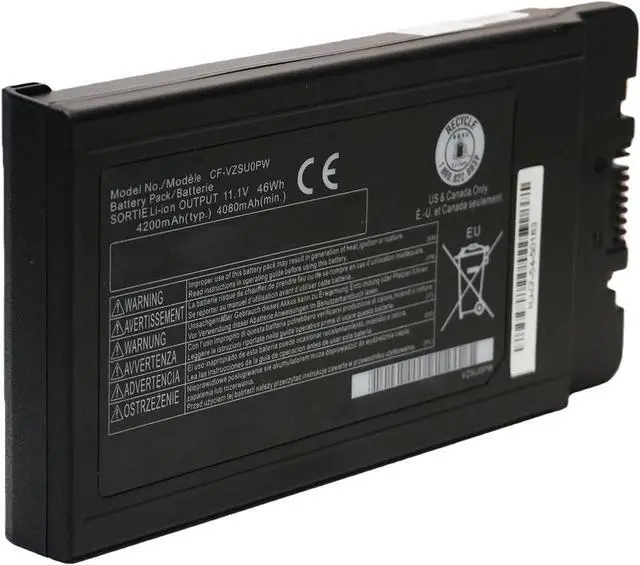
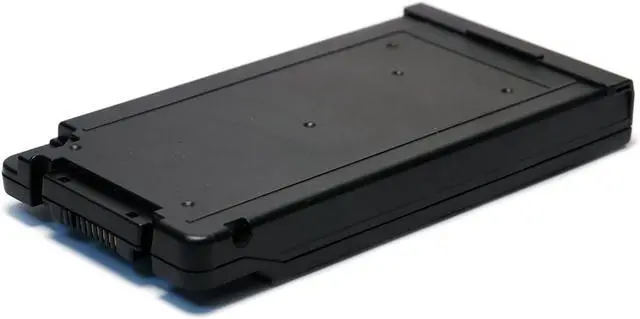
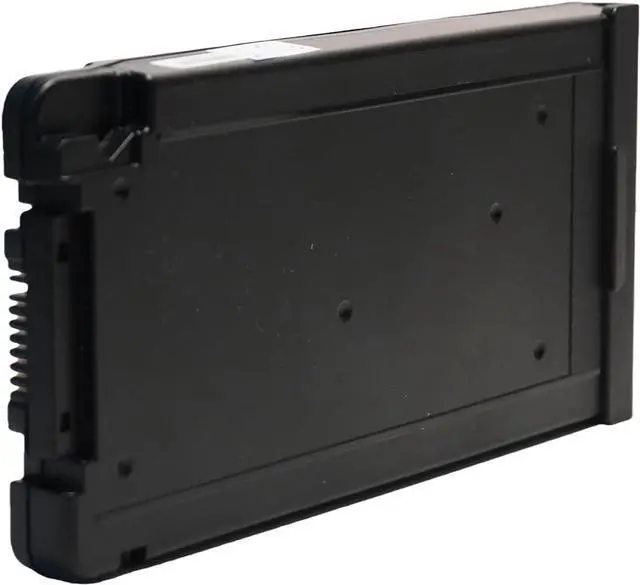
    46Wh CF-VZSU0PW Battery Compatible with Panasonic Toughbook CF54 CF-54 Mk1 Mk2 Mk3 CF-VZSU0GJS CF-VZSUOPW CF-VZSU0PJS CF-VZSU0PR CF-VZSU0LW CF-VZSU0KJS CF-VZSU0KW CF-VZSU0KR CF-VZSU0PK CF-VZSU0GW

    • WIDE COMPATIBILITY: The CF-VZSU0PW replacement battery is compatible with Panasonic Toughbook CF54 CF-54 Mk1 Mk2 Mk3 Series; compatible with Panasonic Toughbook 54 Gloved Multi Touch, 54 Lite, 54 Performance, 54 Prime Series, CF-54F9001KM CF-54G2999VM CF-54F0961NE CF-54F0961VM CF-54A0005CM CF-54D2912VM CF-54D0005KM Laptop.
    • COMPATIBLE PART NUMBER: CF-VZSU0GJS, CF-VZSUOPW, CF-VZSU0PJS, CF-VZSUOLW, CF-VZSU0PW, CF-VZSU0PR, CF-VZSUOGW, CF-VZSU0LW, CF-VZSU0KJS, CF-VZSU0KW, CF-VZSU0KR, CF-VZSU0PK, CF-VZSU0GW. Please confirm your original battery model before purchasing.
    • SPECIFICATION: Battery type: Li-ion; Voltage:11.1V; Capacity: 4200mAh/46Wh.
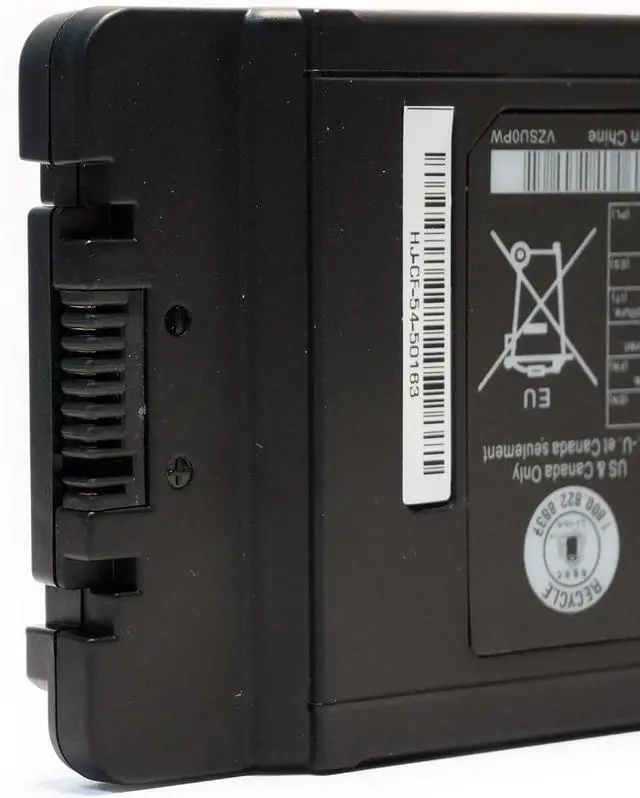
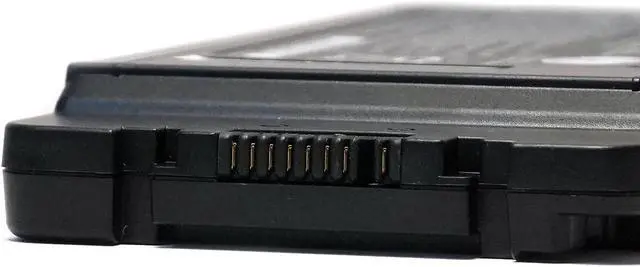
    • NOTE: If the new battery is not recognized during the initial installation, please reinstall and check if the interface is fully connected. Discharge the new battery to 10-20% (not 0%), then charge and cycle 3-4 times to wake up the new battery.
    • PRODUCT LIST: 1* Battery. All LIXIEKE products are Certified by CE, FCC for safety. Strict gu
    +
    +
    Overview
    Reviews
    avatar

    Any questions? Our AI beta will help you find out quickly.

    WIDE COMPATIBILITY: The CF-VZSU0PW replacement battery is compatible with Panasonic Toughbook CF54 CF-54 Mk1 Mk2 Mk3 Series; compatible with Panasonic Toughbook 54 Gloved Multi Touch, 54 Lite, 54 Performance, 54 Prime Series, CF-54F9001KM CF-54G2999VM CF-54F0961NE CF-54F0961VM CF-54A0005CM CF-54D2912VM CF-54D0005KM Laptop.
    COMPATIBLE PART NUMBER: CF-VZSU0GJS, CF-VZSUOPW, CF-VZSU0PJS, CF-VZSUOLW, CF-VZSU0PW, CF-VZSU0PR, CF-VZSUOGW, CF-VZSU0LW, CF-VZSU0KJS, CF-VZSU0KW, CF-VZSU0KR, CF-VZSU0PK, CF-VZSU0GW. Please confirm your original battery model before purchasing.
    SPECIFICATION: Battery type: Li-ion; Voltage:11.1V; Capacity: 4200mAh/46Wh.
    NOTE: If the new battery is not recognized during the initial installation, please reinstall and check if the interface is fully connected. Discharge the new battery to 10-20% (not 0%), then charge and cycle 3-4 times to wake up the new battery.
    PRODUCT LIST: 1* Battery. All LIXIEKE products are Certified by CE, FCC for safety. Strict guidelines for compatibility, and standards compliance for environment safety.

    Warranty & Returns

    Warranty, Returns, And Additional Information

    Warranty

    • Please contact the Seller directly for warranty information. Warranty information may also be found on the Manufacturer's website.
    • CONTACT

    Return Policies

    Manufacturer Contact Info

    LOADING...