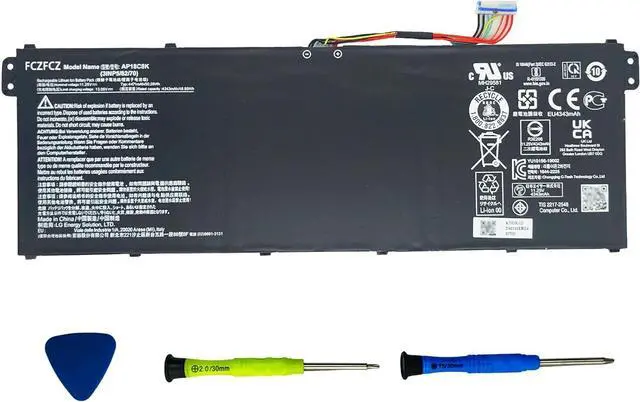
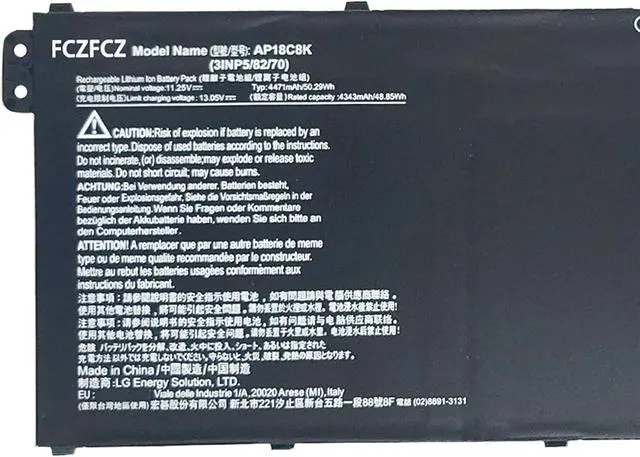
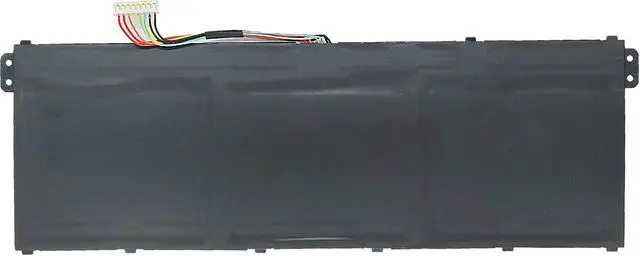
SpecificationsBattery Model:AP18C8K // Voltage:11.25V // Capacity:50.29Wh 4471mAh // Color:Black // Condition:Brand New.
Replacement for Part NumberAP18C8K 3INP5/82/70
Compatible with Machine Modelsfor Acer Swift 3 SF314-42 Series: SF314-42-R27B SF314-42-R67U SF314-42-R4XJ SF314-42-R7G7 SF314-42-R9NN; for Acer Swift 3 SF314-57 Series: SF314-57-57S9-NX SF314-57-79N6 SF314-57-516Z SF314-57-57NF SF314-57-53XX; for Acer Swift 3 SF314-57G Series: SF314-57G-5334 SF314-57G-79UE SF314-57G-78D5 SF314-57G-5642 SF314-57G-T003; for Acer Swift 3 SF314-58 Series: SF314-58-5796 SF314-58-395Y SF314-58-73LT SF314-58-55PL SF314-58-30GA SF314-58-58RA; for Acer Swift 3 SF314-58G Series: SF314-58G-738H SF314-58G-71G9 SF314-58G-7111 SF314-58G-55CK SF314-58G-57N7; for Acer Swift 3 SF314-59 Series: SF314-59-53S2 SF314-59-56F2 SF314-59-51GR SF314-59-59P0 SF314-59-5934
Compatible with Machine Modelsfor Acer Aspire 7 A715-42g Series: A715-42G-R3SK A715-42G-R9ZM A715-42G-R4GQ A715-42G-R20 A715-42G-R6F4; for Acer Aspire 5 A514-54 A514-54G Series: A514-54-37X8 A514-54-71D6 A514-54-50A4 A514-54G-58ZL; for Acer Aspire 5 A515-56G Series: A515-56G-72QL A515-56G-33V2 A515-56G-586Y A515-56G-54JD for Acer Aspire 5 A515-57 Series; for Acer TravelMate P2 TMP215-52 TMP215-52G Series: TMP215-52-55B6 TMP215-52-32HH TMP215-52-76G9 TMP215-52-52GC TMP215-52-50BG; for Acer TravelMate P2 TMP215-53 TPM215-53G Series; for Acer Chromebook 15 CB315-3H CB315-3HT Series: CB315-3H-C5JS CB315-3HT-C6XF CB315-3H-C11F CB315-3HT-C296; for Acer Chromebook 314 C933 Series
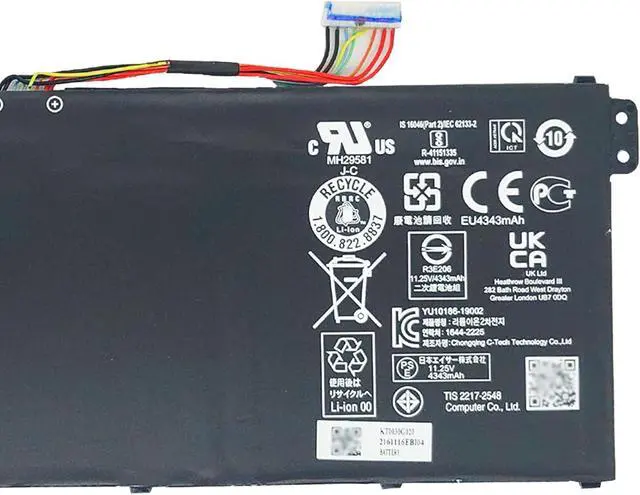
SafetyAll FCZFCZ products are Certified by CE, UL for safety. Each battery is factory tested before shipment and at good condition, and have its mark. Built-in circuit protection ensures both safety and stability. Each battery has high capacity to provide enduring, continual use.
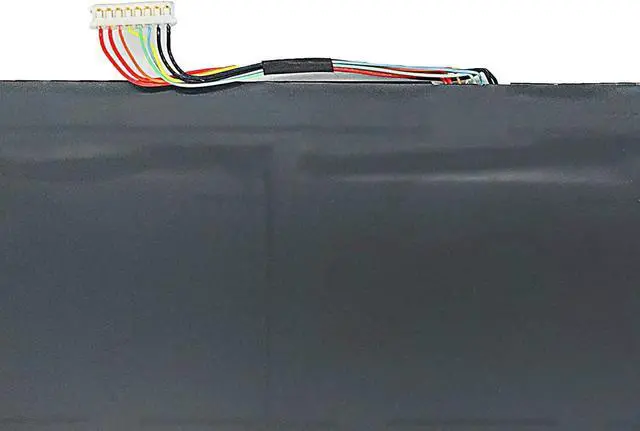
InstructionsPlease open the back cover of the laptop before purchasing and confirm that the original battery type is the same as the picture. Please read the battery instruction manual carefully before installing the battery. Please install the battery correctly and ensure that the battery interface and the motherboard are firmly connected. Please use the original charger to charge the laptop. After battery installation, discharge the new battery to 5% (not 0%), then charge and cycle 3-4 times to wake up the new battery.