• $92.99
  • Price alert
    Shop it at NeweggBusiness.

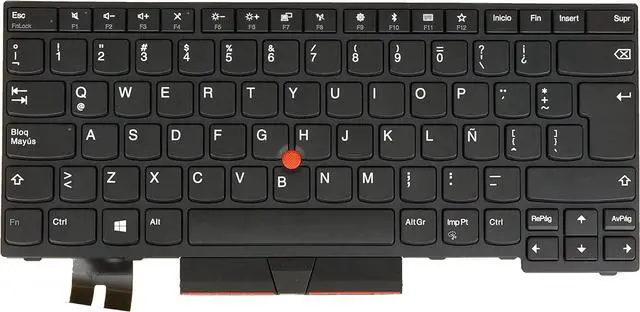
    Latin Spanish LAS LSP Keyboard for Lenovo Thinkpad T480s E480 E485 E490 E495 L480 L490 T490 T495 P43s L380 L390 / Yoga, Yoga S2 3rd Gen 01YP523 01YP283 01YP443 01YP363, Backlit, Black Frame

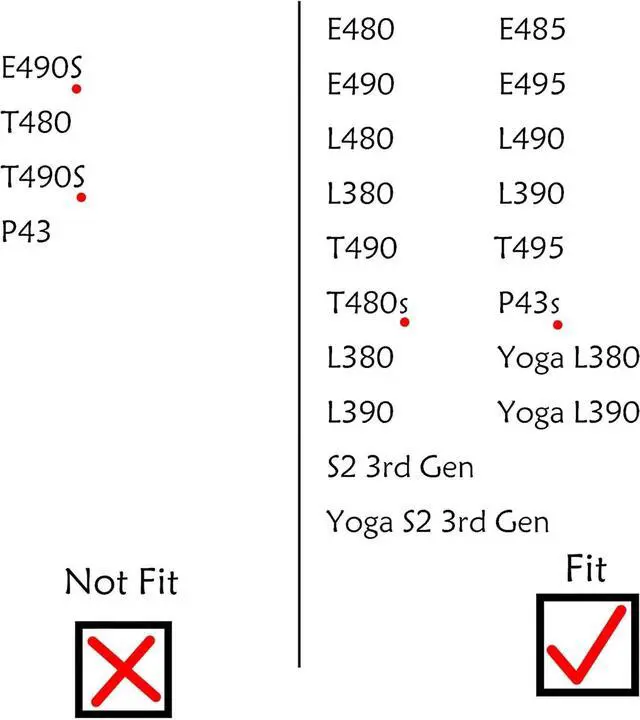
    • [Compatible] Many laptop model names are quite similar, but they are not exactly identical. You can utilize the 'CTRL+F' shortcut keys to ensure that the keyboard model we offer matches your laptop's precisely.
    • [High Quality] Our keyboards have been tested. They feature responsive keys for smooth typing, clear characters on the keycaps, and a comfortable tactile feel.
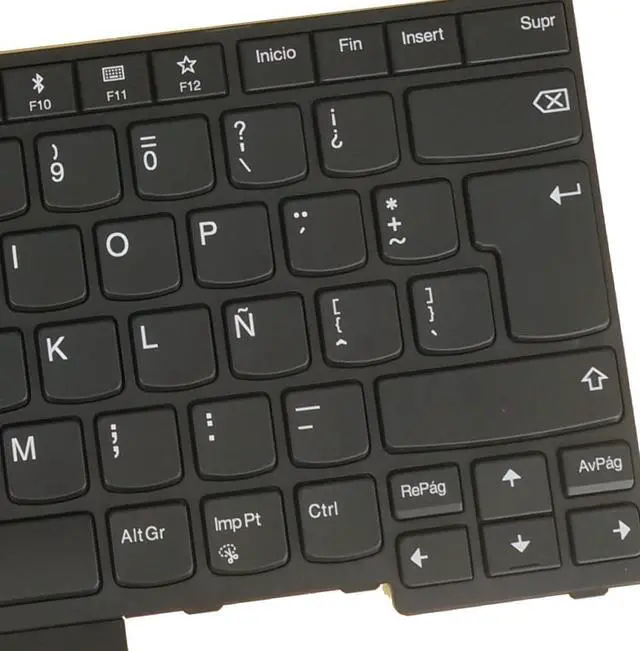
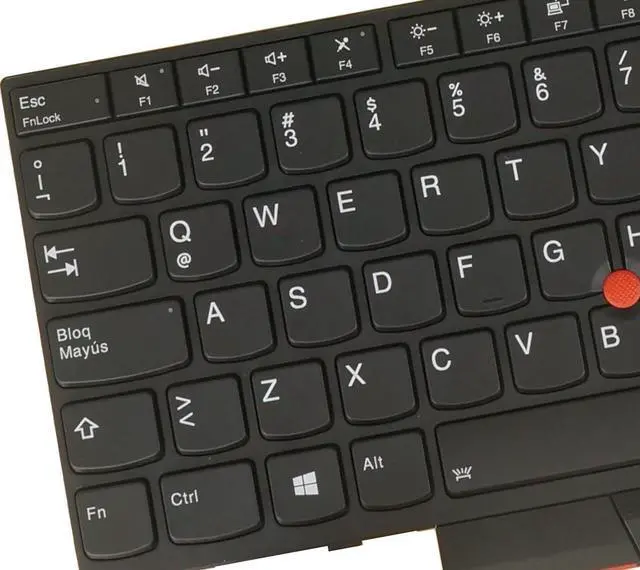
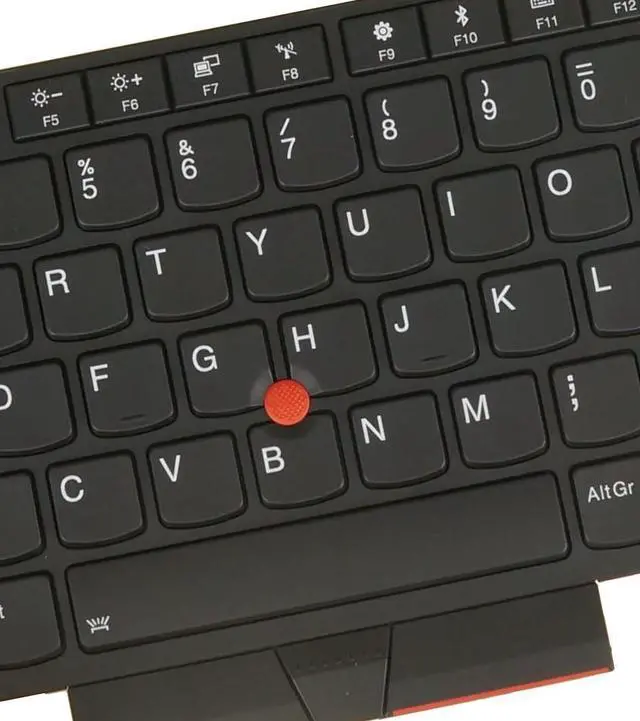
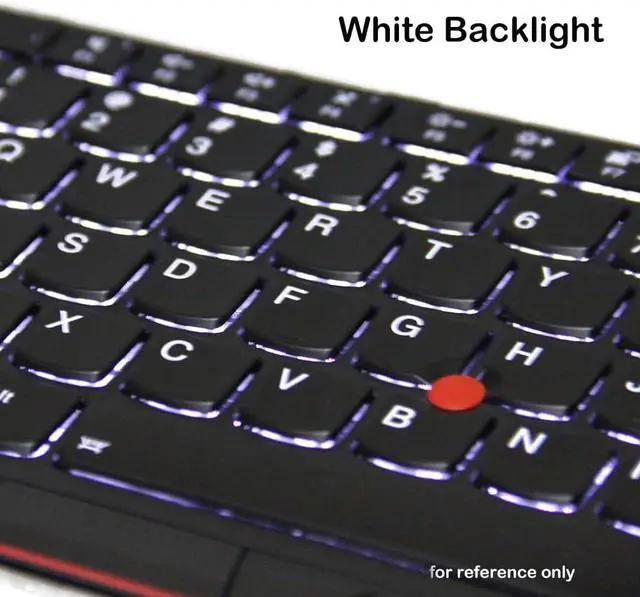
    • [Item specifics] Brand: AzubayCom || with Frame || with Backlight || Black Color || LA Latin Spanish (Español Latino) Layout
    • [Key Hinges] If you're purchasing a keyboard for the purpose of swapping the keycaps, please contact us to check the design of the key hinges.
    • [Installation] The process of installing the keyboard is rather intricate and demands practical skills. We strongly recommend that you understand the installation process before your order.
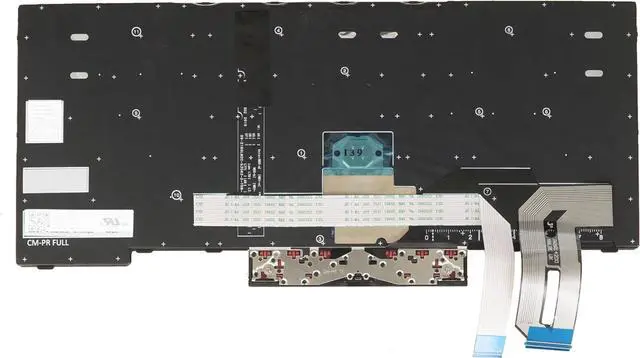
    • [Reconnect] Before installing the keyboard, please clean the keyboard connector cable using alcohol wipes. If certain keys don't function properly, it's likely that
    +
    +
    Overview
    Specs
    Reviews
    avatar

    Any questions? Our AI beta will help you find out quickly.

    [Compatible] Many laptop model names are quite similar, but they are not exactly identical. You can utilize the 'CTRL+F' shortcut keys to ensure that the keyboard model we offer matches your laptop's precisely.
    [High Quality] Our keyboards have been tested. They feature responsive keys for smooth typing, clear characters on the keycaps, and a comfortable tactile feel.
    [Item specifics] Brand: AzubayCom || with Frame || with Backlight || Black Color || LA Latin Spanish (Español Latino) Layout
    [Key Hinges] If you're purchasing a keyboard for the purpose of swapping the keycaps, please contact us to check the design of the key hinges.
    [Installation] The process of installing the keyboard is rather intricate and demands practical skills. We strongly recommend that you understand the installation process before your order.
    [Reconnect] Before installing the keyboard, please clean the keyboard connector cable using alcohol wipes. If certain keys don't function properly, it's likely that you haven't connected the ribbon cable of our keyboard to your laptop properly. In such a case, please try reconnecting it several times.
    [Backlit] If your original laptop keyboard doesn't have a backlight and you want to replace it with a backlit laptop keyboard, please make sure that there is a backlight interface on your motherboard.

    Warranty & Returns

    Warranty, Returns, And Additional Information

    Warranty

    • Please contact the Seller directly for warranty information. Warranty information may also be found on the Manufacturer's website.
    • CONTACT

    Return Policies

    Manufacturer Contact Info

    LOADING...