

Your Browsing History
- Free 30-day Returns
$144.99

Meet Your Seller

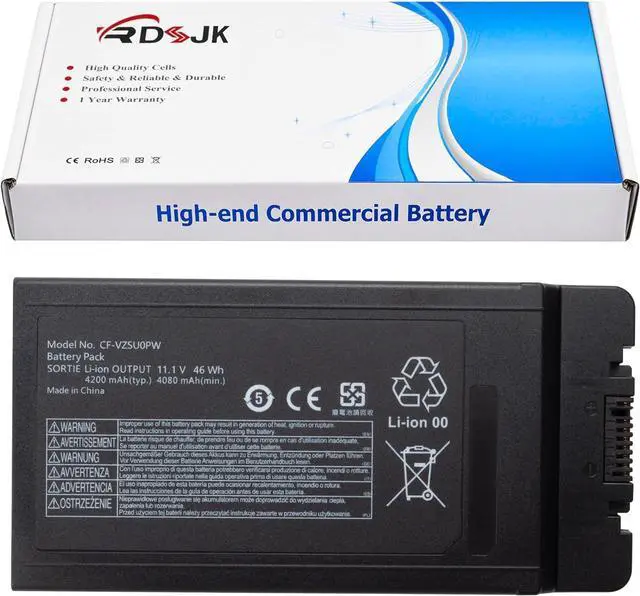
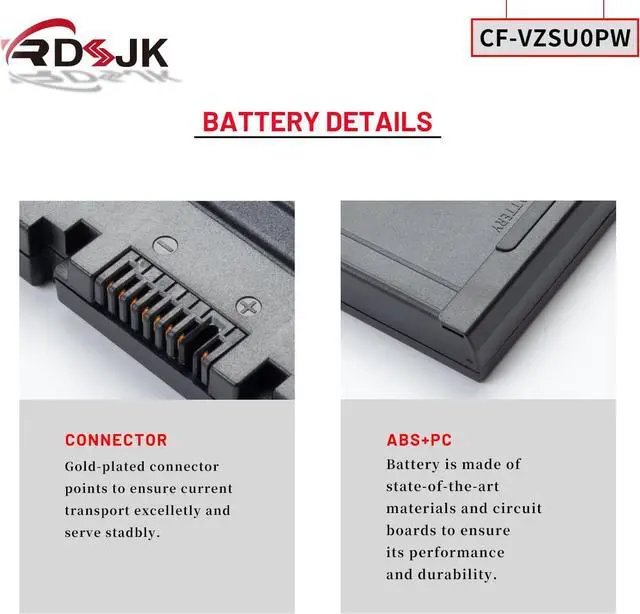
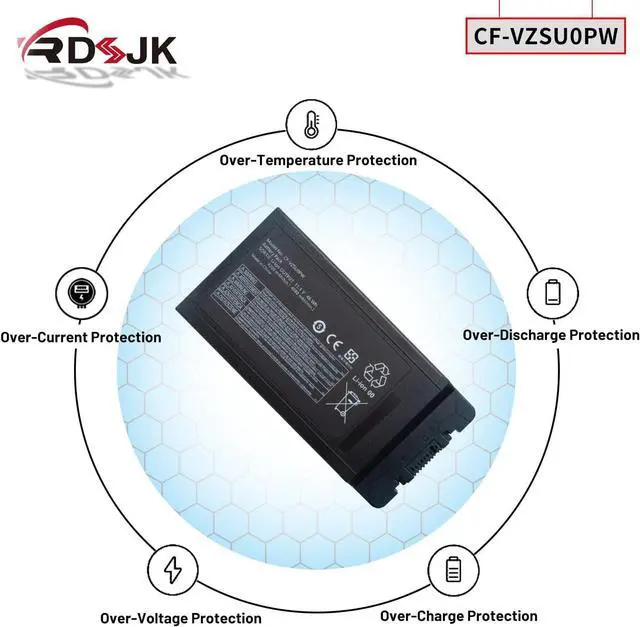



CF-VZSU0PW CF-VZSU0PR CF-VZSU0PK CF-VZSU0LW Battery for Panasonic Toughbook CF54 CF-54 MK1 MK2 MK3 Series 54 Gloved Multi Touch, 54 Lite, 54 Performance, 54 Prime Series CF-54F0961VM 11.1V 46Wh
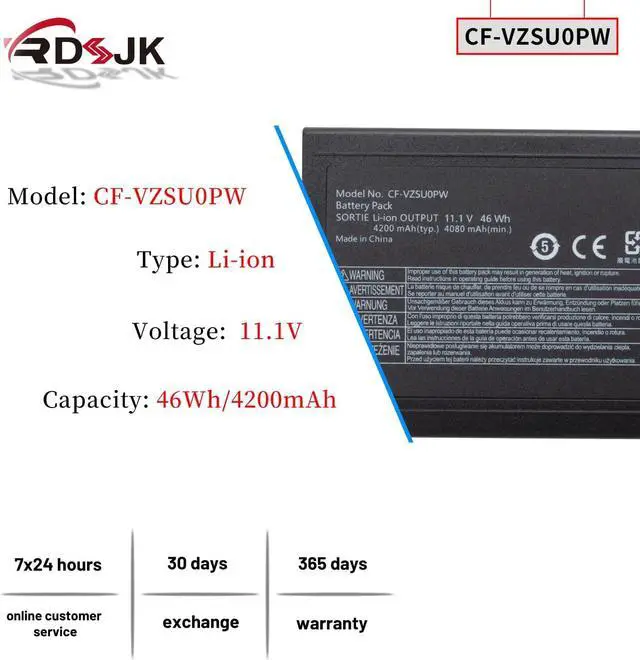
- Battery type: Li-ion; Voltage: 11.1V; Capacity: 46Wh/4200mAh; Cells: 6-cell
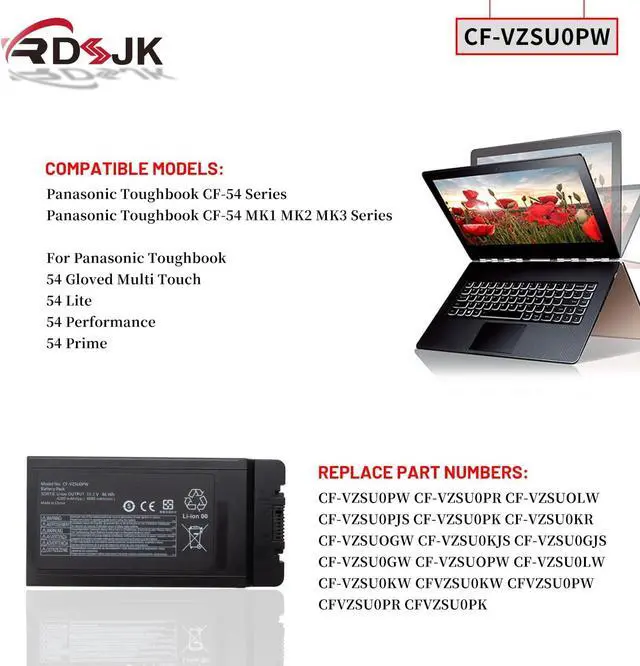
- Compatible Models: For Panasonic Toughbook CF-54 Series, For Panasonic Toughbook CF54 CF-54 MK1 MK2 MK3 Series, For Panasonic Toughbook 54 Gloved Multi Touch, 54 Lite, 54 Performance, 54 Prime Series, For Panasonic Toughbook CF-54F9001KM CF-54G2999VM CF-54F0961NE CF-54F0961VM CF-54A0005CM CF-54D2912VM CF-54D0005KM etc
- Replace Part Numbers: CF-VZSU0PW CF-VZSU0PR CF-VZSUOLW CF-VZSU0PJS CF-VZSU0PK CF-VZSU0KR CF-VZSUOGW CF-VZSU0KJS CF-VZSU0GJS CF-VZSU0GW CF-VZSUOPW CF-VZSU0LW CF-VZSU0KW CFVZSU0KW CFVZSU0PW CFVZSU0PR
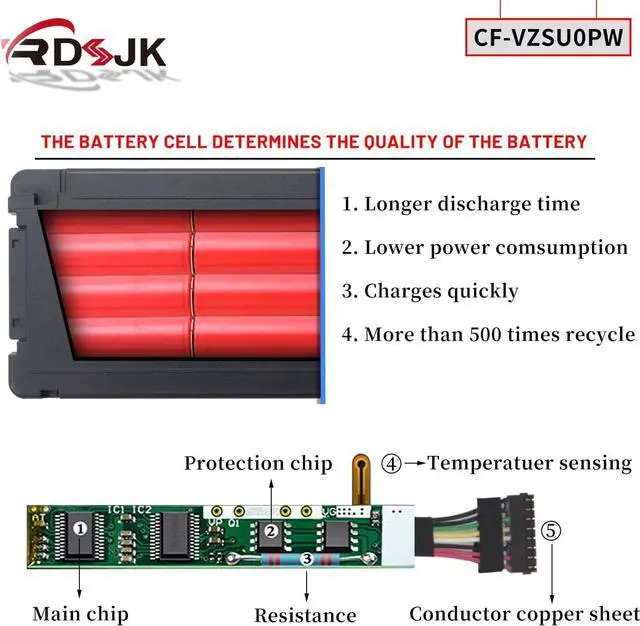
- 100% New from Manufacturer. Up to 500 recharge cycles over the life of the battery. The actual operation time will depend on how much electricity is required by the device and how you use it
- For first use, please discharge the battery to 5%(not to 0%) and then charge to 95%, and cycle 3-4 times.
+
+
Overview
Specs
Reviews

Any questions? Our AI mode will help you find out quickly.
Try me now
Compatible Models: (use "Ctrl+F" to find your model quickly)
Panasonic Toughbook CF-54 Series
Panasonic Toughbook CF54 CF-54 MK1 MK2 MK3 Series
For Panasonic Toughbook
54 Gloved Multi Touch, 54 Lite, 54 Performance, 54 Prime Series
CF-54F9001KM
CF-54G2999VM
CF-54F0961NE
CF-54F0961VM
CF-54A0005CM
CF-54D2912VM
CF-54D0005KM
1. Discharge the new battery use to 5%(not to 0%) and then charge to 95%, and cycle 3-5 times.
2. Do not disassemble, crush or puncture. Do not dispose of in fire or water.
3. If you remove battery for a long time, charge more than 80% at least one time within one months.
4. When using the battery, care should be taken to prevent exposure and moisture.
Laptop Battery Instruction:
Panasonic Toughbook CF-54 Series
Panasonic Toughbook CF54 CF-54 MK1 MK2 MK3 Series
For Panasonic Toughbook
54 Gloved Multi Touch, 54 Lite, 54 Performance, 54 Prime Series
CF-54F9001KM
CF-54G2999VM
CF-54F0961NE
CF-54F0961VM
CF-54A0005CM
CF-54D2912VM
CF-54D0005KM
1. Discharge the new battery use to 5%(not to 0%) and then charge to 95%, and cycle 3-5 times.
2. Do not disassemble, crush or puncture. Do not dispose of in fire or water.
3. If you remove battery for a long time, charge more than 80% at least one time within one months.
4. When using the battery, care should be taken to prevent exposure and moisture.
Laptop Battery Instruction:
Warranty & Returns
Warranty, Returns, And Additional Information
Warranty
- Please contact the Seller directly for warranty information. Warranty information may also be found on the Manufacturer's website.
- CONTACT
Return Policies
- Return for refund within: 30 days
- Return for replacement within: 30 days
- This item is covered by Deep Source Trading Shop Return Policy
Manufacturer Contact Info
- For a directory of all our manufacturers, please click below.
- Manufacturers Directory
LOADING...