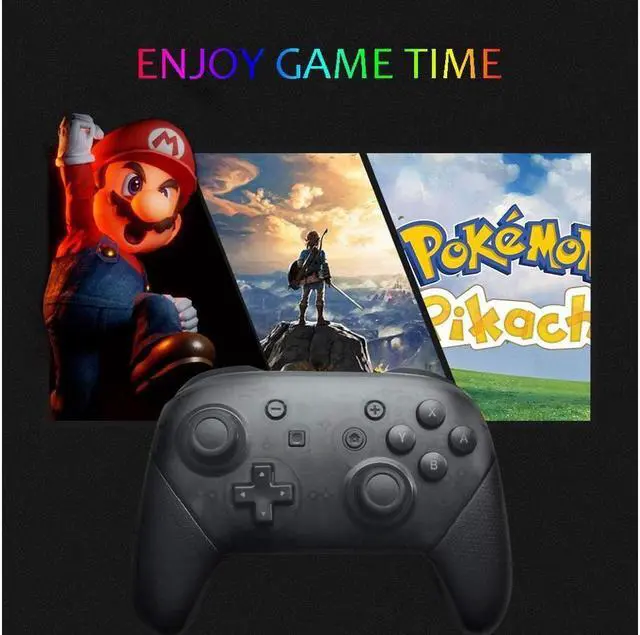
Switch Pro Bluetooth Controller
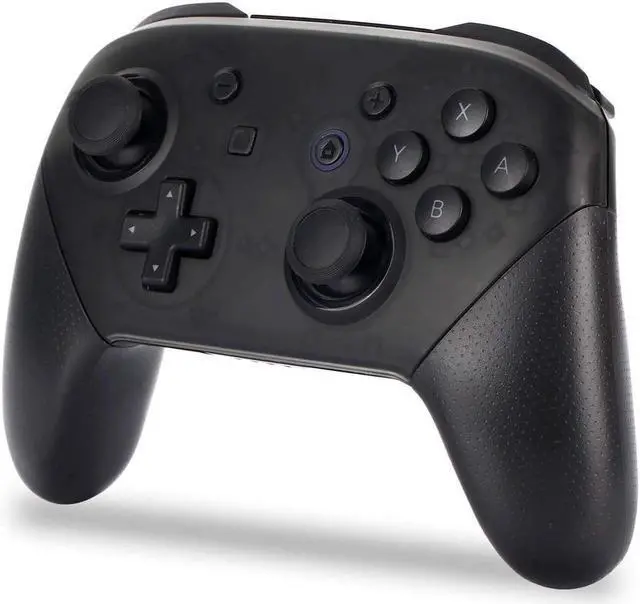
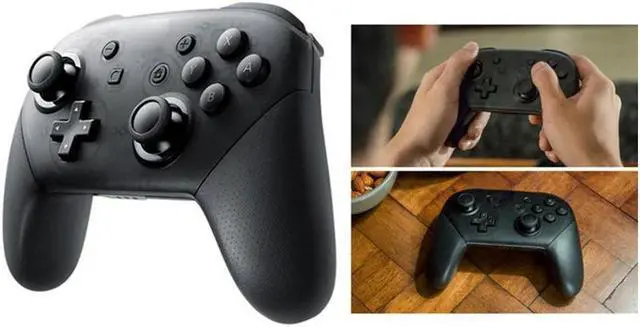
Take your gaming experience up a notch with this Bluetooth controller for Nintendo Switch, with vibration feedback, two analog sticks and a D-pad. Its classic design fits ergonomically and comfortably in the palm of your hand, even in extended session. It can be used when the Switch is either docked or undocked.
Wireless Bluetooth connection.
With the function of vibration.
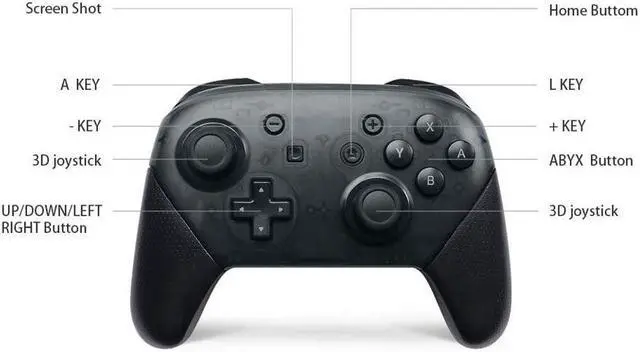
With screenshot and axis.
This controller is manufactured by third party, not by Nintendo.
How to Set Your Console:
1. Connect the Bluetooth controller. Keep the host's Controller Connection (Bluetooth) option On or turn off Flight Mode.
2. Select Controllers->Change Grip/Order on the main page, so that the host is in search of Bluetooth device status. (The operation does not need this operation)
3. Note: if the host is difficult to match the controller, there may be connection between the host and too many Bluetooth devices. Just manually remove Bluetooth information (System Setting->Controllers and Sensors->Disconnect Controllers).
How to Pair the Controller with Your Console:
1. When controller in turn off state, hold down the TYPE USB next to the small button 5 seconds into the code. The 4 LED is a fast light water channel state, indicating lamp connected successfully corresponding lit. If there is no synchronization in 2.5 minutes, it will automatically sleep.
If the Bluetooth connection is successful, the corresponding channel indicates that LED is always bright (Switch host allocation).
2. Controller Re-Pairing Host:
When the controller is turned off, press any key to wake up the controller. When it is awakened, it will automatically connect to the matching host. If 10 seconds fail, it will automatically sleep.
When the controller is connected successfully, no operation for 5 min, and it will go to sleep state automatically.
The host screen closes and the controller is dormant.
Low-Voltage Alarm:
If the lithium battery voltage is lower than 3.55V ± 0.1V, the current channel lamp flash prompt voltage is low.
If the lithium battery voltage is lower than 3.45V ± 0.1V, it will automatically sleep.
Packing:
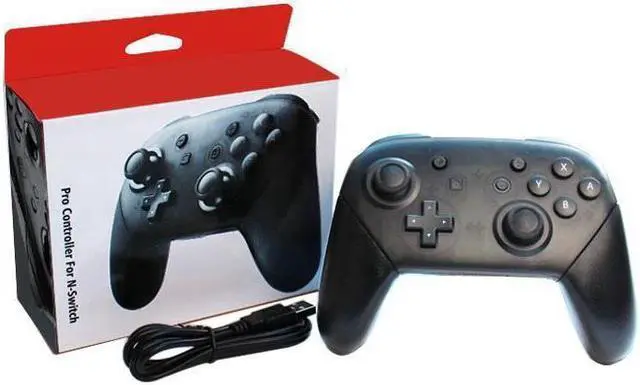
1x Wireless Bluetooth Controller
1x Charging Cable
1x User Manual





 here!
here!