Your Browsing History
- Free 30-day Returns
$44.69
Ships from China.
Meet Your Seller
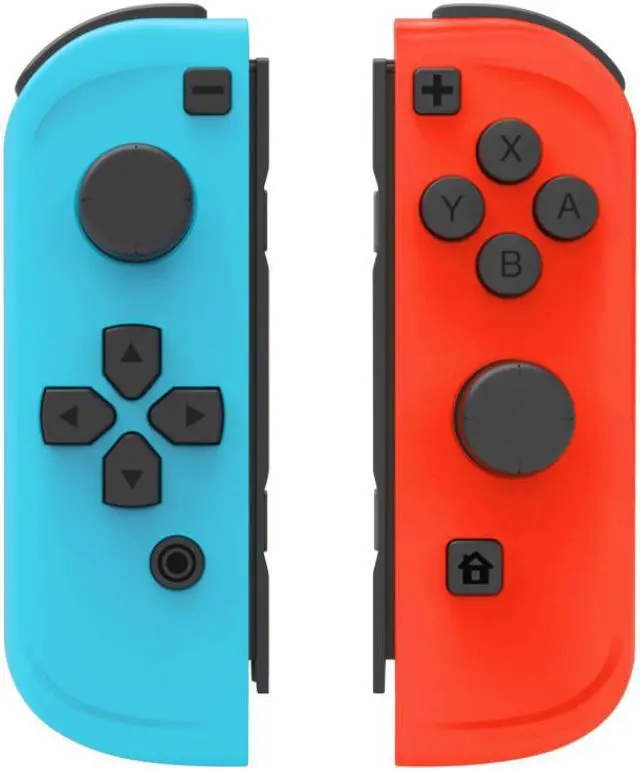
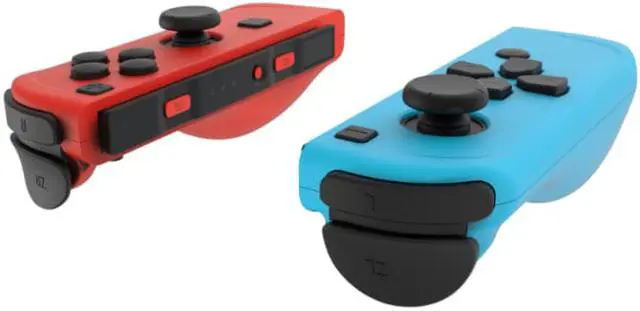
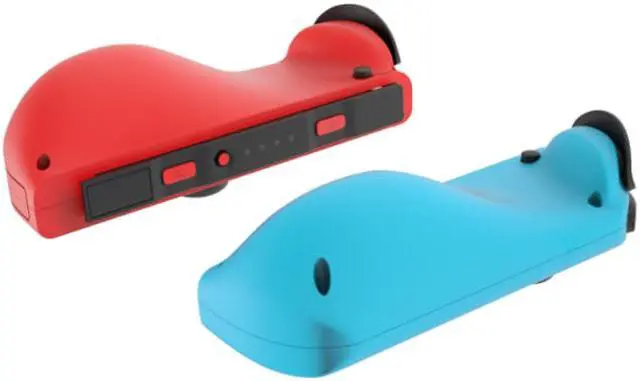
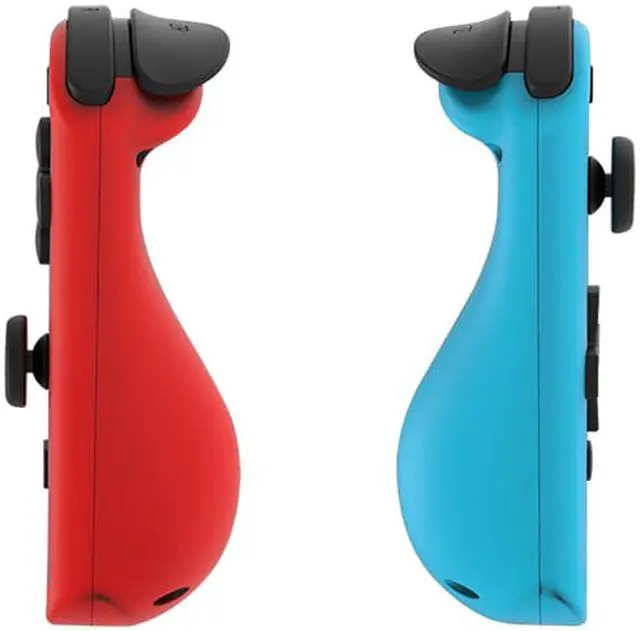
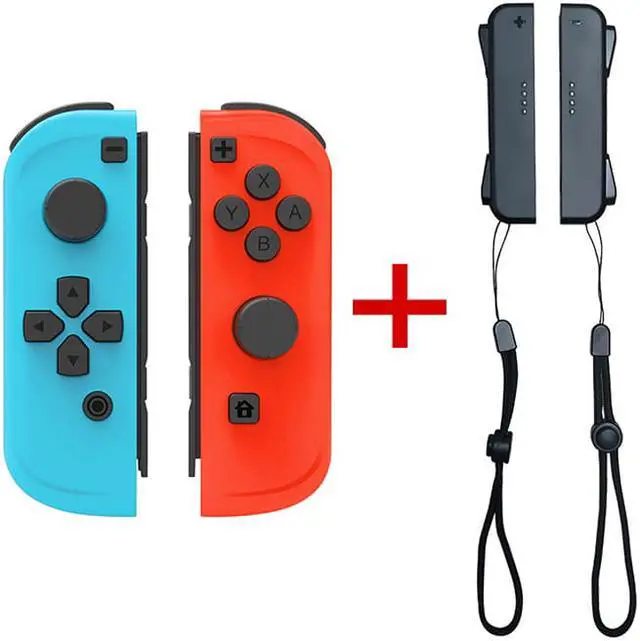
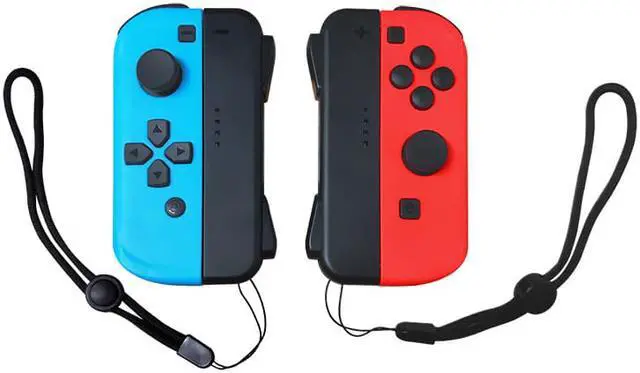
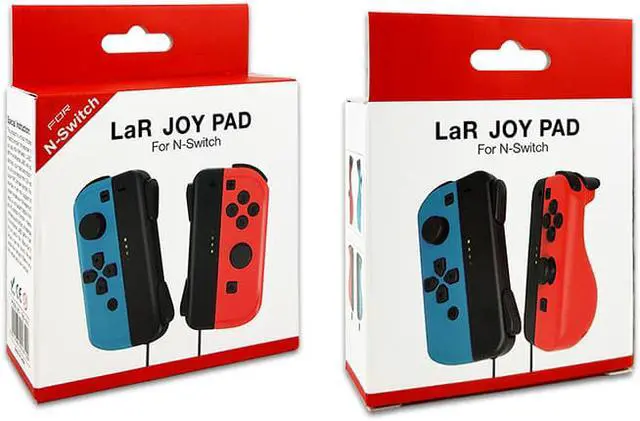
Wireless Joy-Con controller for N-Switch console, left and right switch Pro game controller gamepad, plug and play automatic connection upgrade version, larger size (not official original), blue red
- 1. Perfect compatibility: suitable for Mario Party Switch, Pokemon and all Joy-Con games.
- 2. Easy to use: As an alternative to Joy Cons, they can be used alone or connected to a game controller on the Joy-Con controller.
- 3. Precise and precise: sensitive dual analog joysticks and triggers provide you with accurate movements and exciting gaming experience.
- 4. Ergonomic design: accord with ergonomics, light structure; even if playing for a long time, it will not be tired
- 7. To please users: Simple operation and stable signal ensure smooth and comfortable game.
+
+
Overview
Specs
Reviews
Any questions? Our AI beta will help you find out quickly.
Try me now
The handle and host connection and charging method:
How to insert the handle into the host: Insert the left and right handles into the left and right guide rails of the SWITCH host, and you will hear the lock sound after they are in place (the screen also prompts). After the handle is inserted into the host, the host will automatically connect with the handle. Connect and identify the handle insertion.
Disconnect Bluetooth connection and Bluetooth connection back:
In the Bluetooth connection state of the handle, if you want to disconnect the current connection, you can short press the synchronization button on the guide rail to disconnect the Bluetooth connection of the handle, and the handle will go to sleep. Long press the sync button on the handle for 3 seconds, you will see the player number light is lit in a horse racing manner, and then press any button on the handle (except the 3D button) to reactivate the handle and reconnect to the Bluetooth connection state.
Handle Bluetooth connection:
Unplug the two handles from the host (press the rail lock button before you can unplug the handle). After unplugging, the handle will automatically enter the Bluetooth connection mode. When the Bluetooth is connected, the internal motor of the handle will vibrate. The four on the handle Each player’s number light will stop racing and light up the LED light according to the number (the number of lights and the position of the light indicate the number of the handle channel corresponding to the Bluetooth connection), and the console letter on the handle icon on the host screen becomes four small squares to indicate the current The four LEDs of the Bluetooth connection handle, the small green squares are the same as the corresponding player handle number lights, and the handle can be used for related game operations after the Bluetooth connection is OK. The Bluetooth receiving distance is normally 8~10 meters.

How to insert the handle into the host: Insert the left and right handles into the left and right guide rails of the SWITCH host, and you will hear the lock sound after they are in place (the screen also prompts). After the handle is inserted into the host, the host will automatically connect with the handle. Connect and identify the handle insertion.
Disconnect Bluetooth connection and Bluetooth connection back:
In the Bluetooth connection state of the handle, if you want to disconnect the current connection, you can short press the synchronization button on the guide rail to disconnect the Bluetooth connection of the handle, and the handle will go to sleep. Long press the sync button on the handle for 3 seconds, you will see the player number light is lit in a horse racing manner, and then press any button on the handle (except the 3D button) to reactivate the handle and reconnect to the Bluetooth connection state.
Handle Bluetooth connection:
Unplug the two handles from the host (press the rail lock button before you can unplug the handle). After unplugging, the handle will automatically enter the Bluetooth connection mode. When the Bluetooth is connected, the internal motor of the handle will vibrate. The four on the handle Each player’s number light will stop racing and light up the LED light according to the number (the number of lights and the position of the light indicate the number of the handle channel corresponding to the Bluetooth connection), and the console letter on the handle icon on the host screen becomes four small squares to indicate the current The four LEDs of the Bluetooth connection handle, the small green squares are the same as the corresponding player handle number lights, and the handle can be used for related game operations after the Bluetooth connection is OK. The Bluetooth receiving distance is normally 8~10 meters.
Warranty & Returns
Warranty, Returns, And Additional Information
Warranty
- Please contact the Seller directly for warranty information. Warranty information may also be found on the Manufacturer's website.
- CONTACT
Return Policies
- Return for refund within: 30 days
- Return for replacement within: non-replaceable
- This item is covered by ZerKorr Power Return Policy
Manufacturer Contact Info
- For a directory of all our manufacturers, please click below.
- Manufacturers Directory
LOADING...