


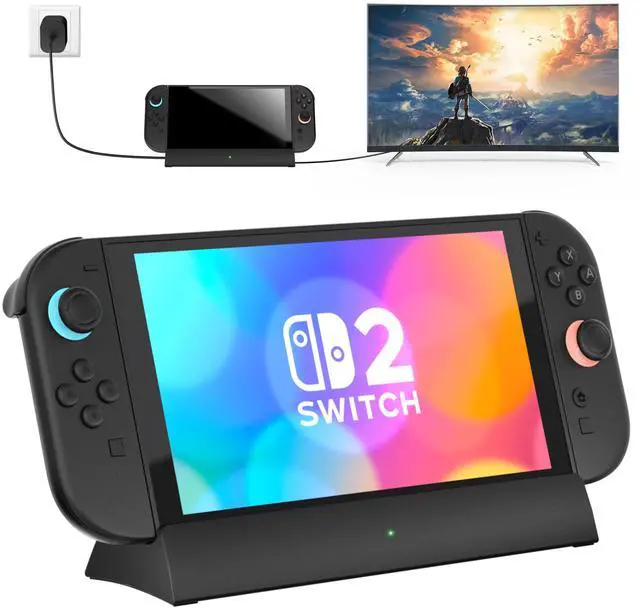
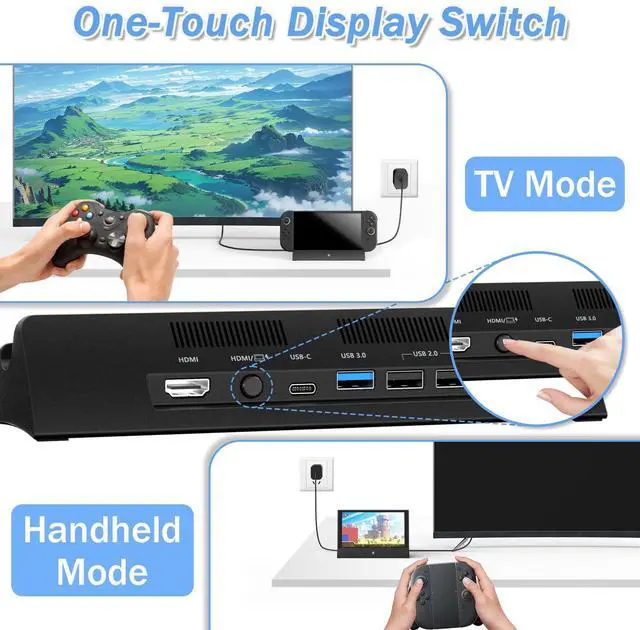
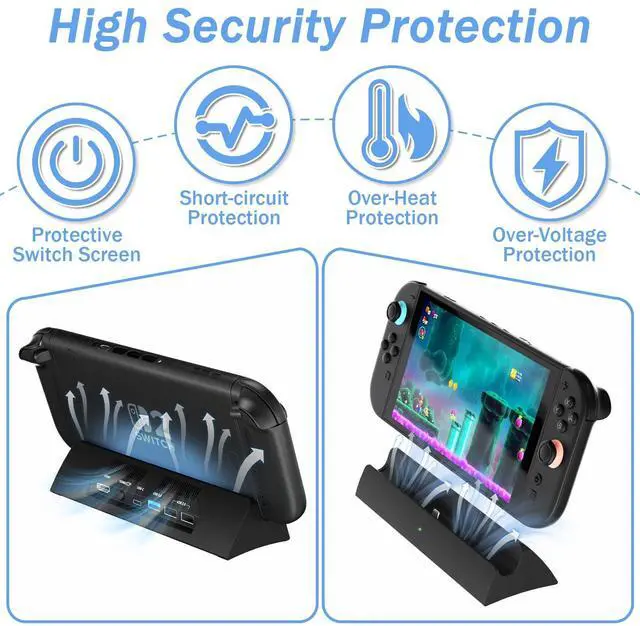
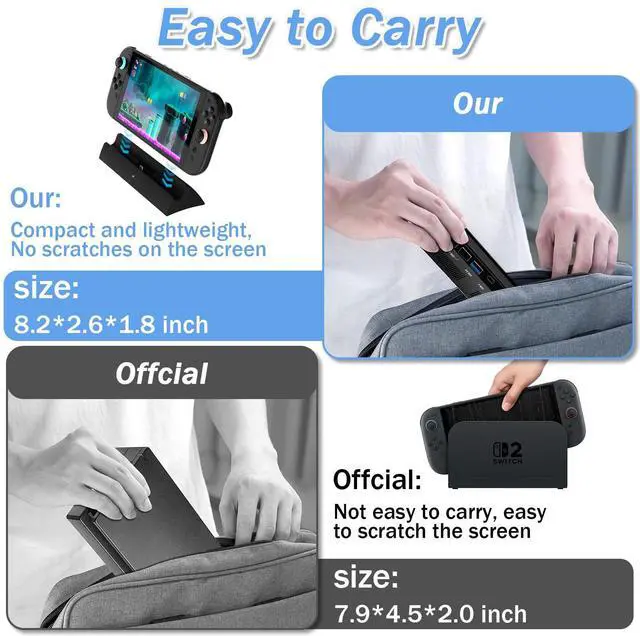


Choose Handheld Mode or TV Mode by Switching Button


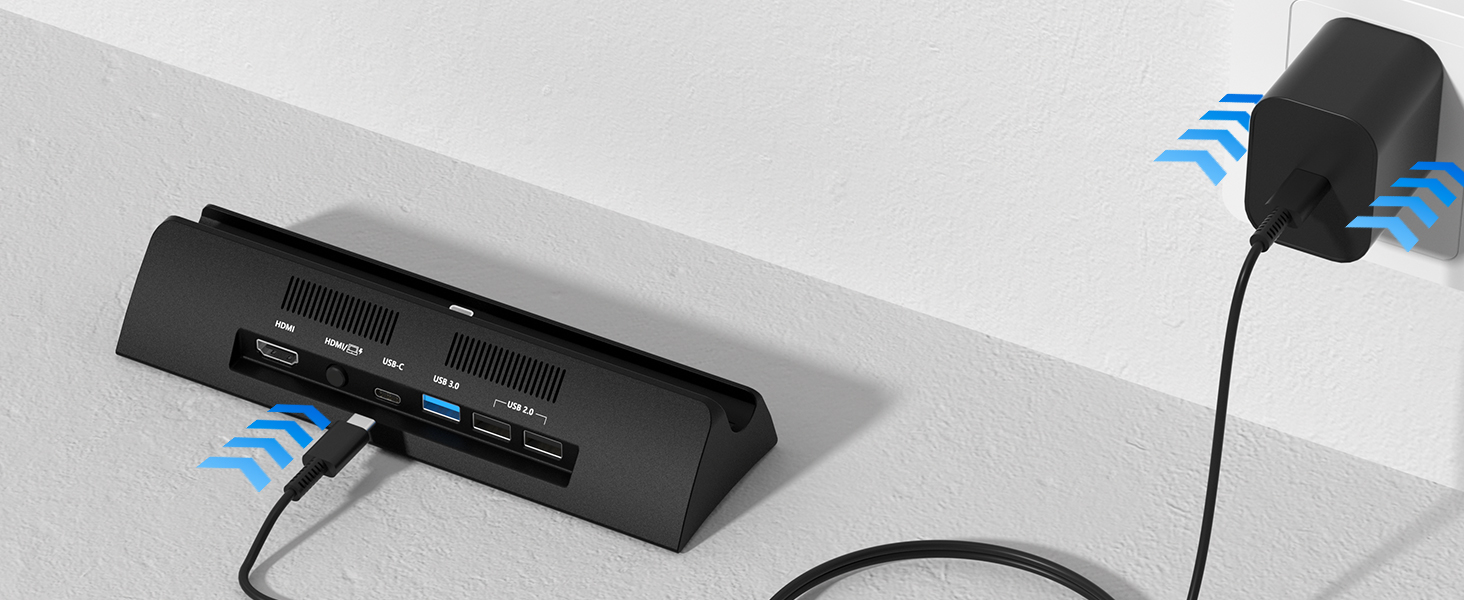
Plug in Power Supply
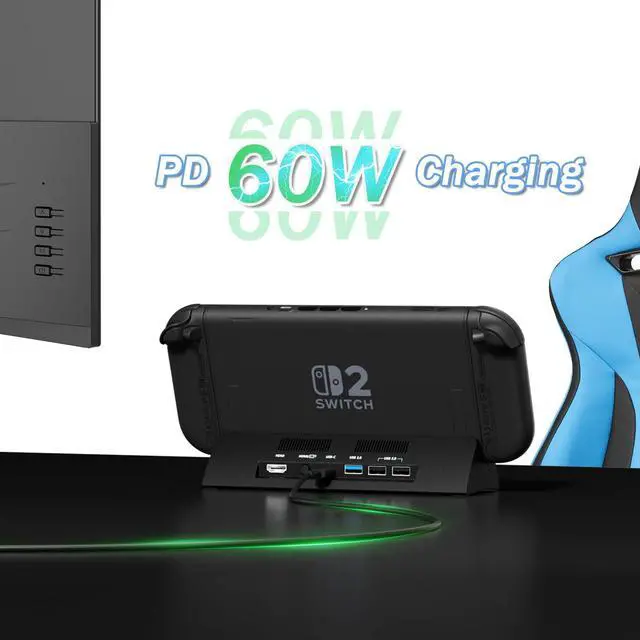
Connect USB-C 60W 20V/3A Power Adapter(Not included AC Power Adapter)
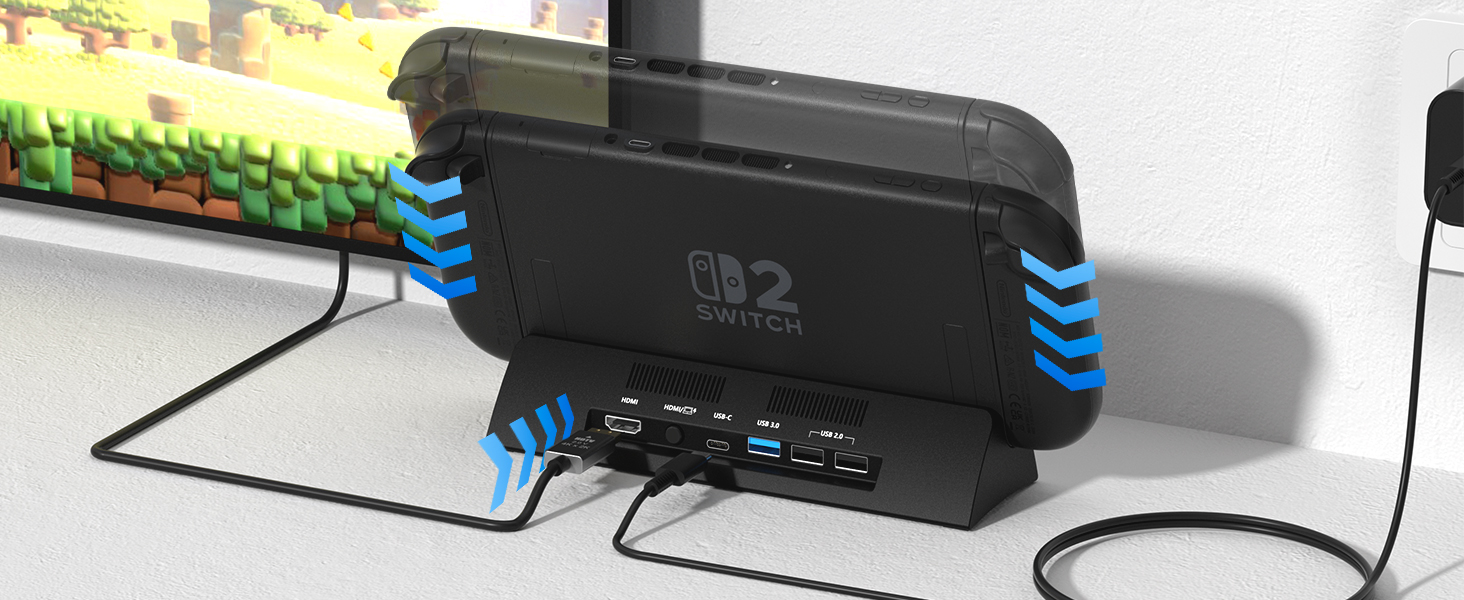
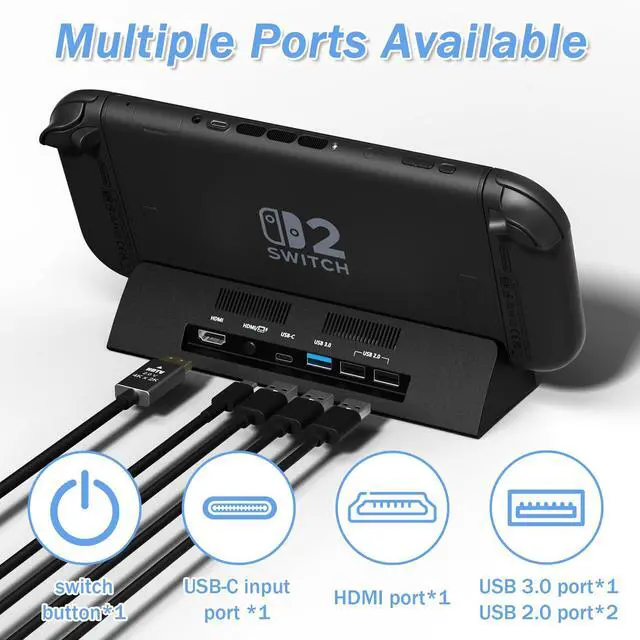
USB-C Port Match
Firmly press down on your switch 2 dock to ensure that it is perfectly matched with the TYPE-C Port
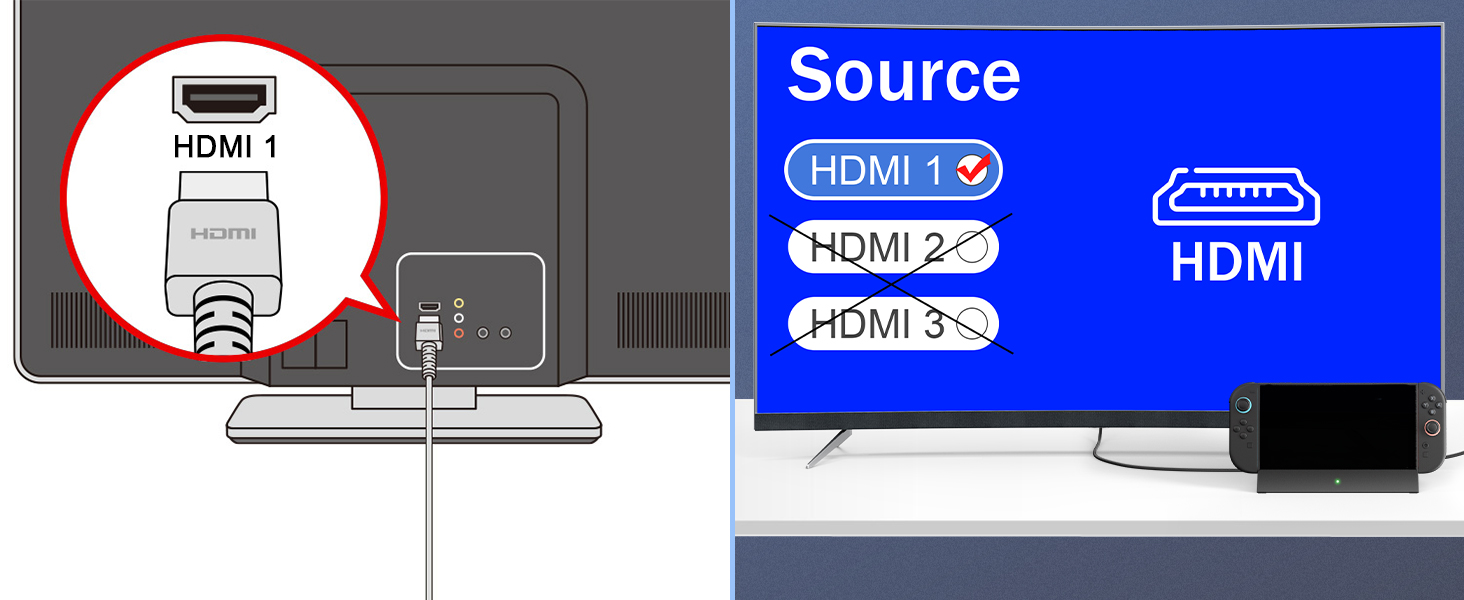
Select HDMI Source
The selection of the TV HDMI connector is the same as the setting of the TV HDMI source port
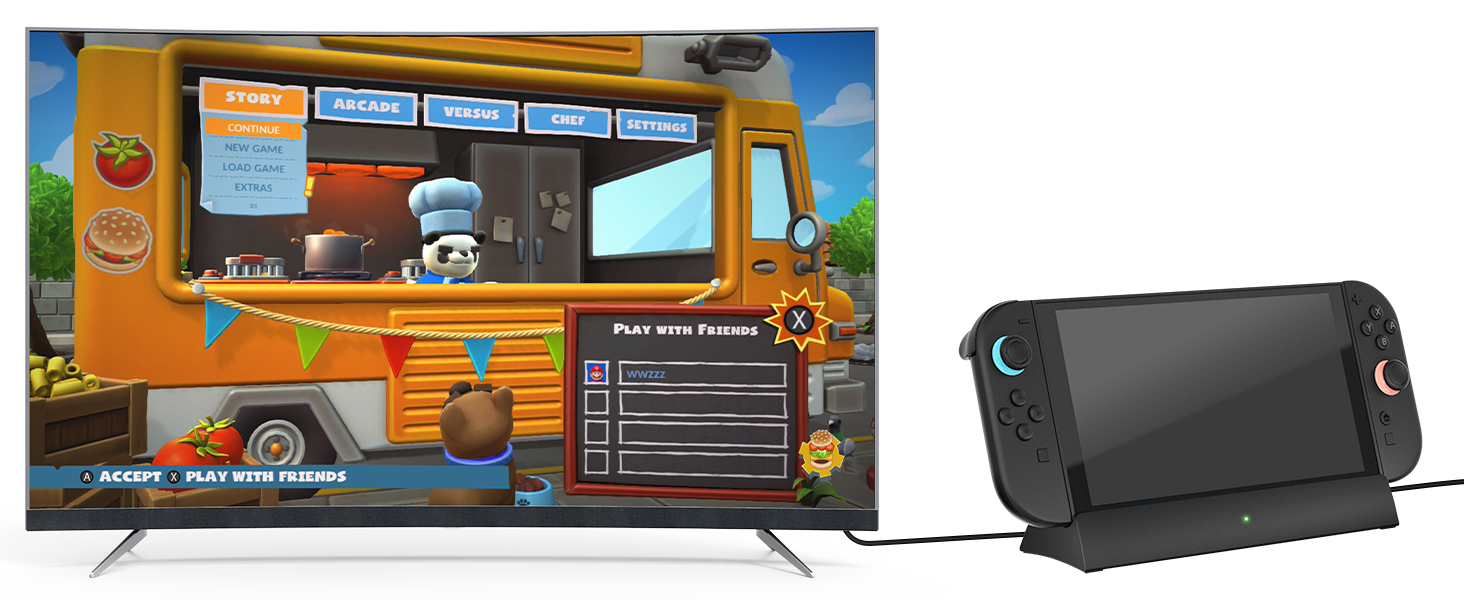
Connect Display
Connect the display to the HDMI signal source and wait 5-8 seconds.
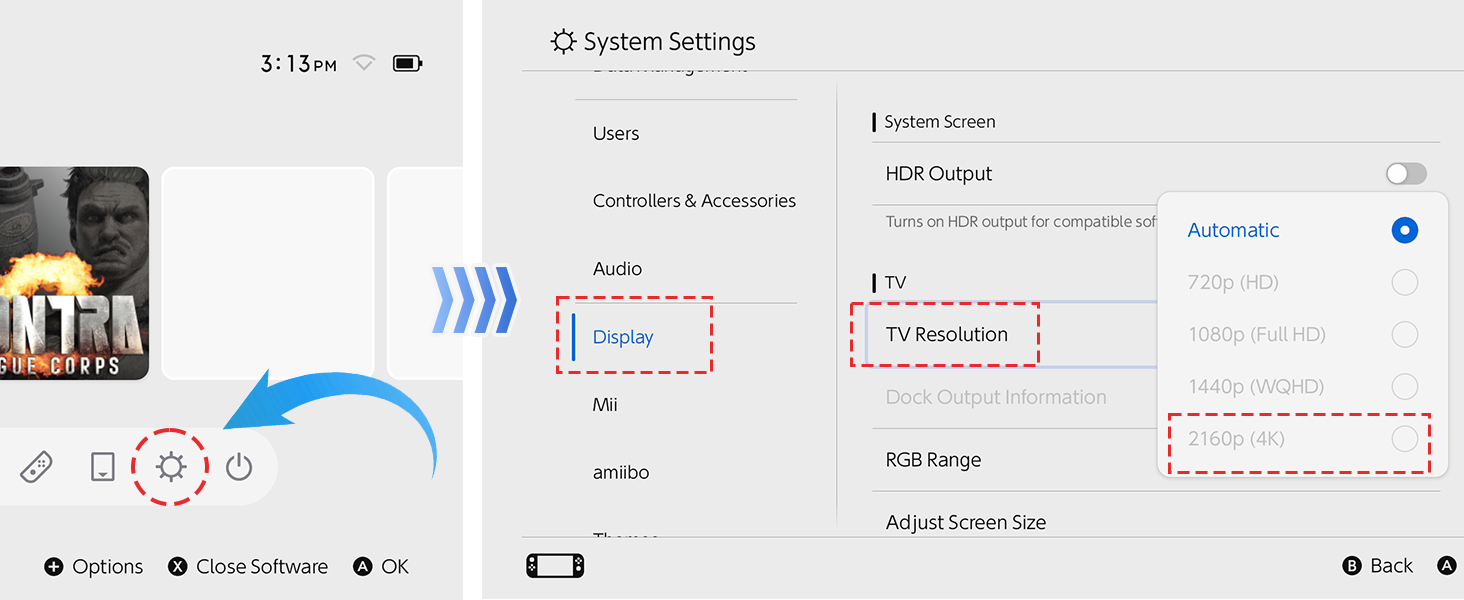
4K@120Hz Output Set
Please open switch 2 console—Settings—Display—TV Resolution and select 2160P 4K
How do I connect to my TV using switch 2 dock?(Remove switch 2 protective case)
My Switch 2 come with a protective shell. Do I need to remove the protective case from Switch 2 when using this dock?
Yes, before use, you need to remove the switch 2 protective cover to ensure that the switch 2 dock can function properly.
Does the switch 2 dock come with a 60w power adapter and HDMI cable?
Only switch 2 dock and user manual. Switch 2 dock does not include USB-C power adapter and HDMI cable. Switch 2 dock is powered by a 20V/3A 60W power adapter.
The switch 2 dock can be charged, but the content cannot be transferred to the TV for display?
The HDMI port on the TV is not matched with the HDMI signal source settings on the TV, or another device is occupying the HDMI port signal source on the TV. Please unplug and replug the cable, then select the corresponding HDMI signal source to match
After using it for a few days, switch 2 dock cannot connect to the TV. What should I do?
Please unplug the USB-C charger from the dock, then reinsert the 60W AC power adapter and fully insert the Switch 2 USB-C connector into the base. Connect the HDMI cable and select the corresponding HDMI port TV signal source.
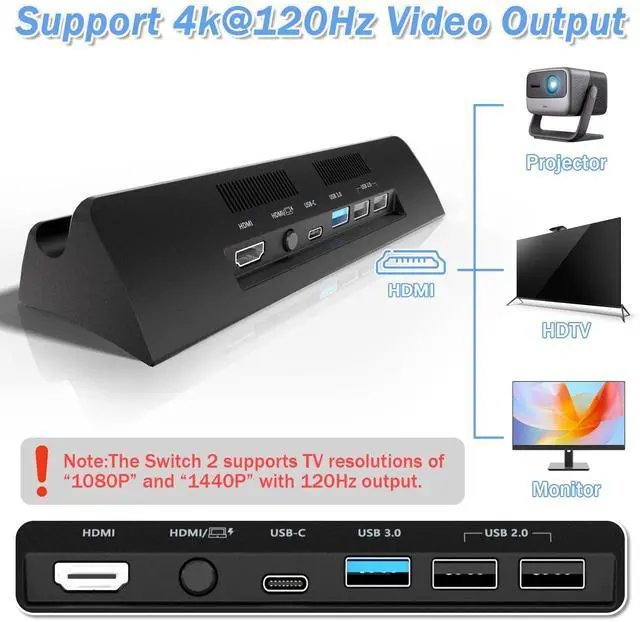
Does the Switch 2 dock support 4K 120Hz TV video output?
Sure, Please open Switch 2 console—Settings—Display—TV Resolution and select 2160P 4K.But the switch 2 supports TV resolutions of “1080P” and “1440P” with 120Hz output.

Choose Handheld Mode or TV Mode by Switching Button

Note:The Switch 2 supports TV resolutions of “1080P” and “1440P” with 120Hz output.


How do I connect to my TV using switch 2 dock?(Remove switch 2 protective case)
Plug in Power Supply
Connect USB-C 60W 20V/3A Power Adapter(Not included AC Power Adapter)
USB-C Port Match
Firmly press down on your switch 2 dock to ensure that it is perfectly matched with the TYPE-C Port
Select HDMI Source
The selection of the TV HDMI connector is the same as the setting of the TV HDMI source port
Connect Display
Connect the display to the HDMI signal source and wait 5-8 seconds.
4K@120Hz Output Set
Please open switch 2 console—Settings—Display—TV Resolution and select 2160P 4K
My Switch 2 come with a protective shell. Do I need to remove the protective case from Switch 2 when using this dock?
Yes, before use, you need to remove the switch 2 protective cover to ensure that the switch 2 dock can function properly.
Does the switch 2 dock come with a 60w power adapter and HDMI cable?
Only switch 2 dock and user manual. Switch 2 dock does not include USB-C power adapter and HDMI cable. Switch 2 dock is powered by a 20V/3A 60W power adapter.
The switch 2 dock can be charged, but the content cannot be transferred to the TV for display?
The HDMI port on the TV is not matched with the HDMI signal source settings on the TV, or another device is occupying the HDMI port signal source on the TV. Please unplug and replug the cable, then select the corresponding HDMI signal source to match
After using it for a few days, switch 2 dock cannot connect to the TV. What should I do?
Please unplug the USB-C charger from the dock, then reinsert the 60W AC power adapter and fully insert the Switch 2 USB-C connector into the base. Connect the HDMI cable and select the corresponding HDMI port TV signal source.
Does the Switch 2 dock support 4K 120Hz TV video output?
Sure, Please open Switch 2 console—Settings—Display—TV Resolution and select 2160P 4K.But the switch 2 supports TV resolutions of “1080P” and “1440P” with 120Hz output.