




 here!
here!
I’m your shopping assistant for PC builds, upgrades, and everything tech.
Got questions? Ask away!
Start a conversation
here!
I’m your shopping assistant for PC builds, upgrades, and everything tech.
Got questions? Ask away!
Start a conversation Top Rated



Any questions? Ask CelesteSM will help you find out quickly.


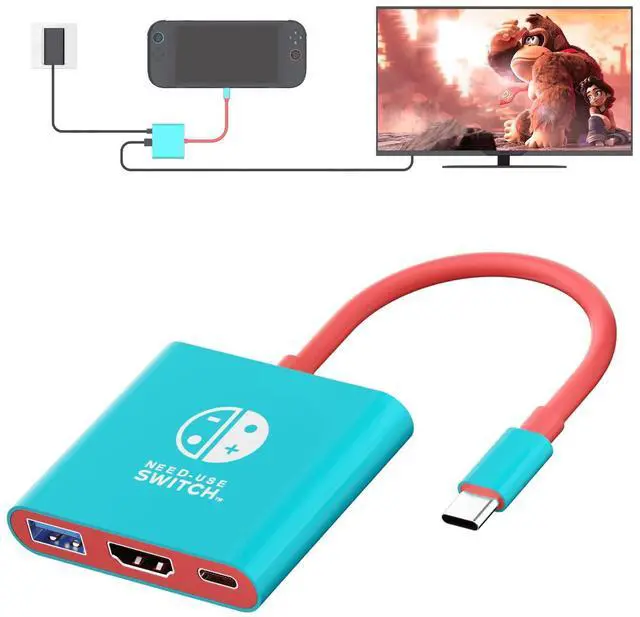
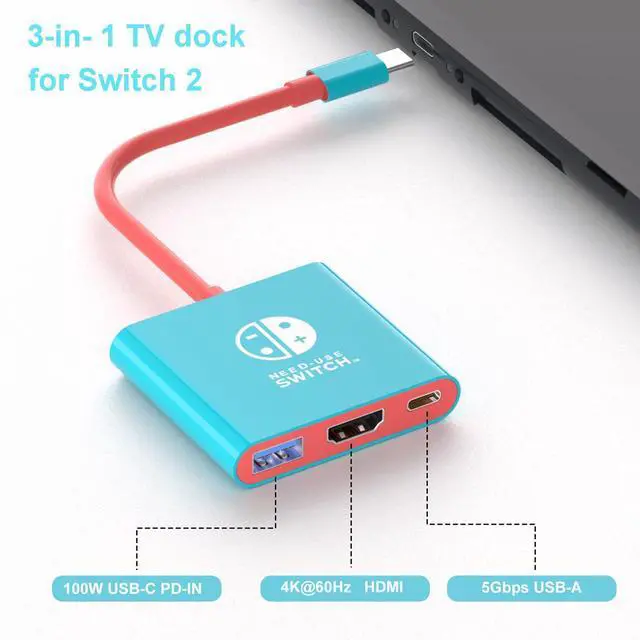
3-in-1 Docking Station: Features a 100W PD Input port for simultaneous device charging, a 4K@60Hz HDMI port for ultra HD display casting, and a USB 2.0 Data port for connecting peripherals like controllers, flash drive,mouse, keyboard.
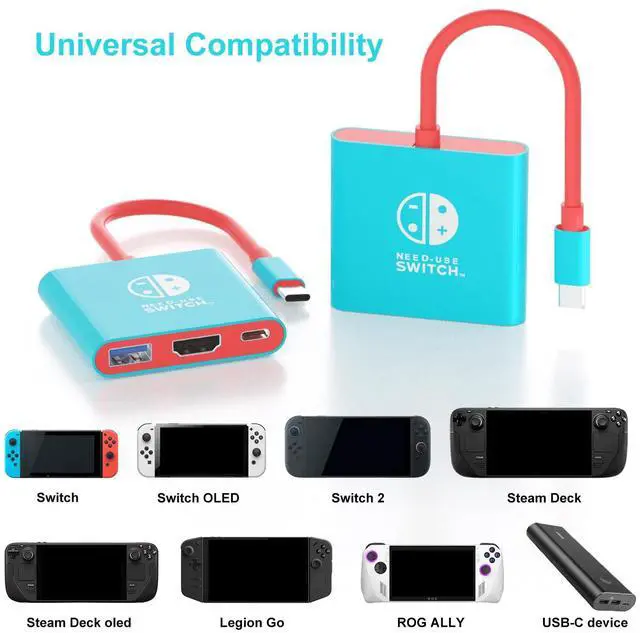
Universal Compatibility: The Switch 2 Docking Station is compatible with Nintendo Switch 2, Switch,Steam Deck,ROG Ally,Legion Go. Enjoy seamless big-screen gaming on your TV or monitor.
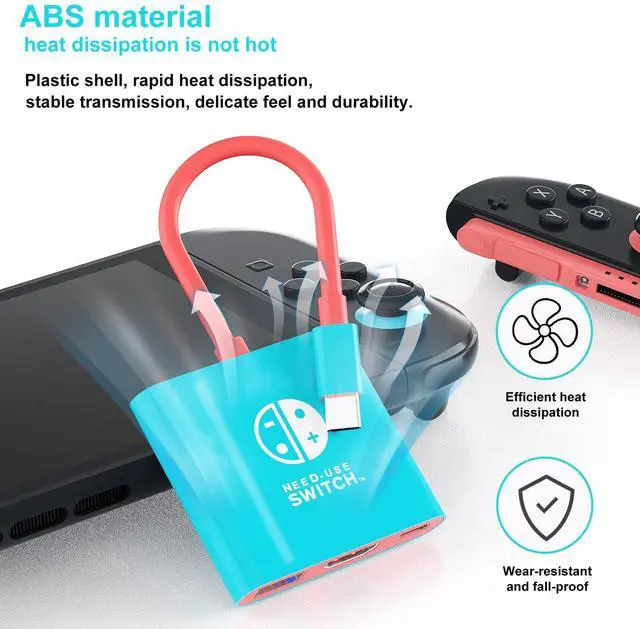
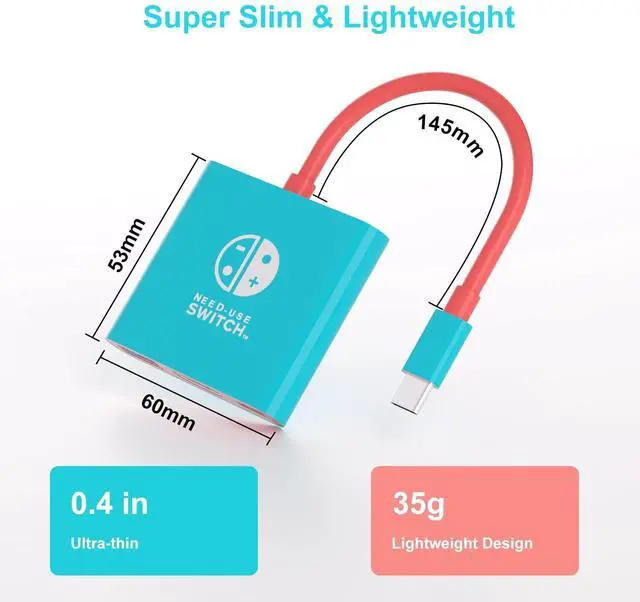
Sleek & Portable Design: The compact and lightweight base slips easily into your bag, perfect for gaming on the go, at friend's houses, or during travel.
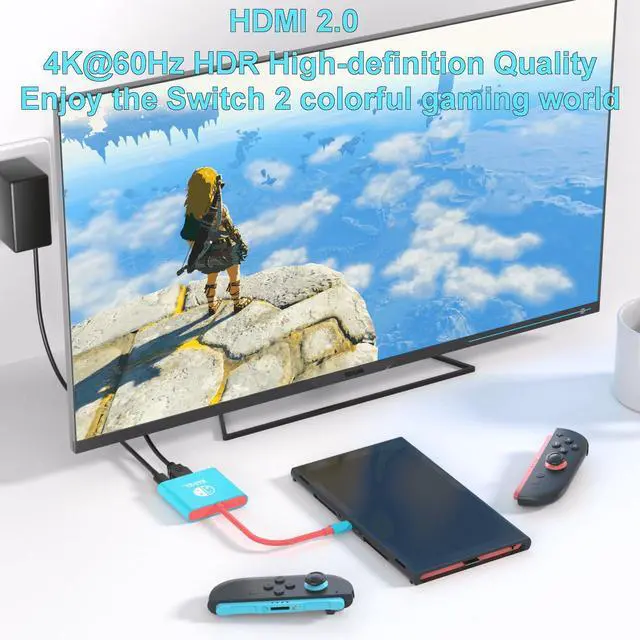
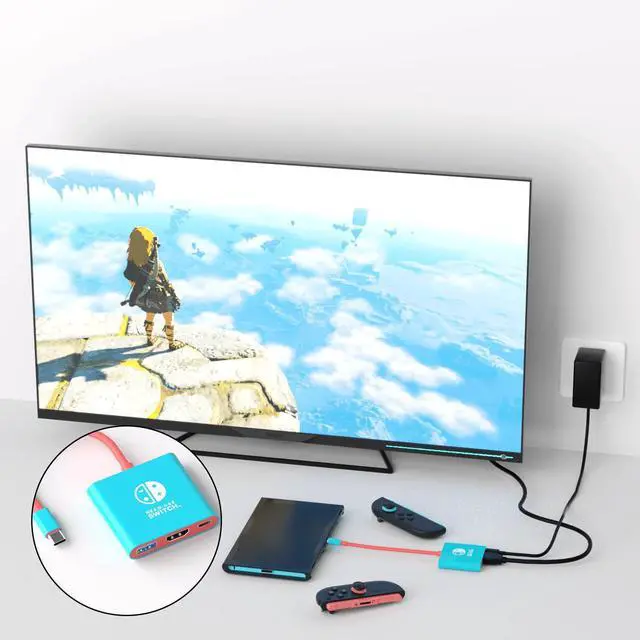
Plug & Play Simplicity: Connect your game console to our Hub, plug in the power, and connect the HDMI to your TV. Your screen instantly mirrors in stunning 4K.
Item didn't put the signal, what should I do?
First, check if the adapter is supplying power. Then, ensure the Switch 2 Dock is fully inserted into the Switch 2 console. Next, connect the adapter to power and attach the HDMI cable.
What HDMI output specifications are supported?
4K@60Hz/30Hz,2K@144Hz/30Hz, 1080P@ 240Hz/144Hz/120Hz/60Hz


3-in-1 Docking Station: Features a 100W PD Input port for simultaneous device charging, a 4K@60Hz HDMI port for ultra HD display casting, and a USB 2.0 Data port for connecting peripherals like controllers, flash drive,mouse, keyboard.
Universal Compatibility: The Switch 2 Docking Station is compatible with Nintendo Switch 2, Switch,Steam Deck,ROG Ally,Legion Go. Enjoy seamless big-screen gaming on your TV or monitor.
Sleek & Portable Design: The compact and lightweight base slips easily into your bag, perfect for gaming on the go, at friend's houses, or during travel.
Plug & Play Simplicity: Connect your game console to our Hub, plug in the power, and connect the HDMI to your TV. Your screen instantly mirrors in stunning 4K.
Item didn't put the signal, what should I do?
First, check if the adapter is supplying power. Then, ensure the Switch 2 Dock is fully inserted into the Switch 2 console. Next, connect the adapter to power and attach the HDMI cable.
What HDMI output specifications are supported?
4K@60Hz/30Hz,2K@144Hz/30Hz, 1080P@ 240Hz/144Hz/120Hz/60Hz
Switch 2 Dock, Portable TV Dock Station for Switch/Switch 2/Steam Deck/ROG Ally/Legion GO, 3-in-1 Switch 2 Travel Dock with HDMI 4K@60Hz, USB 2.0 and 100W Charge PD Port
| Compatible Devices | Nintendo Switch 2, Nintendo Switch, Nintendo Switch OLED,Steam Deck, |
| Connector Type | Dock |
| Brand | TNATRA |
| Number of Ports | 3 |
| Unit Count | 1.0 Count |
| Package Dimensions | 6.1 x 2.68 x 0.83 inches |
| Item Weight | 4.6 ounces |
| Item model number | 4K Dock |
| Date First Available | July 2, 2025 |
| Manufacturer | TNATRA |


