here!
here!
I’m your shopping assistant for PC builds, upgrades, and everything tech.
Got questions? Ask away!
Start a conversation
here!
I’m your shopping assistant for PC builds, upgrades, and everything tech.
Got questions? Ask away!
Start a conversation
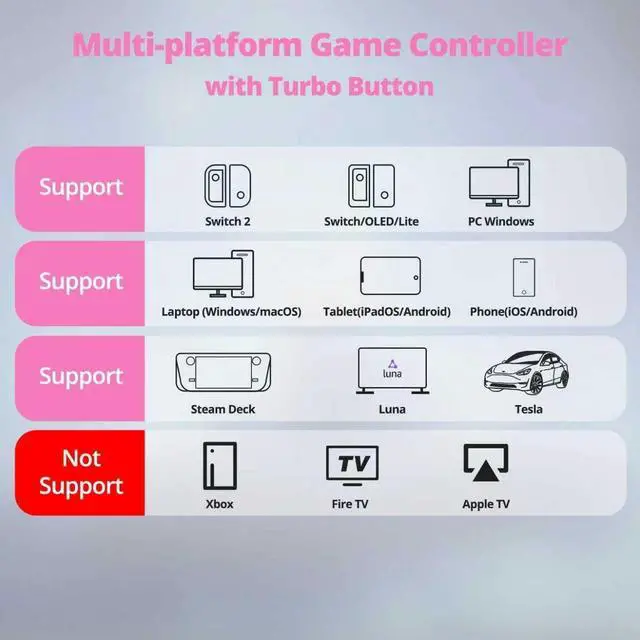

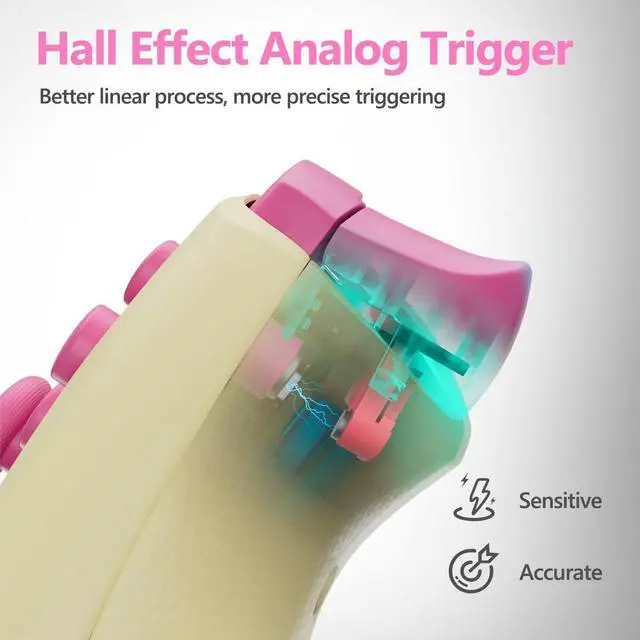
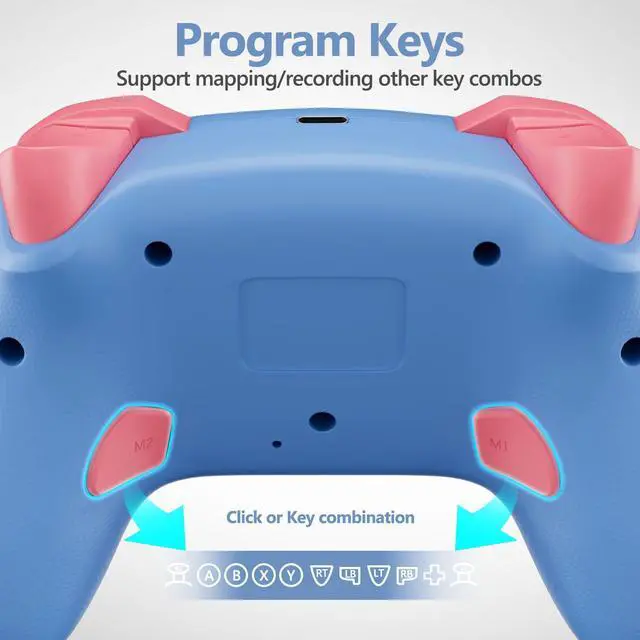
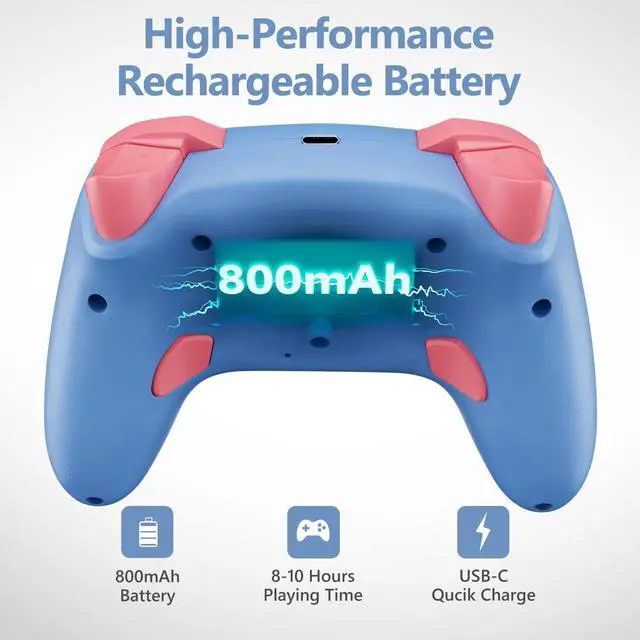
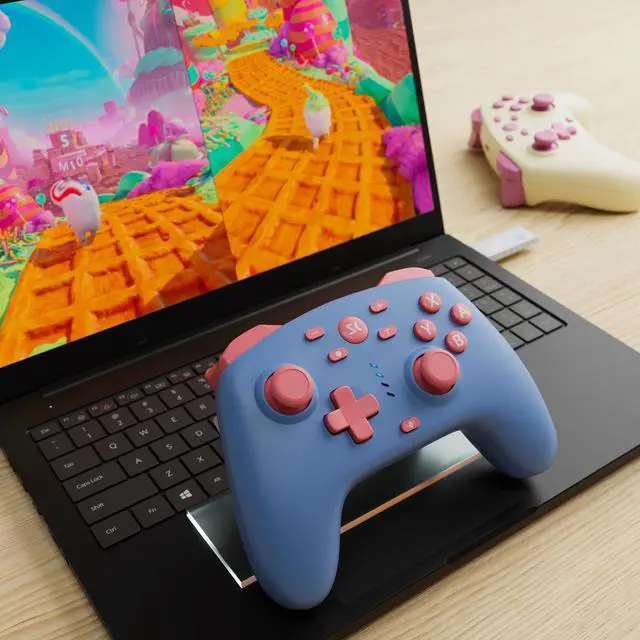



Any questions? Ask CelesteSM will help you find out quickly.



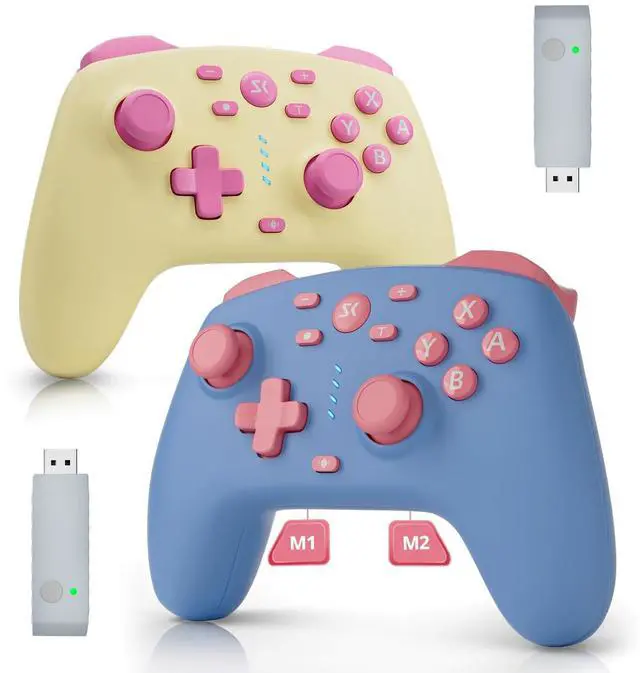
CHENGDAO is a company specializing in third-party gaming hardware, dedicated to crafting every controller with care and quality.
CHENGDAO was born from a gamer’s dream: to fuse professional-grade tech with real-world gameplay needs. Its goal is to produce a range of practical yet stylish game controllers at affordable prices.
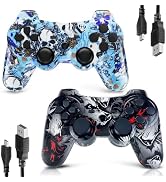
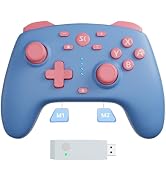
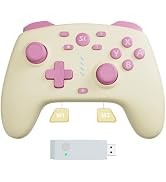
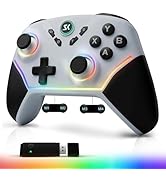
A wide range of controllers are available at CHENGDAO's store.
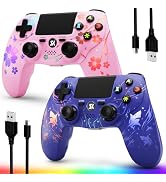
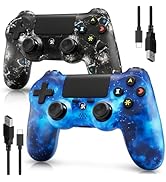
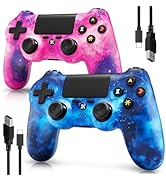
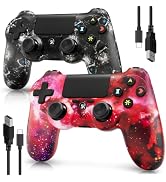
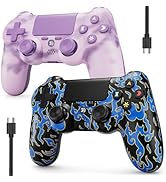
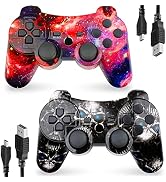
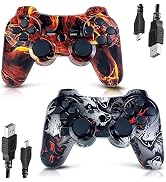
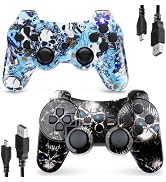
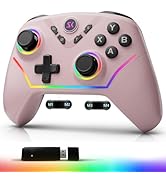

CHENGDAO is a company specializing in third-party gaming hardware, dedicated to crafting every controller with care and quality.
CHENGDAO was born from a gamerâ??s dream: to fuse professional-grade tech with real-world gameplay needs. Its goal is to produce a range of practical yet stylish game controllers at affordable prices.
A wide range of controllers are available at CHENGDAO's store.