




 here!
I’m your shopping assistant for PC builds, upgrades, and everything tech.
Got questions? Ask away!
Start a conversation
here!
I’m your shopping assistant for PC builds, upgrades, and everything tech.
Got questions? Ask away!
Start a conversation



Any questions? Ask CelesteSM will help you find out quickly.

Q: When the controller didn’t work and connect the switch?
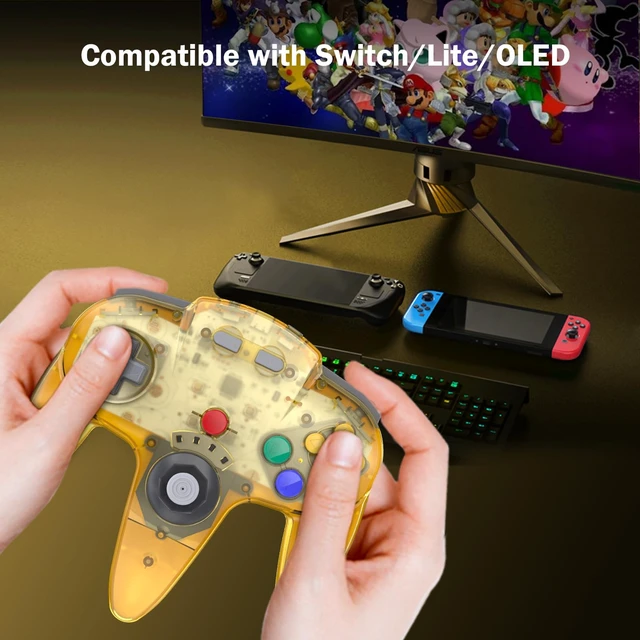
A: For Switch, please sets the icon" Pro Controller Wired Communication is ON " in the system settings.
Q:Why doesn't the C button of the controller not function when it is connected in the switch?
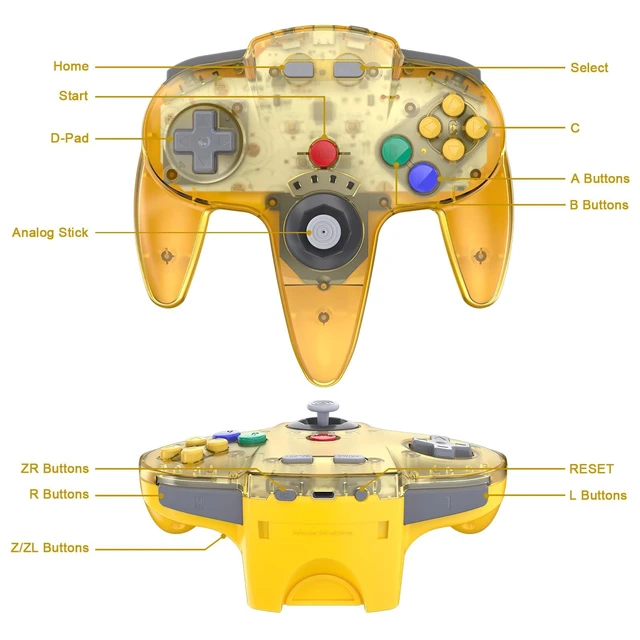
A: When you pairing successfully in the switch, please press and hold“ Start+Left" for 3 seconds, ensure and enter mode C mode, and this C button will have corresponding functions.
Q: When pair this controller with switch 2, the buttons do not work and not synced? by the device.
A: Please find the updated firmware module patch and update the firmware
Notice: 1. When you switching devices, you have to re-pair the controller, please press the “reset”button, then pair the controller step by step as if it were used at the first time
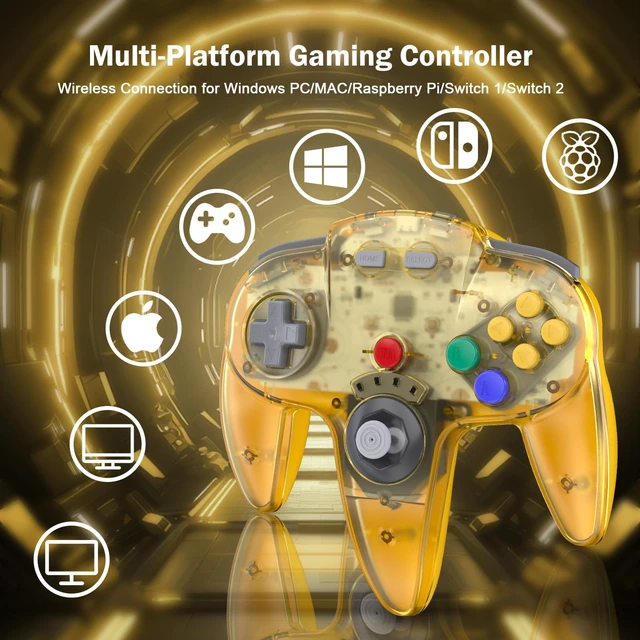
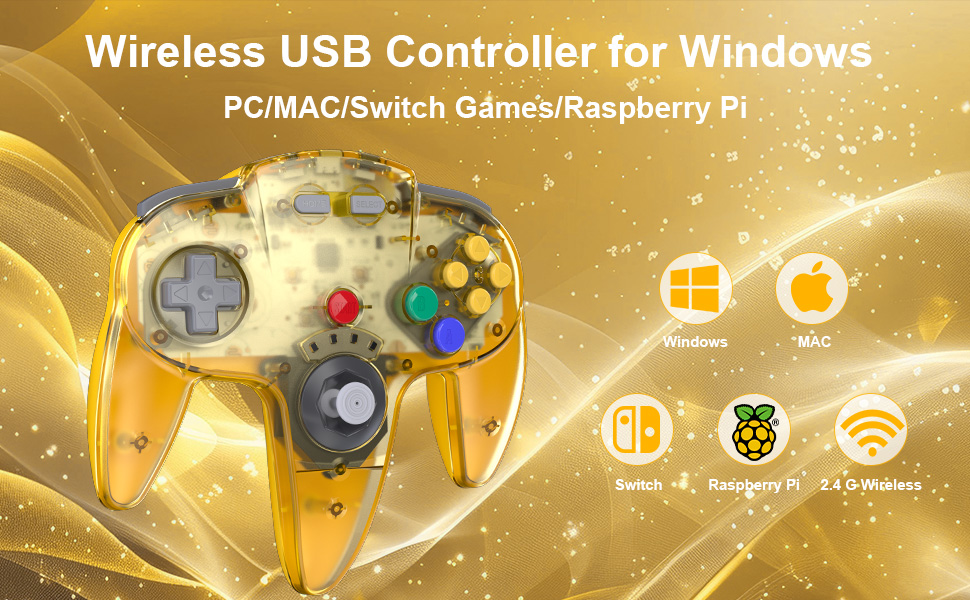
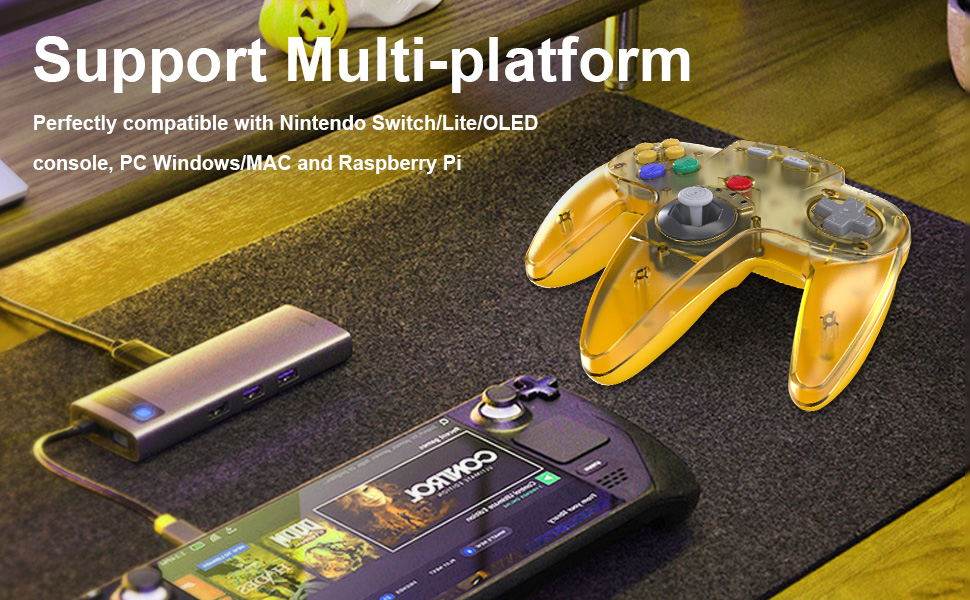
2. When you use it on MAC or window PC device, please download the emulator first before start the games, you can download the emulator “Project64” on PC and “OpenEmu”on MAC

1.Click the menu “System settings “by Switch Joy pad , find the icon”Controllers and Sensors” and click the button“ Pro Controller Wired Communication" must be ON status.
2.Plug the receiver into your switch and the red led starts flashing, press and hold the "SYNC" button on the receiver until it fast-blinking.
3. Press the"Reset“ button on the top of the controller , the led on the controller starts flashing.
4. Press the" Start” button, the LED 1 stays lit and the controller is connected successfully.
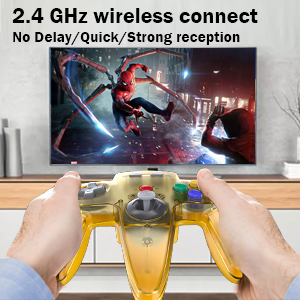
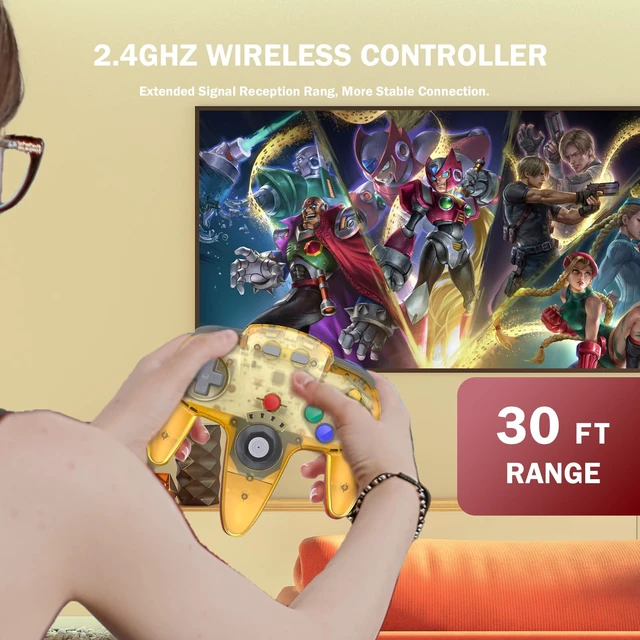
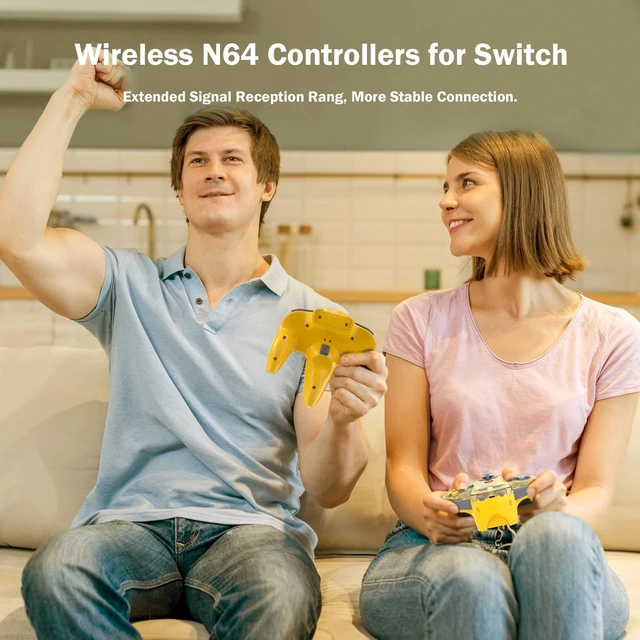
2.4 GHz wireless connection with up to a 25-foot that is better than having to sit on floor a foot away from the TV.
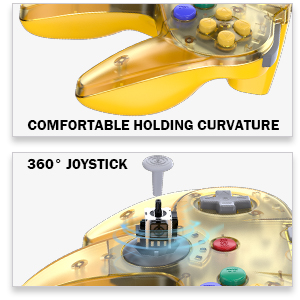
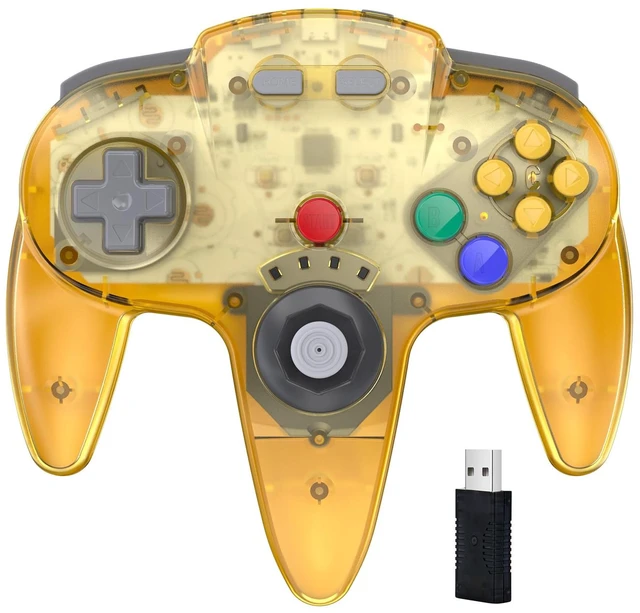
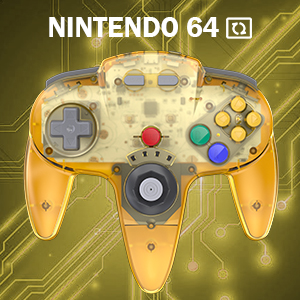
Classic N64 style with "M" shape, all the buttons and controls make your hand very comfortable for long periods of game play.
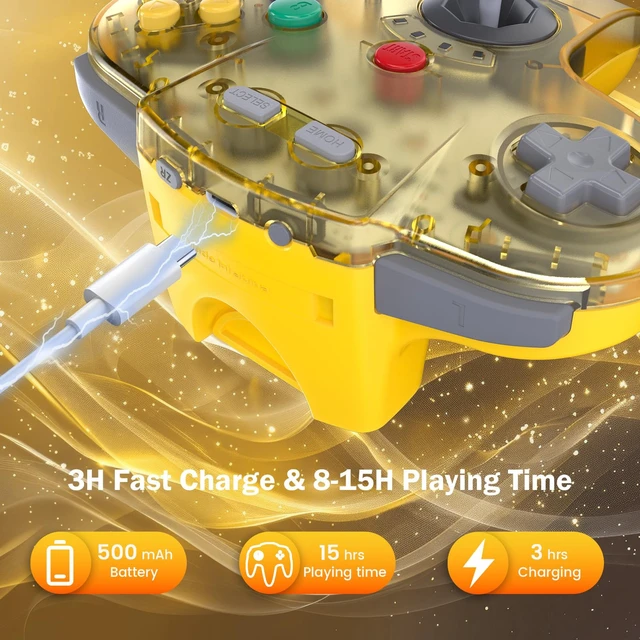
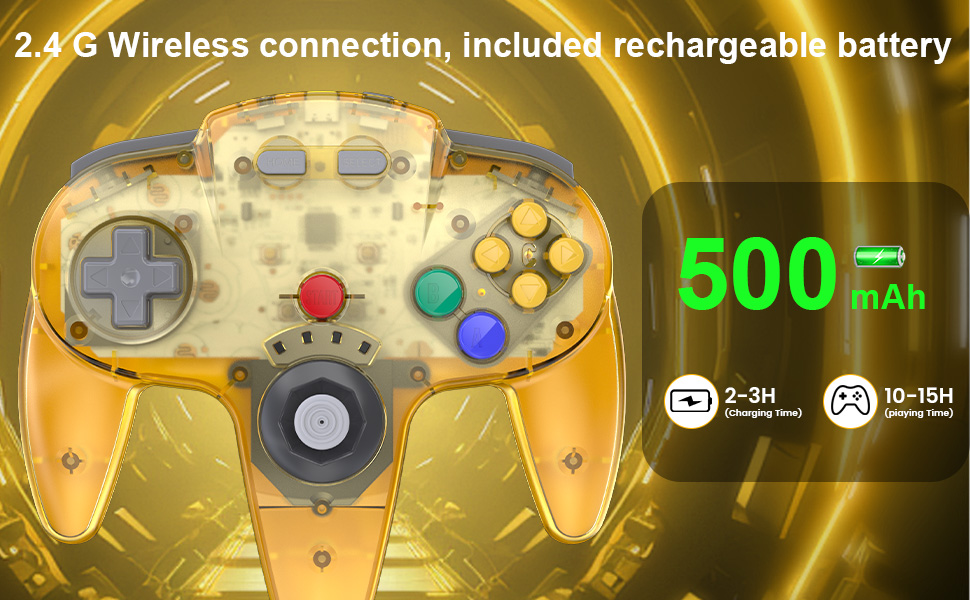
Wireless USB connection, build in 3.7V/500mA lithium Ion battery which can work continuously for over 15 hours, and charging time only takes 2-3 hours
Q: When the controller didn’t work and connect the switch?
A: For Switch, please sets the icon" Pro Controller Wired Communication is ON " in the system settings.
Q:Why doesn't the C button of the controller not function when it is connected in the switch?
A: When you pairing successfully in the switch, please press and hold“ Start+Left" for 3 seconds, ensure and enter mode C mode, and this C button will have corresponding functions.
Q: When pair this controller with switch 2, the buttons do not work and not synced? by the device.
A: Please find the updated firmware module patch and update the firmware
Notice: 1. When you switching devices, you have to re-pair the controller, please press the “reset”button, then pair the controller step by step as if it were used at the first time
2. When you use it on MAC or window PC device, please download the emulator first before start the games, you can download the emulator “Project64” on PC and “OpenEmu”on MAC
1.Click the menu “System settings “by Switch Joy pad , find the icon”Controllers and Sensors” and click the button“ Pro Controller Wired Communication" must be ON status.
2.Plug the receiver into your switch and the red led starts flashing, press and hold the "SYNC" button on the receiver until it fast-blinking.
3. Press the"Reset“ button on the top of the controller , the led on the controller starts flashing.
4. Press the" Start” button, the LED 1 stays lit and the controller is connected successfully.
2.4 GHz wireless connection with up to a 25-foot that is better than having to sit on floor a foot away from the TV.
Classic N64 style with "M" shape, all the buttons and controls make your hand very comfortable for long periods of game play.
Wireless USB connection, build in 3.7V/500mA lithium Ion battery which can work continuously for over 15 hours, and charging time only takes 2-3 hours


