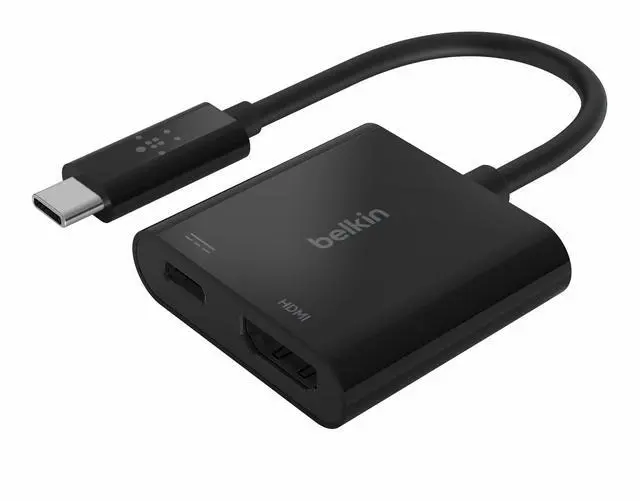
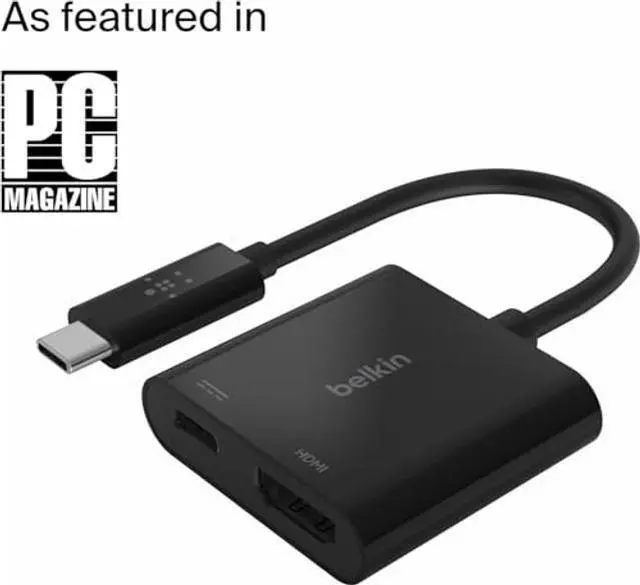
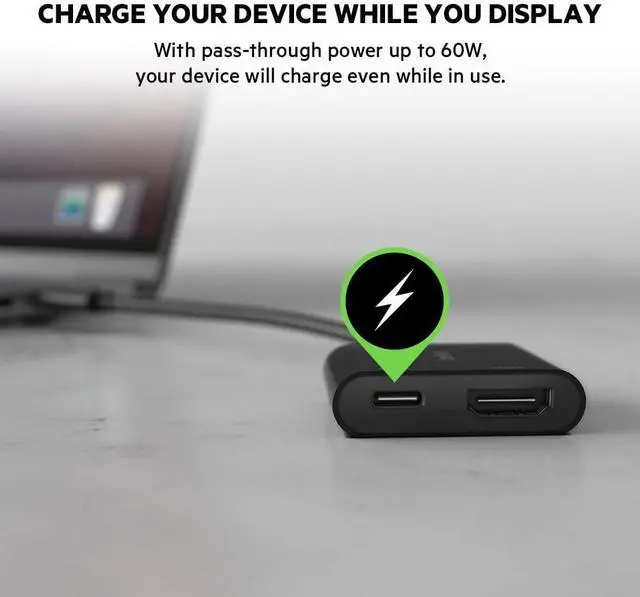
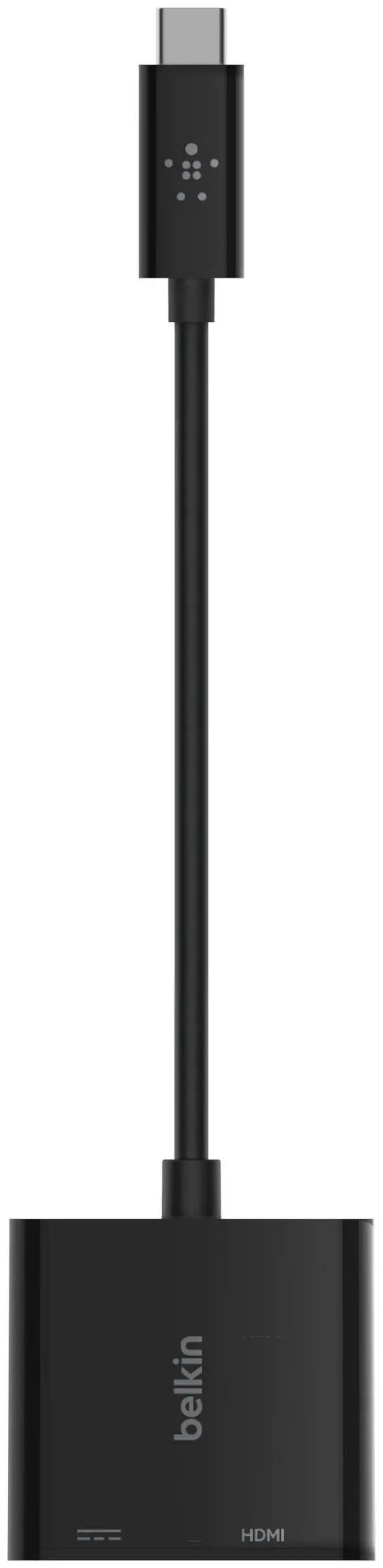
The USB-C to HDMI + Charge Adapter connects to your laptop or tablet via USB-C port, giving you both an HDMI port for video display and a USB-C port for power. Its plug-and-play design works universally with Mac and Windows laptops, and other USB-C devices. It offers portableflexibility that'sgreat for classrooms, conferences, and trade shows.
Troubleshooting instructions: 1. Belkins AVC002ttBK requires the USB-C port of the host device to support DP Alt Mode. Please confirm the USB-C port specification of the host device with the devices user manual or manufacturers website. 2. If plugging-in your HDMI cable through Belkins AVC002ttBK USB-C to HDMI adapter does not work, try a different HDMI cable. If the different HDMI cable gives you an output, then your HDMI cable from the initial plug-in may be the issue. 3. Confirm your monitor input setting is correctly set to the port (HDMI) you are plugging into..