Your Browsing History
Meet Your Seller
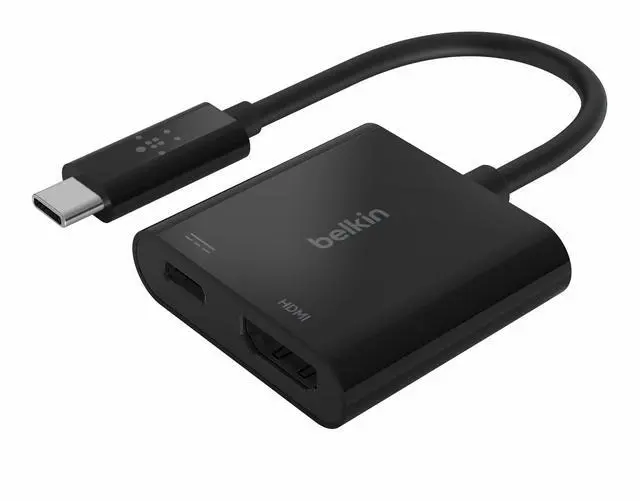
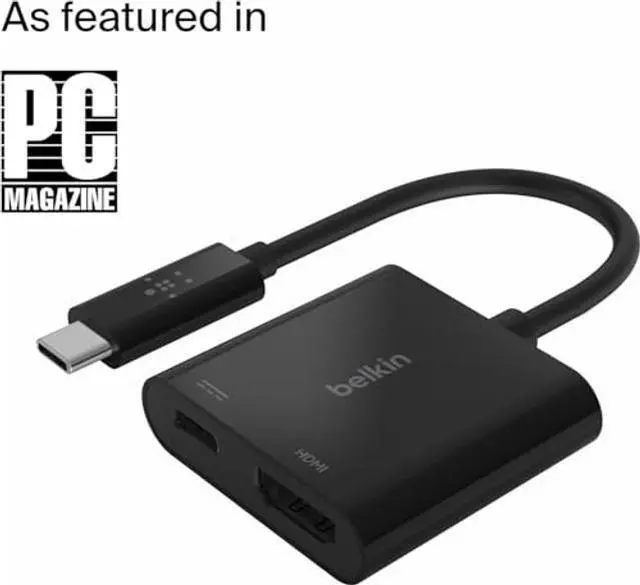
Belkin USB C to HDMI Adapter + USBC Charging Port to Charge While You Display, Supports 4K UHD Video, Passthrough Power up to 60W for Connected Devices, Compatible with MacBook, iPad, Windows
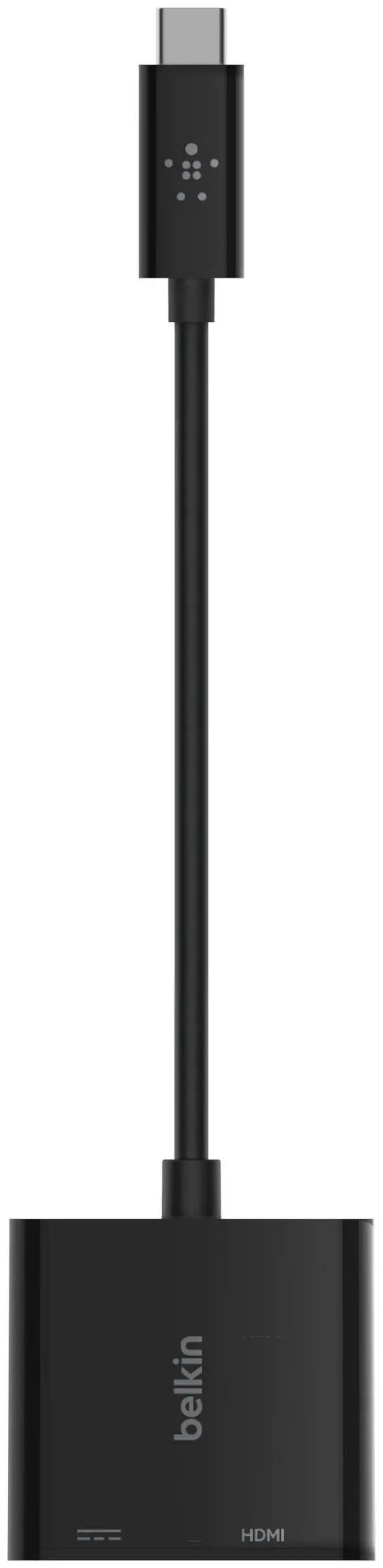
- Power and Video Through a Single Port: The USB-C to HDMI Charge Adapter connects to your laptop or tablet via USB-C port, giving you both an HDMI port for video display and a USB-C port for power.
- Compatibility: Its plug-and-play design works universally with Mac and Windows laptops and other USB-C devices.
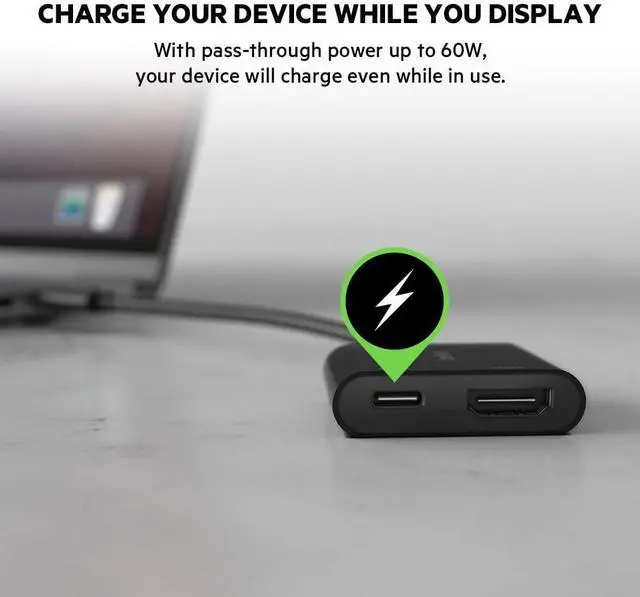
- Pass-through Power: You can keep your device charged while using your video display. Featuring pass-through USB Power Delivery up to 60W, your device will charge while displaying your content.
- Ultra High-Definition Video: Enjoy 4K video on all compatible devices. This cable supports resolutions up to 4K x 2K (3840x2160) at 60Hz for ultra-high-definition sharing in any environment.
- The Belkin Difference: Pioneer in technology and innovation for over 35 years.
+
+
Overview
Specs
Reviews
Any questions? Our AI beta will help you find out quickly.
Try me now
The USB-C to HDMI + Charge Adapter connects to your laptop or tablet via USB-C port, giving you both an HDMI port for video display and a USB-C port for power. Its plug-and-play design works universally with Mac and Windows laptops, and other USB-C devices. It offers portableflexibility that'sgreat for classrooms, conferences, and trade shows.
Troubleshooting instructions: 1. Belkins AVC002ttBK requires the USB-C port of the host device to support DP Alt Mode. Please confirm the USB-C port specification of the host device with the devices user manual or manufacturers website. 2. If plugging-in your HDMI cable through Belkins AVC002ttBK USB-C to HDMI adapter does not work, try a different HDMI cable. If the different HDMI cable gives you an output, then your HDMI cable from the initial plug-in may be the issue. 3. Confirm your monitor input setting is correctly set to the port (HDMI) you are plugging into..

Warranty & Returns
Warranty, Returns, And Additional Information
Warranty
- Please contact the Seller directly for warranty information. Warranty information may also be found on the Manufacturer's website.
- CONTACT
Return Policies
- Return for refund within: 30 days
- Return for replacement within: non-replaceable
- This item is covered by FoundationSurge Return Policy
Manufacturer Contact Info
- For a directory of all our manufacturers, please click below.
- Manufacturers Directory
LOADING...