• $85.99
  • Free 30-day Returns
  • Price alert
    Shop it at NeweggBusiness.

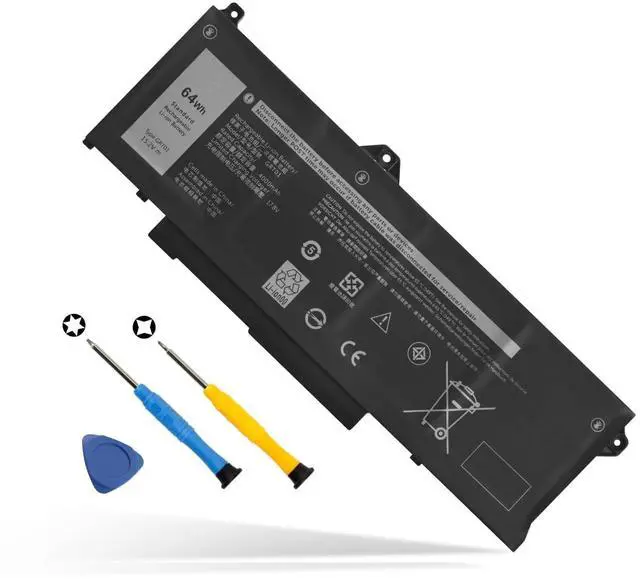
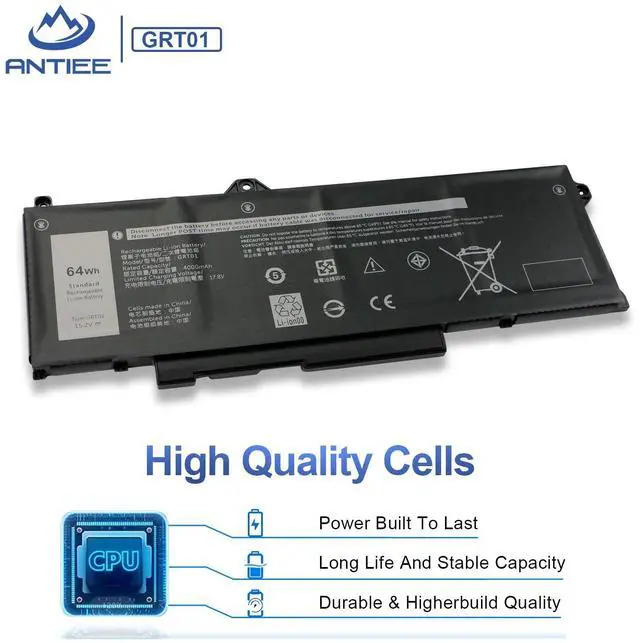
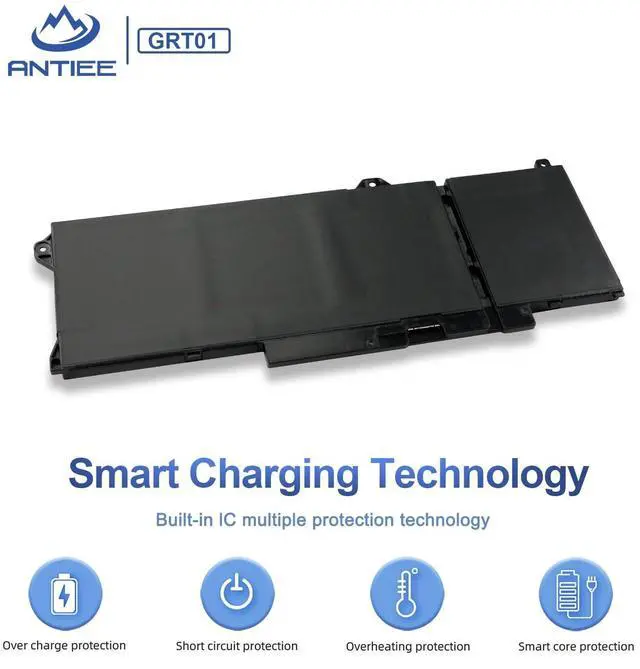
    GRT01 64Wh Laptop Battery Replacement for Dell Latitude 5421 5431 5521 5531 Precision 3561 3470 3571 3581 3591 Mobile Workstation Alienware m17 R5 AMD Gaming 9JRV0 00P3TJ 0R05P0 05RGW 15.2V 4-Cell

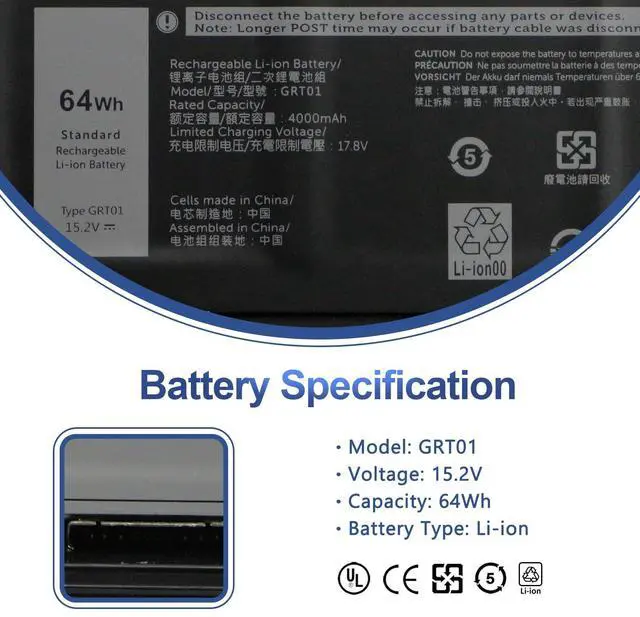
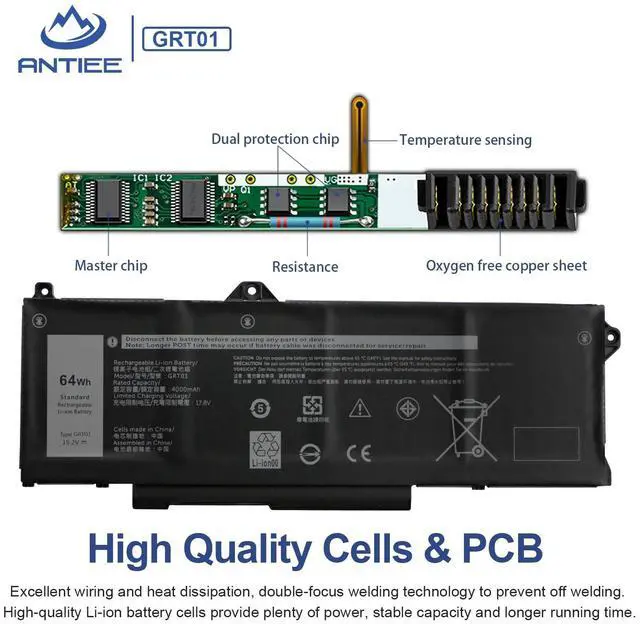
    • SpecificationVoltage: 15.2V. Capacity: 64Wh / 4000mAh. Battery Type: Li-Polymer. Color: Black. Condition: Brand new, from high quality materials, top circuit boards and smart chip.
    • Replace Part NumberFit for GRT01 9JRV0 0P3TJ 00P3TJ R05P0 0R05P0 05RGW.
    • Compatible Laptop ModelsFit for Dell Latitude 14 5421 5431 Series, Dell Latitude 15 5521 5531 Series, Dell Precision 15 3561 3571 3581 Series, Dell Precision 14 3470 Series,Dell Alienware m17 R5 AMD Series.
    • ANTIEE PromiseEach products has undergone rigorous testing to ensure the correct voltage, circuit protection, stable current, low self-discharge and CE / FCC / RoHS Certified for safety. About 500 recharge cycles over the life.
    • ANTIEE After-sales30 days money back, 12 months of warranty! Support: The return window will be closed a month after you received the the product. Contact us by email at any time, we will be more than glad to offer a perfect solution.
    +
    +
    Overview
    Specs
    Reviews
    avatar

    Any questions? Our AI beta will help you find out quickly.

    Specifications

    : Battery Voltage 15.2VB attery
    Capacity: 64Wh
    / 4000mAhCondition: 100% New from
    ManufacturerBattery Type: Li-ionCompatible Part NumbersGRT01 9JRV0 0P3TJ 00P3TJ R05P0 0R05P0 05RGWCompatible With Laptop Models (Use "Ctrl+F to find your model quickly)For Dell Latitude 14 5421 5431 SeriesFor Dell Latitude 15 5521 5531 SeriesFor Dell Precision 14 3470 SeriesFor Dell Precision 15 3561 3571 SeriesFor Dell Alienware m17 R5 AMD SeriesWhy the laptop does not recognize the batteryCould be caused by battery loose. Please re-install the battery and make sure that the battery cable and the motherboard interface are tightly inserted. Maybe due to conductive material damaged which the laptop motherboard and battery anode and cathode contact position, you can try to confirm it with your original battery. Check whether the battery drive is in normal condition, if not, download the corresponding driver software to update. There is a problem with the computer detection software, which usually just restart the computer.

    Warranty & Returns

    Warranty, Returns, And Additional Information

    Warranty

    • Please contact the Seller directly for warranty information. Warranty information may also be found on the Manufacturer's website.
    • CONTACT

    Return Policies

    Manufacturer Contact Info

    LOADING...