Your Browsing History
Meet Your Seller
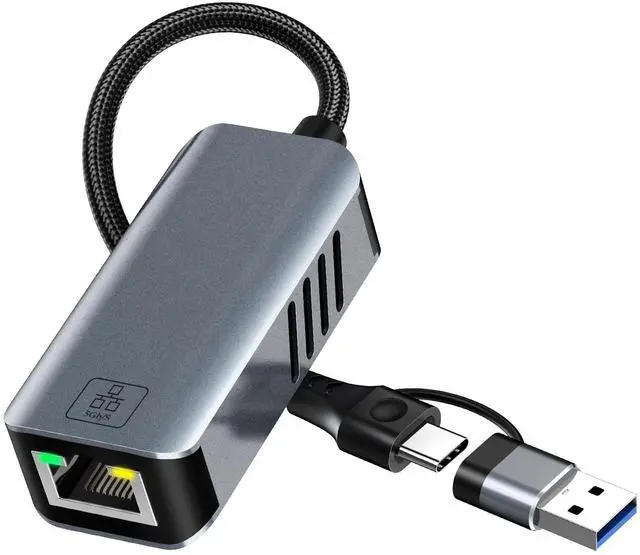
5gb USB to Ethernet Adapter - 5000Mbps USB-A & USB C to RJ45 Network Converter 5g Fast LAN Ethernet Dongle for MacBook Air/Pro, HP, XPS, Laptop, Surface, iPad, iPhone 17/16/15 and Android Phone
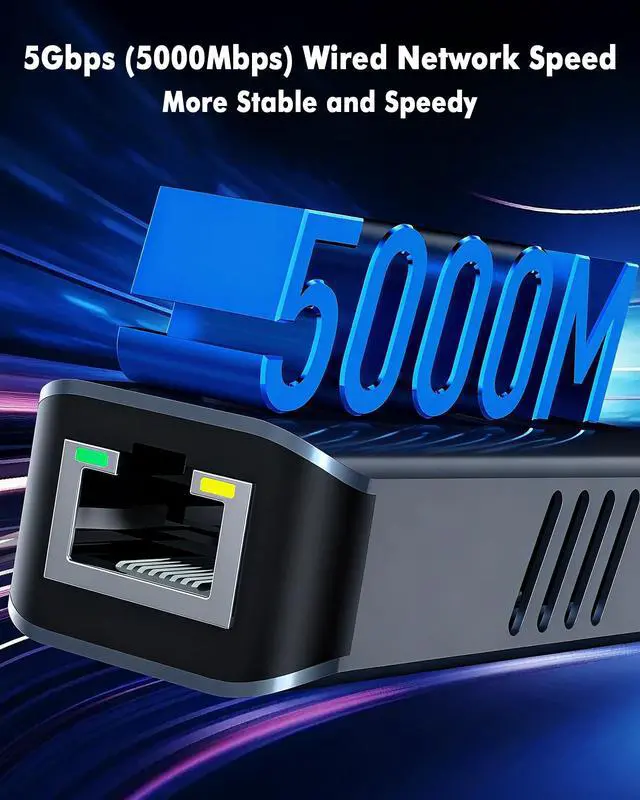
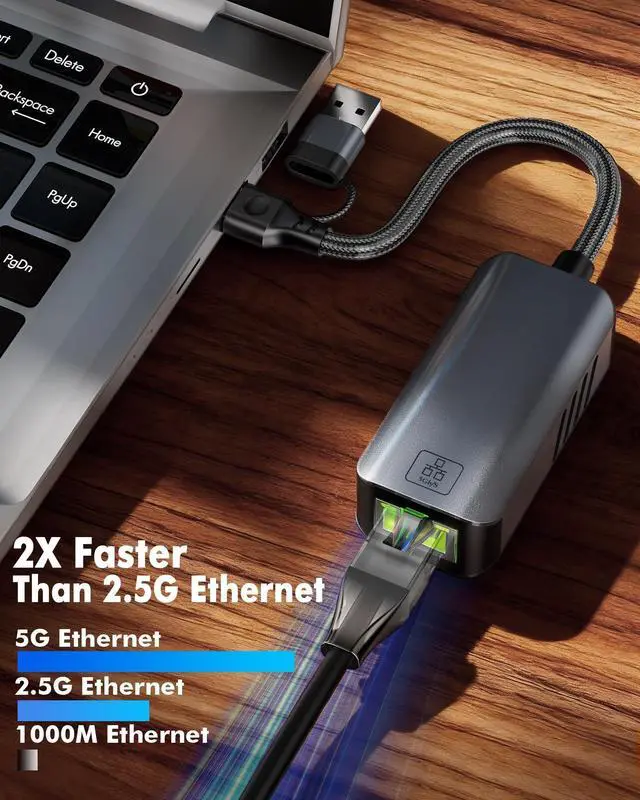
- USB C to 5gb Etherent Adapter Use this USB C to 5Gbps ethernet adapter, it instantly adds a stable, high-speed RJ45 network port to your sleek laptops. This USB C to RJ45 ethernet adapter support ultra-fast network speeds of up to 5000Mbps (5Gbps) - 5 times faster than standard Gigabit Ethernet and significantly more reliable than Wi-Fi, and are backward compatible with 10/100/1000/2500Mbps. Enjoy lightning-fast file transfers, buffer-free 4K/8K streaming, and lag-free online gaming and video conferences
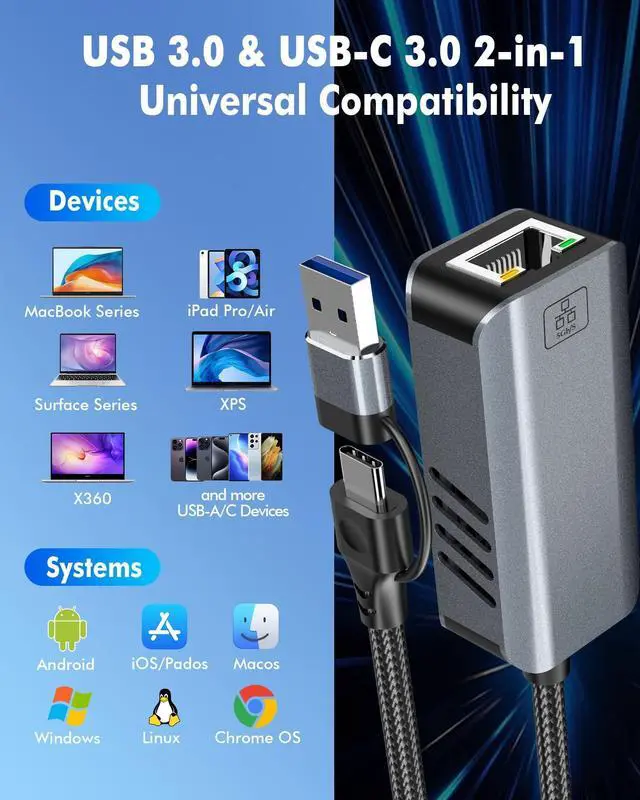
- Dual USB-C & USB-A Ports USB-C and USB-A 2-in-1 computer network adapters can be achieved USB-A to Ethernet and USB-C to Ethernet, so you always have the right connection. This RJ45 network adapter compatible with all feature Type-C and USB 3.0 ports device: the latest MacBook Pro/Air, Dell XPS, Microsoft Surface, iPad Pro, iPhone 17/16/15, and even older laptops with standard USB-A ports. No matter if your device has no network port or the network port can't work, it wil
+
+
Overview
Specs
Reviews
Any questions? Our AI beta will help you find out quickly.
Try me now
USB C to 5gb Etherent Adapter Use this USB C to 5Gbps ethernet adapter, it instantly adds a stable, high-speed RJ45 network port to your sleek laptops. This USB C to RJ45 ethernet adapter support ultra-fast network speeds of up to 5000Mbps (5Gbps) - 5 times faster than standard Gigabit Ethernet and significantly more reliable than Wi-Fi, and are backward compatible with 10/100/1000/2500Mbps. Enjoy lightning-fast file transfers, buffer-free 4K/8K streaming, and lag-free online gaming and video conferences ^^ Dual USB-C & USB-A Ports USB-C and USB-A 2-in-1 computer network adapters can be achieved USB-A to Ethernet and USB-C to Ethernet, so you always have the right connection.
This RJ45 network adapter compatible with all feature Type-C and
USB 3.0 ports device: the latest MacBook Pro/Air, Dell XPS, Microsoft Surface, iPad Pro, iPhone 17/16/15, and even older laptops with standard USB-A ports. No matter if your device has no network port or the network port can't work, it will solve your problem perfectly ^^ Achieve Necessary for 5Gbps Speed
1.
Your Internet Plan: Your broadband speed should be at least 5Gbps or above.
2.
Your Modem/Router: must support 5Gbps network output.
3.
Your Ethernet Cable: and you must use a CAT6A or CAT7 Ethernet cable.
4.
Your Device: Your device needs to support 5Gbps which have a USB 3.2 Gen 2 (or higher) port (typically labeled SS10).
5.
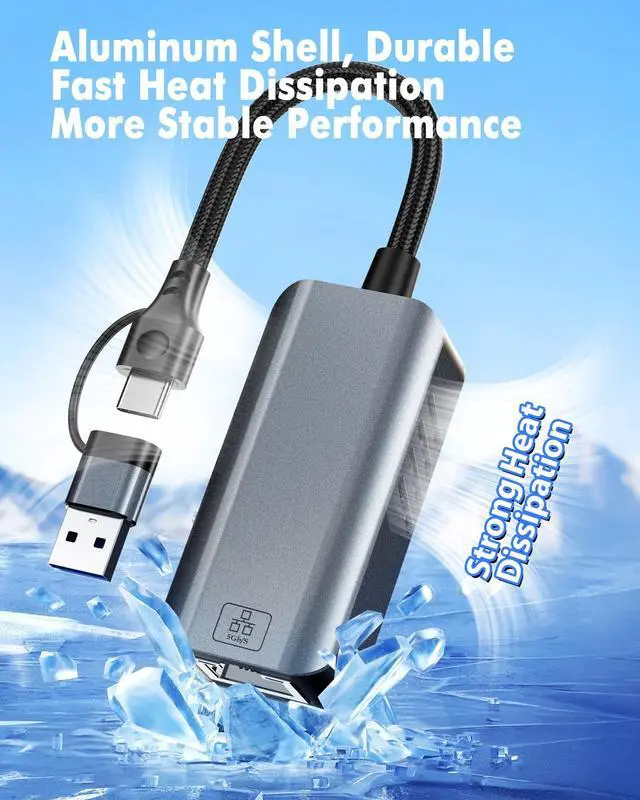
Driver: A quick, one-time driver installation may be required for some Windows systems (download link provided) ^^ Standard This usb c to ethernet adapter ports comply with the IEEE 802.3, 802.3 u and 802.3 ab (2500/5000Mbps) standard, while the Type-C follows the USB Spec 3.2 standard. This usb ethernet adapter guarantees optimal performance for various network demands. Please connect to a USB 3.2 or higher port to avoid speed limitations that may arise with USB 2.0 / 3.0 ^^ Premium Aluminum Body This usb c to laptop ethernet adapter Engineered for durability and stability. The high-quality aluminum alloy casing acts as a heat sink, paired with an intelligent ventilation design to rapidly dissipate heat caused by high-speed data transmission. This ensures the usb to ethernet adapter remains cool to the touch and maintains stable 5Gbps speeds even during prolonged, heavy-use sessions, preventing thermal throttling ^^ Wide Compatibility This usb c to RJ45 LAN converter is plug-and-play with most modern operating systems including Windows 10/11, macOS, iPadOS, Linux, and Chrome OS. For older systems, drivers are easily installed.
Please Note: To manage expectations, this adapter is designed for laptop, PC, Mac, iPad, iPhone 17/16/15. It is NOT compatible with gaming consoles like Nintendo Switch, Wii ^^ How to Set up and Use 5Gbps on Your PC/Laptop?
1. Open "Device Manager".
2. Find and open "Network Adapter".
3. Find the "USB 5GbE" path and connect it

This RJ45 network adapter compatible with all feature Type-C and
USB 3.0 ports device: the latest MacBook Pro/Air, Dell XPS, Microsoft Surface, iPad Pro, iPhone 17/16/15, and even older laptops with standard USB-A ports. No matter if your device has no network port or the network port can't work, it will solve your problem perfectly ^^ Achieve Necessary for 5Gbps Speed
1.
Your Internet Plan: Your broadband speed should be at least 5Gbps or above.
2.
Your Modem/Router: must support 5Gbps network output.
3.
Your Ethernet Cable: and you must use a CAT6A or CAT7 Ethernet cable.
4.
Your Device: Your device needs to support 5Gbps which have a USB 3.2 Gen 2 (or higher) port (typically labeled SS10).
5.
Driver: A quick, one-time driver installation may be required for some Windows systems (download link provided) ^^ Standard This usb c to ethernet adapter ports comply with the IEEE 802.3, 802.3 u and 802.3 ab (2500/5000Mbps) standard, while the Type-C follows the USB Spec 3.2 standard. This usb ethernet adapter guarantees optimal performance for various network demands. Please connect to a USB 3.2 or higher port to avoid speed limitations that may arise with USB 2.0 / 3.0 ^^ Premium Aluminum Body This usb c to laptop ethernet adapter Engineered for durability and stability. The high-quality aluminum alloy casing acts as a heat sink, paired with an intelligent ventilation design to rapidly dissipate heat caused by high-speed data transmission. This ensures the usb to ethernet adapter remains cool to the touch and maintains stable 5Gbps speeds even during prolonged, heavy-use sessions, preventing thermal throttling ^^ Wide Compatibility This usb c to RJ45 LAN converter is plug-and-play with most modern operating systems including Windows 10/11, macOS, iPadOS, Linux, and Chrome OS. For older systems, drivers are easily installed.
Please Note: To manage expectations, this adapter is designed for laptop, PC, Mac, iPad, iPhone 17/16/15. It is NOT compatible with gaming consoles like Nintendo Switch, Wii ^^ How to Set up and Use 5Gbps on Your PC/Laptop?
1. Open "Device Manager".
2. Find and open "Network Adapter".
3. Find the "USB 5GbE" path and connect it
Warranty & Returns
Warranty, Returns, And Additional Information
Warranty
- Please contact the Seller directly for warranty information. Warranty information may also be found on the Manufacturer's website.
- CONTACT
Return Policies
- Return for refund within: 30 days
- Return for replacement within: 30 days
- This item is covered by kaipuda Return Policy
Manufacturer Contact Info
- For a directory of all our manufacturers, please click below.
- Manufacturers Directory
LOADING...