Your Browsing History
Meet Your Seller
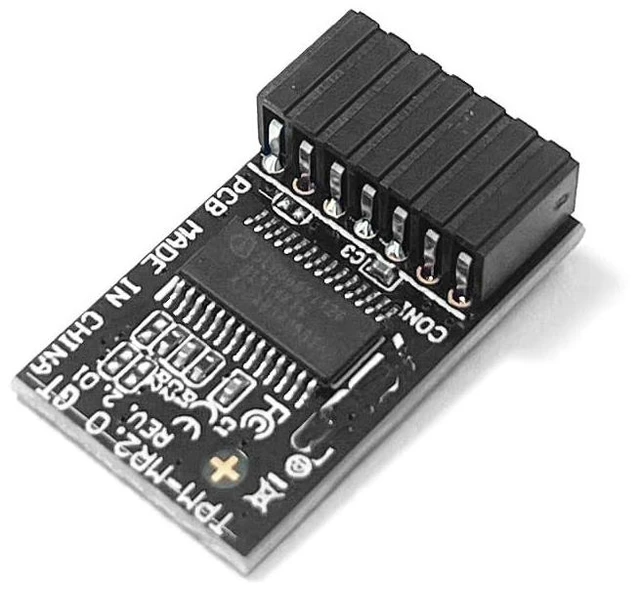
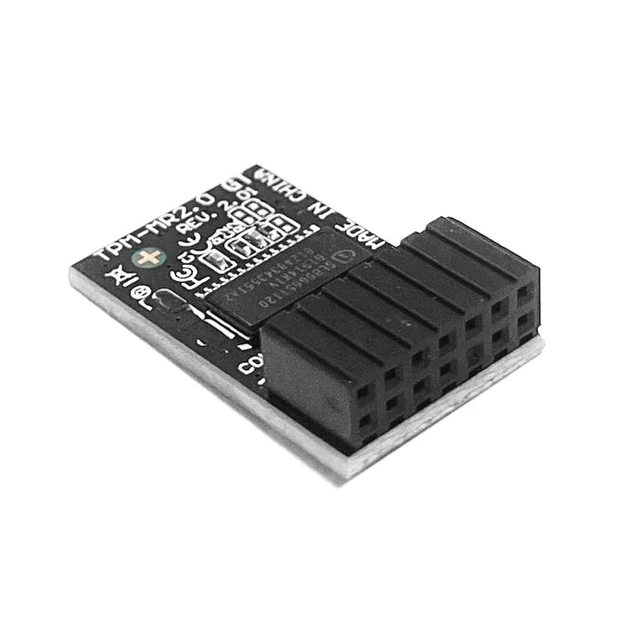
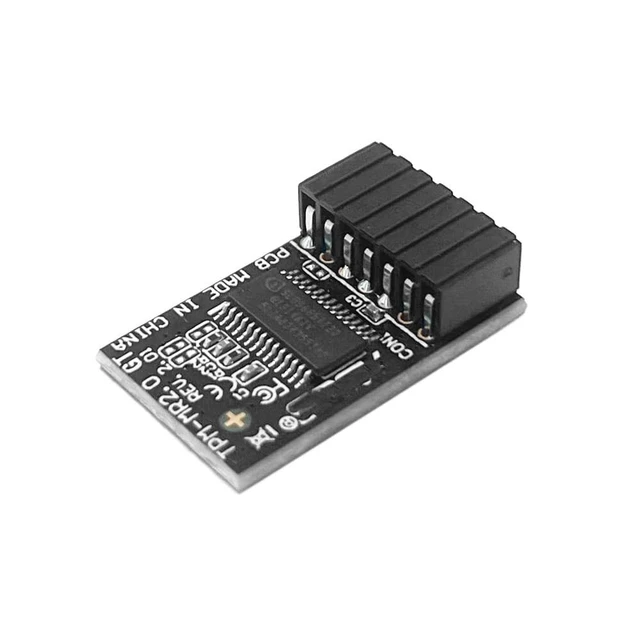
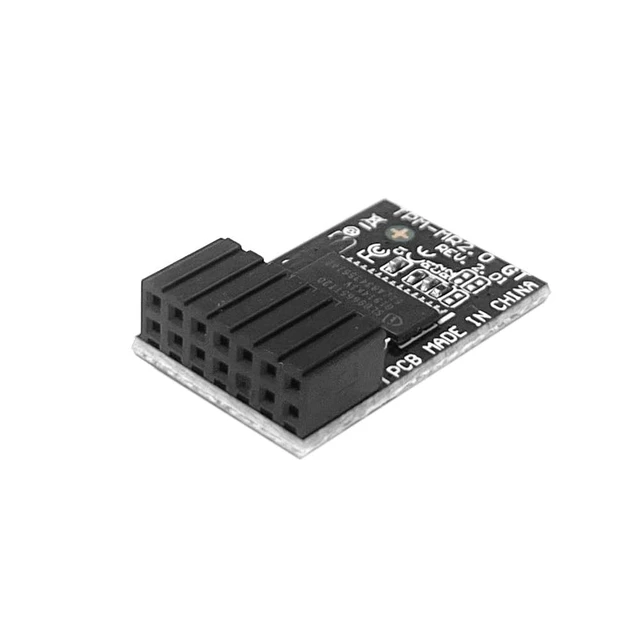
TPM-M R2.0 Module LPC 14pin-1 with SLB9665 Replacement for ASUS ROG Motherboard Crosshair VI Hero/Maximus IX Extreme/Rampage V Edition 10 / Zenith II Extreme Alpha/Maximus X APEX TPM2.0
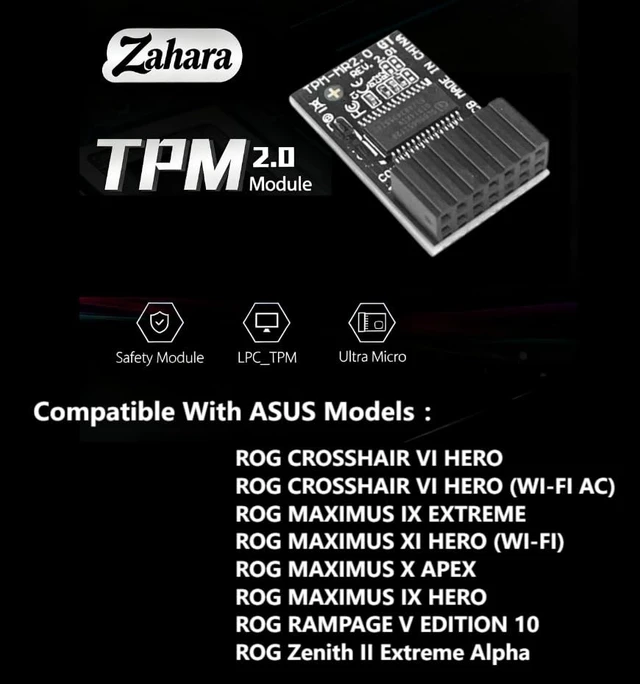
- TPM-M R2.0 Module LPC 14pin-1 with SLB9665 Replacement For ASUS Motherboard Models ROG CROSSHAIR VI HERO ROG CROSSHAIR VI HERO (WI-FI AC) ROG MAXIMUS IX EXTREME ROG MAXIMUS XI HERO (WI-FI) ROG MAXIMUS X APEX ROG MAXIMUS IX HERO ROG RAMPAGE V EDITION 10 ROG Zenith II Extreme Alpha
- Please check the motherboard manual to confirm whether your motherboard supports TPM2.0, which you can check on the official website of the motherboard. Before purchasing, please verify the listed information to avoid buying the wrong product and being unable to use it
- This product is only compatible with older motherboards such as Intel and AMD. It is not compatible with newer motherboard models featuring firmware TPM, all-in-one PCs, or laptops.
- Some motherboards need to plug in the TPM module or update to the latest BIOS to enable the TPM option. TPM2.0 is installed to upgrade your computer's system to Windows 11. Before inserting the module, please turn off the power and find the l
+
+
Overview
Specs
Reviews
Any questions? Our AI mode will help you find out quickly.
Try me now
TPM-M R 2.0 Module LPC 14pin-1 with SLB9665 Replacement For ASUS Motherboard Models ROG CROSSHAIR VI HERO ROG CROSSHAIR VI HERO (WI-FI AC) ROG MAXIMUS IX EXTREME ROG MAXIMUS XI HERO (WI-FI) ROG MAXIMUS X APEX ROG MAXIMUS IX HERO ROG RAMPAGE V EDITION 10 ROG Zenith II Extreme Alpha ^^ Please check the motherboard manual to confirm whether your motherboard supports TPM 2.0, which you can check on the official website of the motherboard. Before purchasing, please verify the listed information to avoid buying the wrong product and being unable to use it ^^ This product is only compatible with older motherboards such as Intel and AMD.
It is not compatible with newer motherboard models featuring firmware TPM, all-in-one PCs, or laptops. ^^ Some motherboards need to plug in the TPM module or update to the latest BIOS to enable the TPM option. TPM 2.0 is installed to upgrade your computer's system to Windows 11. Before inserting the module, please turn off the power and find the location of the pin on the motherboard where the TPM is written. ^^ The message will be replied within 12 hours. If you have problems with our products or your order, please contact me in time, and we will do our best to help you solve the problem.

Warranty & Returns
Warranty, Returns, And Additional Information
Warranty
- Please contact the Seller directly for warranty information. Warranty information may also be found on the Manufacturer's website.
- CONTACT
Return Policies
- Return for refund within: 30 days
- Return for replacement within: 30 days
- This item is covered by Hanbo Supply Store Return Policy
Manufacturer Contact Info
- For a directory of all our manufacturers, please click below.
- Manufacturers Directory
LOADING...