Your Browsing History
- Free 30-day Returns
$110.99
Meet Your Seller
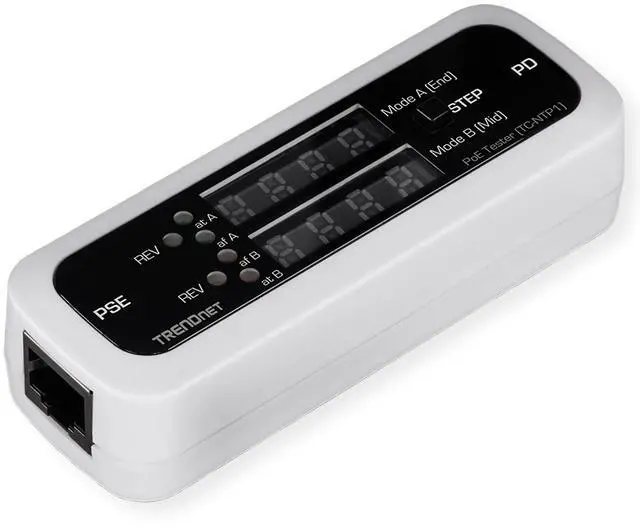
TRENDnet Inline PoE Tester, TC-NTP1, Tests 4PPoE, PoE+, PoE & Passive PoE Technology, Wattage, Voltage, Amperage, Polarity, LED Display, Battery-Free, Troubleshoot PoE Issues, IEEE 802.3af/at/bt
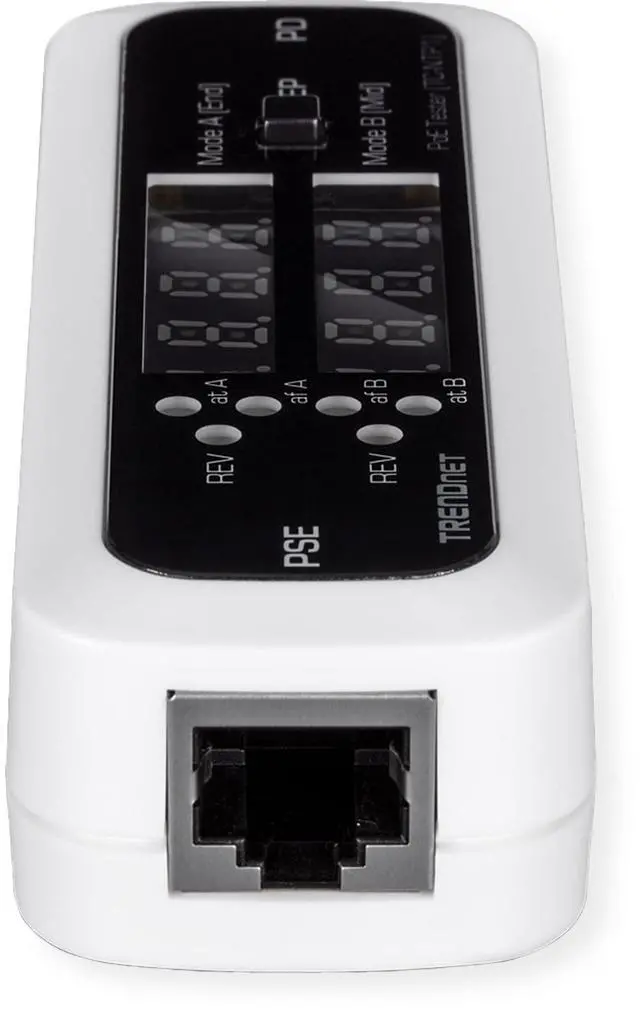
- PORTS: This Inline PoE tester is equipped with 1 x Gigabit port for PSE connection, and 1 x Gigabit port for PoE Device connection
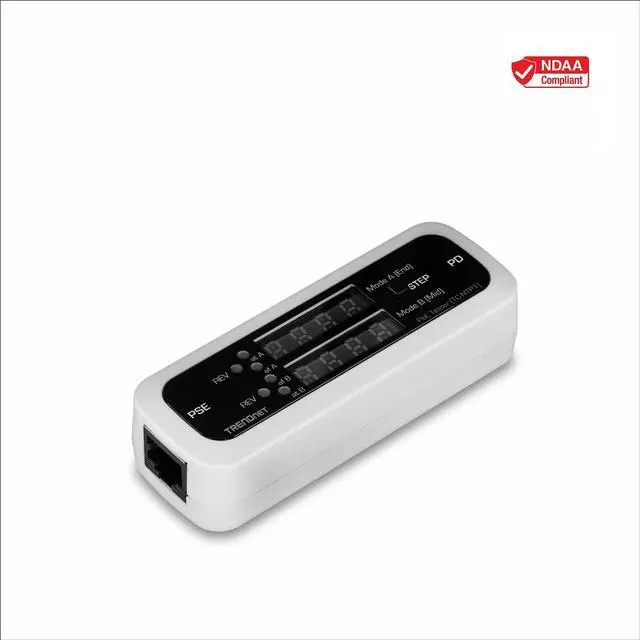
- NDAA COMPLIANT: With our NDAA compliant Testers, you can plan and install networking solutions that Government customers demand today (U.S. and Canada Only)
- MANUFACTURER PROTECTION: We stand by the quality of our products.The TC-NTP1 Inline PoE Tester is backed and supported with 2 years of TRENDnet Manufacturer Protection.
- RELIABLE TECH SUPPORT: Our team of advisors, support and tech experts are English speaking, and available for all your needs during normal business hours. We take pride in being there for our customers.
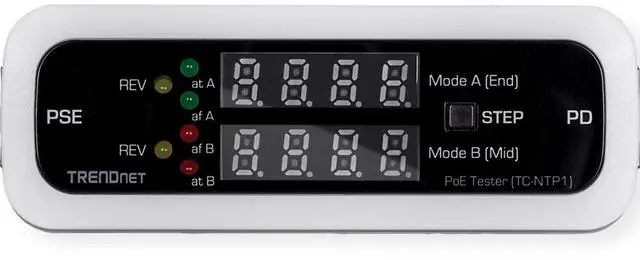
- TESTING MODES: The TC-NTP1 supports three testing functions. T-mode allows you to test your PSE device to determine the PoE switch's or injector's supported PoE standards, as well as voltage output. N-mode is used for non-standard passive PoE devices. I-mode is used for PoE inline testing, which displays the voltage,
+
+
Overview
Specs
Reviews
Any questions? Our AI beta will help you find out quickly.
Try me now
TRENDnet's Inline PoE Tester, model TC-NTP1, is a comprehensive PoE cable tester for network professionals. This compact tool
accurately tests 4PPoE, PoE+, PoE, and passive PoE technologies. The TC-NTP1 PoE cable tester works on active connections,
and is designed to sit inline between the PoE source and PoE device. The PoE cable tester then displays real-time PoE information
such as wattage, voltage, and amperage for that connection.
Testing Modes
The TC-NTP1 has three testing functions: T-mode (for testing ports on your PSE device to determine the PoE switch's or injector's PoE type, and voltage output); N-mode (for non-standard passive PoE devices); and I-mode (for PoE inline testing, displaying voltage, amperage, and wattage of the connected PD).
Step Button
The convenient step button on the PoE cable tester allows users to cycle through voltage, amperage, and wattage readouts. It also allows users to lock the display to a specific readout (e. g. wattage) for real-time monitoring.
Compatibility
The PoE cable tester is compatible with IEEE 802.3 af/at/bt PoE devices up to 100W, and non-standard passive PoE devices from 11V 60V.
PACKAGE CONTENTS
TC-NTP1
Quick Installation Guide

accurately tests 4PPoE, PoE+, PoE, and passive PoE technologies. The TC-NTP1 PoE cable tester works on active connections,
and is designed to sit inline between the PoE source and PoE device. The PoE cable tester then displays real-time PoE information
such as wattage, voltage, and amperage for that connection.
Testing Modes
The TC-NTP1 has three testing functions: T-mode (for testing ports on your PSE device to determine the PoE switch's or injector's PoE type, and voltage output); N-mode (for non-standard passive PoE devices); and I-mode (for PoE inline testing, displaying voltage, amperage, and wattage of the connected PD).
Step Button
The convenient step button on the PoE cable tester allows users to cycle through voltage, amperage, and wattage readouts. It also allows users to lock the display to a specific readout (e. g. wattage) for real-time monitoring.
Compatibility
The PoE cable tester is compatible with IEEE 802.3 af/at/bt PoE devices up to 100W, and non-standard passive PoE devices from 11V 60V.
PACKAGE CONTENTS
TC-NTP1
Quick Installation Guide
Warranty & Returns
Warranty, Returns, And Additional Information
Warranty
- Please contact the Seller directly for warranty information. Warranty information may also be found on the Manufacturer's website.
- CONTACT
Return Policies
- Return for refund within: 30 days
- Return for replacement within: 30 days
- This item is covered by To the Internet media Return Policy
Manufacturer Contact Info
- For a directory of all our manufacturers, please click below.
- Manufacturers Directory
LOADING...