• $39.99
  • Free 30-day Returns
  • Ships from China.
    Price alert
    Shop it at NeweggBusiness.

    Meet Your Seller

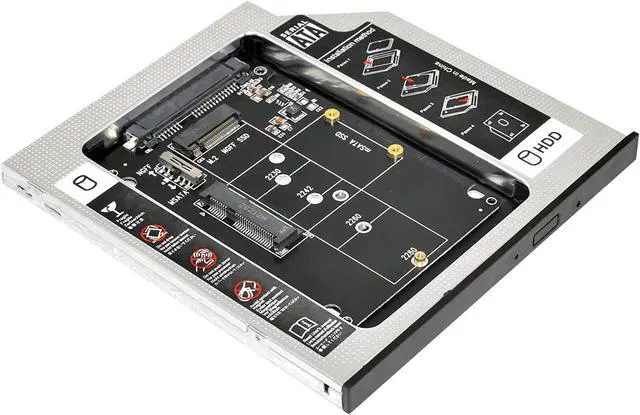
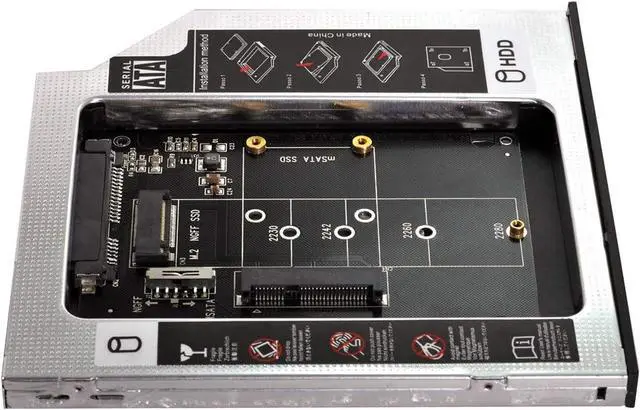
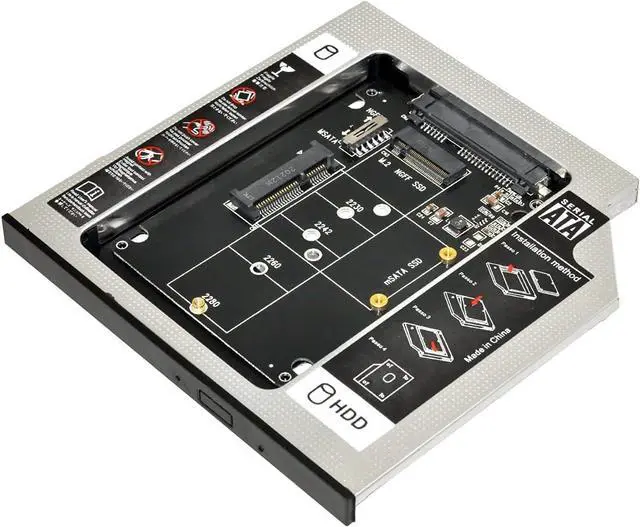
    MSATA NGFF B/M-Key SSD to Slimline SATA 13Pin Caddy Case for 9.5mm Universal Laptop CD/DVD-ROM Optical Bay

    • MSATA NGFF B/M-key SSD to Slimline SATA 13Pin Caddy Case for 9.5mm Universal Laptop CD / DVD-ROM Optical Bay
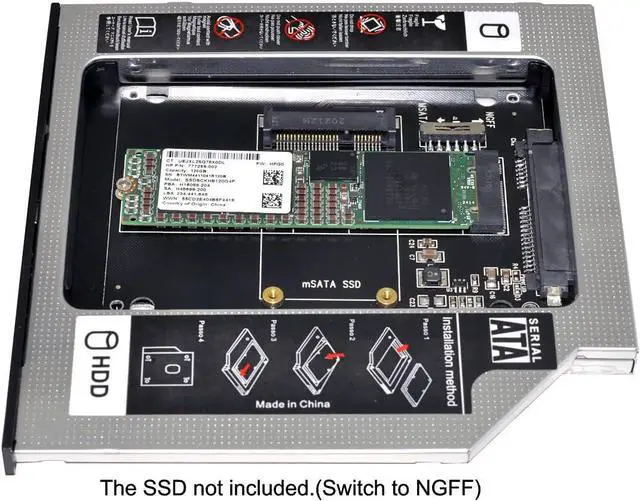
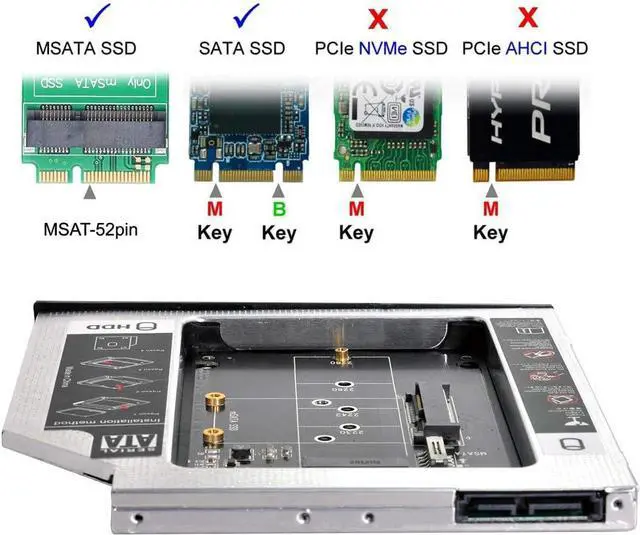
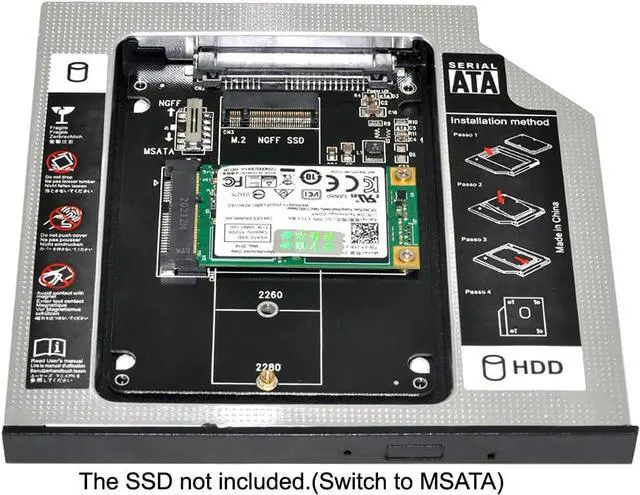
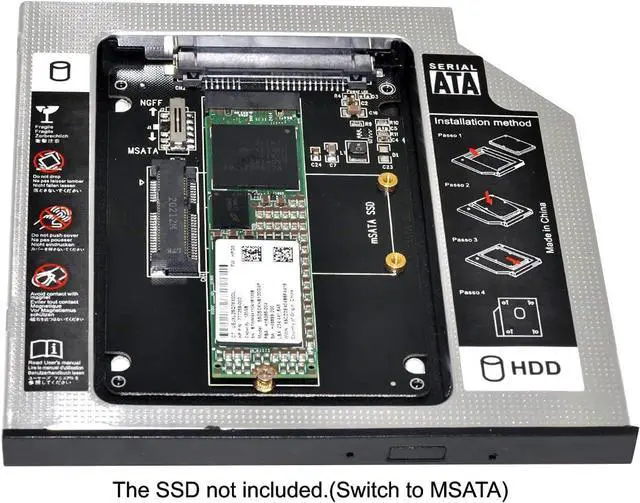
    • The 2nd Hard Disk Drive Caddy / Adapter to bring you new maximum data storage flexibility, with the compact portable design. Which can work with MSATA or NGFF B/M-key SSD (Solid State Drive) as well.
    • he MSATA and NGFF SSD cannot work at same time. You need use the switch to convert it. The adapter only work for B-key or B/M-key socket NGFF SSD, cannot work for M-key socket. With the second HDD in your Laptop, You can speed to backup important applications and critical data ( Simply remove your CD-ROM drive and put the Caddy (with the added hard drive) in its place.
    • Fully integrated into Laptop, no cables / PSU / software driver needed. Dual boot, Support installation of 2nd Operating System on the 2nd HDD and boot selection.
    • Unpack the New drive, lift the adapter retaining latch, the screw to the hard disk; Insert the drive into the Adapter at an angle; Slide the drive into the connector until it locks into place; Lower the adapter retaining latch until it snaps closed
    +
    +
    Overview
    Specs
    Reviews
    avatar

    Any questions? Our AI beta will help you find out quickly.

    1. MSATA NGFF B/M-key SSD to Slimline SATA 13Pin Caddy Case for 9.5mm Universal Laptop CD / DVD-ROM Optical Bay
    2. The 2nd Hard Disk Drive Caddy / Adapter to bring you new maximum data storage flexibility, with the compact portable design. Which can work with MSATA or NGFF B/M-key SSD (Solid State Drive) as well.
    3. he MSATA and NGFF SSD cannot work at same time. You need use the switch to convert it. The adapter only work for B-key or B/M-key socket NGFF SSD, cannot work for M-key socket. With the second HDD in your Laptop, You can speed to backup important applications and critical data ( Simply remove your CD-ROM drive and put the Caddy (with the added hard drive) in its place.
    4. Fully integrated into Laptop, no cables / PSU / software driver needed. Dual boot, Support installation of 2nd Operating System on the 2nd HDD and boot selection.
    5. Unpack the New drive, lift the adapter retaining latch, the screw to the hard disk; Insert the drive into the Adapter at an angle; Slide the drive into the connector until it locks into place; Lower the adapter retaining latch until it snaps closed


    Warranty & Returns

    Warranty, Returns, And Additional Information

    Warranty

    • Please contact the Seller directly for warranty information. Warranty information may also be found on the Manufacturer's website.
    • CONTACT

    Return Policies

    Manufacturer Contact Info

    LOADING...