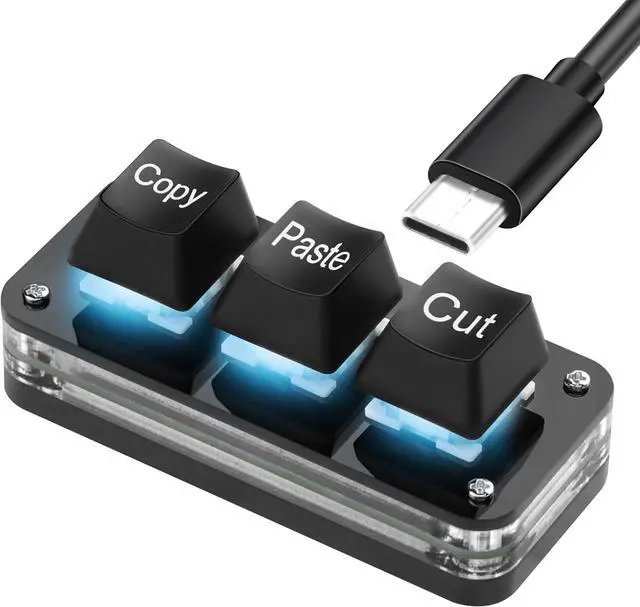
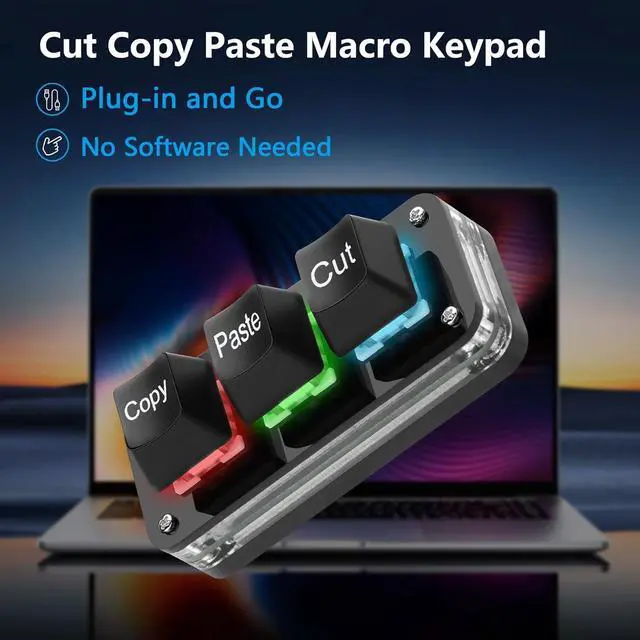
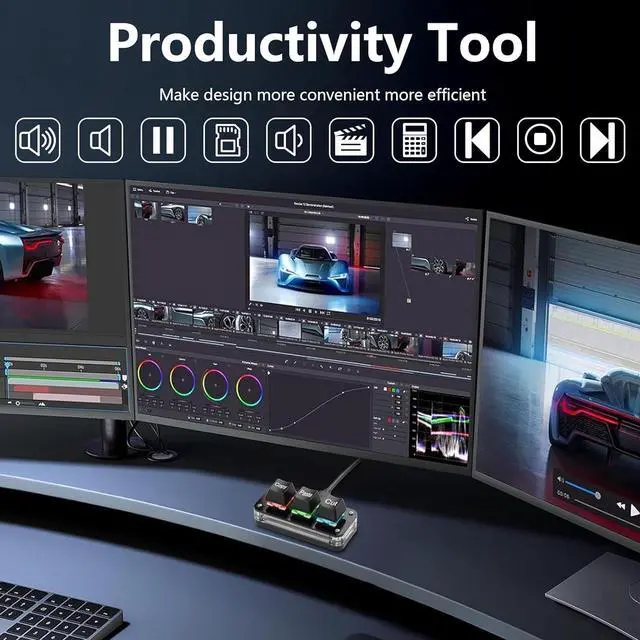
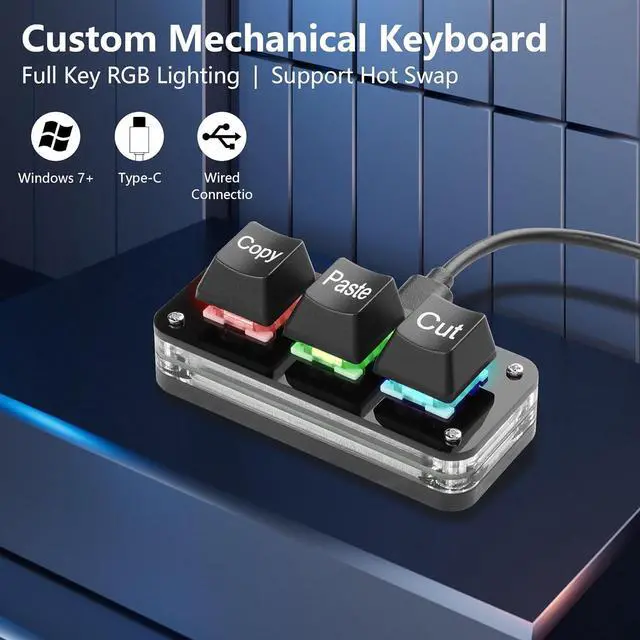
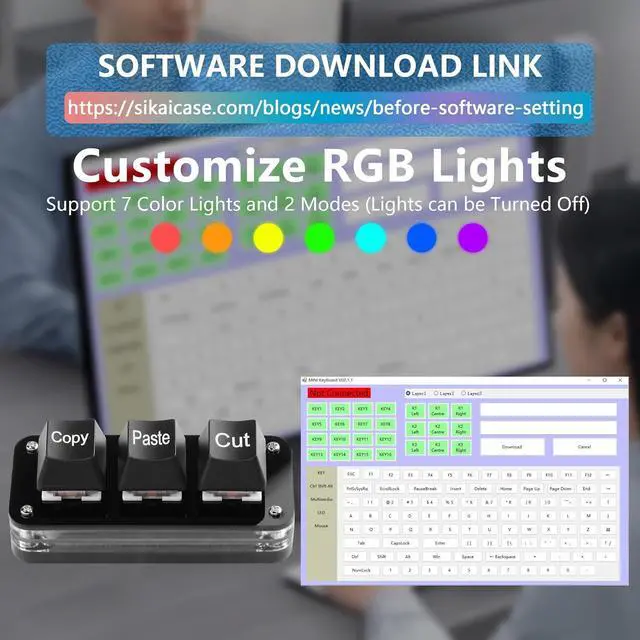
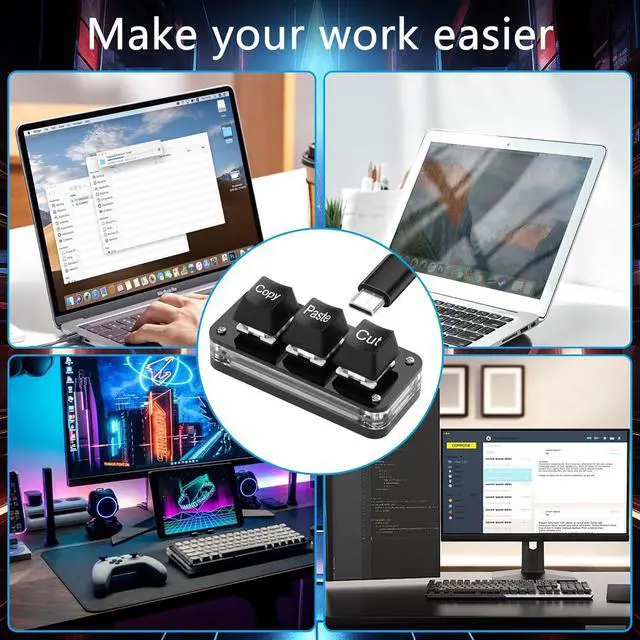
[Customized Settings] The default three-key functions are cut, copy, and paste (Ctrl+X, Ctrl+C, Ctrl+V). You can set shortcut keys, cut, undo, redo, select all, play, pause, volume, switch songs and other functions, forward, backward, custom scripts, etc. through the software. The 3 Mini key mechanical keyboard supports saving your commands on the device. Once programming is complete, there is no need to reset it when changing computers.
[Note to Mac users] If you need to set it in MAC, please customize the settings in Windows before you can use it on Mac. After the software is set up, there is no need to open the background, just close it (requires a USB-C cable to work)
[Software Programming] Please log in (https://sikaicase.com/blogs/news/before-software-setting.) for software programming to be set by the Windows system. Programming applications and pages have easy-to-understand English translations. Connect the USB C cable to download the software installation package and open the application to edit the keyboard. It is compatible with Windows 7 and above, iOS and Android.
DIY DesignHot-swappable keyboard, you can replace the keycaps and keyshafts as needed. Choose from 7 colors and 2 modes (gradient or light at the touch of a button) for your RGB lighting, allowing you to have fun building a custom mechanical keyboard
[High-Quality Material] USB Mini 3-Key Gaming keypad supports ergonomic design, alloy ABS material, OSU button gaming keyboard, Type-C interface and RGB
+
+
Overview
Specs
Reviews
Any questions? Our AI beta will help you find out quickly.
Try me now
[Customized Settings] The default three-key functions are cut, copy, and paste (Ctrl+X, Ctrl+C, Ctrl+V). You can set shortcut keys, cut, undo, redo, select all, play, pause, volume, switch songs and other functions, forward, backward, custom scripts, etc. through the software. The 3 Mini key mechanical keyboard supports saving your commands on the device. Once programming is complete, there is no need to reset it when changing computers.
[Note to Mac users] If you need to set it in MAC, please customize the settings in Windows before you can use it on Mac. After the software is set up, there is no need to open the background, just close it (requires a USB-C cable to work)
[Software Programming] Please log in (https://sikaicase.com/blogs/news/before-software-setting.) for software programming to be set by the Windows system. Programming applications and pages have easy-to-understand English translations. Connect the USB C cable to download the software installation package and open the application to edit the keyboard. It is compatible with Windows 7 and above, iOS and Android.
DIY DesignHot-swappable keyboard, you can replace the keycaps and keyshafts as needed. Choose from 7 colors and 2 modes (gradient or light at the touch of a button) for your RGB lighting, allowing you to have fun building a custom mechanical keyboard
[High-Quality Material] USB Mini 3-Key Gaming keypad supports ergonomic design, alloy ABS material, OSU button gaming keyboard, Type-C interface and RGB cool backlight, fine workmanship, smooth appearance, and rounded corner design, making it safer and more reliable to use.
Learn more about the Detailed Specifications
Additional Information
First Listed on Newegg
November 18, 2025
There are no reviews yet.
Do you own this product?
Warranty & Returns
Warranty, Returns, And Additional Information
Warranty
Please contact the Seller directly for warranty information. Warranty information may also be found on the Manufacturer's website.